

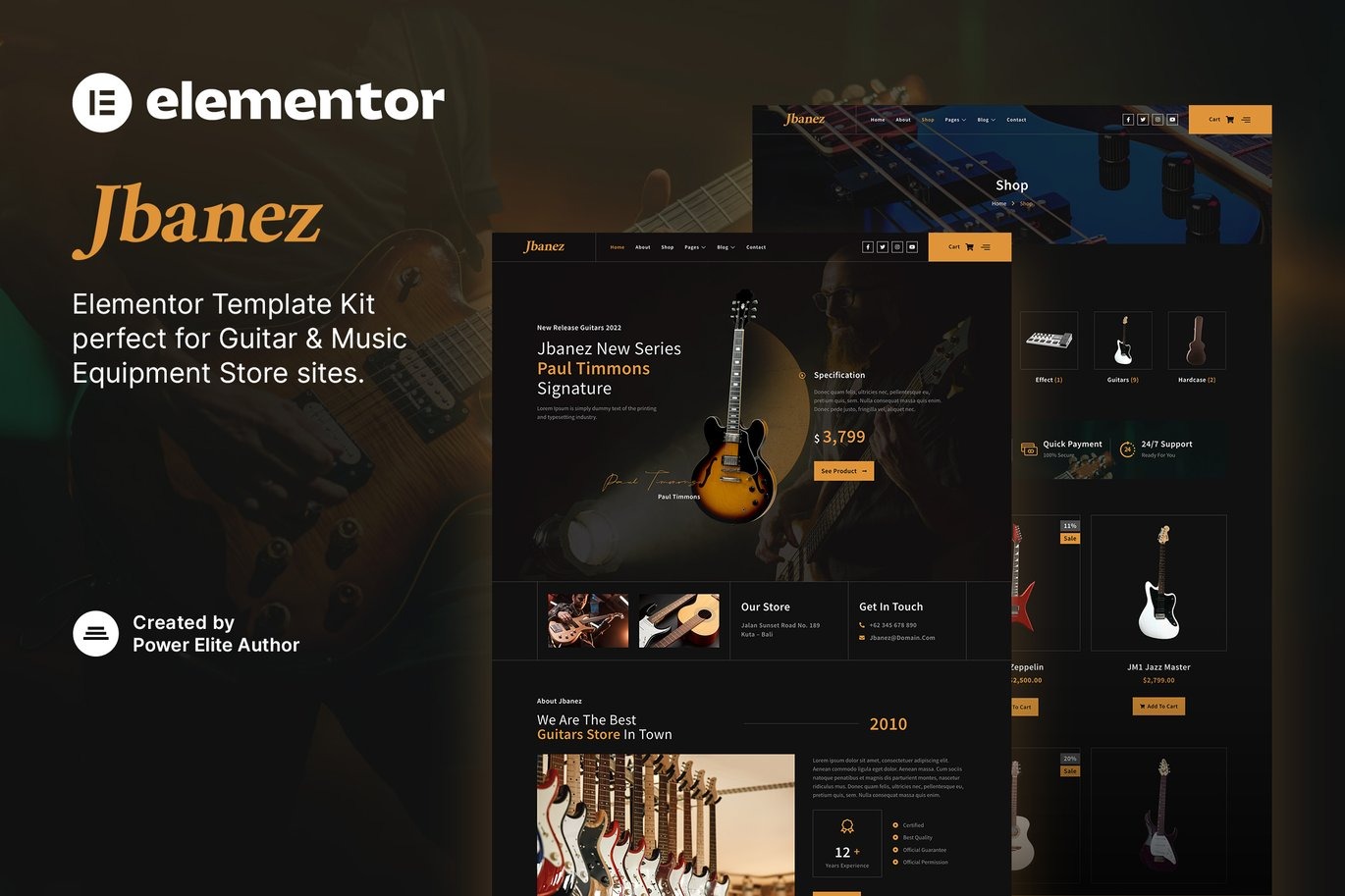



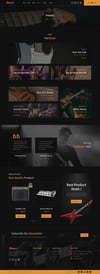
Jbanez Guitar And Music Equipment Store Elementor Template Kit
On Sale
$5.00
$5.00
Introducing Jbanez, a modern and clean Elementor Template Kit designed specifically for guitar stores, music instrument shops, music band studios, music workshops, and any other related businesses. This template features a professional design with a 100% responsive layout, retina-ready, and is very easy to customize using Elementor, so you don’t need a single line of coding!
This template kit includes 16+ stunning, carefully crafted templates, allowing you to build your professional-looking company business website with just a few clicks.
Key Features:
- Using Free Plugins: Elementor Pro is not required.
- Modern & Clean Design: A sleek and modern design to impress your visitors.
- 16+ Ready to Use Templates: A variety of pre-designed templates to suit your needs.
- Fully Responsive Layout: Ensures a great user experience on all devices.
- Retina Ready: Ensures high-quality visuals on retina displays.
- Fully Customizable: Easy to customize without any coding knowledge.
- Cross-Browser Compatibility: Compatible with Chrome, Firefox, Safari, and Opera.
Templates Included:
- Home
- About
- Shop
- Product Detail
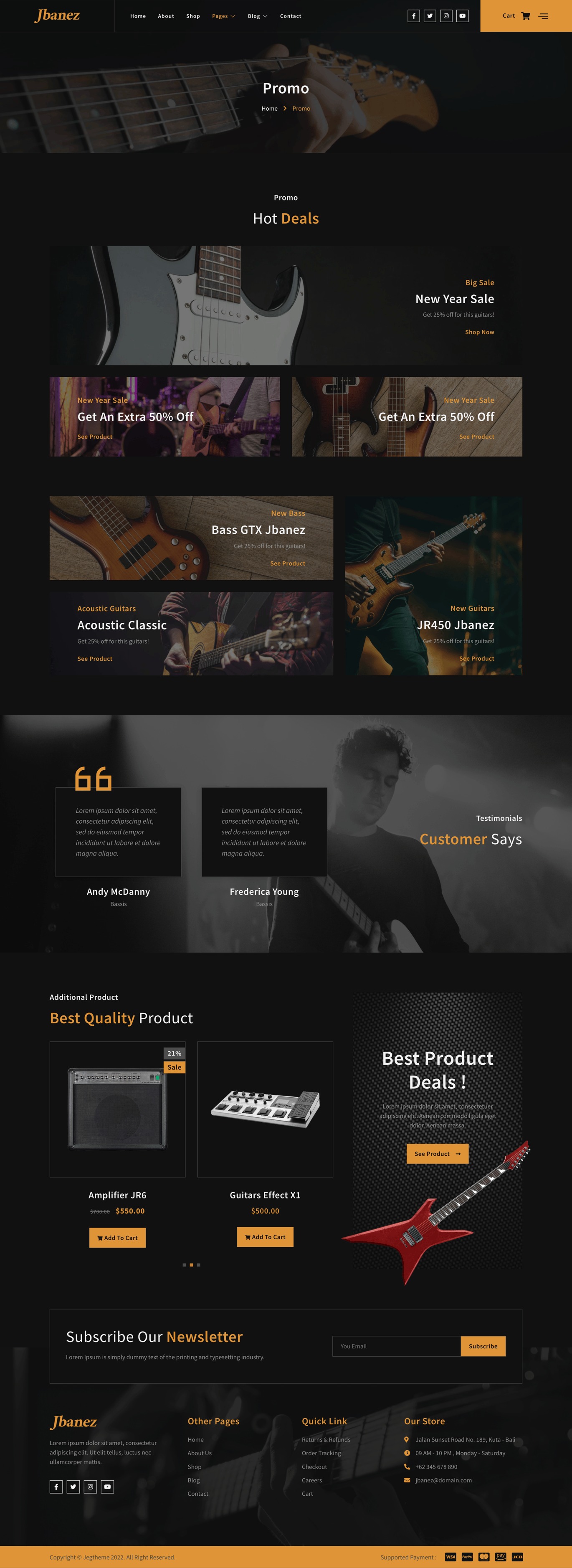
- Promo
- Team
- FAQ
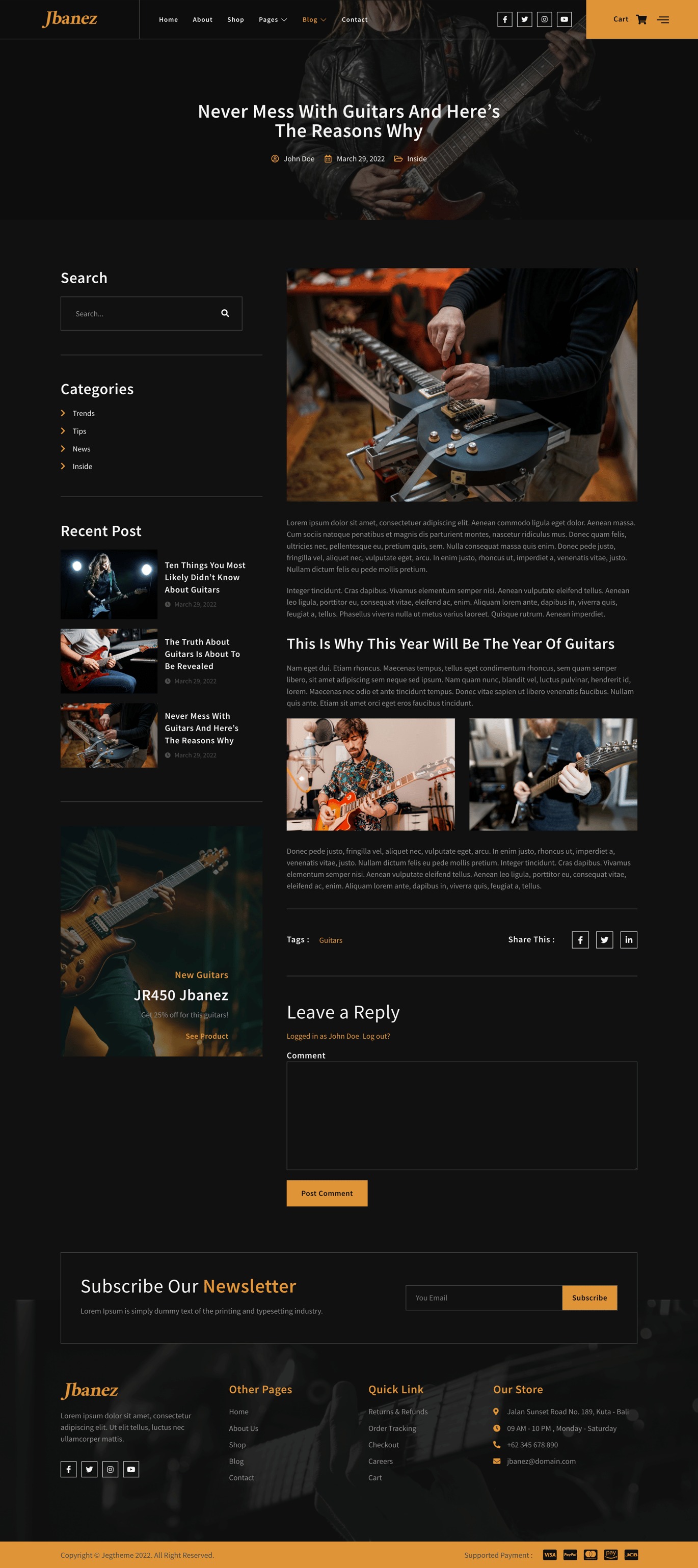
- Blog
- Single Post
- MetForm Contact Us
- Contact Us
- 404 Page
- Header
- Footer
- Off-Canvas Page
- Global Theme Style
Required Plugins:
- MetForm
- WooCommerce
- Elementor
- Jeg Elementor Kit
How to Use Template Kits:
- Install and Activate the Digital Products Bazar Plugin:
- Go to Plugins > Add New in WordPress.
- Install and activate the "Digital Products Bazar" plugin.
- Download your kit file and do not unzip it. If you use Safari, ensure "Open safe files after downloading" is disabled in the browser preferences.
- Go to Elements > Installed Kits and click the Upload Template Kit button. You may also import automatically by clicking Connect Account to link your Digital Products Bazar subscription, then import under Elements > Template Kits.
- Check for the orange banner at the top and click Install Requirements to load any plugins the kit uses.
- Click import on the Global Kit Styles first.
- Click Import on one template at a time. These are stored in Elementor under Templates > Saved Templates.
- Go to Pages and create a new page and click Edit with Elementor.
- Click the gear icon at the lower-left of the builder to view page settings and choose Elementor Full Width and hide page title.
- Click the gray folder icon to access My Templates tab and then Import the page you’d like to customize.
- If you have Elementor Pro, headers and footers may be customized under Theme Builder.
For further support, go to Elementor > Get Help in the WordPress menu.
How to Import MetForms:
- Import MetForm Block Templates:
- Import the page template where the form appears and right-click to enable the Navigator.
- Locate and select the MetForm widget and click Edit Form. Choose New, then Edit Form. The builder will appear.
- Click ‘Add Template’ gray folder icon.
- Click ‘My Templates’ tab.
- Choose your imported MetForm template, then click ‘Insert’ (click No for page settings).
- Once the template is loaded, make any desired customizations and click ‘Update & Close’. The form will appear in the template.
- Click Update.
How to Setup Header in Jeg Elementor Kit Plugin:
- Go to Jeg Elementor Kit Menu Item > Header Template:
- Click Add New Header.
- Add condition > All Site and click Create.
- Click the gray folder icon to access My Templates tab.
- Insert the header template.
- Customize and Save.