



ClaudeView MCP
ClaudeView
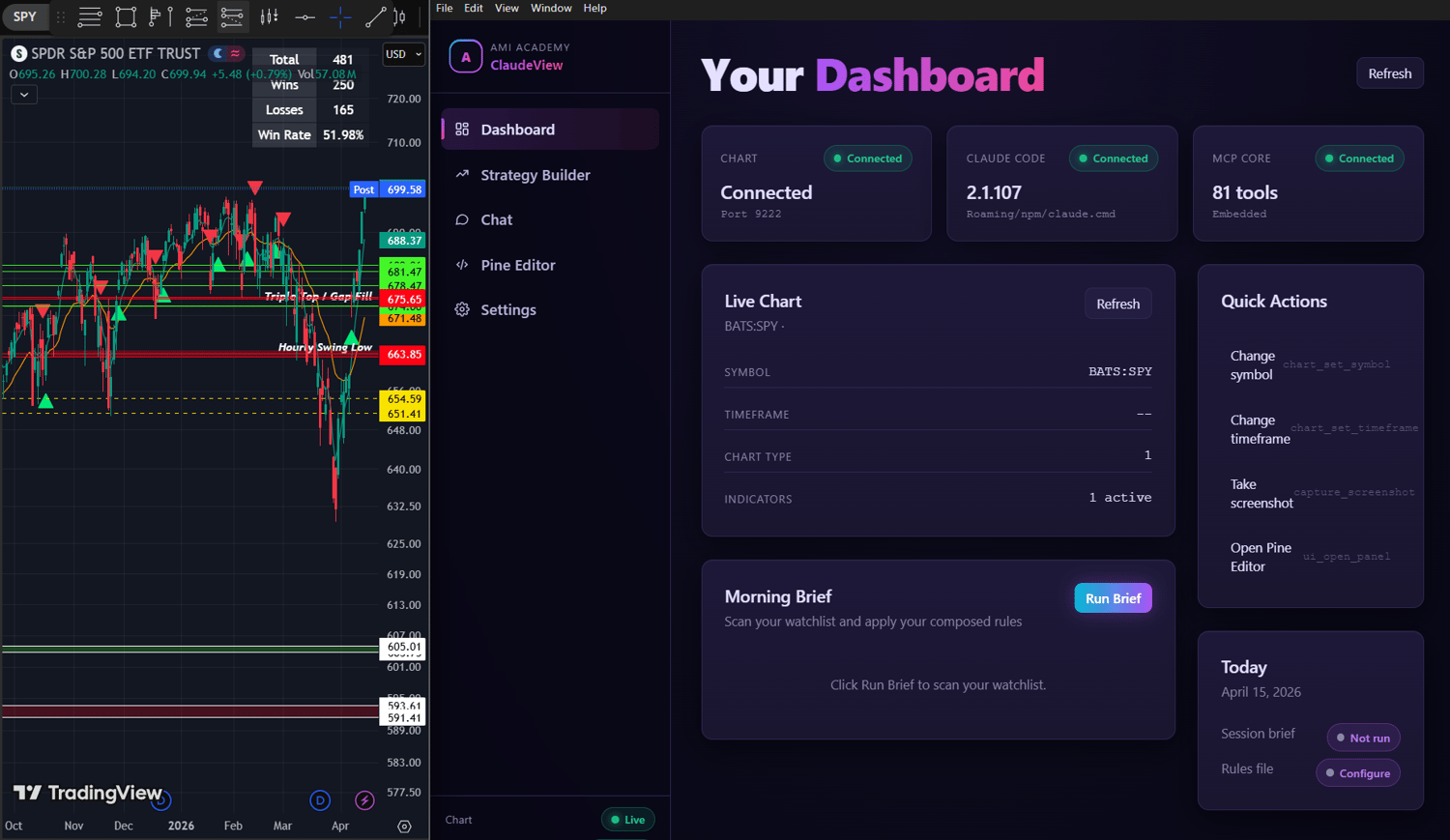
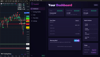
ClaudeView is a desktop application that connects directly to your TradingView chart and turns it into something you can control with plain English. Instead of clicking through menus, switching tabs, or manually adjusting indicators, you simply type what you want and it happens. The system can see your chart, understand what is on it, and take action in real time.
At its core, ClaudeView is built on Claude Code, which gives it the ability to interpret market conditions, read indicator data, and execute multi step actions without you having to guide every click. You are not just getting analysis, you are getting control over your chart in a way that feels immediate and natural.
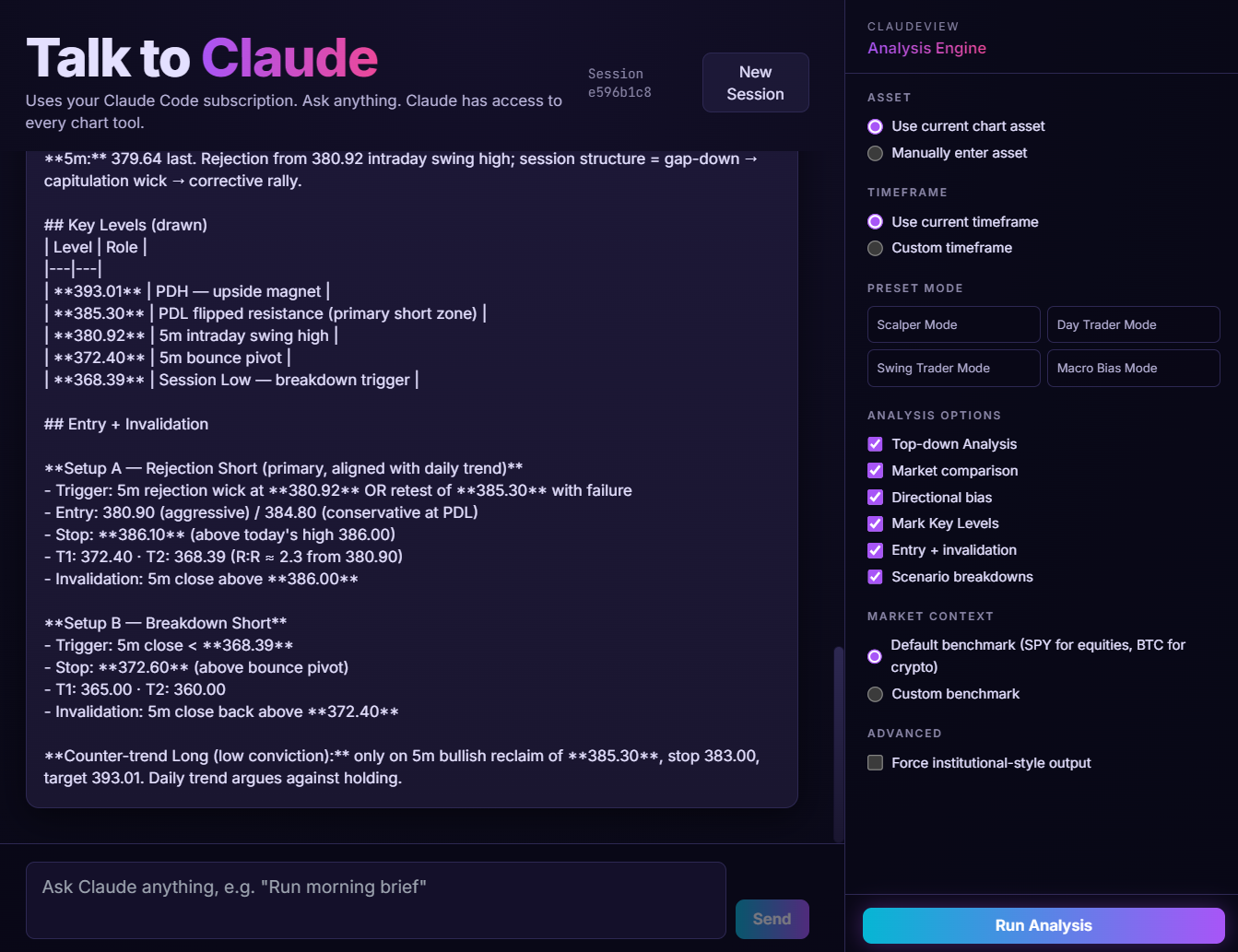
The experience centers around a chat interface that behaves like a direct line to your chart. You can ask what is happening, request changes, or run full analyses across your watchlist, and it responds by both explaining and acting. This removes the friction that usually slows traders down and replaces it with a faster, cleaner workflow.
What It Actually Does
Reads your chart in real time
ClaudeView can pull everything currently on your chart including symbol, timeframe, indicators, price data, and custom Pine outputs. You can ask for specific values like RSI or MACD or get a full breakdown of current conditions without manually checking anything.
Controls your chart instantly
You can switch symbols, change timeframes, adjust chart styles, and add or remove indicators just by describing what you want. No navigation, no searching through menus, no wasted time.
Draws and marks levels for you
It can place horizontal levels, trend lines, zones, and labels directly onto your chart. If you ask for support and resistance or key levels based on your indicators, it will find them and plot them.
Runs full watchlist scans
The Morning Brief feature allows you to scan an entire watchlist in one action. Each symbol is evaluated against your rules and categorized as bullish, bearish, neutral, or conflicting with a confidence level attached. This replaces manual chart hopping with a single structured output.
Builds and automates trading strategies
You can define your strategy using simple conditions like RSI thresholds, moving averages, or price behavior. ClaudeView can then convert those rules into a working Pine Script, compile it, fix any issues, and save it directly to your TradingView account.
Writes and manages Pine Script
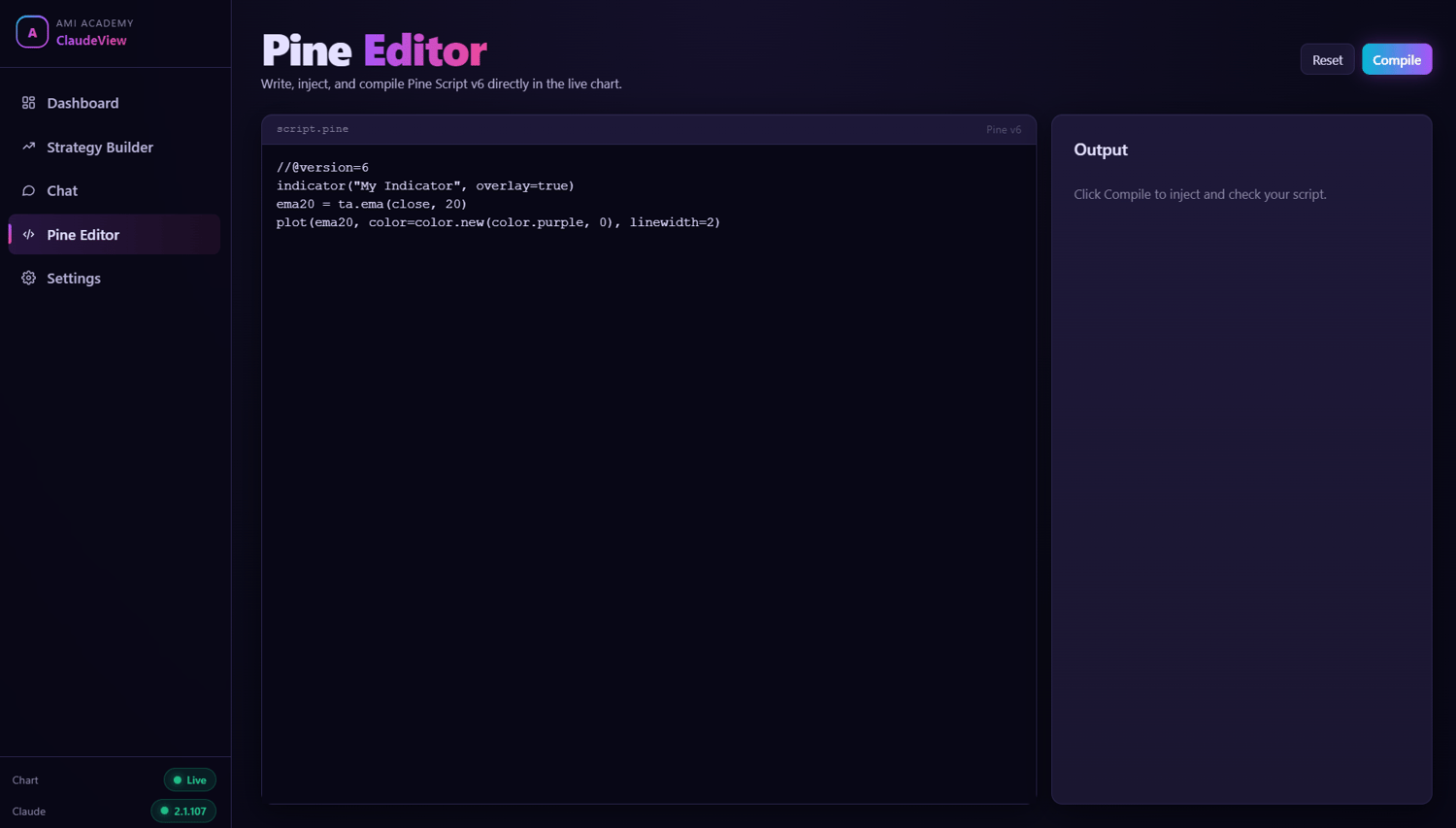
There is a full Pine Editor built in, but you are not required to write code yourself. You can describe a strategy or indicator in plain language and ClaudeView will generate it, debug it, and prepare it for use on your chart.
Lets you practice with replay mode
You can go back to any point in time, replay price action, and simulate trades step by step. This makes it possible to test ideas and build confidence without risking real money.
Captures and tracks your charts
Screenshots can be taken instantly and saved with timestamps. You can reference previous states of your chart and build a visual history of your decisions.
Manages alerts and interface controls
Set price alerts, open or close TradingView panels, switch layouts, and control the interface without touching the UI. Everything can be handled through simple requests.
How It Fits Into Your Workflow
ClaudeView removes the need to constantly switch between analysis, execution, and coding. Instead of thinking in terms of tools and steps, you focus on intent. If you want to analyze a setup, test a strategy, or scan the market, you just say it and it happens.
There are no API keys to manage and no complicated integrations. It runs through your existing Claude subscription and your normal TradingView account. Setup is straightforward, even if you have never used a terminal or installed a developer tool before.
The result is a trading environment that feels more direct and significantly faster. Your chart becomes something you can interact with instead of something you have to operate, which changes how quickly you can move and how clearly you can think through decisions.