



Client Offboarding & Testimonial Kit
Finish the project without leaving loose ends
Sending the last file is not the same as closing the project. The Client Offboarding & Testimonial Kit gives you one practical system for confirming receipt, transferring files and permissions, removing temporary access, gathering useful feedback, recording quote permission and closing referral follow-ups.
It is designed specifically for the end of a client project—not onboarding, welcome packets or client intake.
What's included
1. Client_Offboarding_Tracker_Blank.xlsx — prepared formulas, dropdowns, validation, frozen headers and filters for your own records.
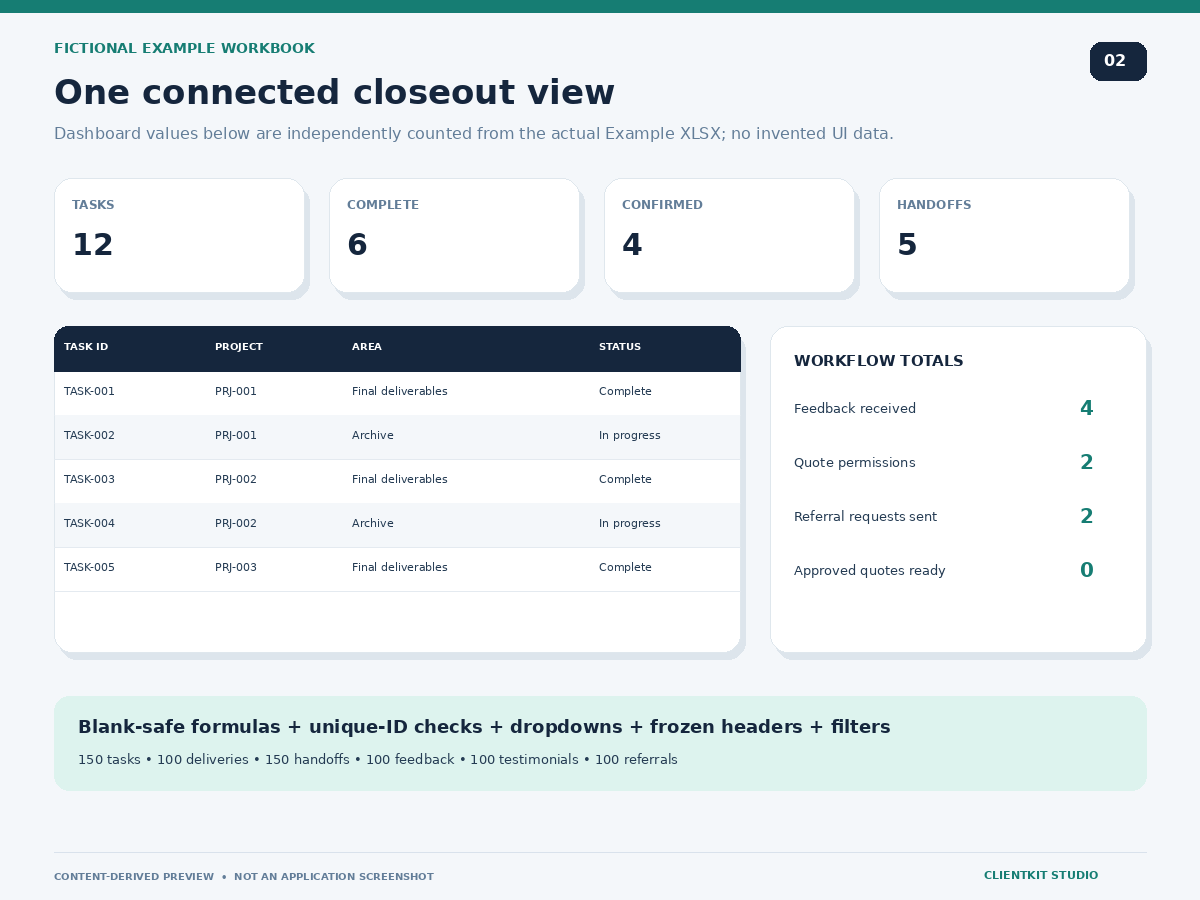
2. Client_Offboarding_Tracker_Example.xlsx — the same workbook populated with entirely fictional projects, clients and operational notes.
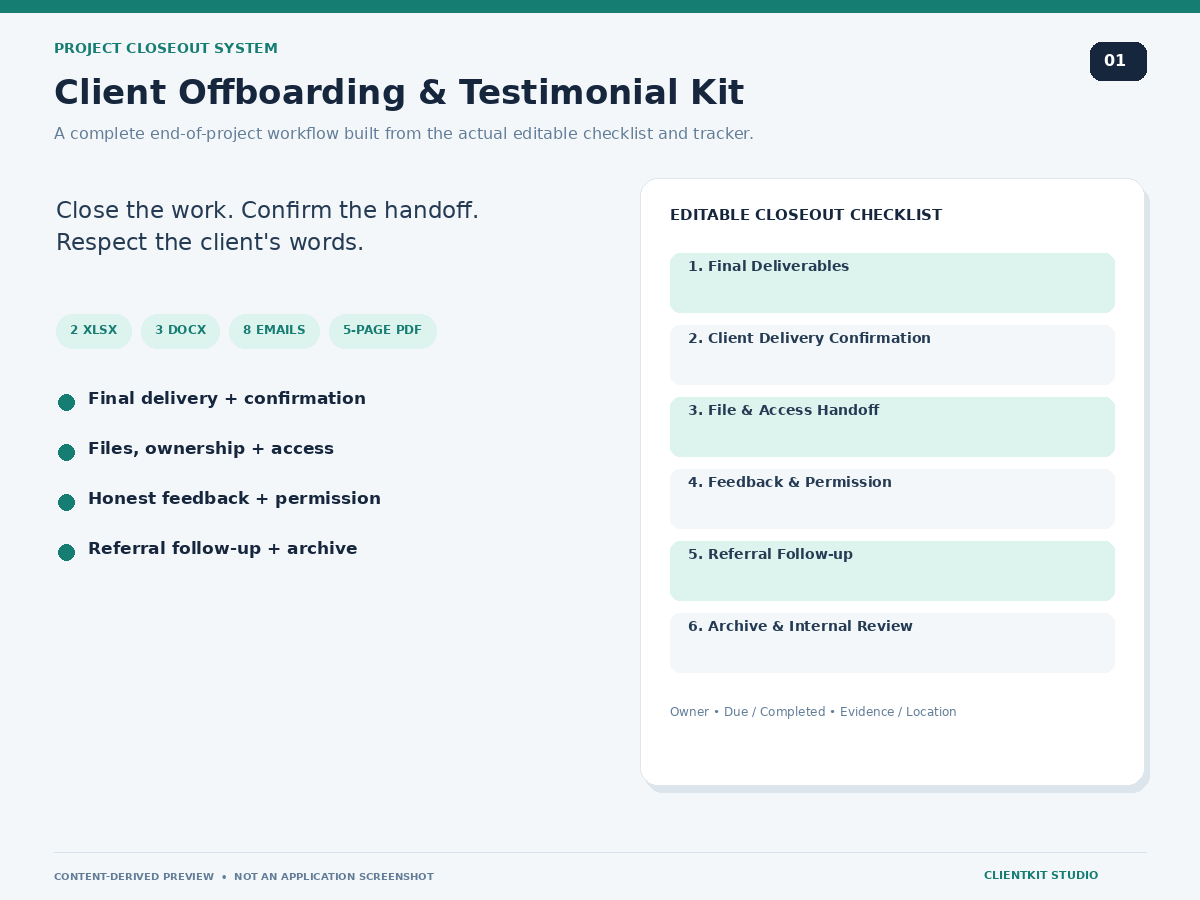
3. Project_Closeout_Checklist.docx — editable checklist for final deliverables, client confirmation, file/access handoff, feedback, referrals, archive and sign-off.
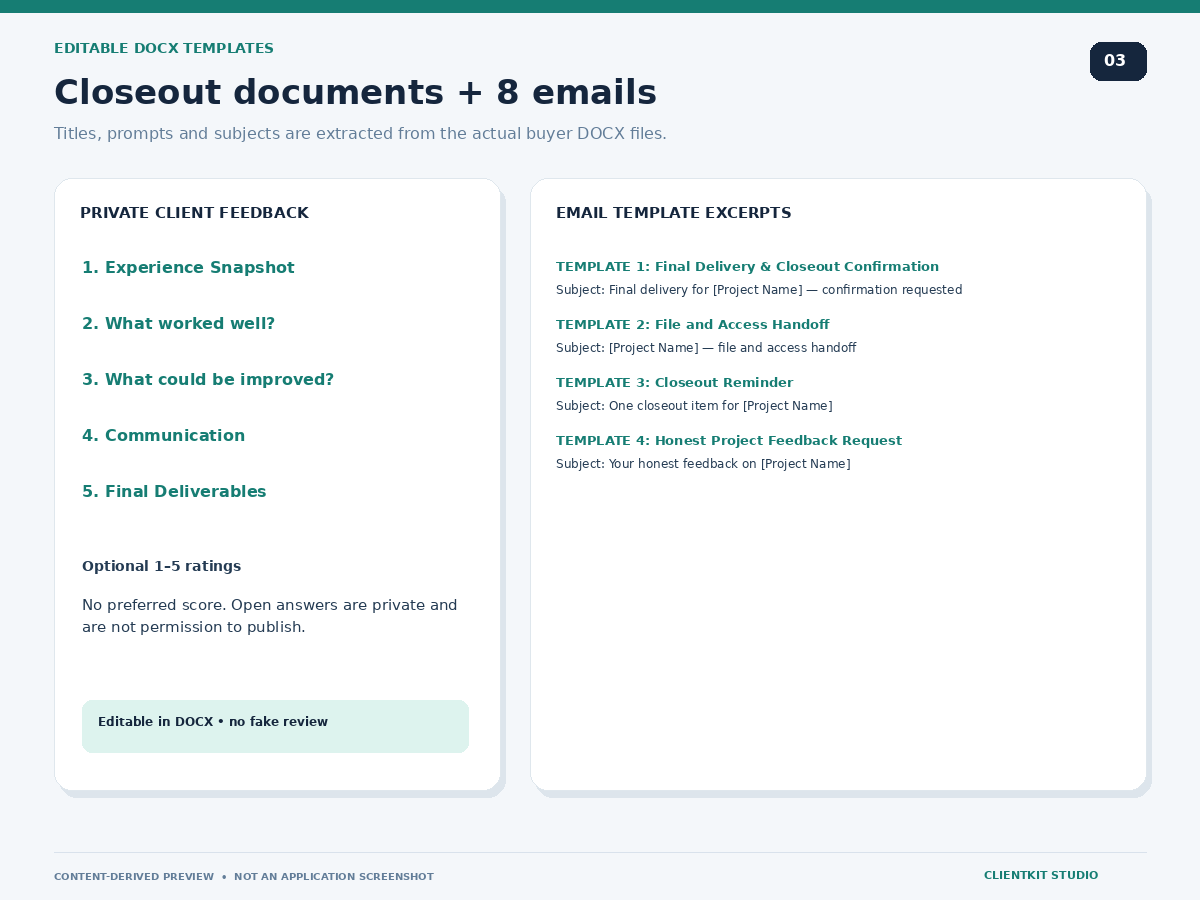
4. Client_Feedback_Form.docx — editable private feedback form with optional ratings and open questions about what worked and what could improve.
5. Offboarding_Email_Templates.docx — 8 email templates for final delivery, file/access handoff, closeout reminders, honest feedback, testimonial permission and referrals.
6. Quick_Start_Guide.pdf — searchable 5-page setup, workflow, permission and troubleshooting guide.
7. README.txt — file map, prepared capacity, safety notes and verification limits.
8. LICENSE.txt — internal use for one business.
Six connected tracking areas + Dashboard
• 150 closeout task rows: unique Task IDs, Project IDs, owner, due/completed dates, status, next action and record checks.
• 100 delivery confirmation rows: deliverable, sent date, explicit client confirmation, confirmation date and reference.
• 150 file/access handoff rows: final files, source files, folders, account access, license transfer and credential revocation.
• 100 feedback rows: request/response status, optional private ratings, improvement notes and follow-up dates.
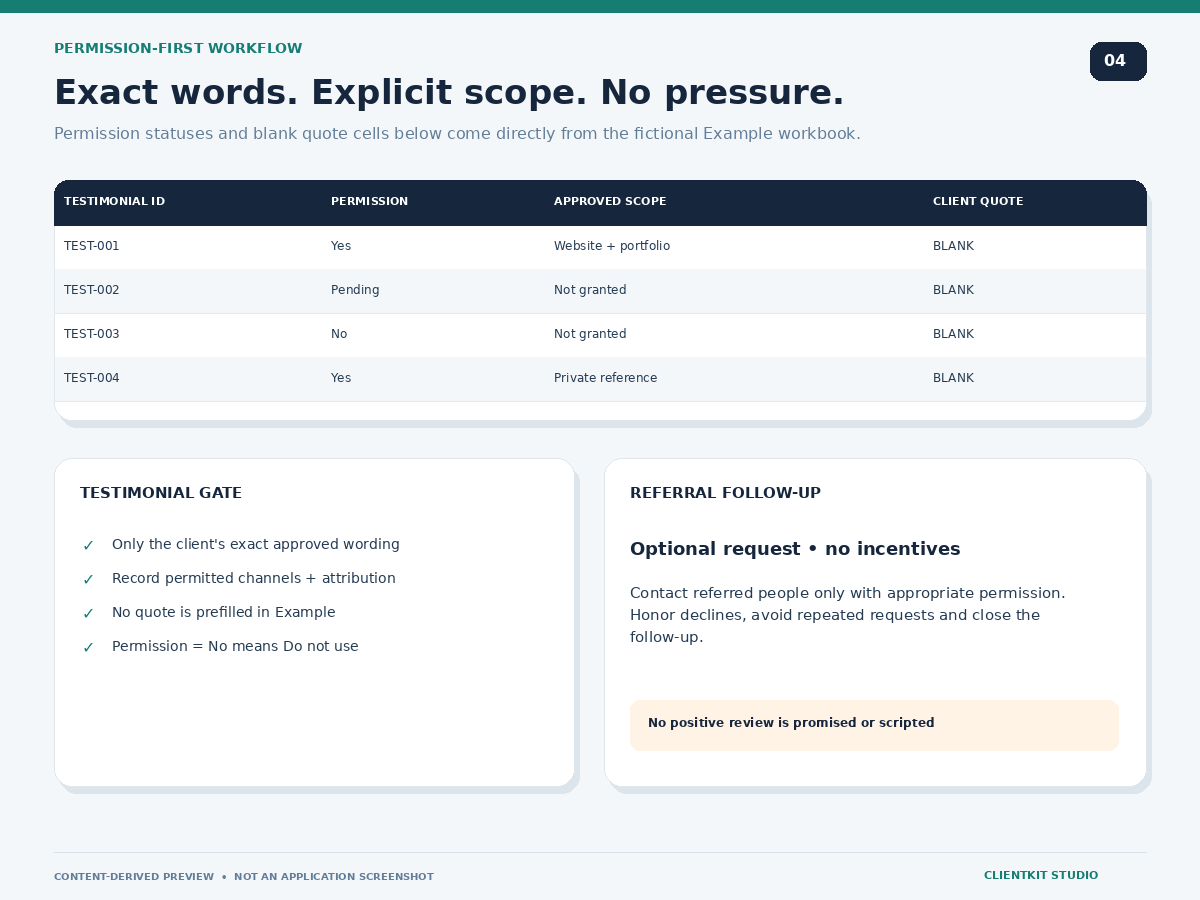
• 100 testimonial permission rows: request status, explicit quote permission, permitted scope, attribution, exact client-approved wording and evidence.
• 100 referral follow-up rows: request status, permission to contact, next step and follow-up state.
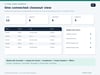
• Dashboard: closeout completion, confirmed deliveries, handoffs, feedback, testimonial permissions, referral follow-ups and record warnings.
Blank rows stay blank. TODAY()-based states update when compatible spreadsheet software recalculates. Duplicate primary IDs are flagged. The Example workbook's Approved Client Quote column is intentionally empty: no fictional customer review is supplied.
Ethical feedback and permission workflow
• Ask for honest feedback without requesting a particular score or promising an outcome.
• Only use a client's exact words after their explicit permission, and record approved channels and attribution.
• Private feedback is not automatic permission to publish.
• No review, testimonial or referral incentives are included or encouraged.
• Referral requests are optional and pressure-free; honor declines and do not contact referred people without appropriate permission.
A simple closeout routine
1. Reconcile the agreed final deliverables.
2. Send the files and obtain explicit delivery confirmation.
3. Transfer ownership, folders and account access; remove temporary access after confirmation.
4. Invite private, honest feedback and record improvement actions.
5. If appropriate, request a testimonial and separately record exact wording plus permission scope.
6. Make one optional referral request, then follow up respectfully or close it.
7. Review the Dashboard, archive evidence and back up the completed record.
Important notes
• This is an offline digital download, not a subscription, web app, CRM sync or email automation service.
• The files were structurally tested offline and formula behavior was independently checked with Python. Live Excel, Google Sheets and LibreOffice application use was not tested. Check recalculation, dropdowns and layout in your own application before relying on the files.
• No macros, external data connections, live imports or physical product are included. No physical product will be shipped.
• Do not store passwords, secret keys or unnecessary sensitive information in the workbook.
• This organizational kit does not guarantee positive feedback, testimonials, referrals or business outcomes.
• Licensed for internal use by one business. Redistribution, resale and sharing of the editable source templates are not included. Completed emails and forms may be used with your own clients.
Who it's for
Freelancers, consultants and small studios who want a lightweight, reusable closeout process without adopting a full project-management platform.