

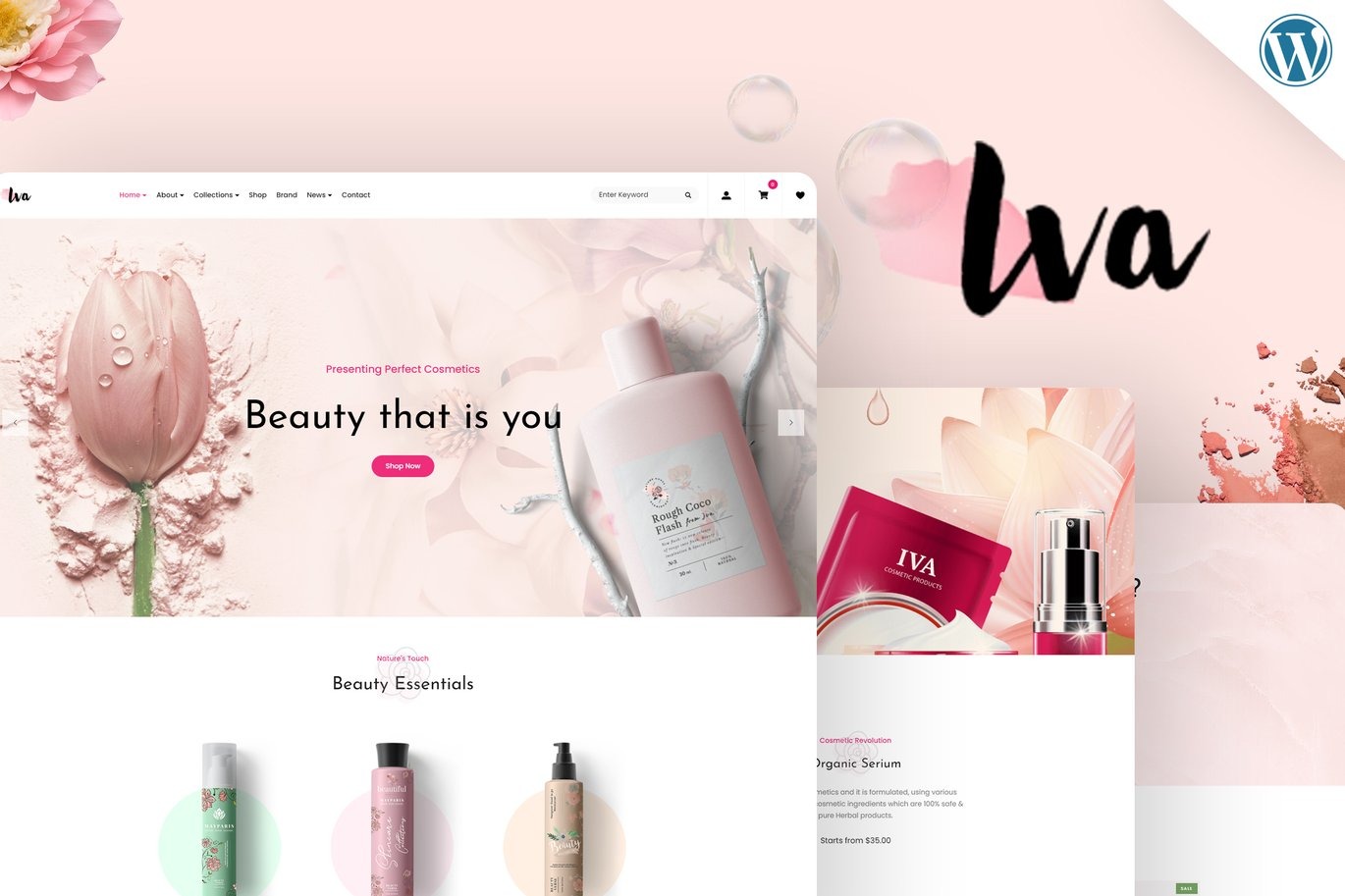
Iva Beauty Cosmetics Shop WordPress Theme
On Sale
$5.00
$5.00
Introducing Iva, a beautifully designed WordPress theme tailored for online stores specializing in makeup kits, beauty cosmetics, perfume shops, skincare lotions, healthcare stores, wellness eCommerce, skincare products, beauty spa centers, beauty salon products, handmade & organic cosmetics businesses, and skin care product shopping websites.
Key Features:
- Slider Revolution: A multipurpose slide presentation solution with powerful customization options. Fully compatible with the Iva theme, allowing you to showcase all kinds of content (text, image, video) with amazing transition effects and animations.
- Unyson Importer: Easily import demo content with a single click, making your site look exactly like the theme demo page.
- Contact Form 7: Fully compatible with the Contact Form 7 plugin, allowing you to create and customize contact forms effortlessly.
- WooCommerce Integration: Fully compatible with the WooCommerce plugin, enabling you to sell your products directly from your website. Supports multiple currencies and advanced features like YITH WooCommerce Wishlist.
- Responsive Design: Ensures a great user experience on all devices.
- SEO Optimized: Built with SEO best practices to improve your website's visibility.
- Customizable: Easy to customize with a wide range of options.
- Modern and Professional Design: Aesthetically pleasing and professional layout.
- Fast Loading: Optimized for fast loading times.
- Cross-Browser Compatibility: Works seamlessly across all major browsers.
- Well Documented: Comprehensive guides to help you set up and customize your site.
Required Plugins:
- Slider Revolution: For creating stunning sliders.
- Unyson Importer: For importing demo content.
- Contact Form 7: For creating contact forms.
- WooCommerce: For eCommerce functionality.
- YITH WooCommerce Wishlist: For advanced wishlist features.
How to Use Template Kits:
- Install and Activate the Digital Products Bazaar Plugin:
- Go to Plugins > Add New in WordPress.
- Install and activate the "Digital Products Bazaar" plugin.
- Download your kit file and do not unzip it. If you use Safari, ensure "Open safe files after downloading" is disabled in the browser preferences.
- Go to Settings > Permalinks and ensure Post Name is selected.
- Go to Appearance > Themes > Add New and ensure Hello Elementor is installed and activated. This will prompt you to install Elementor if you haven't already.
- Go to Plugins and ensure Elementor and Digital Products Bazaar are installed and at the latest version. If your kit requires Elementor Pro, it must be installed now and connected to your account.
- Go to Elementor > Settings > Features Tab > Flexbox Container > Activate and then press Save Changes button.
- Go to Elements > Installed Kits and click Upload Template Kit Zip (or click your kit to view it).
- Check for the orange banner at the top and click Install Requirements to load any plugins the kit uses.
- Click import on the Global Kit Styles first. This will set up the site settings.
- Click Import on one template at a time in the order shown. These are stored in Elementor under Templates > Saved Templates and are re-used from here.
Creating Pages:
- Go to Pages and create a new page, then click Edit with Elementor.
- Click the gear icon at the lower-left of the builder to view page settings and choose Elementor Full Width and hide page title.
- Click the gray folder icon to access My Templates tab and then import the page you'd like to customize.
- The home page is set under Settings > Reading by selecting Static Front Page.
- If you have Elementor Pro, headers and footers are customized under Templates > Theme Builder.