




ÖrViSiA [OVA] Local Video Player
apps/orvisia-ova/version
v.1.0.0
ARTSTATION | GUMROAD
ÖrViSiA: Local Library Offline Video Player 
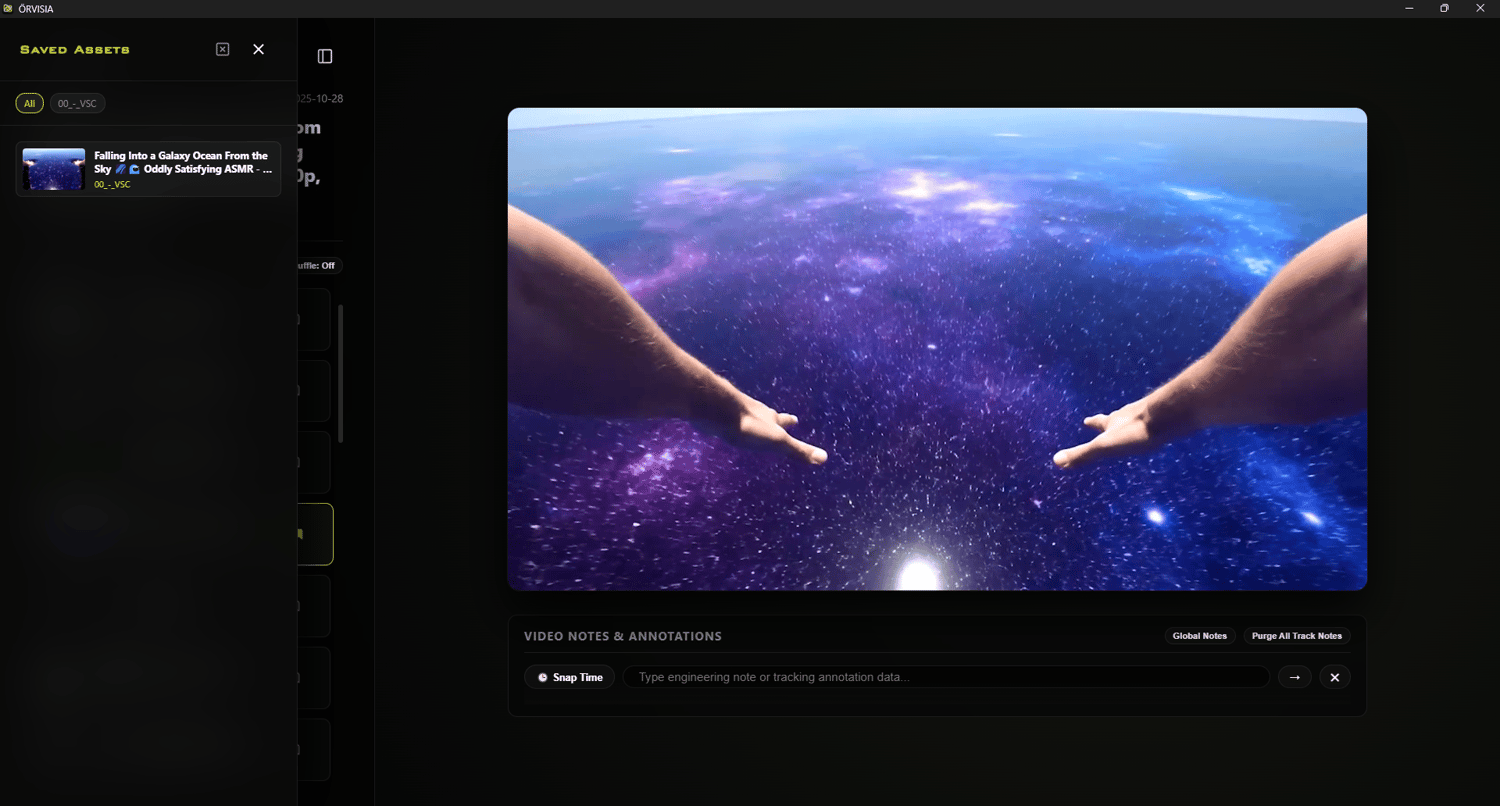
Stop treating your local reference footage, production renders, and asset capture logs like an unorganized dumping ground. ÖRVISIA is the standalone, professional-grade media infrastructure node designed explicitly for high-density 3D reference workflows, automotive/aerospace mechanical design logs, and localized engineering pipelines. Whether you are a hard-surface artist compiling meticulous mechanical animations, a technical rigger tracking topology reference, or a software engineer archiving simulation runs, ÖRVISIA eliminates the friction of navigating messy desktop folders—delivering a high-performance, completely offline repository that keeps your visual data structured, scannable, and actionable instantly.
⚙️ Workspace Setup Instructions
Follow these steps to initialize your local video infrastructure:
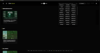
- Selecting the Root Node: Launch the application and click the "Select Root Directory" button in the setup screen. Choose the absolute top-level directory on your system that contains your entire video library. The scanner will automatically perform a recursive search to index every compatible video file found within this folder and all of its nested sub-directories.
- How Categorization Works: The system automatically identifies the first immediate subfolder inside your selected root directory to assign a "Creator Node" tag to your media. For example, if you select a root folder containing a subdirectory named Reference, a video located at MasterFolder\Reference\clip.mp4 will be automatically tagged as "Reference" in the application interface.
- Handling Loose Files: If you place video files directly into your selected root directory without enclosing them in a subfolder, the system cannot derive a specific category. These items will be grouped together by the scanner under a default, generic node labeled "Local Uploads". For the cleanest library organization and navigation, ensure your assets are stored at least one level deep in subfolders.
Why Choose ÖRVISIA?
- Zero Viewport Lag Workspace: Built on a completely standalone Electron architecture. It handles thousands of assets smoothly, rendering real-world capture files through automated asset indexing without dragging down system performance.
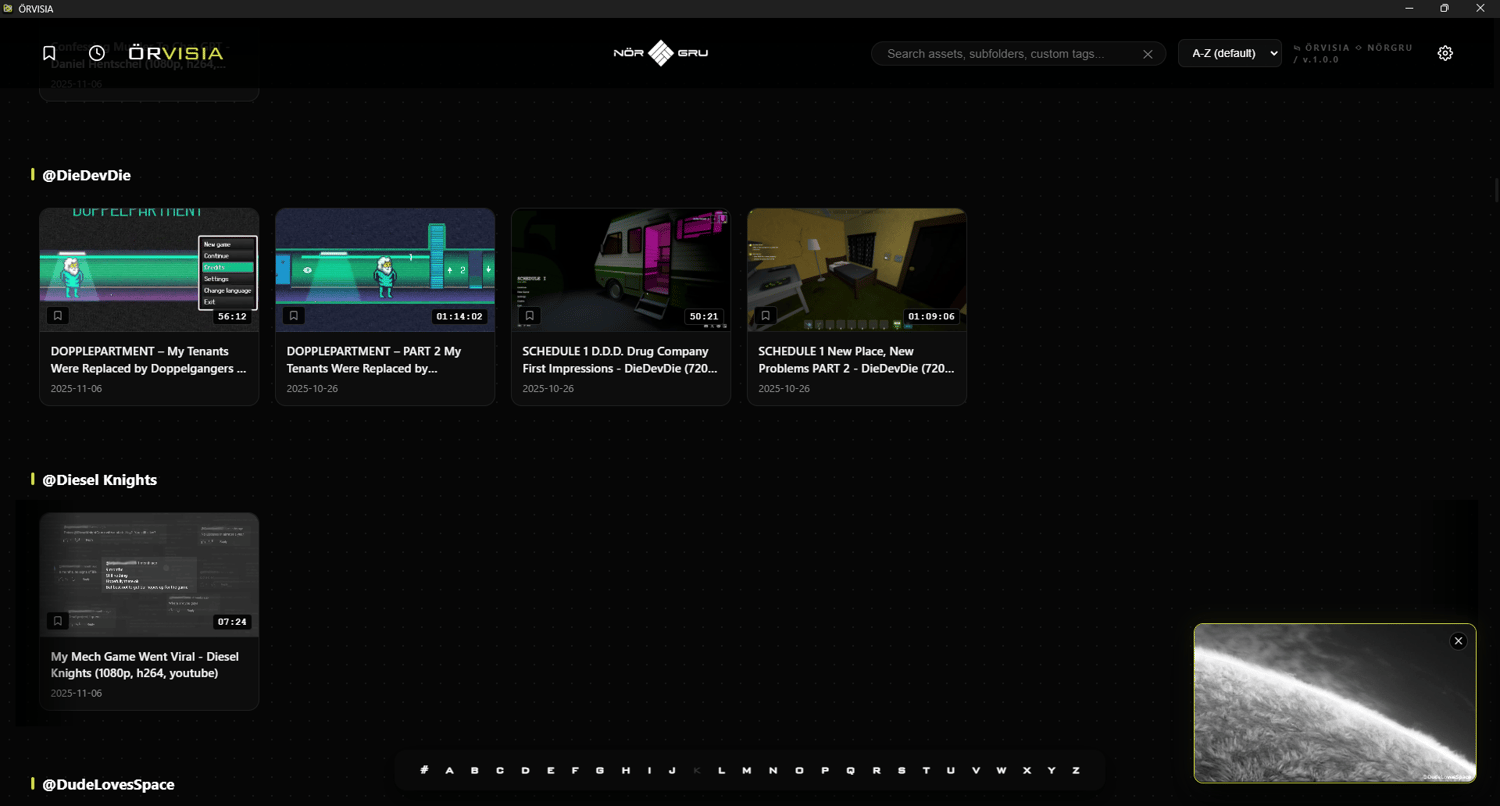
- Hardware-Accelerated Hover Previews: Eliminate the guesswork of opening files. Simply hover over any asset card to spin a real-time, fluid looping preview video drawn directly from your workspace directory via an ultra-fast local binary interface.
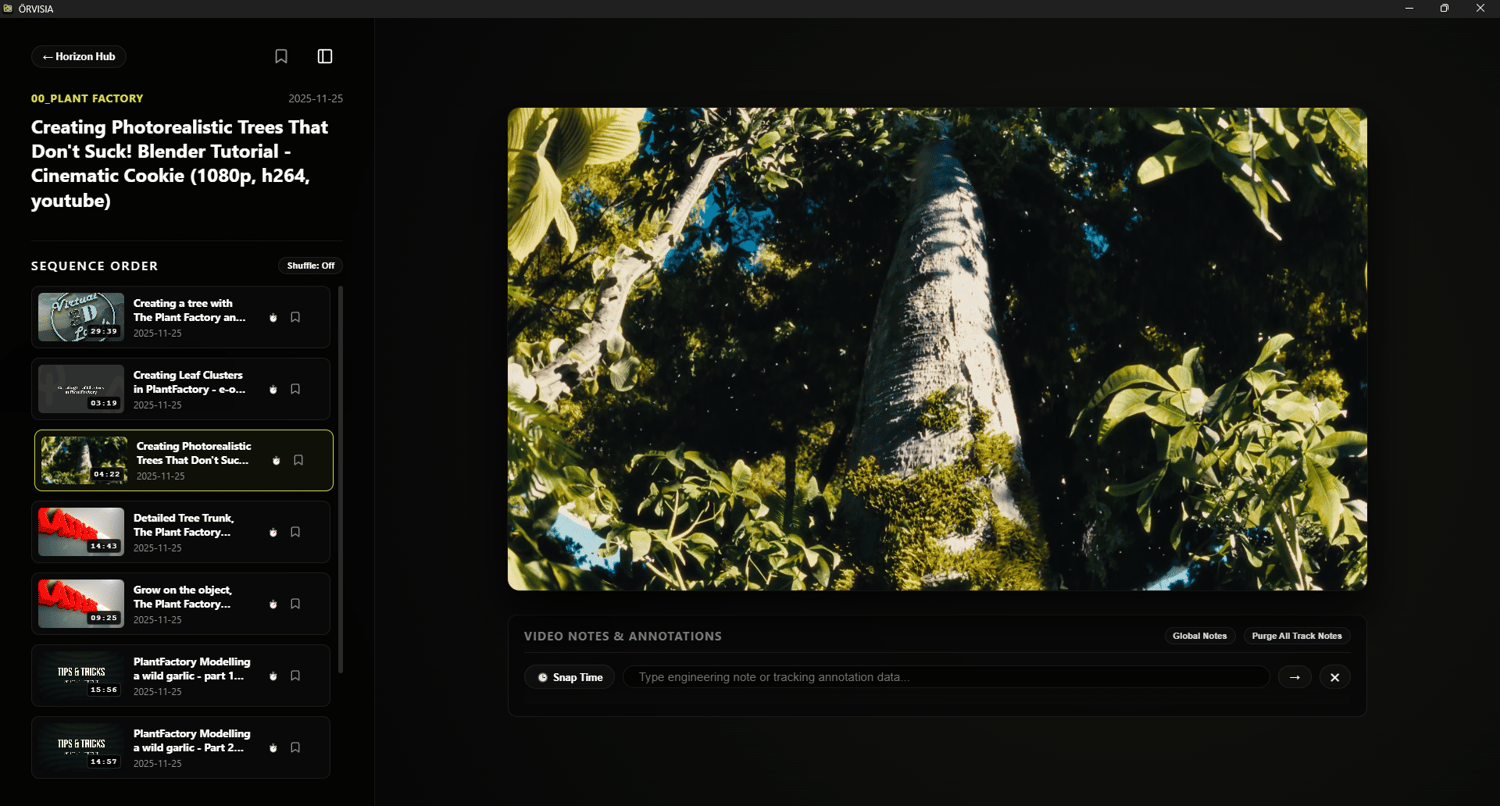
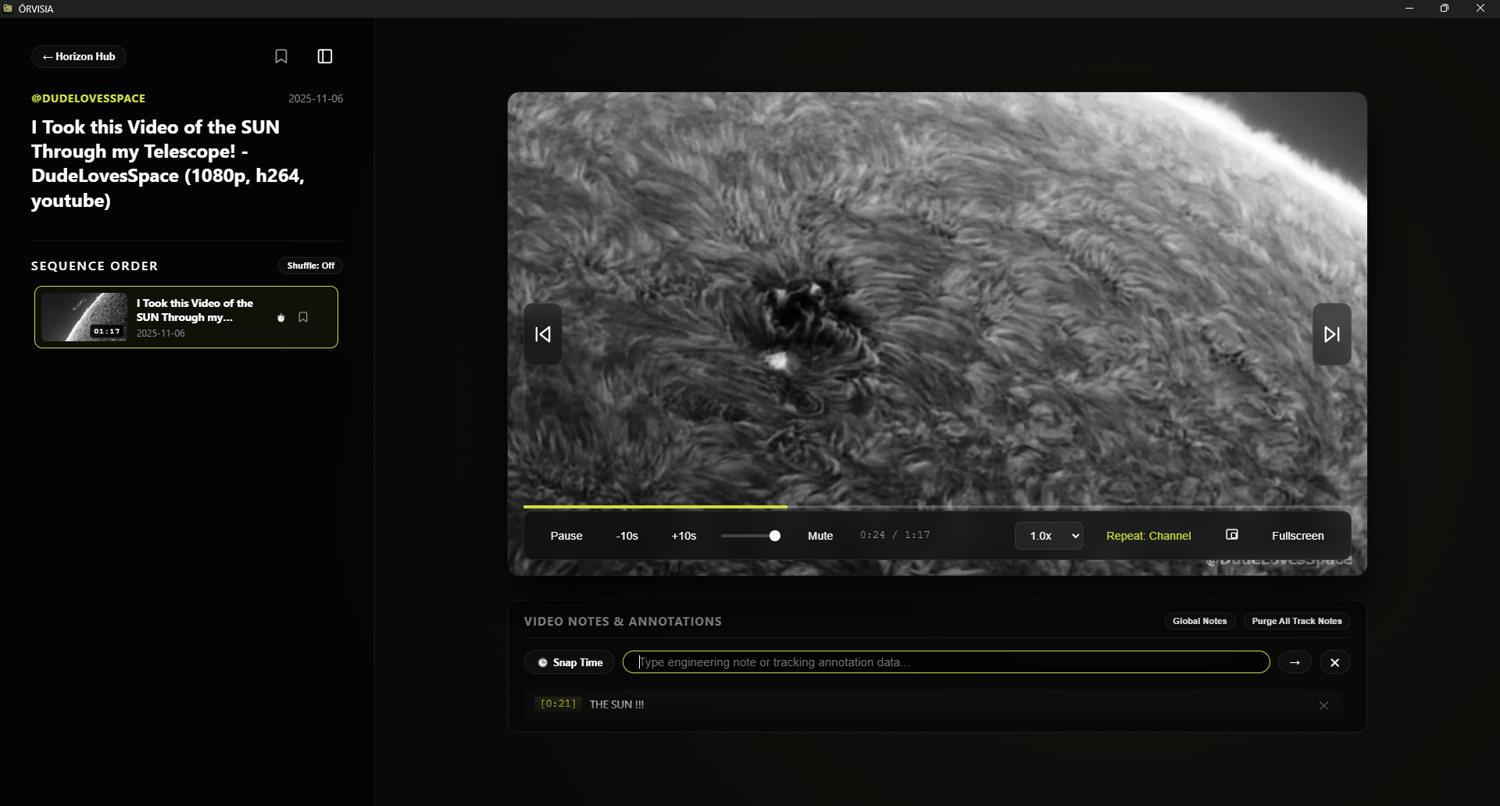
- Integrated Engineering Track Notes: Features an interactive annotation engine designed for industrial precision. Drop microsecond-accurate tracking timestamps and technical notes directly onto the timeline to mark mechanical structural flows, simulation breaks, or topology errors.
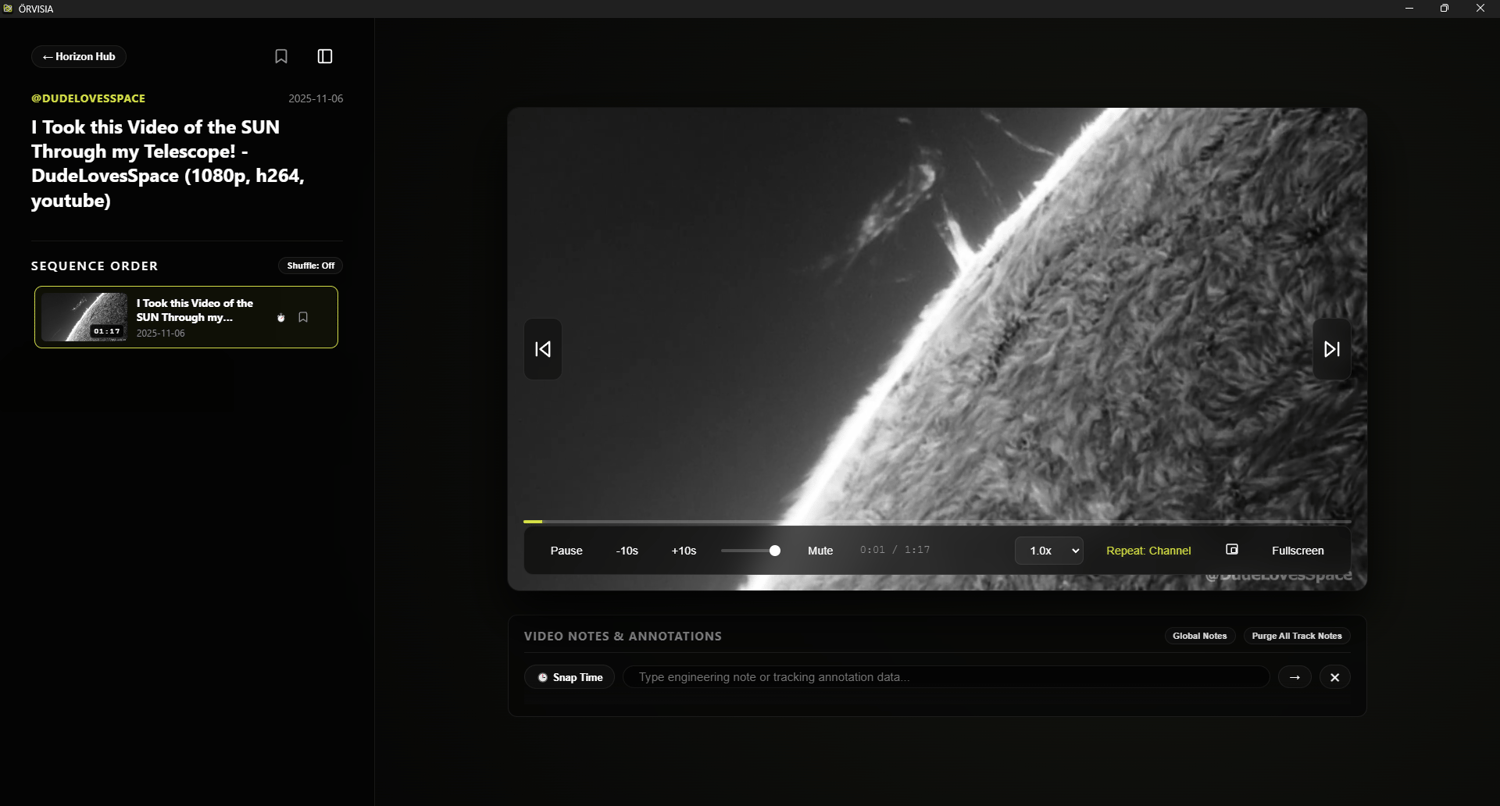
- Immersive Theater Simulation: Toggle seamlessly from a wide-angle overview to a distraction-free cinematic space. The active interface automatically hides controls during playback to let you focus purely on structural forms and mechanical dynamics.
Key Features & Tools
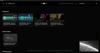
- Dual-State Horizon Layout: A frictionless, hardware-accelerated dual-viewport deck. Effortlessly slide horizontally from your deep global media rows directly into a zero-compromise asset analysis view.
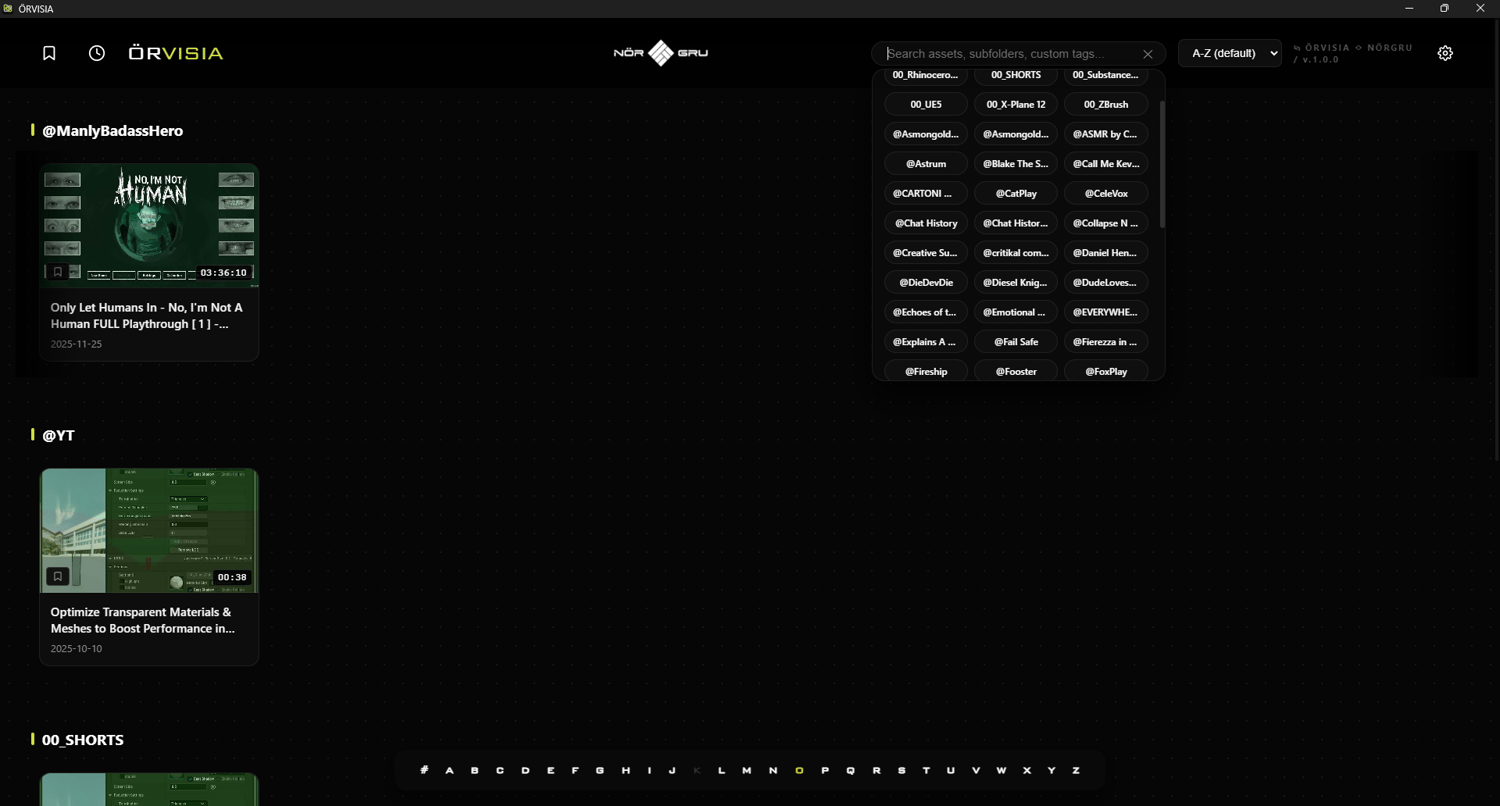
- Smart Alphabetical Filter Pinned Deck: Navigate massive indexes instantly using an optimized alphabetical track pinned dynamically at the bottom of your screen, showcasing exactly which alphanumeric zones possess active data files.
- Local Chronology & Saved Registers: A reliable, secure internal logging system. Bookmark high-priority visual references or resume multi-hour simulation playbacks exactly where you left off with precise timestamp recovery.
- Dynamic Search Suggestions: Type key parameters, subfolder names, or user nodes to pull filtered asset views instantly across your entire physical directory.
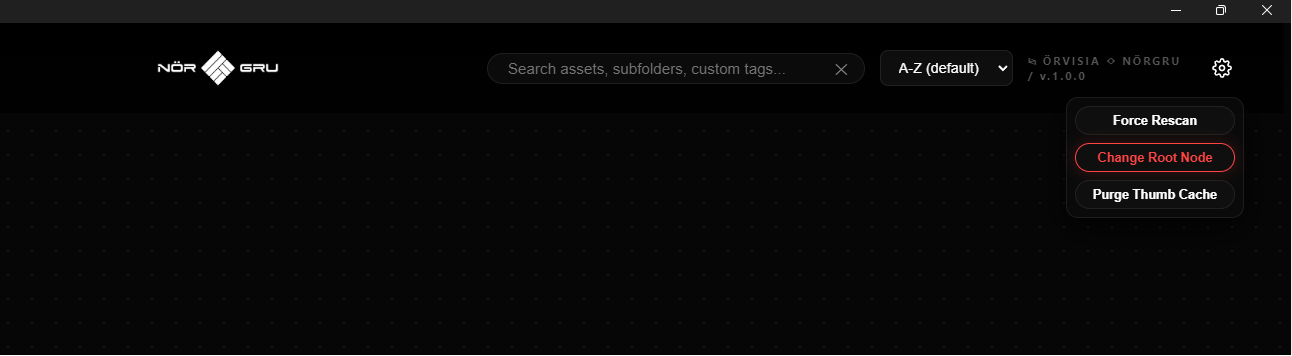
- System Toolbox Control Center: A secure overhead utility panel allowing users to force clean database rescans, change the master workspace node path dynamically, or purge localized cache files in one click.
Technical Specifications
- Format: Standalone Desktop Application (Windows Engine).
- Current Version: v1.0.0 (Stable Release).
- Licensing: Purchase once, deploy locally forever—complete data sovereignty.
- Interface: Sleek, high-density dark "Command Center" aesthetic featuring frosted glass controls and modern industrial geometries.
Detailed Technical Breakdown: Sorting & Alphanumeric Filter Logic
The sorting logic of ÖRVISIA is engineered specifically to preserve directory hierarchy and creator identities while enabling clean alphabetical visualization. It handles sorting and filtering through two integrated components: The Suffix Suffix/Prefix Rule and the Smart Alphanumeric Comparator Array.
1. The @ Pointer Suffix Rule
When local directories are scraped by the internal indexing scanner, subfolder hierarchies or content creators are automatically captured to form organizational lanes called "Creator Nodes".
- To seamlessly distinguish raw channels, folders, or creator names from regular prose strings within the layout architecture, the system utilizes the @ symbol as a dedicated metadata marker.
- For example, a folder titled Asmongold TV is structurally processed and presented inside the catalog array under the clean, unified layout designation of @Asmongold TV.
2. The String Neutralization Layer (smartSort)
Standard JavaScript sorting checks strings strictly by their raw character codes. This means symbols like @ or # naturally cluster together at the absolute beginning or end of a sequence, completely destroying alphabetical continuity. To circumvent this limitation, ÖRVISIA forces all strings through a normalization algorithm before running evaluation passes:
JavaScript
const a = aRaw.replace(/^@/, '');
const b = bRaw.replace(/^@/, '');
- Stripping the Pointer: The regex expression /^@/ targets and ignores the structural symbol if it appears at the start of a title or username.
- Alphabetical Integration: By temporarily masking the @ prefix during the sort lifecycle, a channel folder like @Asmongold TV is evaluated strictly as Asmongold TV. This ensures it slots flawlessly next to standard file names beginning with the letter A, rather than gathering in an unorganized symbol cluster.
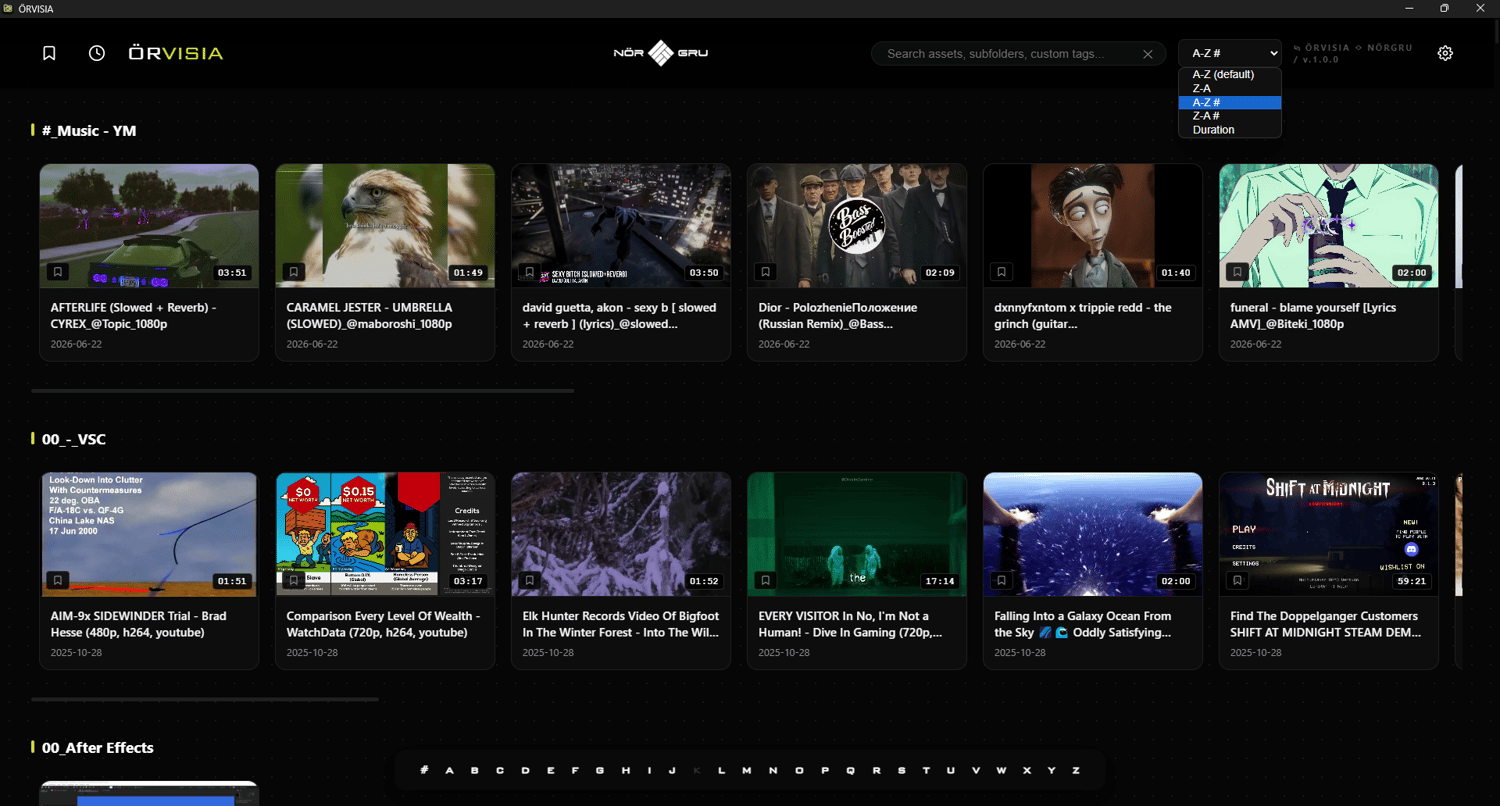
3. Comprehensive Alphanumeric Sort Options
The system menu provides users with precise control over how symbols and numbers map to the display rows:
Sorting Mode | Core Engine Rule | Target Workspace Execution
A-Z (Default) : Standard Natural Alphabetical
Places standard letter files (A-Z) first, prioritizing text readability. Symbols, numbers, and non-alphabetic elements are cleanly deferred to the end of the array.
Z-A : Inverted Natural Alphabetical
Reverses the default string stack. Letter items are sorted from Z down to A, with numeric files sitting at the base.
A-Z # : Symbol/Numeric Priority Alphabetical
Shifts index parameters. Files starting with numerical digits, special characters, or non-alphabetical indices are evaluated first, followed by standard alphabetical entries.
Z-A # : Symbol/Numeric Priority Inverted
Keeps numeric/symbol arrays grouped at the absolute top of the viewport, but sorts the remaining letter-based tracks from Z to A.
Duration : Chronological Length Sort
Bypasses text strings entirely. Converts timestamp markers (e.g., HH:MM:SS) into raw integers to arrange files by clip length.
About NÖRGRU™
Nörthstat Group unites Designers & Inventors to create technologies in the field of Metalmechanics; We empower Europe to be the land of unlimited possibilities. NÖRGRU is a European startup dedicated to high-quality 3D tools and industrial-grade products. We believe in creativity as a solution to human struggle—designing the future, one vertex at a time.
Discover the future at www.norgru.eu
#norgru #electron #app #coding #javascript #software #desktop #app #offline #video #player #help #workflow #interoperability #study #students #youtube #youtubers #thumbnails #library #assets #standalone #exe #easier #productivity #improved #work #job #learning #annotations
RELEASE DATES |
OVA v.1.0.0 :: 2026-JUNE-22