
Pocket Cinema LUTs - 8 Cinematic Looks, 3 Strengths Each (24 LUTs)
POCKET CINEMA LUTS
8 cinematic looks, 3 strengths each. 24 .cube files that were tested, not just exported.
You know the problem with LUT packs. You buy "20,000 cinematic presets", download a folder of
files with numeric names, try nine of them, hate all nine, and never open it again.
This is 24 files. Every single one was applied to a test image and measured before it was
allowed into the download.
WHAT YOU GET
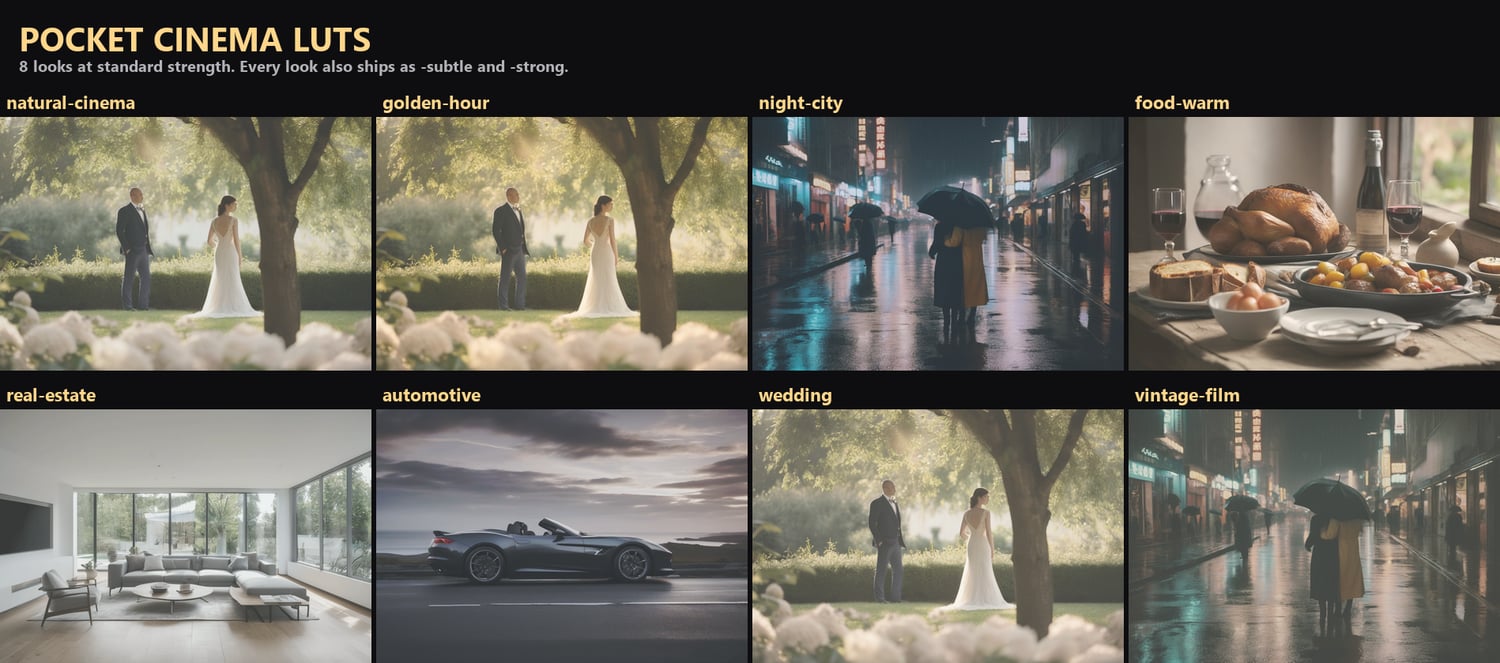
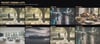
8 looks, each solving a real shooting situation:
natural-cinema Neutral filmic base: gentle contrast, slight highlight roll-off, true skin
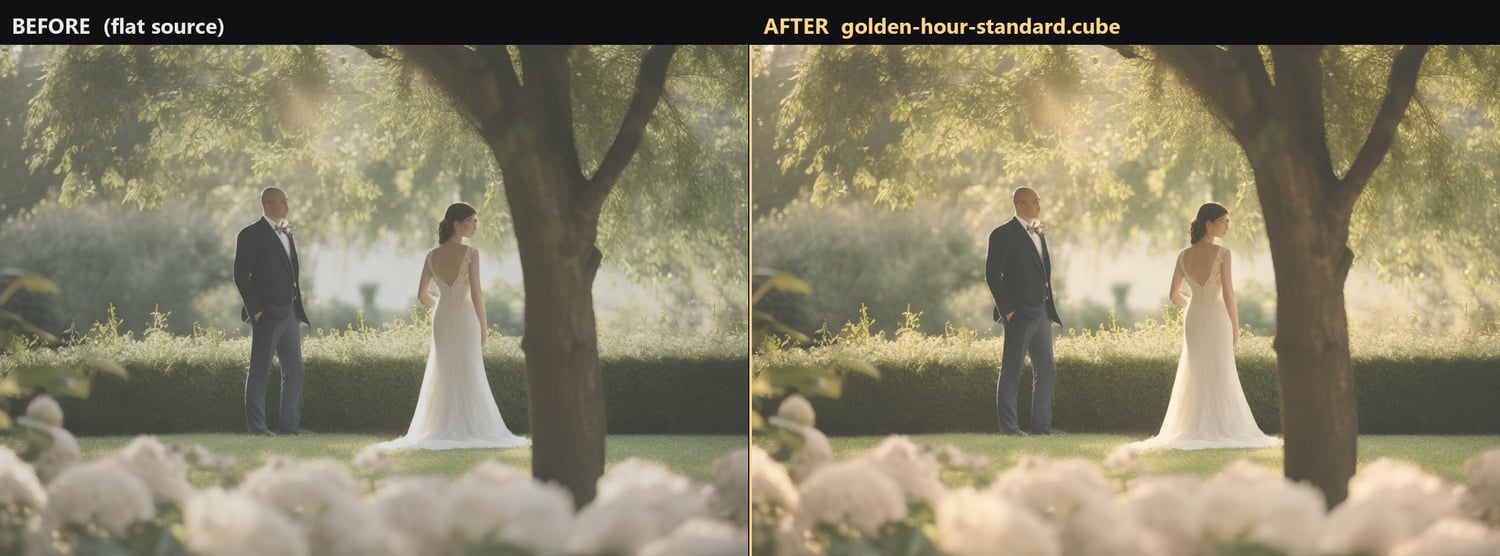
golden-hour Warm low sun: amber highlights, soft teal shadows, lifted blacks
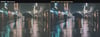
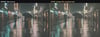
night-city Cool neon night: crushed blacks, cyan shadows, protected warm highlights
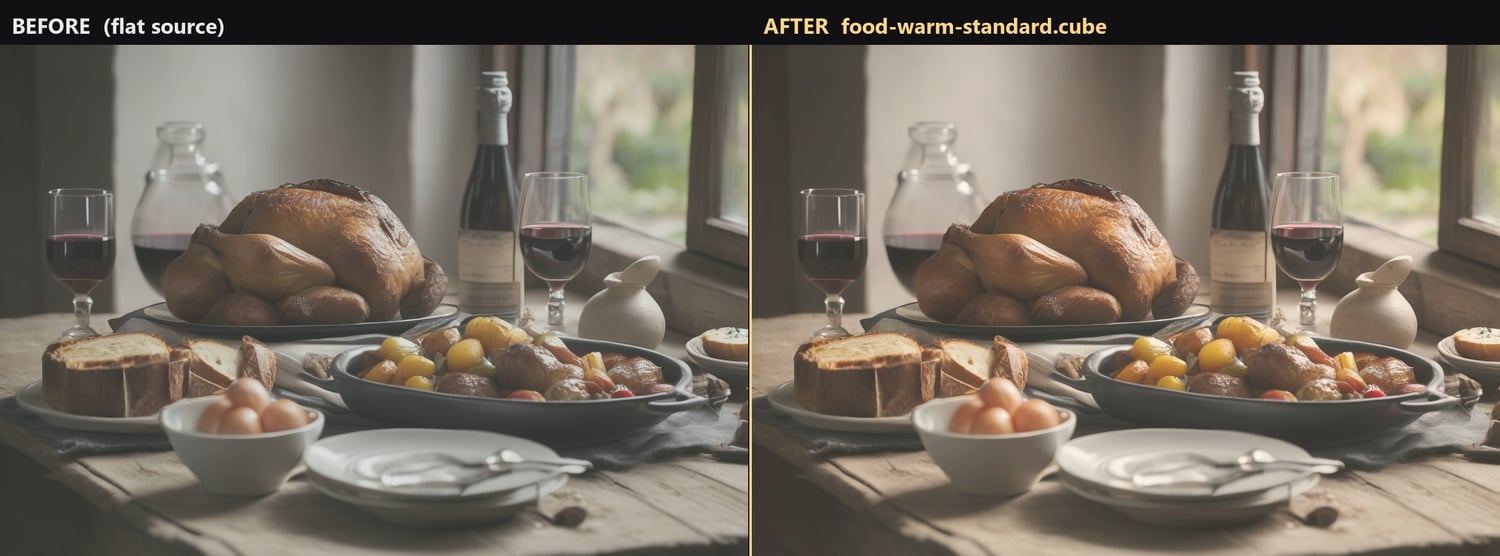
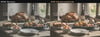
food-warm Appetising warmth: clean whites, richer reds, no yellow cast on plates
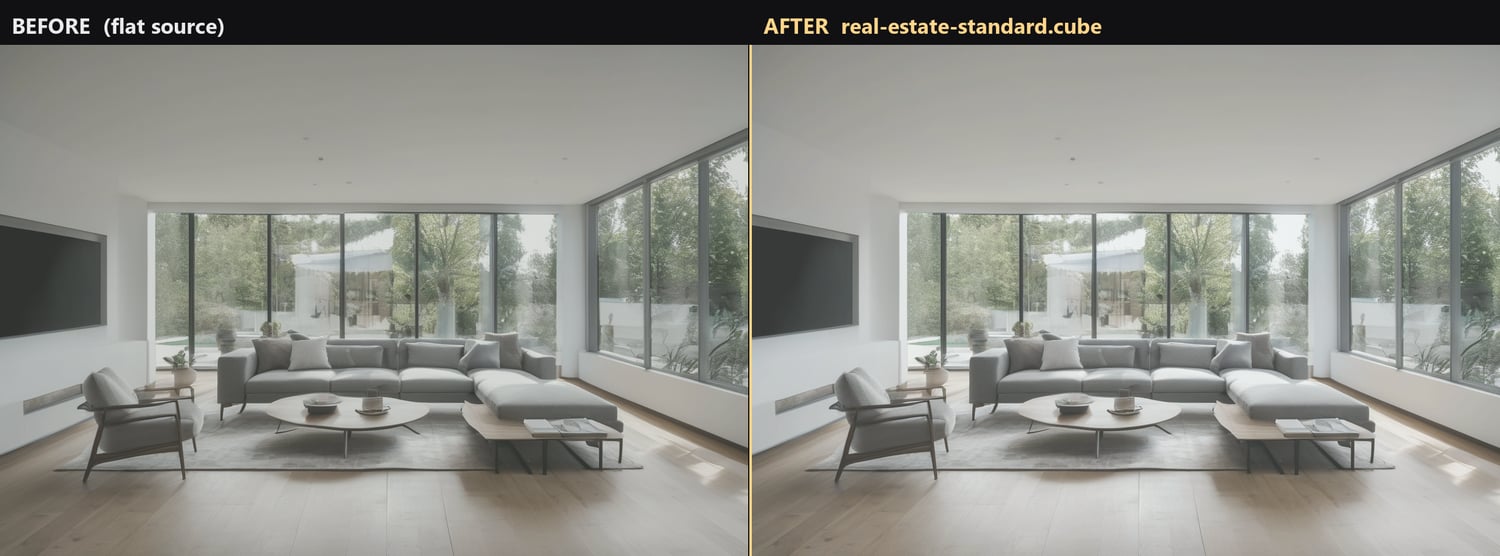
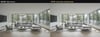
real-estate Interiors: neutral whites, lifted shadows, windows that keep detail
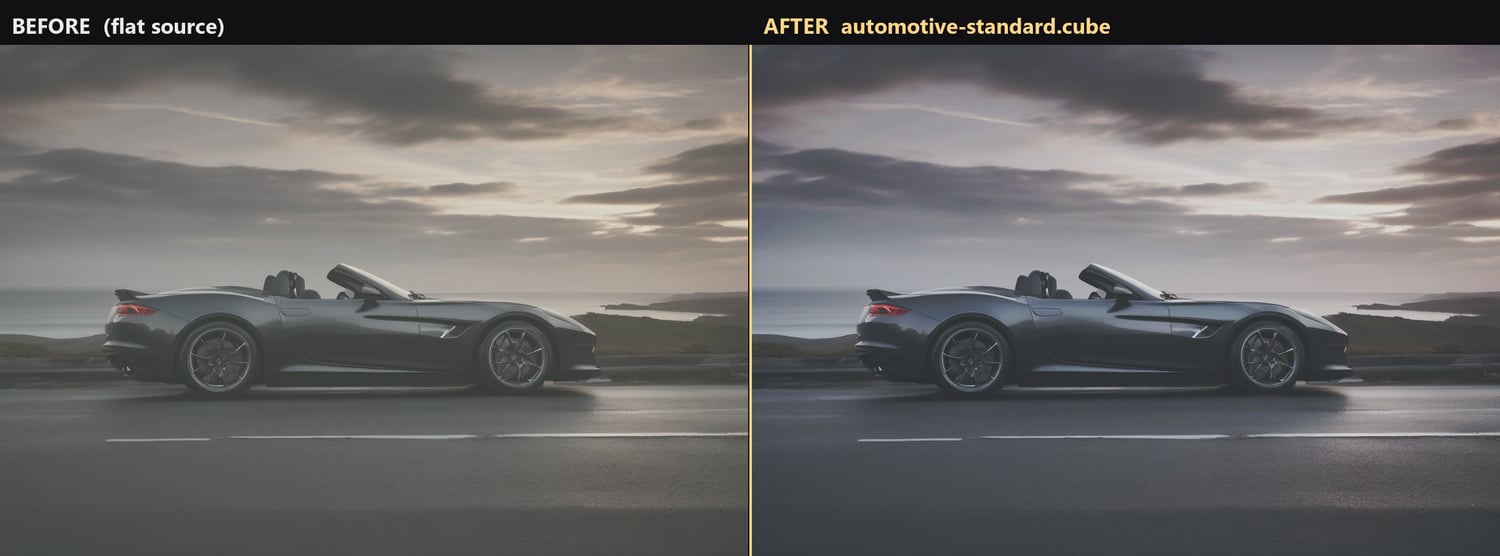
automotive Hard, glossy and cool: deep blacks, crisp speculars, steely mid-tones
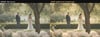
wedding Soft romantic warmth: creamy highlights, gentle skin, low contrast
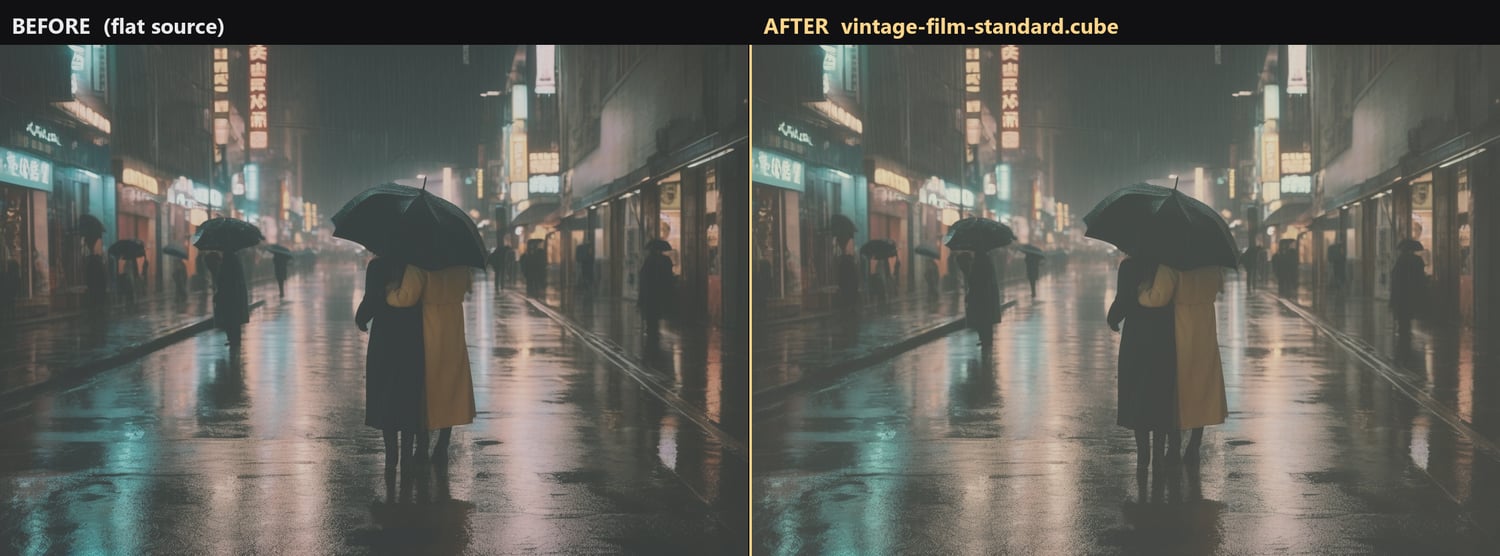
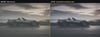
vintage-film Faded stock: milky blacks, muted saturation, warm-green cast
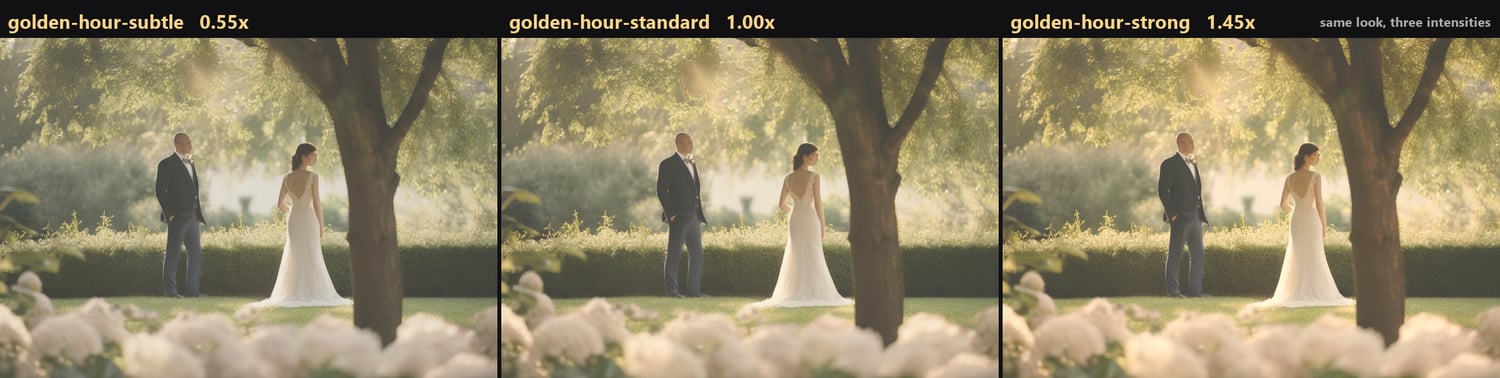
Each one at three intensities:
-subtle about half strength. Client work, skin tones, anything you want to still like
in a year.
-standard start here. The look as intended.
-strong about 1.5x. Social, music video, stylised work, or flat log footage that needs
more push.
That is the answer to the single most common complaint about LUT packs: "too strong, too
orange." You do not have to fight it with an opacity slider. Just load the subtle version.
WORKS IN
Premiere Pro, DaVinci Resolve (free and Studio), Final Cut Pro, Photoshop, CapCut,
DaVinci Resolve for iPad/iPhone, OBS Studio, Affinity Photo. Standard 33x33x33 .cube format,
which is the most widely supported LUT size there is.
Included: a 4-page install guide with step-by-step instructions for all of those apps, plus
troubleshooting for the things that actually go wrong.
TESTED, AND HERE IS WHAT THAT MEANS
Every file had to pass all of this before release:
* exactly 35,937 entries, matching its own header (a truncated LUT is the usual reason an
editor refuses to load a file, or loads it and clips your highlights)
* every value in legal range, so nothing produces magenta or blown-out patches
* measurably changes the image, which catches an accidental do-nothing LUT
* does not destroy the image
* moves the colour in the direction its name claims - a warm look has to measurably warm
24 of 24 passed.
That testing caught a real defect during production, and it is worth telling you about. The
"wedding" look was meant to desaturate very slightly. Measurement showed its warm tint was
adding just enough colour back to cancel that out - the file did not do what its own
description said. It was corrected and re-measured. It would have been easier to ship it and
say nothing, because nobody would have noticed.
ABOUT THE PREVIEW IMAGES
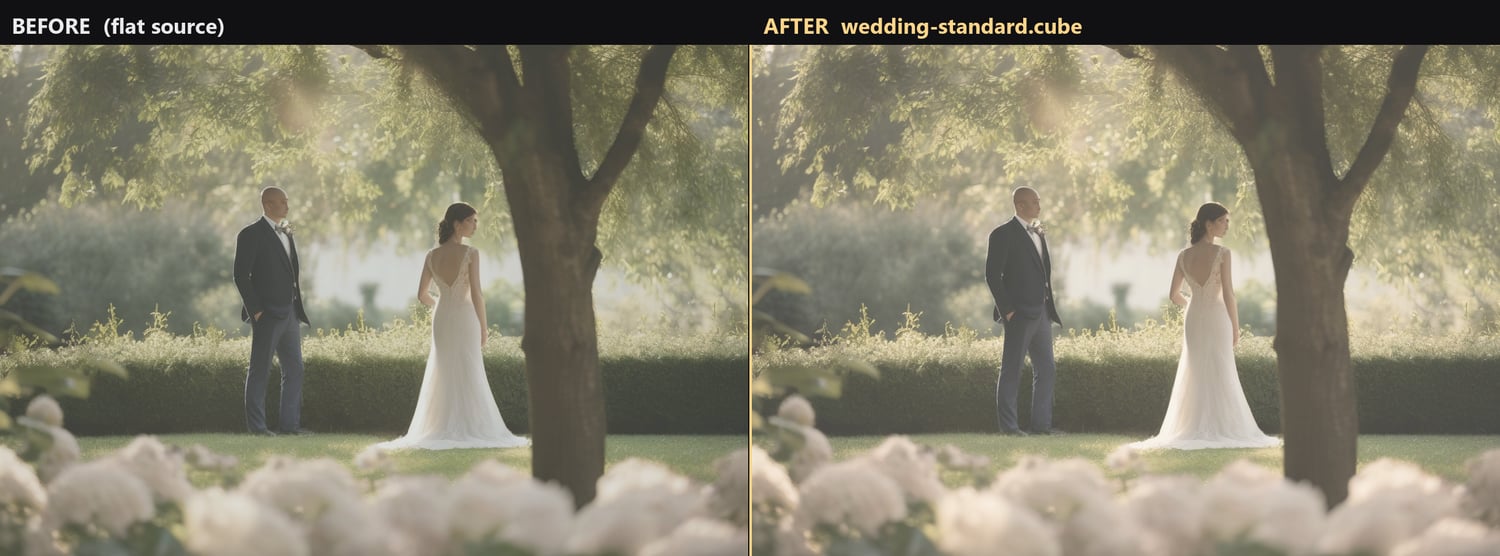
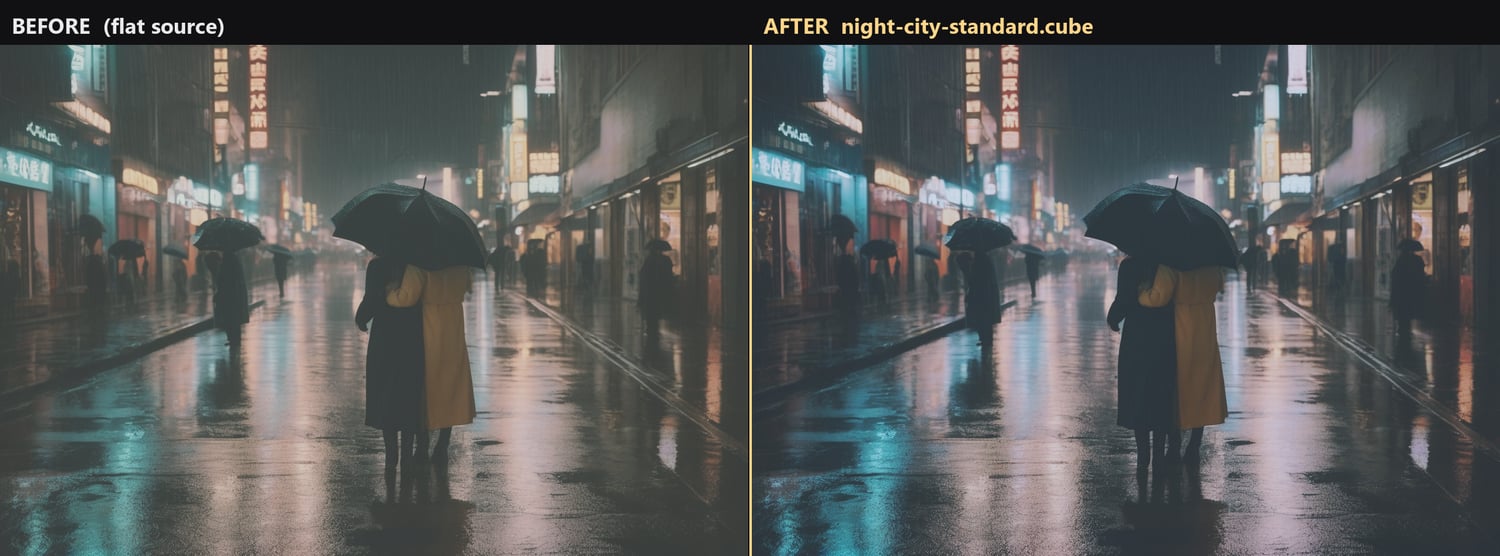
Every "after" you see was produced by actually running the shipped .cube file on the "before"
frame next to it. No mockups, no hand-tinted approximations, no swapped stock photos.
Two things said plainly: the reference frames are generated rather than licensed from a photo
library, so the pack ships with imagery it fully owns. And they are flattened first -
desaturated, blacks lifted, contrast reduced - to approximate the flat or log footage a LUT is
really used on. They are labelled "flat source" rather than "ungraded", because the flattening
is a real step and calling it ungraded would not be true.
Your footage will not match the previews pixel for pixel; your camera, white balance and
monitor all shift it. What holds is the direction of each look, which is the exact property
that was measured before release.
THE ONE RULE
A LUT is the LAST step, not the first. Correct exposure and white balance, THEN put the LUT on
top. A LUT on an underexposed clip looks wrong, and it is not the LUT's fault. This is in the
guide on page one.
WHAT THESE ARE NOT
These are creative looks. They are not log-to-Rec709 conversion LUTs for a specific camera. If
you shoot log, apply your camera's own conversion first, then one of these on top. Saying so up
front, because "I applied it to raw log footage and it looked terrible" is the most common
one-star review in this category and it is avoidable.
LICENCE
Use them in unlimited personal AND commercial projects, including paid client work, adverts,
YouTube, streaming and print. No attribution, no per-project fee, no expiry.
You may not resell, share or redistribute the .cube files themselves. The output is yours to
sell. The files are not.
DELIVERY
Instant download after checkout. One .zip, 9.4 MB. Nothing is shipped.
If a file will not load in your editor, contact me - I will fix it or refund you. The format is
standard, so any failure is a genuine defect and I want to know about it.