
WISP Kit for Small Tax & Accounting Practices: Word + Excel Templates
Federal law requires every tax and accounting practice to keep a Written Information Security Plan (WISP). This kit takes a small practice from a blank page to a signed, running plan in one afternoon.
The FTC Safeguards Rule (16 CFR Part 314, under the Gramm-Leach-Bliley Act) treats tax preparers and accounting firms as financial institutions, whatever their size. The IRS reminds practitioners every year, points to the rule on the PTIN renewal form, and publishes a free sample plan (Publication 5708). What the free sample does not give you is a finished example to compare against, trackers that show where your gaps are, and a way to prove the plan is alive a year later. That is what this kit is.
Who it is for
Solo and small-firm tax preparers, bookkeepers, and CPA practices of roughly one to twenty people who must have a written plan and have no IT or compliance staff. If you have a tax software login, a client portal and a filing cabinet, this is written for you.
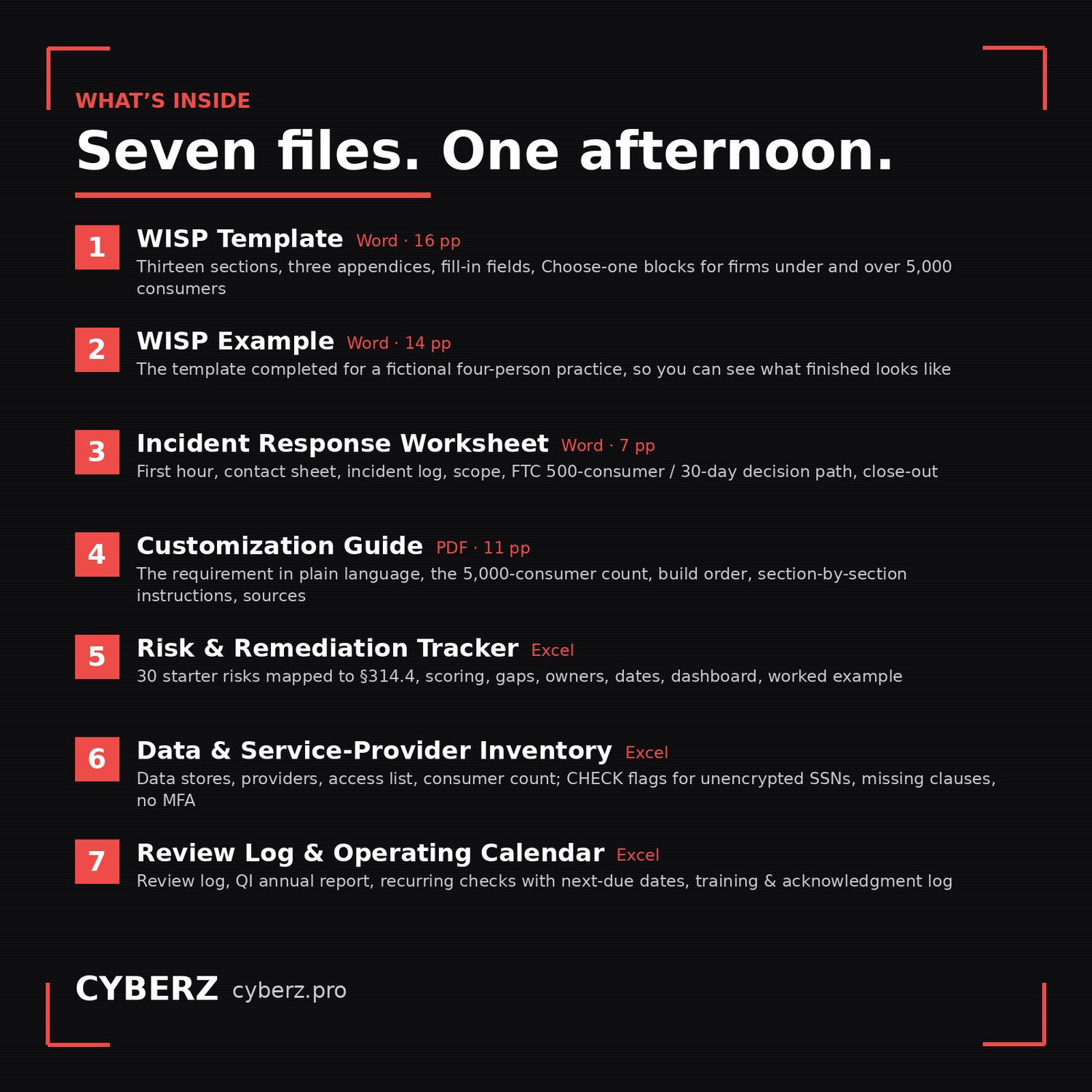
What’s inside (7 files)
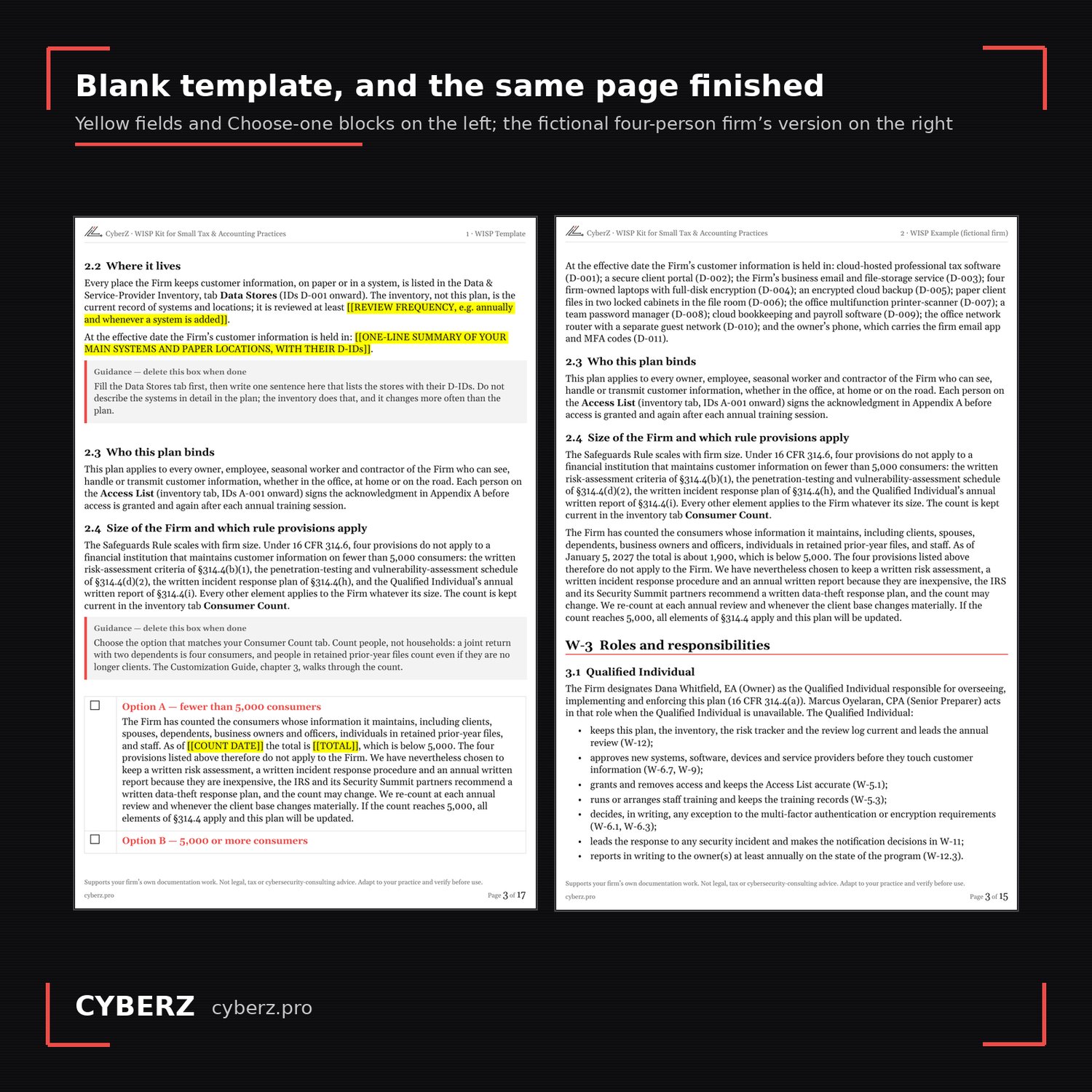
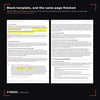
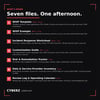
- WISP Template (Word, 16 pages). Thirteen sections and three appendices in plain English, with yellow fill-in fields, guidance boxes you delete as you go, and “Choose one” blocks for firms under and over the rule’s 5,000-consumer line. Every requirement is tied to its paragraph of 16 CFR 314.4.
- WISP Example (Word, 14 pages). The same template completed for a fictional four-person practice, so you can see what “done” looks like before you start.
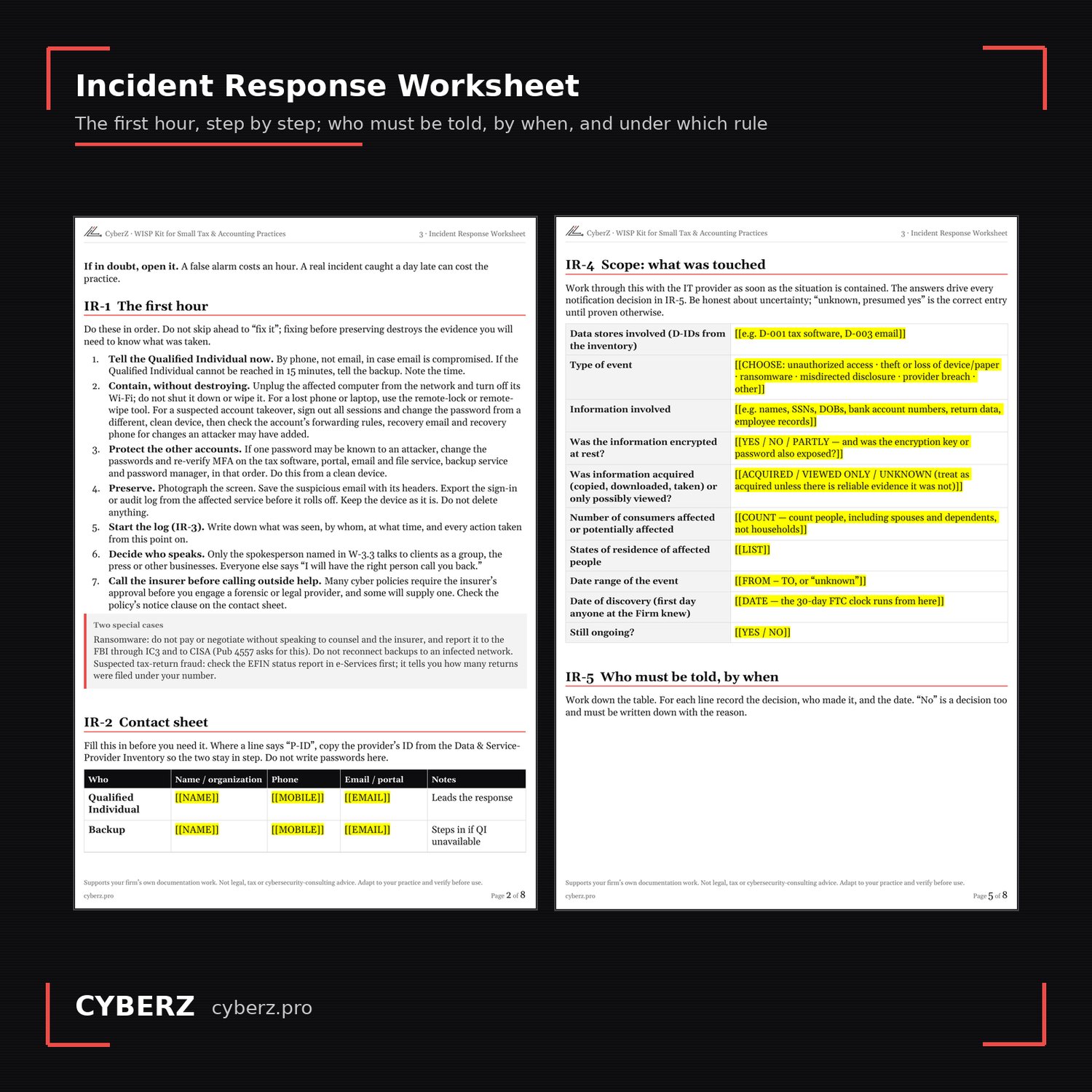
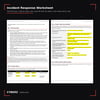
- Incident Response Worksheet (Word, 7 pages). The first hour step by step, a contact sheet, an incident log, a scope worksheet, and a notification table that says who must be told, by when, and under which rule, including the FTC’s 500-consumer / 30-day report and the IRS Stakeholder Liaison.
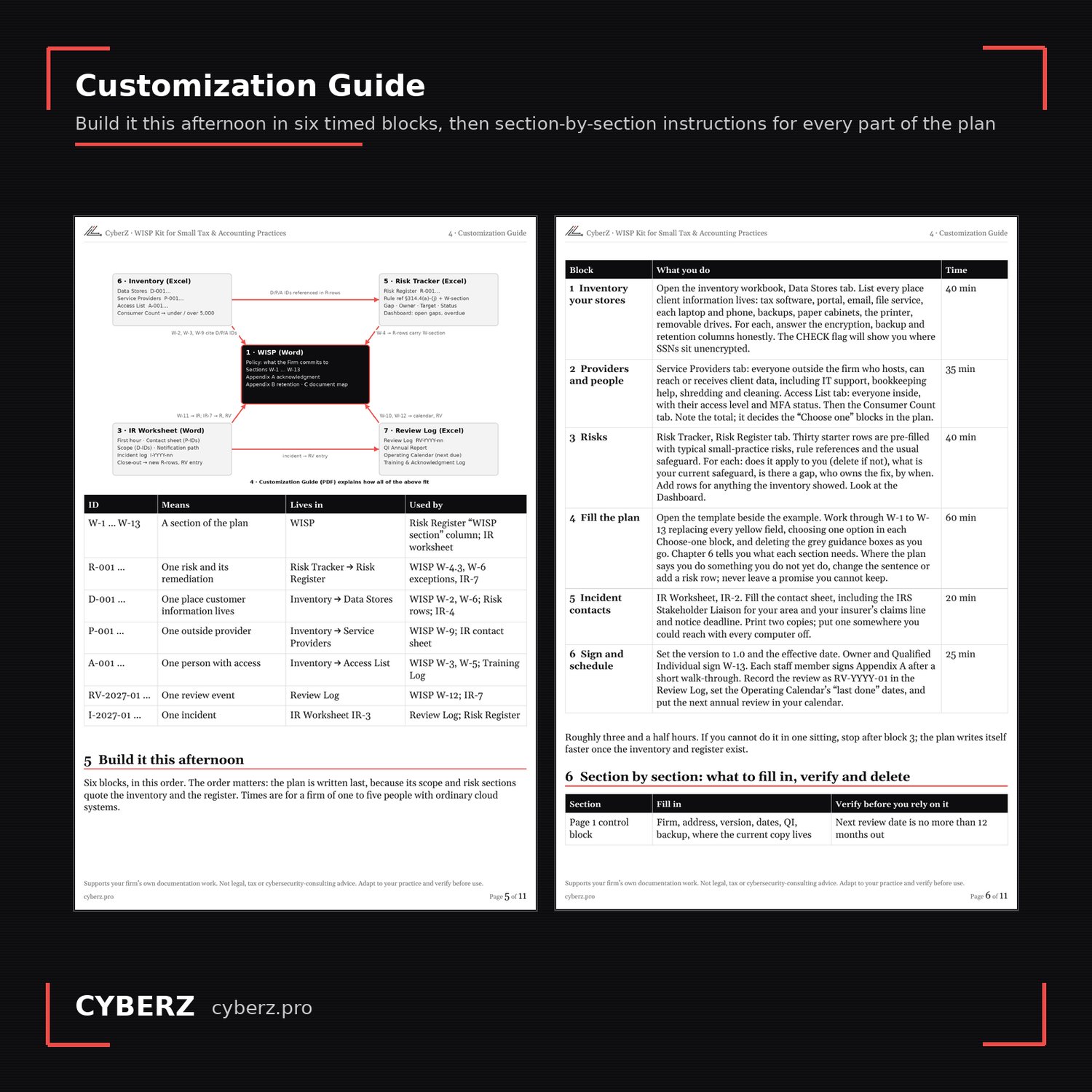
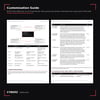
- Customization Guide (PDF, 11 pages). The requirement in plain language, how to count consumers for the 5,000 line, the build order with time estimates, section-by-section instructions, the operating cadence, the mistakes that make a plan worthless, and a source register with the date each source was checked.
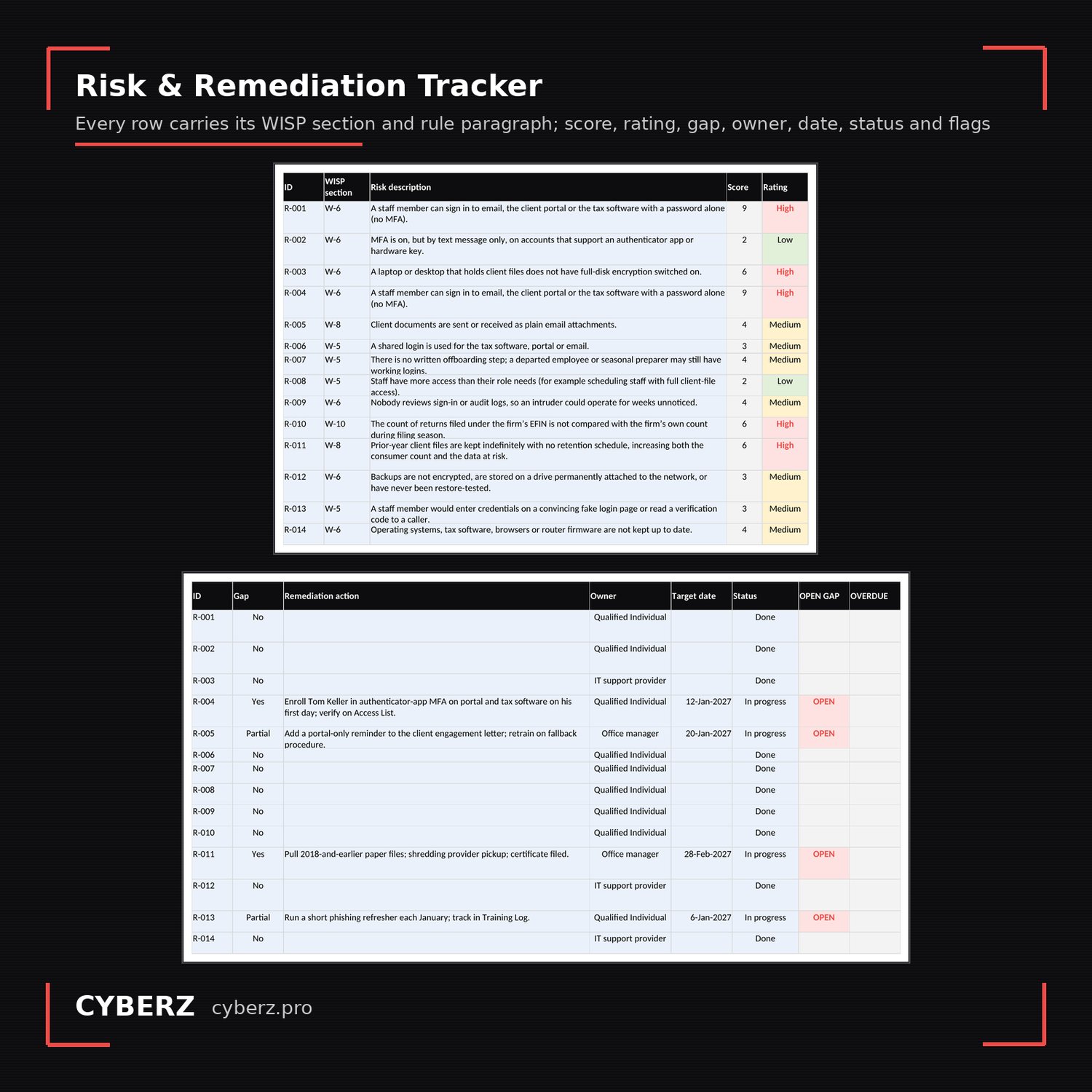
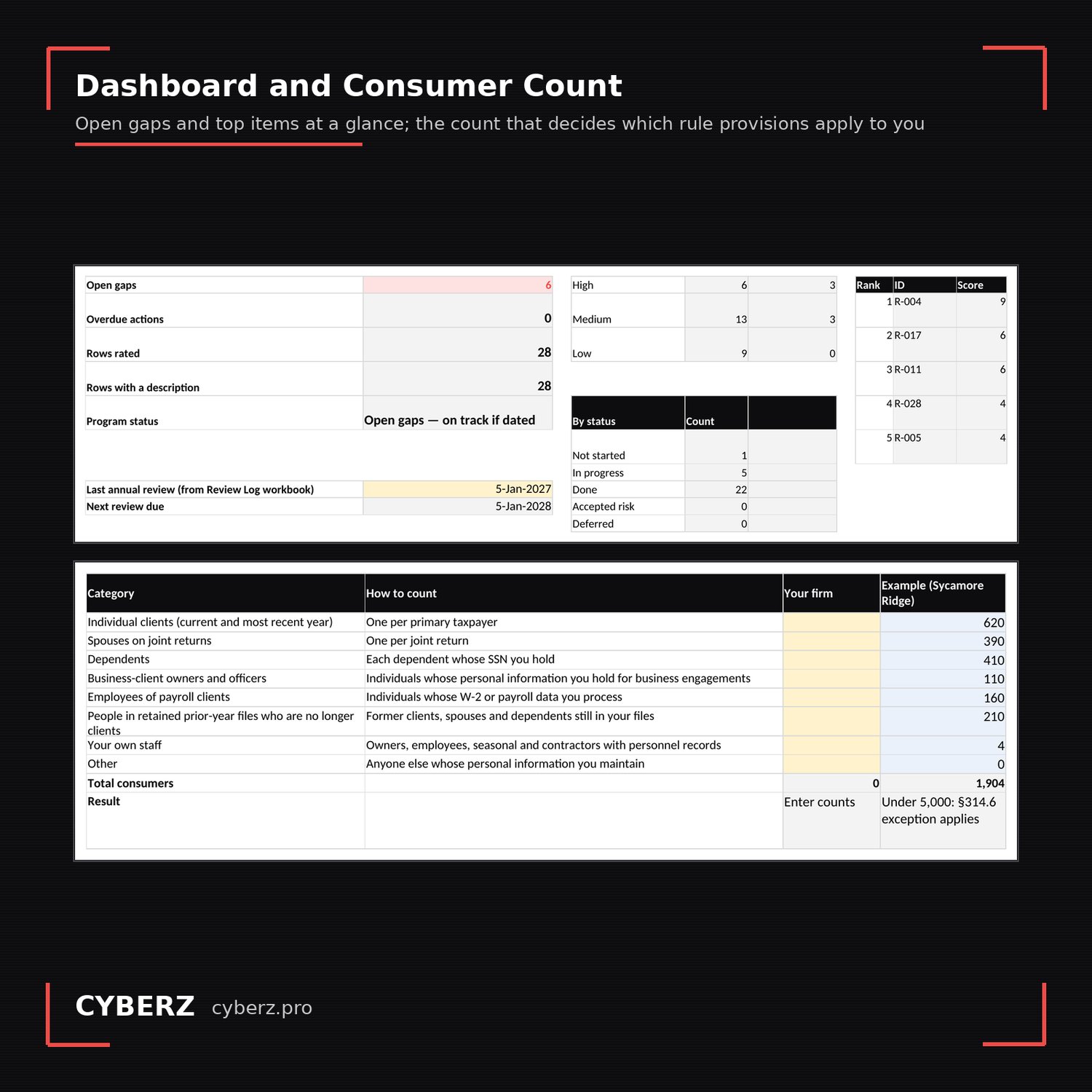
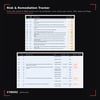
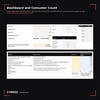
- Risk & Remediation Tracker (Excel). Thirty starter risks typical of a small practice, each mapped to its rule paragraph and WISP section. Score likelihood and impact, record the safeguard, the gap, the owner and the date; open-gap and overdue flags and a dashboard calculate. Includes the worked example.
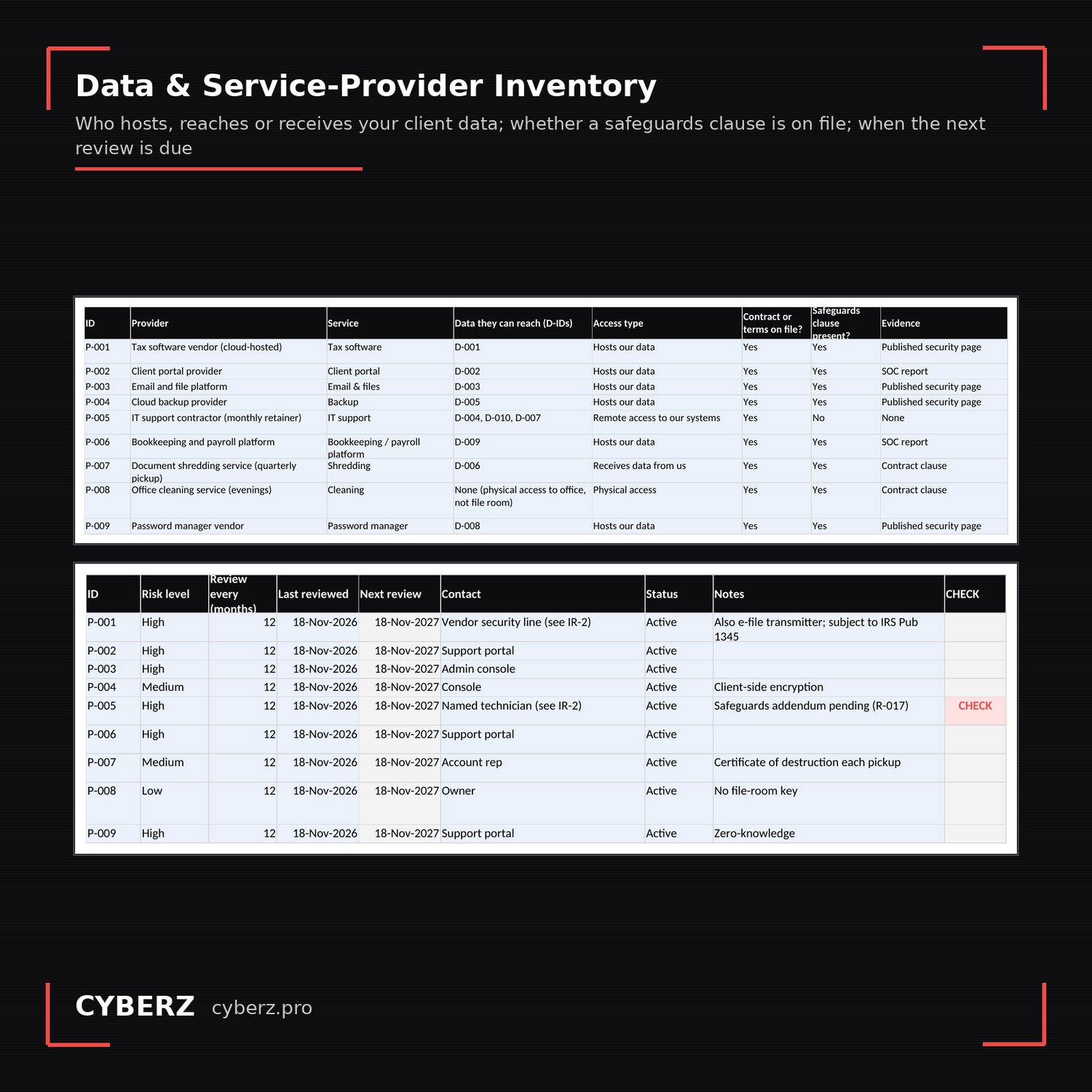
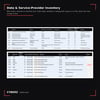
- Data & Service-Provider Inventory (Excel). Where your client data lives, which providers host or reach it, who inside the firm has access, and a consumer-count worksheet. Flags show unencrypted stores holding SSNs, providers without a safeguards clause or with an overdue review, and people without MFA.
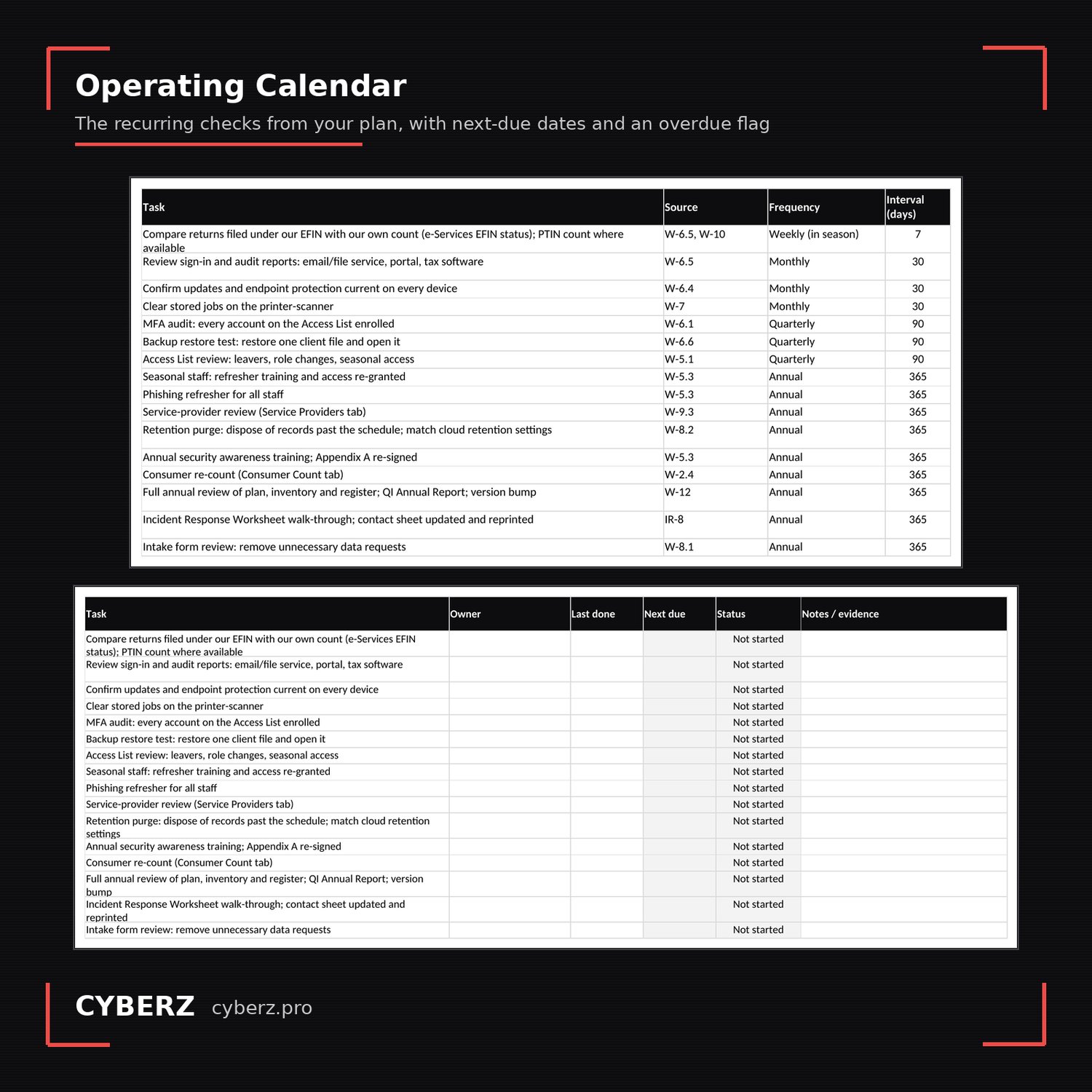
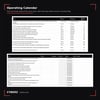
- Review Log & Operating Calendar (Excel). The proof the plan is run: a review log, the Qualified Individual’s one-page annual report, recurring checks with next-due dates, and a training and acknowledgment log.
How it works
Inventory your systems and providers first (about 75 minutes). Rate the starter risks (40). Fill the plan with the example open beside it (60). Complete the incident contact sheet (20). Sign it, log the first review, set the calendar (25). The guide walks each block. Everything cross-references by ID, so the plan stays short and the detail lives in the workbooks where it can change.
What it is not
- Not legal, tax or cybersecurity-consulting advice, and not a guarantee of compliance. The Safeguards Rule is about safeguards that operate; the kit gives you the documents and a way to show they operate.
- Not a replacement for IRS Publication 5708, which is free and worth reading. Download it from IRS.gov; use this kit to build and run the plan around it.
- Not a tool that configures anything. Encryption, MFA, backups and logging are tasks for you or your IT provider; the kit records their status.
- Not state-specific. State breach-notification laws and licensing-board rules are named as things to verify, not verified for you.
- Not a multi-office or reseller license. One purchase, one practice.
Formats and requirements
Microsoft Word (.docx) and Excel (.xlsx), plus the guide as PDF. Works in Word and Excel 2016 or later, Microsoft 365, and LibreOffice. No macros. Dropdowns and formulas are standard; nothing to install.
Sources and updates
Every regulatory statement in the kit names its source: 16 CFR 314.3, 314.4 and 314.6 (eCFR), IRS Publications 5708 (Rev. 8-2024), 4557 (Rev. 6-2024) and 5709 (5-2024), IRS Form W-12 (Rev. 10-2025) line 11, and the IRS Office of Professional Responsibility alert of July 22, 2026. Each carries the date it was last checked (October 1, 2026). Buyers receive free updates to all 1.x releases for twelve months, delivered through the Payhip download link, whenever a cited source changes or an error is corrected.
A note on the PTIN renewal
Form W-12, line 11, asks you to confirm that you are aware that paid preparers are required by law to create and maintain a written information security plan. It is an awareness statement, not a certification that your plan exists or is compliant. The obligation exists year-round; you need the plan the day a laptop goes missing in March.
This product supports your firm’s own documentation work. It is not legal, tax, or cybersecurity-consulting advice. Adapt every section to your own practice and verify before use. The example firm is fictional.