

Online Course Creator Income Tracker
Online Course Creator Income Tracker Excel — courses & pricing, sales log, expenses, and a monthly P and L dashboard. Know what every line actually pays — and whether the month actually made money.
Built for Online course creators selling on marketplaces and their own site who see gross sales everywhere and net income nowhere — especially after platform fees and ad spend.
WHAT'S INCLUDED (6 sheets):
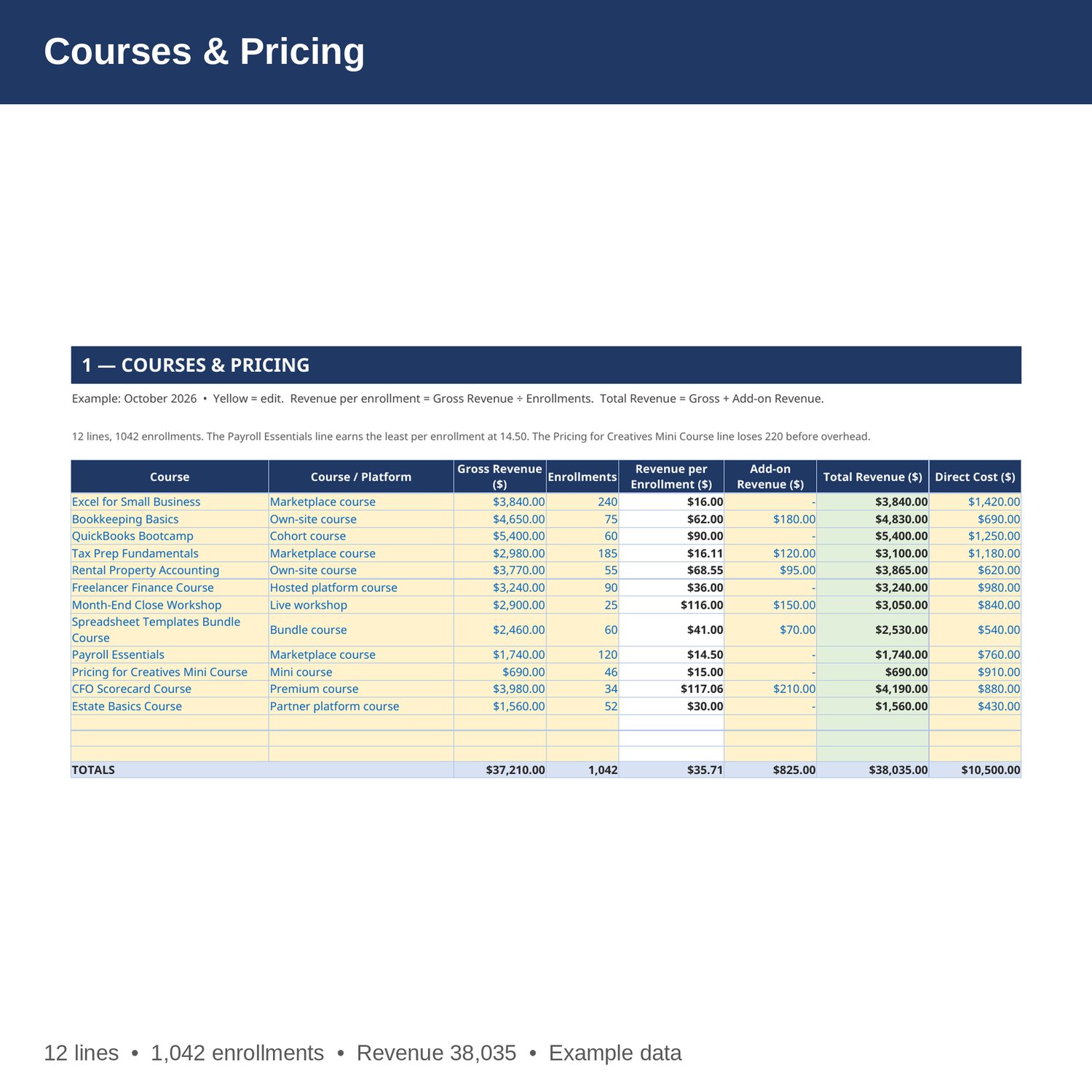
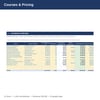
- Courses & Pricing — Every course: gross sales, enrollments, revenue per enrollment, add-on revenue from bundles and coaching upsells, total revenue, and direct platform fee and production cost. Change a price and the totals update.
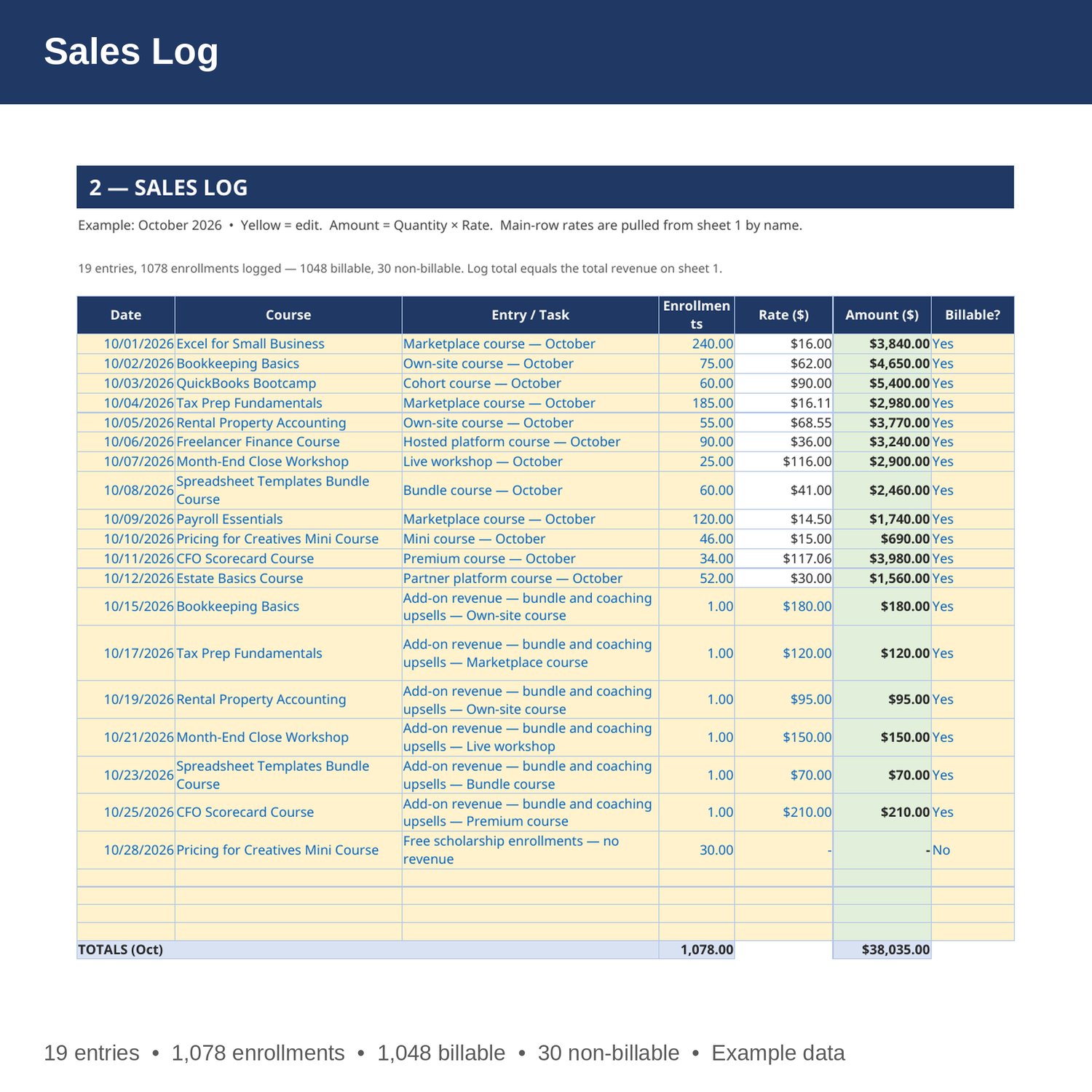
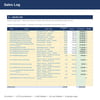
- Sales Log — Every course line: date, course, entry, enrollments, rate pulled from sheet 1 by formula, amount, and whether it was billable. Add-on rows are priced per entry, and free scholarship enrollments are logged as non-billable.
- Expenses — every overhead cost by category (Ads, Software, Platform, Production, Support, Fees, Other), with quantity, cost per unit, and a monthly cost for each.
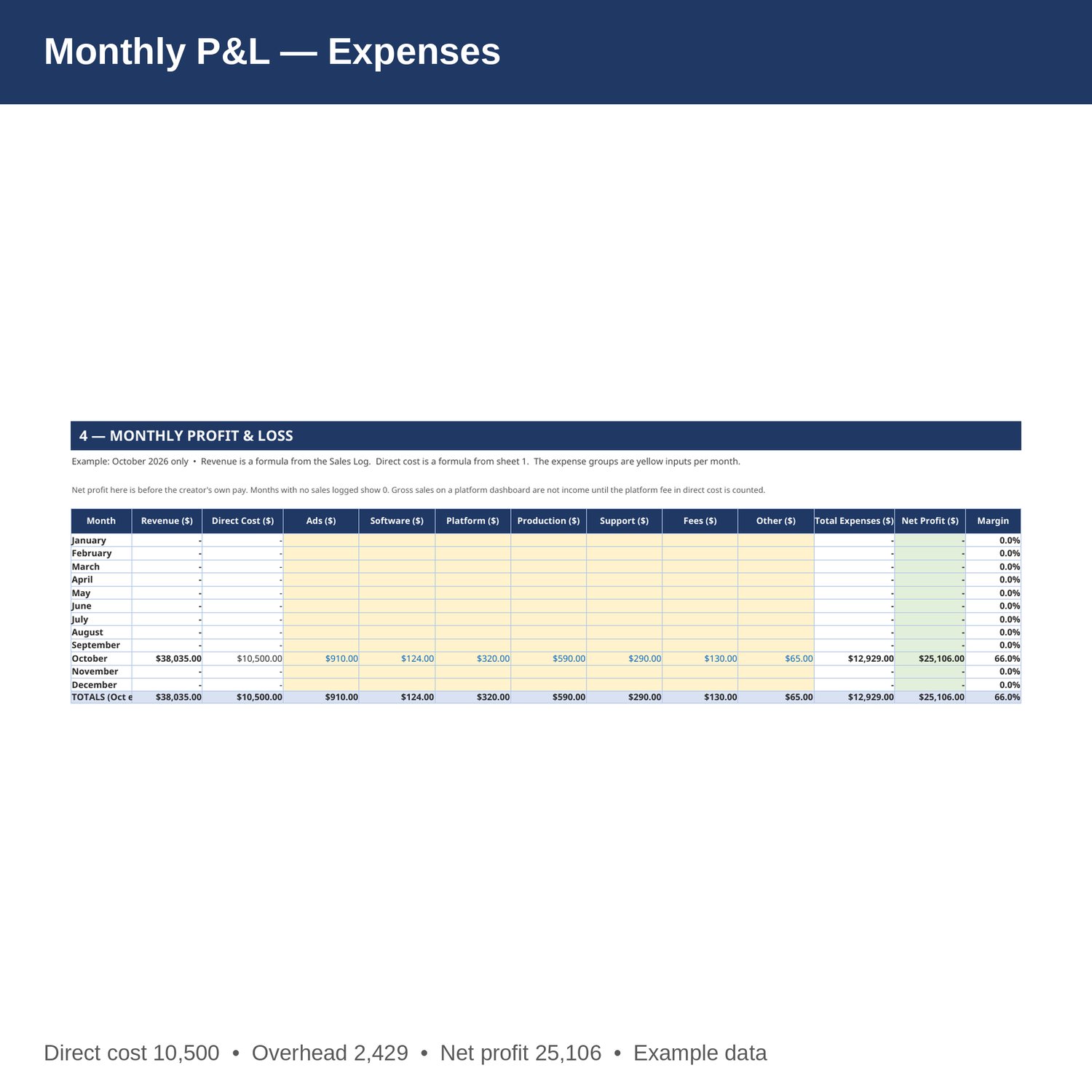
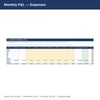
- Monthly P and L — revenue, direct cost, ads, software, platform, production, support, fees, other and other expenses by month, Jan-Dec, with net profit and margin. Revenue is a formula from the Sales Log; direct cost is a formula from sheet 1.
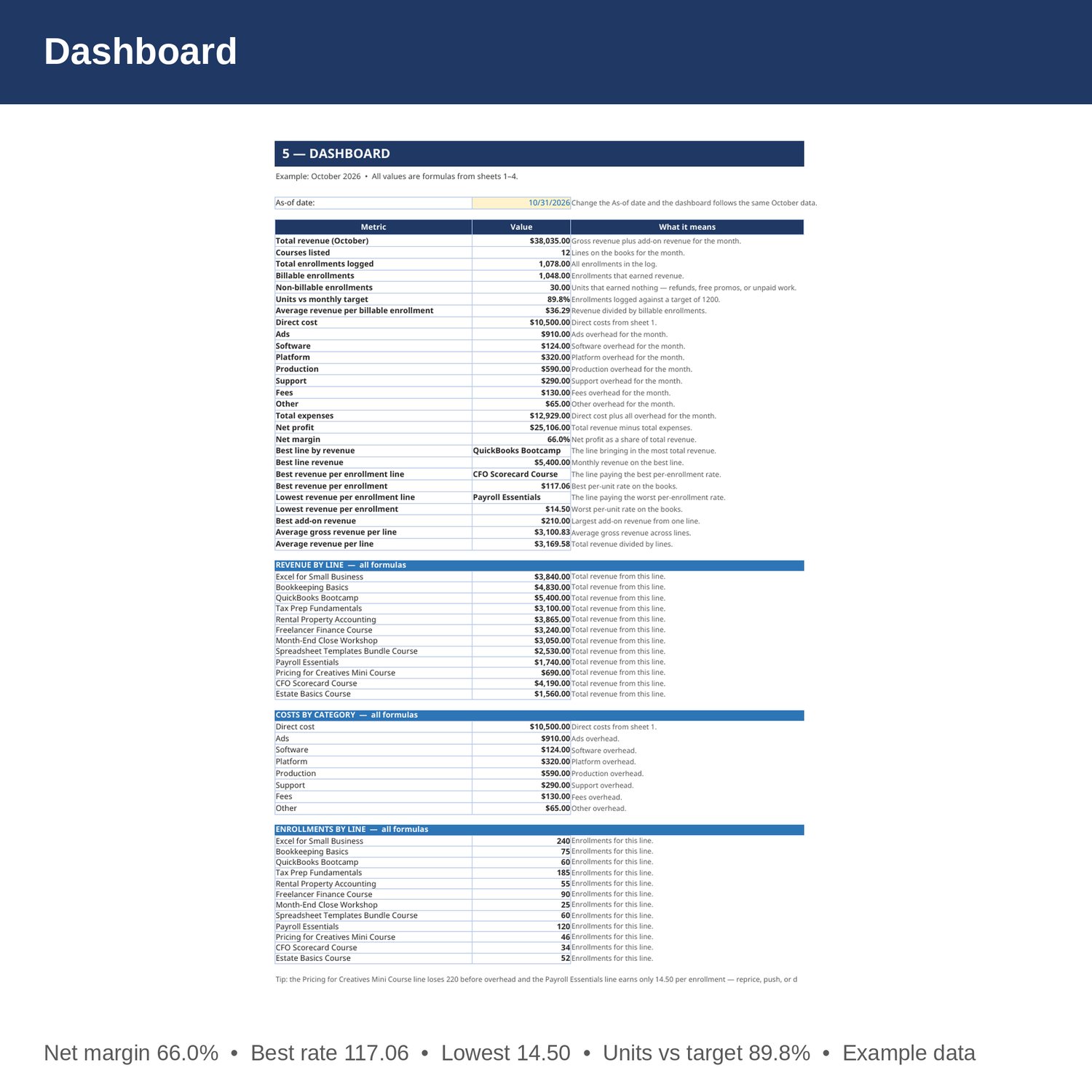
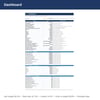
- Dashboard — total revenue, courses, units, billable vs non-billable units, units vs target, average revenue, direct cost, expenses, net profit and margin, best and weakest lines, revenue by line, costs by category, and units by line.
- Cover and How to Use — start here. Yellow cells are the only ones you edit.
EXAMPLE DATA (October 2026 — replace with your own numbers):
- 12 lines; gross revenue 37,210; add-on revenue 825; total revenue 38,035; direct cost 10,500.
- 1,042 enrollments on sheet 1; 1,078 logged (1,048 billable, 30 non-billable); units vs target 89.8 percent of a 1,200 target; average revenue per billable enrollment 36.29.
- ads 910; software 124; platform 320; production 590; support 290; fees 130; other 65; overhead 2,429; total expenses 12,929; net profit 25,106; net margin 66.0 percent.
- Best line by revenue: QuickBooks Bootcamp, 5,400. Best revenue per enrollment: CFO Scorecard Course, 117.06. Lowest revenue per enrollment: Payroll Essentials, 14.50. Losing line: Pricing for Creatives Mini Course at -220 before overhead.
HOW IT WORKS:
1. Download the Excel file instantly after purchase.
2. On sheet 1, enter each line's gross revenue, enrollments, add-on revenue, and direct cost. Revenue per enrollment and total revenue fill in by formula.
3. On sheet 2, add a row per entry: date, name (spelled exactly as on sheet 1), entry, enrollments, rate, and whether it was billable. Amount fills in by formula. Main rows pull the rate from sheet 1.
4. On sheet 3, enter each month's overhead costs.
5. On sheet 4, enter expenses each month, then check units vs target, direct cost, and net profit on the Dashboard.
HOW THE NUMBERS WORK:
Revenue per enrollment is gross revenue divided by enrollments. Total revenue is gross revenue plus add-on revenue. Average revenue per billable enrollment is total revenue divided by billable enrollments. Units vs target is units logged divided by a target of 1,200. Net profit is revenue minus direct cost and all overhead categories. Net profit here is before the creator's own pay. Months with no sales logged show 0. Gross sales on a platform dashboard are not income until the platform fee in direct cost is counted.
PLEASE NOTE:
- Instant digital download. No physical item ships.
- Works in Microsoft Excel and Google Sheets (upload to Google Drive to open in Sheets).
- Example data is included so you can see how it works. Replace the yellow cells with your own numbers — yellow cells are the only ones you edit.
- This is a bookkeeping tool, not tax, legal, or CPA advice.
- Built by an accountant: B.S. Accountancy, ASU W. P. Carey, with revenue-reconciliation experience at Marriott and audit work at PwC.