
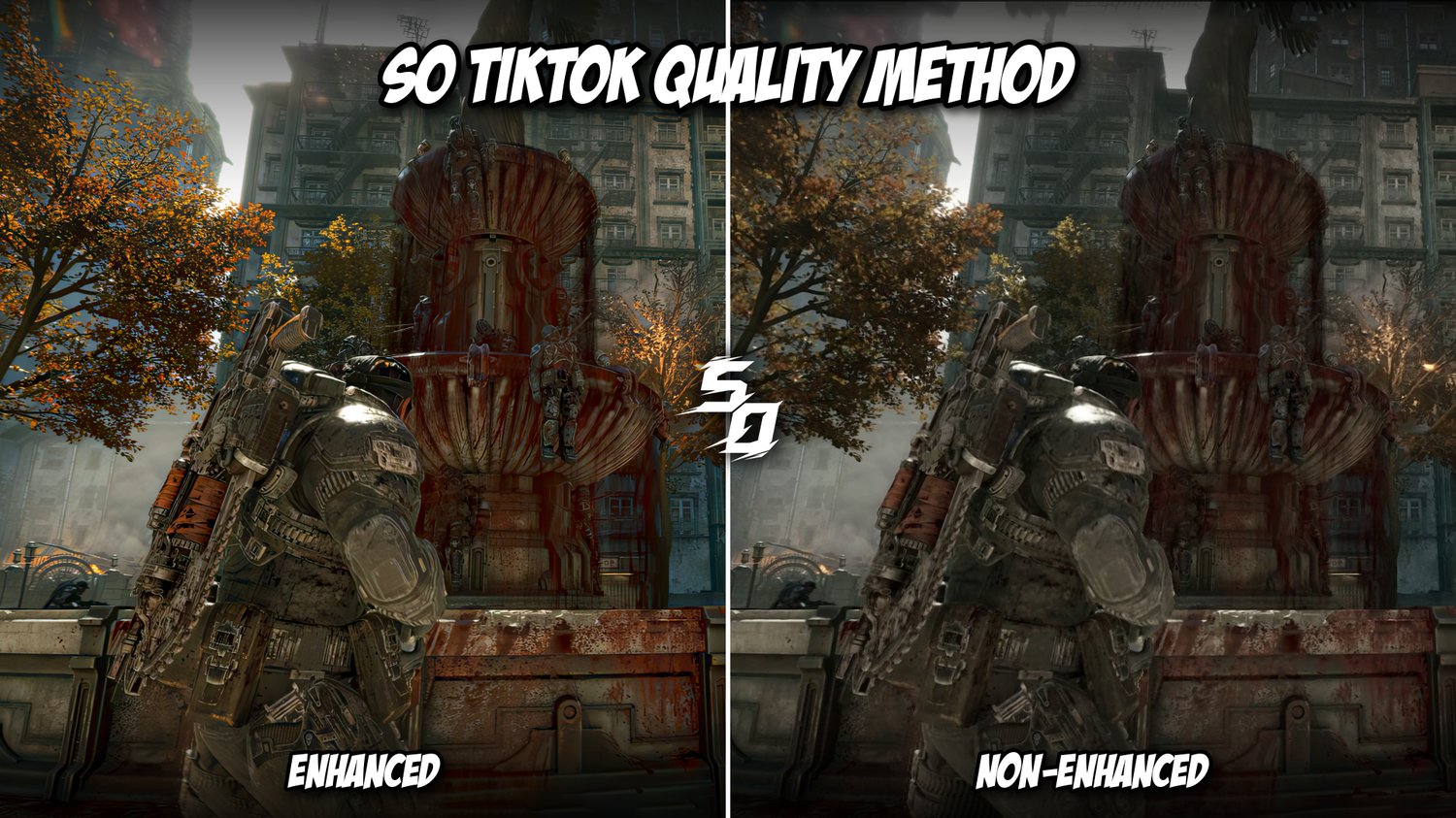
TikTok 1080p 60fps Quality Method
Upload sharper, smoother videos to TikTok at 1080p 60fps.
This is my step-by-step method for exporting and uploading your videos so they hold as much quality as possible on TikTok.
WHAT'S INCLUDED
- Full video walkthrough you can follow along step by step
- OBS settings (screenshots)
- After Effects colour correction preset (.ffx) with a guide on where to put it
- Premiere Pro export preset (.epr) with a guide on where to put it
- Access to the buyers' Discord (coming soon) for updates and quality news
WHAT YOU'LL NEED
- Adobe After Effects and Adobe Premiere Pro
- OBS
-Topaz video AI v.1.7.0 (any version is fine)
SUPPORT
Stuck on a step? Message me on tiktok
PLEASE READ BEFORE BUYING
- This is a digital product delivered instantly. All sales are final and there are no refunds.
- Results depend on your device, your footage and how TikTok processes uploads, so I can't guarantee a specific outcome.
- TikTok can change or patch how it handles quality at any time. Videos made with 1080p 60fps methods have sometimes been taken down or restricted, including my own and other creators'. You use this method at your own risk, so keep backups of your original files.