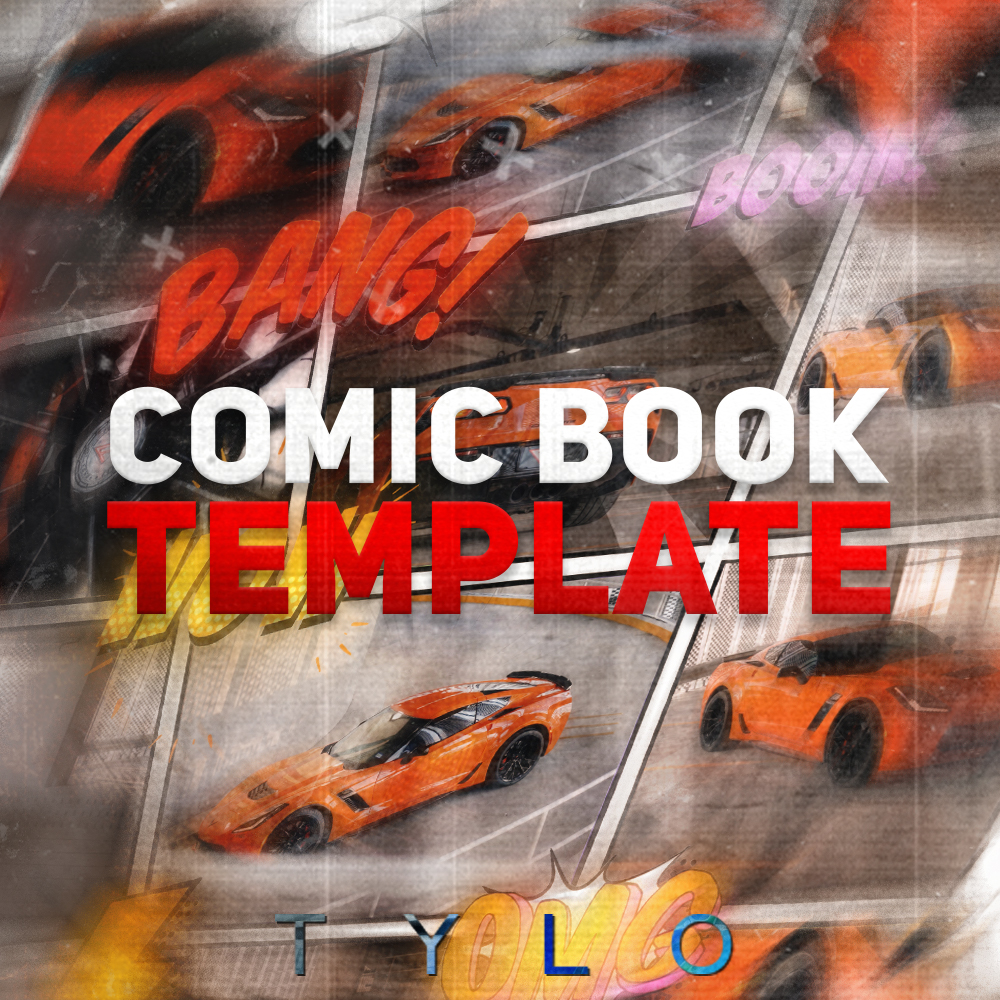



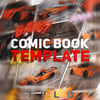


Comic Book Collage Transition Template – Premiere Pro
Easily add a realistic comic book collage-style animation to your edits with this drag-and-drop Premiere Pro MOGRT template!
✔️ Drag and drop
✔️ Formatted for vertical videos
✔️ Quick and easy to use
✔️ Super customizable to match your style
How To Install:
#1. Open the Graphics Template Panel
Go to Window > Graphics Template to make sure the panel is visible.
#2. Import the MOGRT File
Click the “+” button in the top right corner of the Graphics Template panel or drag and drop the .mogrt file directly into the panel.
#3. Find and Use the Template
The template will appear in Graphics Template > My Templates. Drag and drop it onto your timeline.
#4. Customize & Save
Adjust settings in the Graphics Template > Edit tab, then save your project.
These transitions are designed exclusively for Premiere Pro 2025 or later, compatible with both Mac OS and Windows.
**No refunds available**