

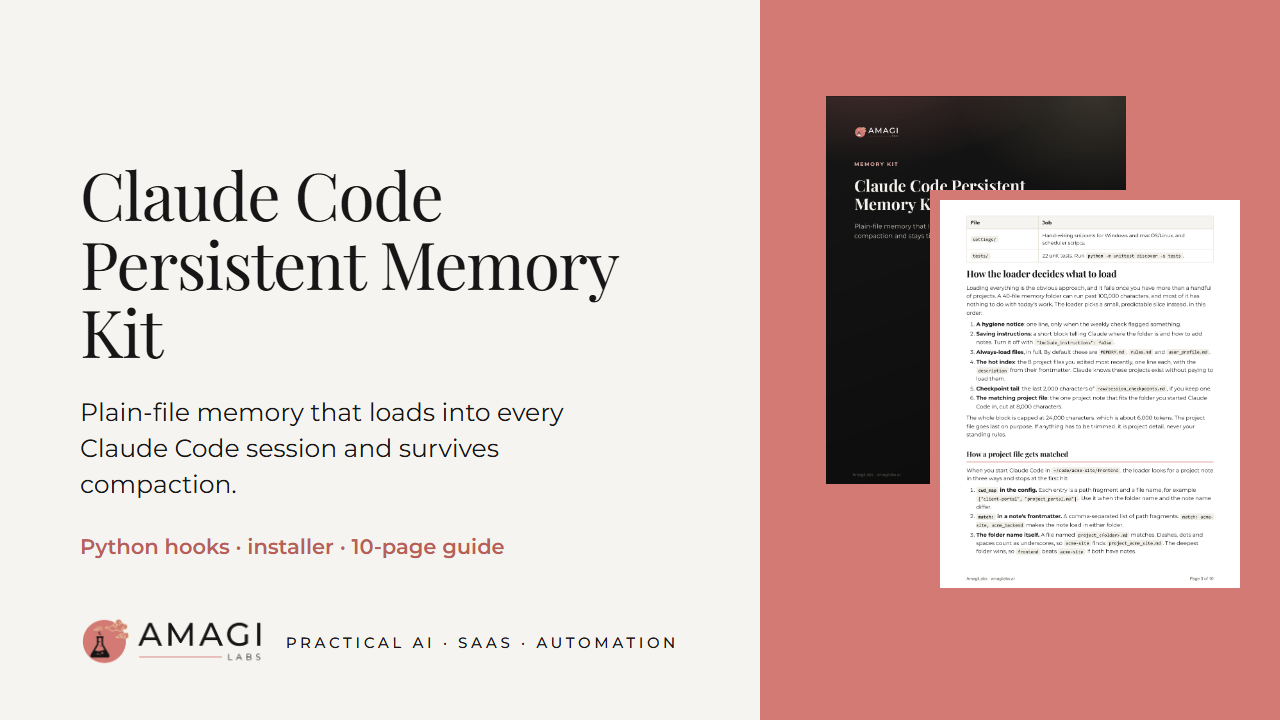
Claude Code Persistent Memory Kit
Your rules, profile and project notes in every session
Install with one command. Your next Claude Code session starts with your rules, your profile and the note for the project you're in already loaded.
What you get: an installer, the loader hook, the dump hook, a weekly hygiene check, 8 templates, settings snippets for Windows and macOS/Linux, 22 unit tests and a 10-page PDF guide.
We timed setup on a clean project on our Windows 11 machine: unzip, install and preview took under 5 seconds. After that you write a few lines in your profile and rules files.
It's a clean rewrite of the memory hooks we run on our own machines.
Claude Code starts every session knowing nothing about you or your projects. A long CLAUDE.md helps until it turns into a wall of text that loads in full every time. This kit gives Claude a memory folder of small Markdown notes and loads only what fits the work in front of it: your standing rules, your profile, a one-line index of your recent projects, and the full note for the project folder you're in.
The loader runs at session start, after /clear and after every compaction. It is capped at 24,000 characters (about 6,000 tokens). If something has to be trimmed, it trims project detail and leaves your rules alone.
What's in the zip
- install.py: one command installs, one uninstalls. It backs up settings.json first and keeps the hooks you already have.
- The loader hook (SessionStart): rules, profile, hot index and the matched project note, under the size cap. --preview shows exactly what will load.
- The dump hook (PreCompact and SessionEnd): saves the end of each transcript to a raw/ folder with common key and token shapes redacted, and rotates old dumps.
- A weekly hygiene check: flags stale projects and possible duplicate notes. Archiving happens only if you turn it on.
- 8 templates: the MEMORY.md index, rules, profile, project, feedback and reference notes, a consolidation prompt and an optional CLAUDE.md snippet.
- settings.json snippets for Windows and for macOS/Linux, plus scripts to schedule the weekly check.
- 22 unit tests.
- A 10-page PDF guide: how the loader picks files, how a project note gets matched to a folder, the five habits that make notes useful, settings and troubleshooting.
How we tested it
We installed from this zip into an empty home folder, opened a fresh claude -p session in a project folder, and checked that the hook ran and the model answered from the notes it loaded. All 22 tests pass from the unzipped kit.
Pairs with the Safety Hooks Pack
Pairs with our Claude Code Safety Hooks Pack ($19): output truncation, a token warning and a protected-folder guard. On Payhip: https://payhip.com/b/paA8m. Both include a transcript dump hook. They write to different folders and don't clash, so if you install both you can leave the Hooks Pack's dump hook out.
Before you buy
- You need Claude Code with hooks support and Python 3.8 or newer (standard library only). It runs on Windows 10/11, macOS and Linux.
- This is Python code and Markdown templates. You'll run one command in a terminal and edit a few text files.
What it doesn't do
- No cloud sync. Your notes stay on your disk; put the folder in a synced drive or a git repo if you want them elsewhere.
- No vector search or embeddings. Notes load by file name, folder match and edit date.
- It doesn't read, import or change other apps' memory, including your CLAUDE.md files, Claude Code's built-in memory, ChatGPT or Cursor. Those keep working beside it.
- It doesn't summarise transcripts with a model. The dump hook saves raw transcript tails, and you fold them into memory when you choose.
- It sends nothing over the network. No telemetry.
- Redaction in the dumps catches common key and token shapes. It's best effort, so keep secrets out of your chats.
Licence
Use it on any number of machines you own or control, for personal or commercial work, and change it for your own use. No resale or redistribution.
How it was made
Written with AI help (Claude) and reviewed by AmagiLabs before release. AmagiLabs isn't affiliated with Anthropic; Claude and Claude Code are Anthropic's trademarks.
Refunds
All sales are final. You get this digital download right away, so we don't give cash refunds. If a file won't open or the product doesn't match this page, email us within 7 days of purchase. We'll fix it or send a replacement. If we can't, you'll get store credit for the full price.
EU and UK buyers: you'd normally have 14 days to withdraw from this purchase. You lose that right once your download or access starts, because you ask for immediate access at checkout. If the product is faulty or not as described, the 7-day limit doesn't apply to you. If we can't fix it, you can choose a refund instead of store credit.
Nothing in this policy limits your rights under the law where you live. You can ask us for a written copy of this policy at any time.
Format: one zip (claude-code-memory-kit.zip) with the Python hooks, installer, templates, settings snippets, tests and the PDF guide.