
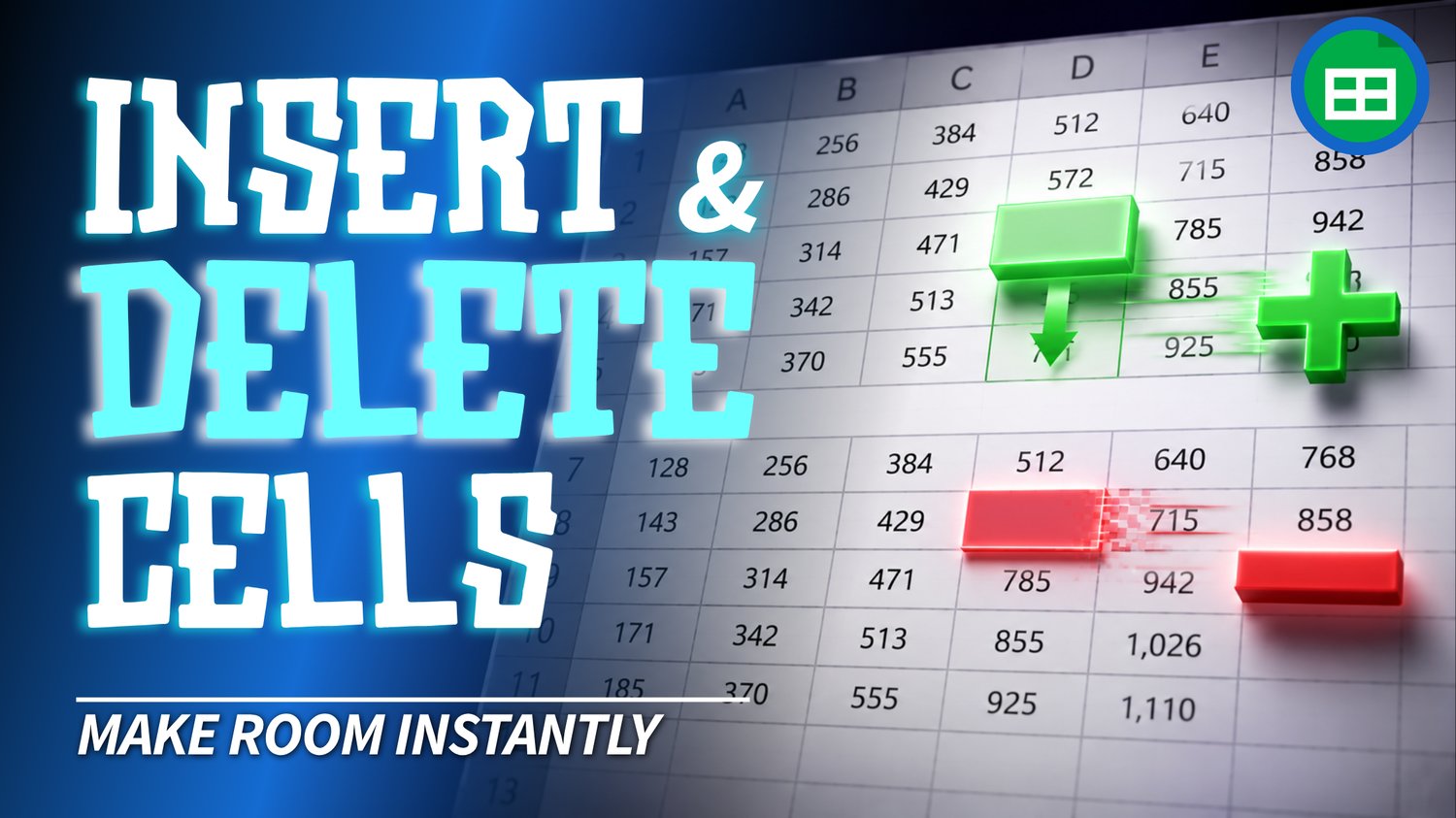
Google Sheets Insert & Delete Cells Practice Workbook | Beginner Practice
Learn how to insert and delete individual cells in Google Sheets with this beginner-friendly practice workbook from Easy Mode Excel Tutorials!
Need to make room for new information without inserting an entire row or column? Or want to remove cells while adjusting the surrounding data? This hands-on workbook helps you practice making these changes confidently.
Designed to accompany our free Google Sheets Insert & Delete Cells video lesson, this workbook gives you practical exercises to reinforce what you've learned.
What You'll Practice
✓ Insert individual cells into a spreadsheet
✓ Shift existing cells right or down to make room
✓ Delete individual cells without removing entire rows or columns
✓ Shift surrounding cells left or up when deleting cells
✓ Understand the difference between deleting cells and clearing their contents
✓ Build confidence adjusting spreadsheet layouts
What's Included
✓ One ready-to-use Google Sheets practice workbook
✓ Beginner-friendly exercises to reinforce the lesson
✓ Your own editable copy of the workbook
✓ Hands-on practice you can complete at your own pace
Perfect for Google Sheets beginners! Learn how to insert and delete cells while keeping your spreadsheet information organized.
Price: $2.49 USD — one-time purchase.
After purchasing, you'll receive a link to create your own editable copy of the Google Sheets practice workbook.
This purchase includes the practice workbook only.
Watch the FREE Video Lesson
🎥 Google Sheets Insert & Delete Cells:
More FREE Learning
This lesson is also part of our two-lesson collection covering Insert & Delete Rows and Columns and Insert & Delete Cells. You can watch the matching compilation on our Easy Mode Excel Tutorials YouTube channel.