
Google Sheets Bundle | ROUND, Formatting, Editing & Data Management
Build your Google Sheets skills with this beginner-friendly collection of ten hands-on practice workbooks from Easy Mode Excel Tutorials!
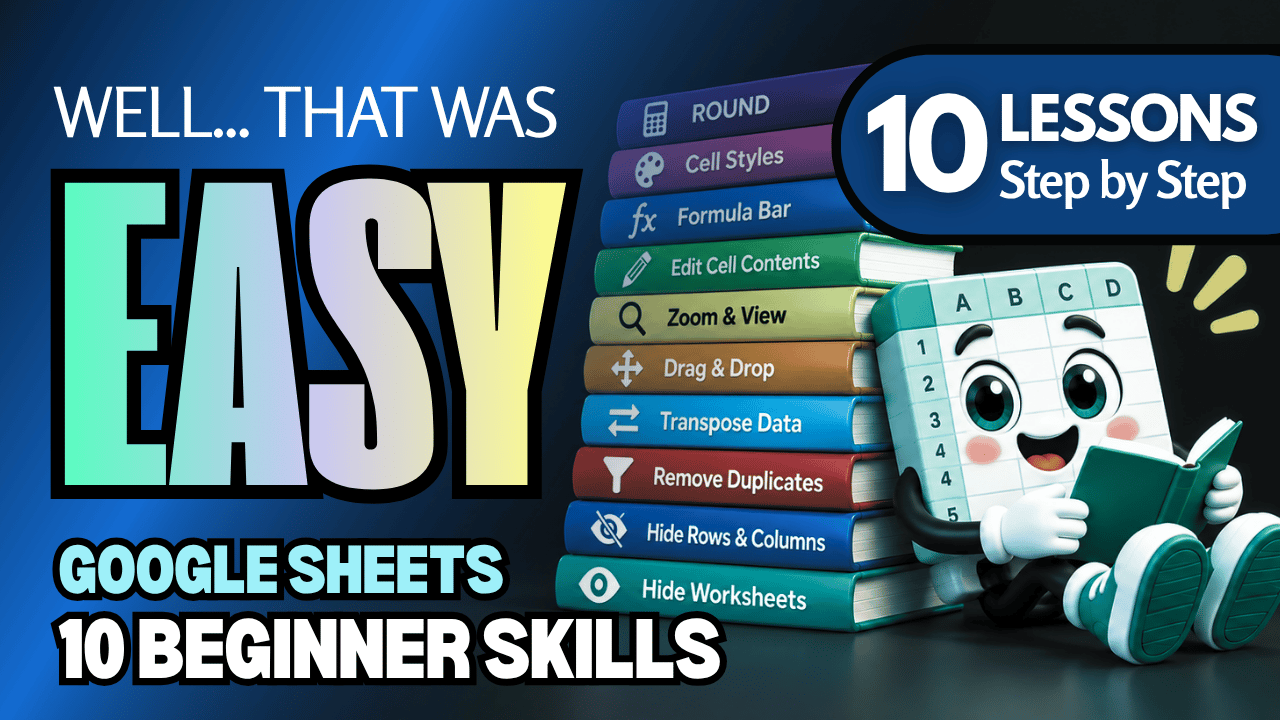
Ready to take your spreadsheet skills further? This ten-lesson bundle helps you work with formulas, customize themes, edit information, organize data, and manage worksheets with greater confidence.
From rounding numbers and applying spreadsheet themes to removing duplicates and hiding worksheets, these practical exercises help you become more comfortable with everyday Google Sheets tasks.
Each practice workbook accompanies our free Google Sheets video lesson compilation, so you can watch, follow along, and practice at your own pace.
What You'll Practice
ROUND Basic Function
✓ Use the ROUND function to round numbers to a specified number of decimal places
✓ Practice writing ROUND formulas and understanding their results
Themes
✓ Explore Google Sheets' built-in themes
✓ Apply and customize themes to create coordinated spreadsheet formatting
Formula Bar
✓ Use the Formula Bar to view and edit cell contents
✓ Practice working with formulas and information directly in the Formula Bar
Editing Cell Contents
✓ Change and correct information in spreadsheet cells
✓ Practice editing existing cell contents without replacing everything
Zoom & View
✓ Adjust zoom levels to make spreadsheet information easier to read
✓ Explore View options to customize your workspace
Drag & Drop
✓ Move spreadsheet information using drag-and-drop techniques
✓ Practice repositioning cells and data within a worksheet
Transpose Data
✓ Change data arranged in rows into columns, and columns into rows
✓ Practice reorganizing spreadsheet information using Transpose
Remove Duplicates
✓ Identify and remove duplicate entries from spreadsheet data
✓ Practice cleaning up lists to keep information organized
Hide & Unhide Rows and Columns
✓ Hide rows and columns without deleting their contents
✓ Restore hidden rows and columns when you need them again
Hide & Unhide Worksheets
✓ Hide worksheets to keep your spreadsheet organized
✓ Unhide worksheets to make them visible again
What's Included
✓ Ten Google Sheets practice workbooks — one for each topic
✓ Beginner-friendly exercises covering all ten lessons
✓ Links to create your own editable copies in Google Sheets
✓ Hands-on activities to reinforce your spreadsheet skills
Bundle & Save!
Get all ten practice workbooks for just $16.99 USD!
Purchased separately, these ten workbooks would cost $24.90 USD.
Your bundle savings: $7.91 USD — approximately 32% off!
One convenient purchase gives you all ten workbooks to practice whenever you're ready.
Learn by Doing!
Watching a tutorial is helpful, but practicing the skills yourself makes them easier to remember!
Open your workbooks, follow along with the free video compilation, and build your confidence one lesson at a time.
Perfect for Google Sheets beginners! Strengthen your formula skills, learn useful formatting and editing techniques, organize spreadsheet data, and manage your worksheets more efficiently.
Whether you're learning Google Sheets for work, personal projects, or everyday tasks, these practical exercises will help you develop skills you can use again and again.
After purchasing, you'll receive links to create your own editable copies of all ten Google Sheets practice workbooks.
This purchase includes access to ten Google Sheets practice workbooks only. A Google account may be required to create and edit your own copies.
Watch the FREE Video Lesson Compilation
🎥 Google Sheets — ROUND, Themes, Formula Bar, Editing, Zoom, Drag & Drop, Transpose, Remove Duplicates, Hide Rows, Columns & Worksheets