
Subtitle Presets Pack
On Sale
$20.99
(10% off)
$18.89
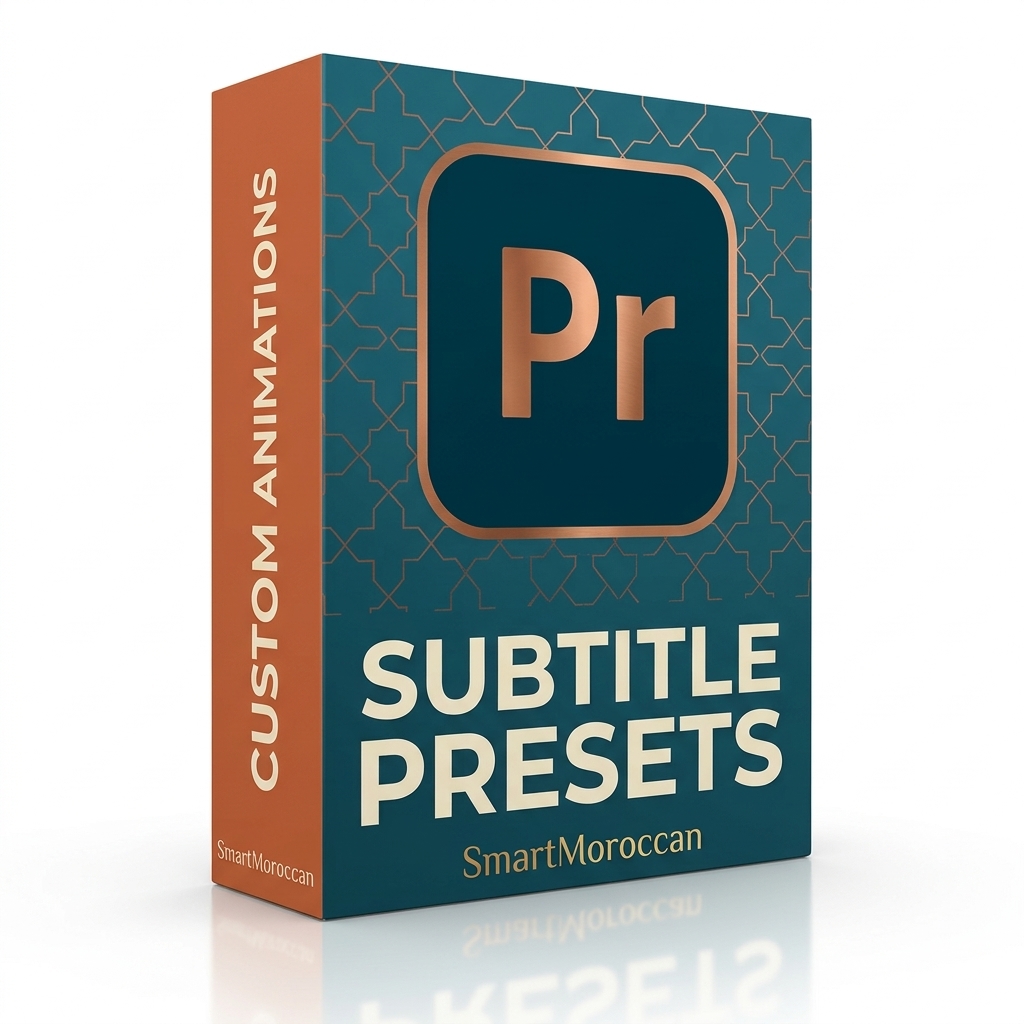
Animated subtitle presets for Premiere Pro, ready to drop onto your text.
*WHAT'S INSIDE
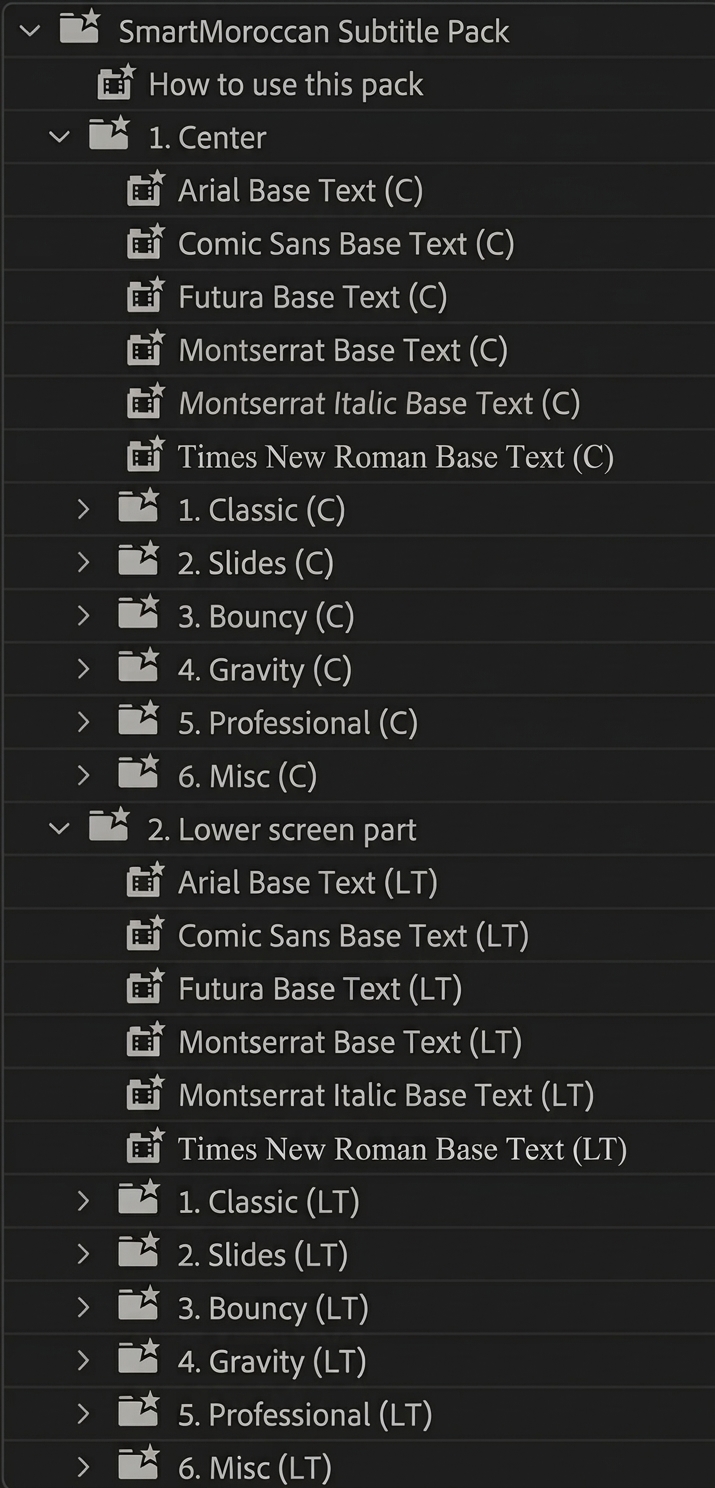
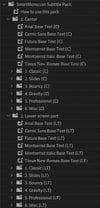
Center and Lower screen placements.
Six font styles: Arial, Comic Sans, Futura, Montserrat, Montserrat Italic, and Times New Roman.
Six animation categories for each placement: Classic, Slides, Bouncy, Gravity, Professional, and Misc.
[X] presets (.prfpset).
*HOW TO INSTALL
1. Open Premiere Pro and go to the Effects panel.
2. Right-click Presets and choose Import Presets.
3. Select the .prfpset file.
4. Drag a style onto your text layer.
*COMPATIBILITY
Adobe Premiere Pro. Digital product, instant download.
*LICENSE
Personal and commercial use in your own projects. No resale or redistribution.
*SUPPORT
atomicdefusion@gmail.com