

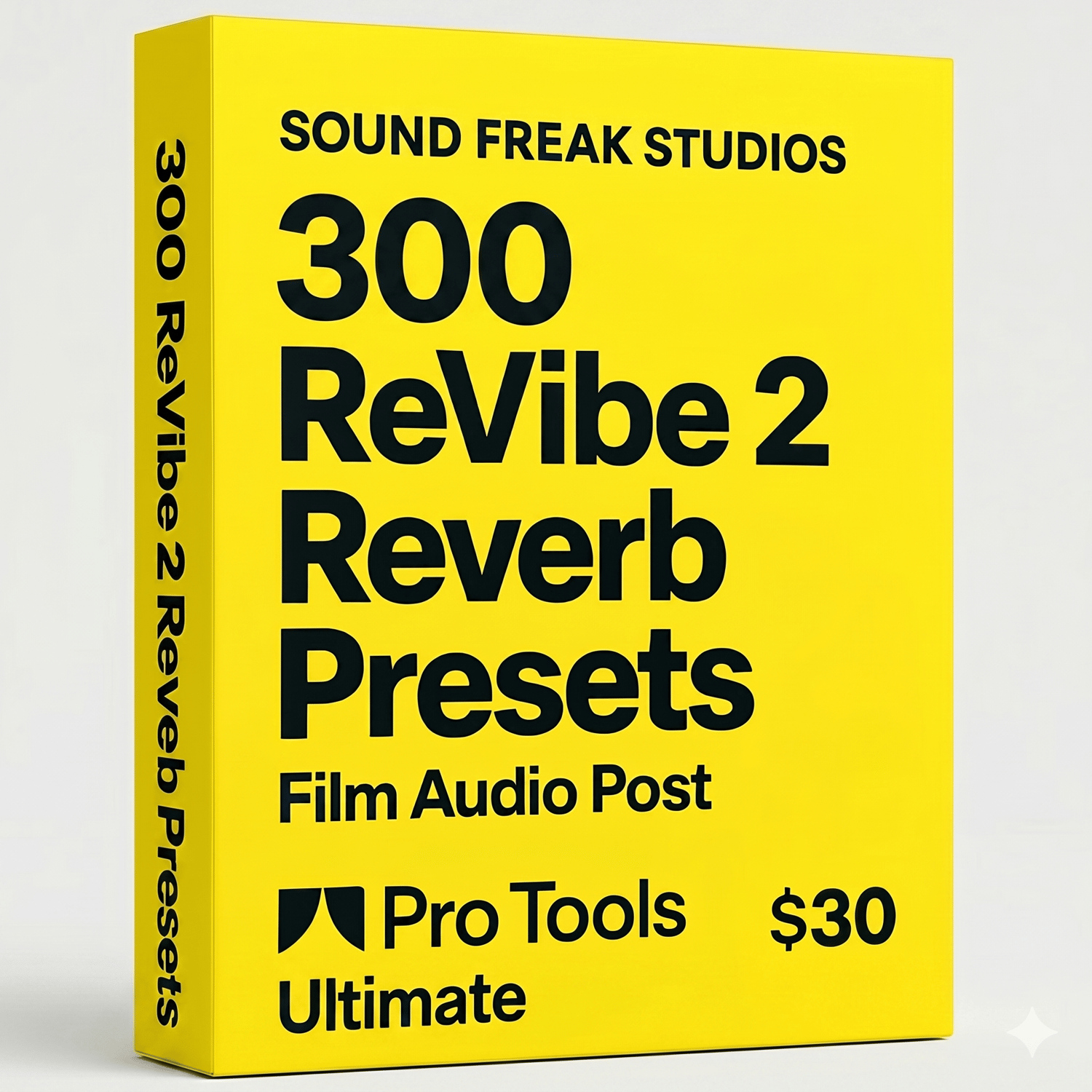
300 ReVibe II Presets for Film, OTT & Audio Post
Transform your Pro Tools sessions with 300 custom ReVibe II presets crafted for film, OTT, web series, dialogue, ambience, source music, creative sound design, and stylized cinematic spaces.
This pack is built for mixers, dialogue editors, sound designers, and post engineers who want to move faster while still getting believable, production-ready spaces inside Avid ReVibe II.
From tight production interiors to wide exterior reflections, ADR match spaces, PA/phone/radio treatments, next-room spill, creative horror, sci-fi voices, and musical source environments, this collection gives you a huge range of ready-to-use environments for modern audio post.
What’s inside
- 300 ReVibe II .tfx presets
- Categories such as:
- DX – natural rooms, ADR, phone, PA, radio, TV bleed, hallway spill, offscreen spaces
- INT – bedrooms, offices, hospitals, corridors, basements, bunkers, lobbies, caves, vehicles, tunnels, stations, auditoriums, vaults, control rooms, etc.
- EXT – streets, rooftops, bazaars, stadiums, beach, parking, flyovers, tunnels, roller coaster, woods, graveyard, battlefield, open lots and more
- CREATIVE – horror, dream, ghostly, alien, portal, mutant, subconscious, surreal, sci-fi and stylized FX spaces
- MUSIC – source music spill, club bleed, rooftop party return, temple courtyard music, distant auditorium wash, plate-style and score glue spaces
Designed for
- Film & OTT post-production
- Web series
- Dialogue editing and scene matching
- ADR and offscreen voice treatment
- Foley and background placement
- Source music placement
- Stylized cinematic sound design
Why this pack
Instead of building every space from scratch, you can quickly audition scene-appropriate environments and then fine-tune as needed. This makes the pack ideal for both fast-turnaround projects and premium mix workflows.
Installation
Mac
- Unzip the preset pack.
- Copy the .tfx files into:
- /Users/YourUsername/Documents/Avid Plug-Ins Settings/ReVibe II/
- Restart Pro Tools.
- Open ReVibe II and access the presets from the plug-in preset/settings menu.
Windows
- Unzip the preset pack.
- Copy the .tfx files into:
- C:\Users\YourUsername\Documents\Avid Plug-Ins Settings\ReVibe II\
- Restart Pro Tools.
- Open ReVibe II and load the presets from the plug-in preset/settings menu.
Required:
- Avid Pro Tools with ReVibe II installed
- Mac or Windows
- 64-bit Pro Tools system
Delivery
- Instant digital download
- .tfx preset files
- For use inside Avid ReVibe II