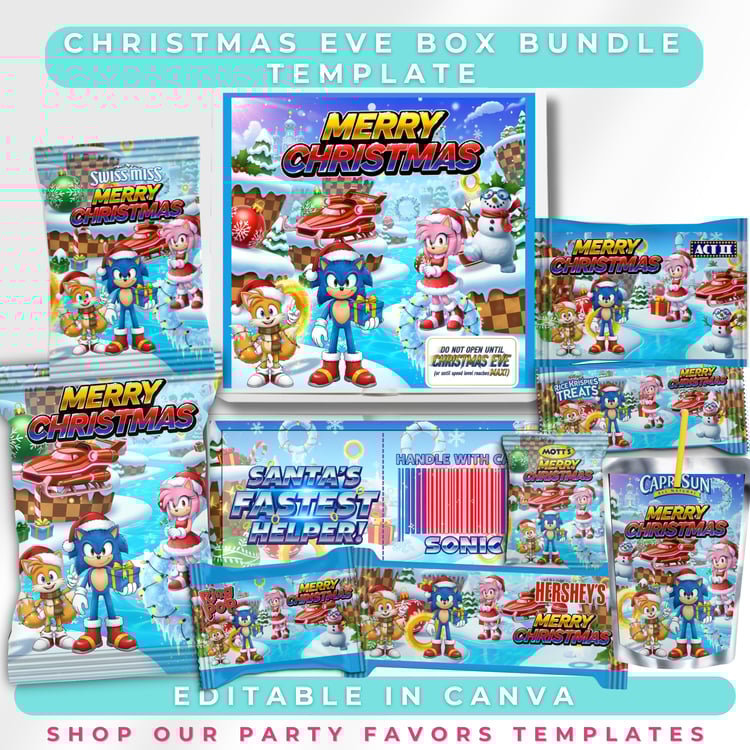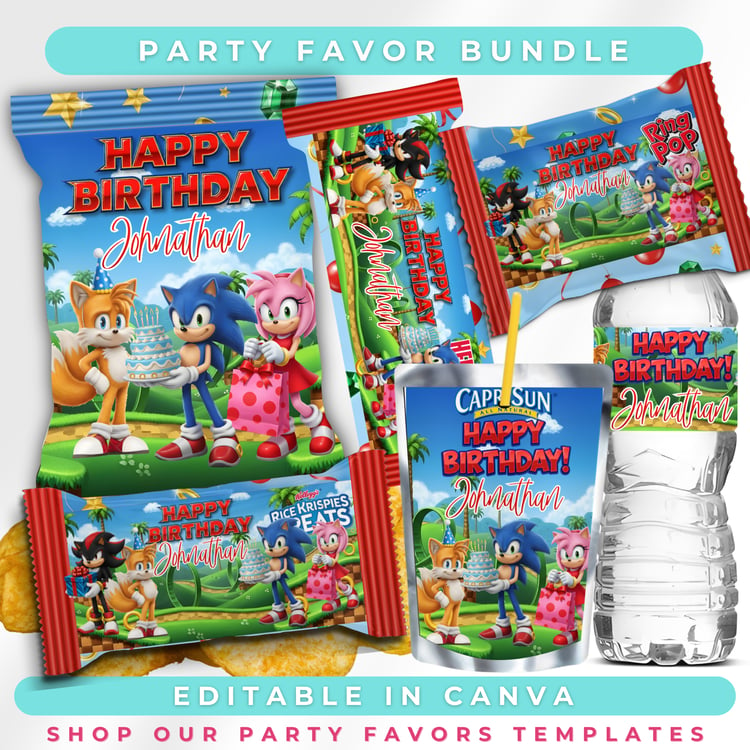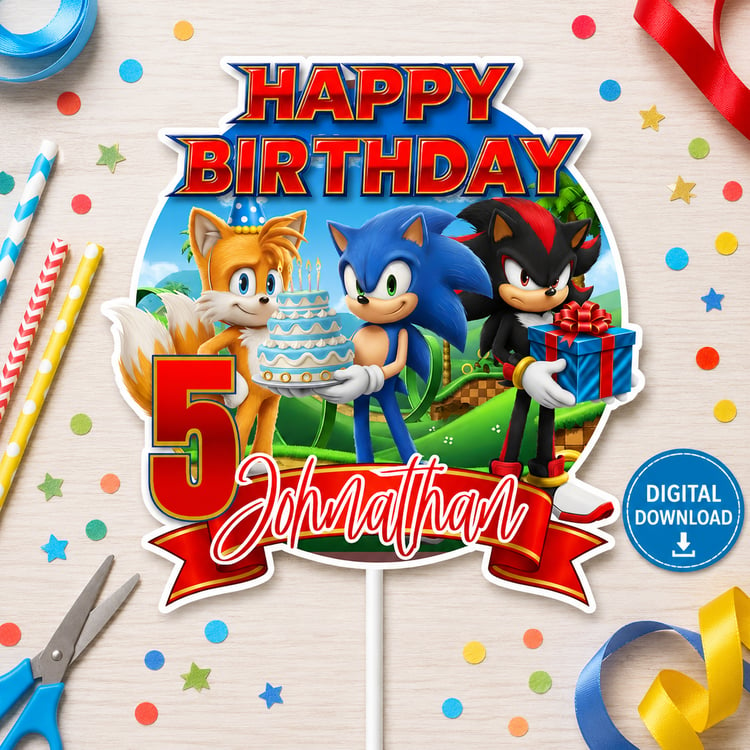

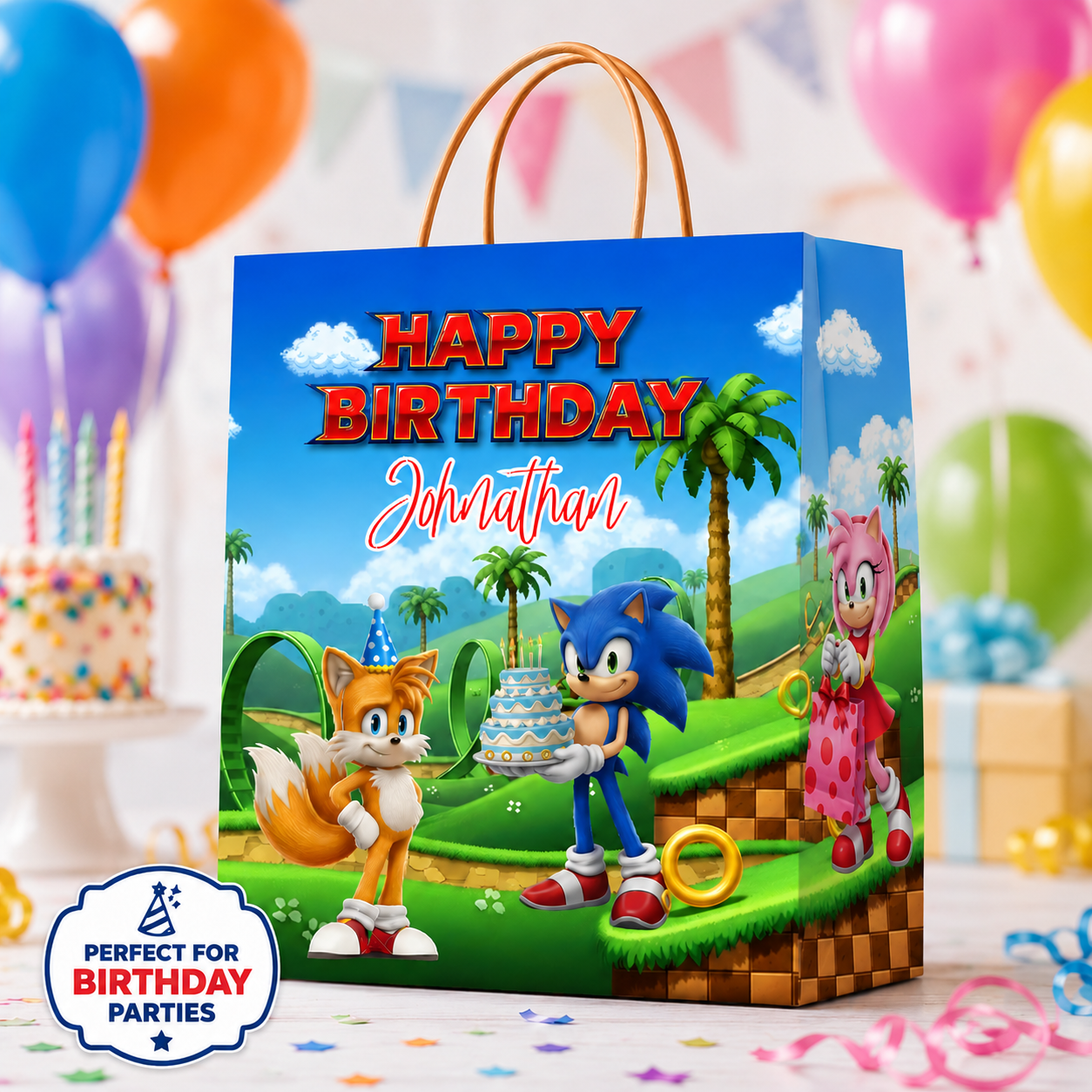
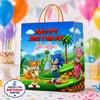
Sonic Gift Bag Template, Editable Canva Birthday Party Favor, Printable Bag and Sticker Labels
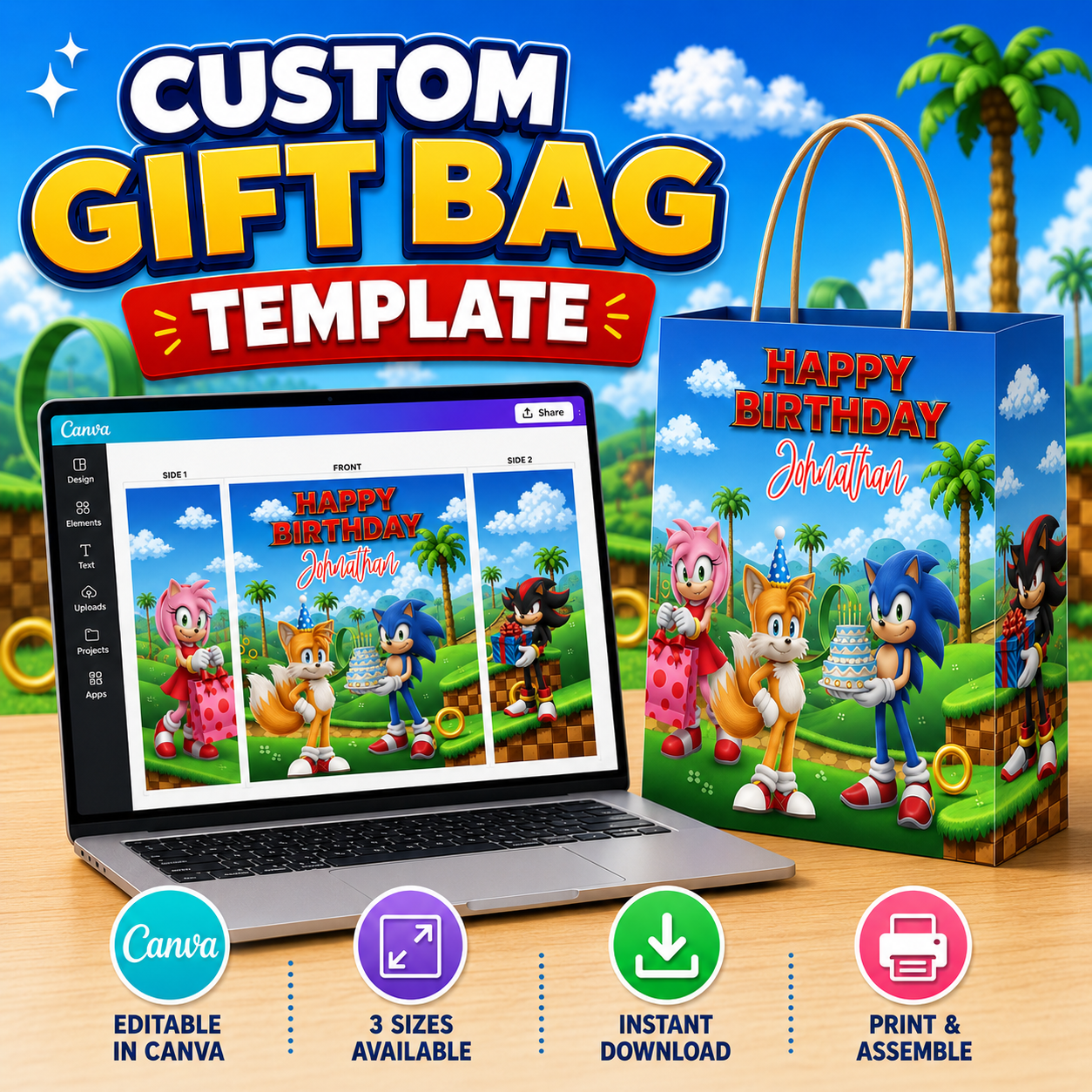
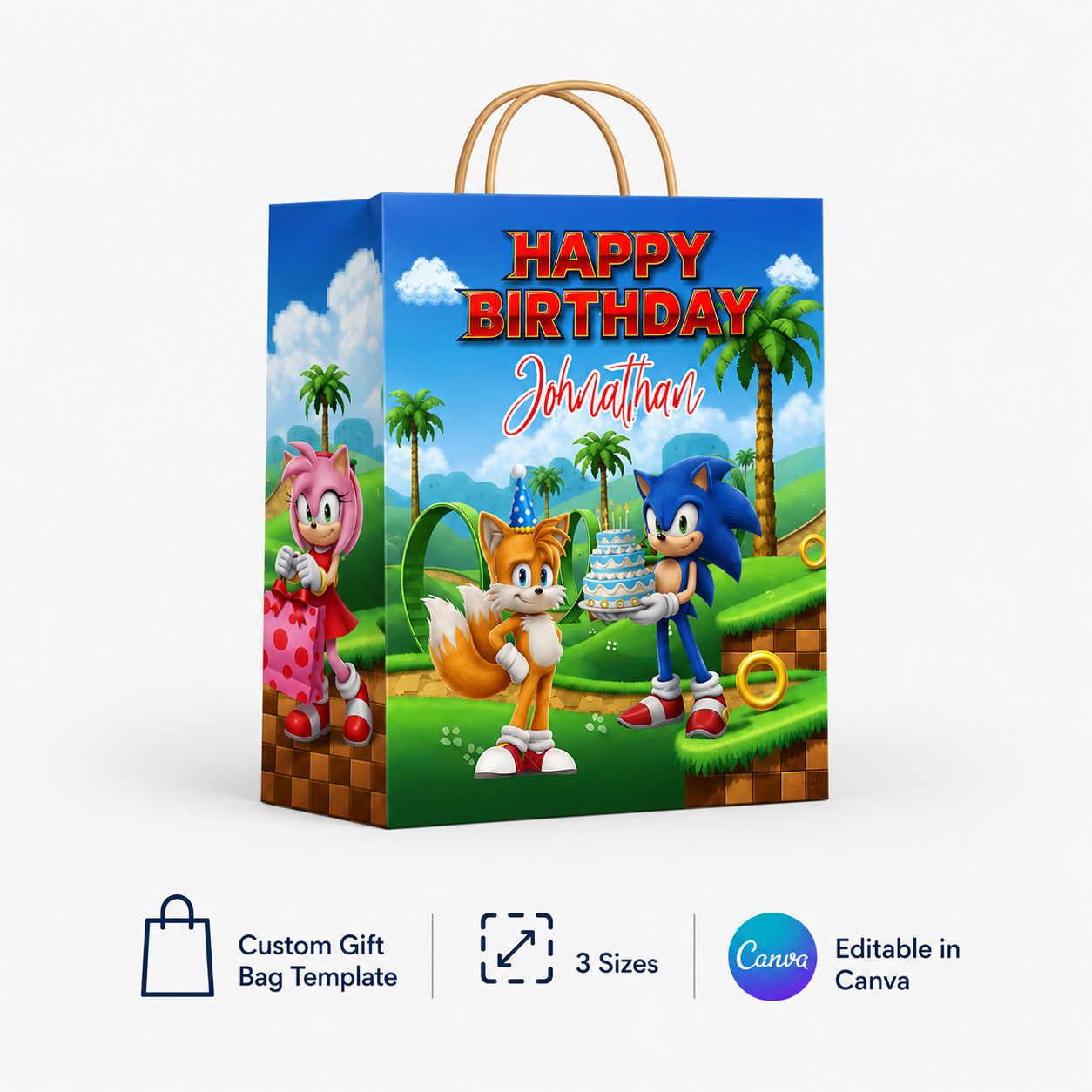
Create an unforgettable birthday favor bag two different ways with this editable Sonic gift bag template in Canva!
You can print, cut, fold, and assemble the complete paper gift bag—or print the decorative artwork on sticker paper and apply it to a blank gift bag you already have. Choose the method that works best for your supplies, equipment, and party-prep schedule.
✨ DIGITAL DOWNLOAD ONLY
No physical gift bag, printed paper, sticker sheet, or finished product will be shipped.
TWO WAYS TO CREATE
OPTION 1: PRINT AND ASSEMBLE THE BAG
Print the template on your preferred paper or cardstock, cut around the pieces, fold along the template lines, and assemble using glue or strong double-sided tape.
OPTION 2: DECORATE A PREMADE GIFT BAG
Print the decorative panels on full-sheet sticker paper, cut them by hand or with a cutting machine, and apply them to a blank gift bag.
You may also print the panels on regular paper or photo paper and attach them using strong double-sided adhesive.
WHAT YOU WILL RECEIVE
• One editable Canva gift bag template
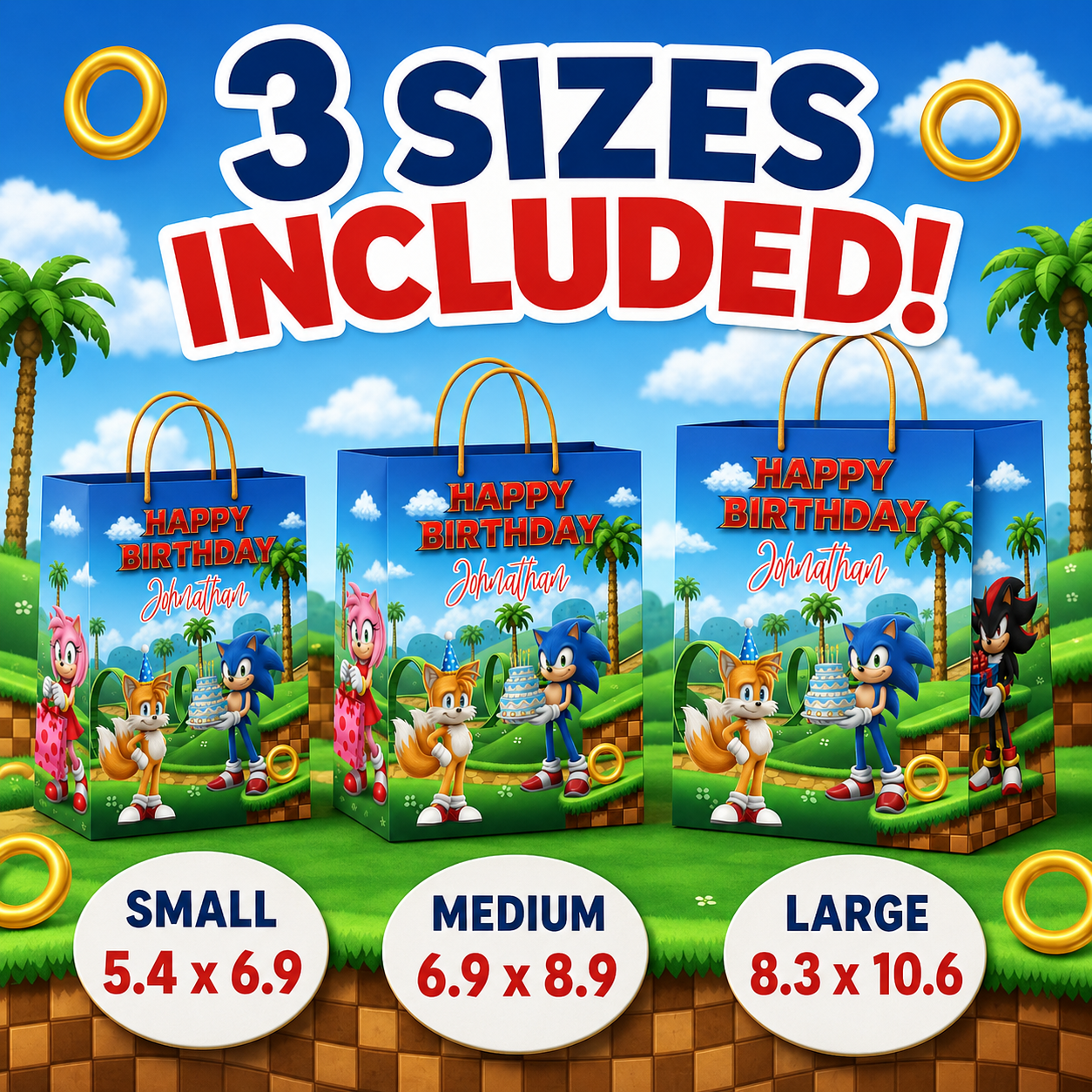
• Three gift bag sizes
• Printable gift bag layout
• Artwork that may also be printed as gift bag stickers or decorative panels
• PDF download-access page containing the Canva template link
• Instant digital access after payment is confirmed
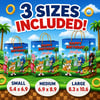
THREE SIZES INCLUDED
• Small: 5.4 × 6.9 inches
• Medium: 6.9 × 8.9 inches
• Large: 8.3 × 10.6 inches
Please check your printer and paper settings before printing the final version.
WHAT YOU CAN EDIT IN CANVA
• Name
• Birthday wording
• Text placement
• Font style and text color where unlocked
• Selected design colors and elements where editable
A Canva account is required to open and edit the template. Please confirm that all template elements work with the Canva account level you plan to advertise.
HOW IT WORKS
Purchase the listing.
Download the PDF access page from your Etsy account.
Click the download button inside the PDF.
Open the template in Canva.
Create a personal copy of the design.
Edit the name and other available text.
Select your desired gift bag size.
Download the finished design.
Print and assemble the complete bag—or print the panels as stickers for a premade bag.
RECOMMENDED DOWNLOAD SETTINGS
For the best printing results:
• Download in PDF Print for a complete printable bag template
• Download in PNG for decorative panels or stickers
• Select transparent background for PNG files when needed
• Use your printer’s best-quality setting
• Print at 100% or Actual Size unless you intentionally want to resize
• Complete a test print before printing multiple copies
SUGGESTED SUPPLIES
For the complete paper bag:
• Printer
• Bright white cardstock, brochure paper, or heavy presentation paper
• Scissors, paper trimmer, or cutting machine
• Scoring tool and ruler
• Strong craft glue or double-sided tape
For the premade gift bag method:
• Blank gift bag
• Full-sheet printable sticker paper, photo paper, or brochure paper
• Printer
• Scissors or cutting machine
• Strong double-sided adhesive if regular paper is used
Supplies and physical gift bags are not included.
IMPORTANT INFORMATION
• This is a digital product. Nothing will be mailed.
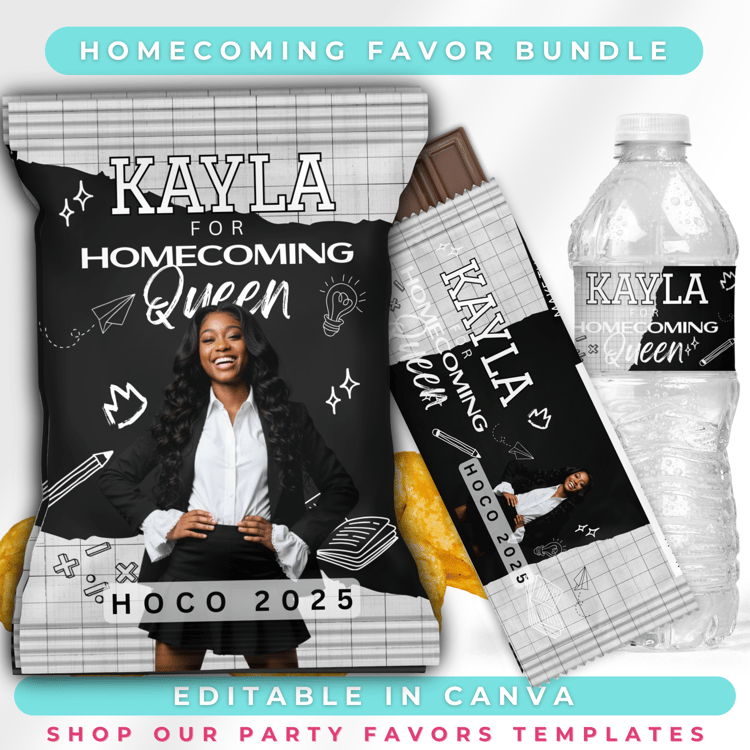
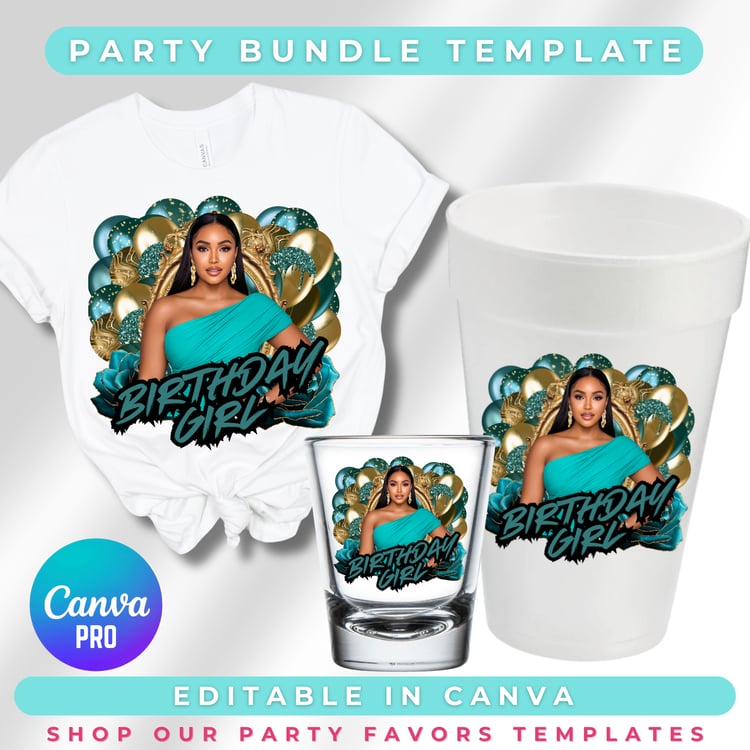
• The finished bag shown in the mockups is an example of what you can create.
• Colors may vary between monitors, printers, paper types, and ink settings.
• Basic knowledge of Canva, printing, cutting, and paper crafting is recommended.
• This is not an SVG cut-file bundle unless SVG files are specifically listed in the included files.
• Cutting-machine software and equipment are not included.
• Please review the product images and description before purchasing.
⚠️ IMPORTANT – Canva Template Disclaimer ⚠️
This is a digital product only – no physical items will be mailed.
You are purchasing an editable Canva template, designed for DIY customization. That means:
🛠️ You MUST know how to edit in Canva (free or Pro account).
📌 I do not offer design edits unless you purchase the “Edit My Template” add-on (sold separately).
🎨 Colors, fonts, and layout are fully customizable—but you must make those changes yourself.
💡 Canva is a third-party platform. I am not affiliated with Canva, and cannot control their features or outages.
By purchasing, you agree that:
✔ You understand this is a Canva template and requires your own edits.
✔ You will not share, resell, or redistribute the template link.
✔ This is for personal use only (unless otherwise stated).
⚖️ Disclaimer
Crafty Tay Designs does not own or claim rights to any characters, logos, or trademarks shown unless explicitly stated. All rights belong to their respective owners and are used for artistic and illustrative inspiration only.