
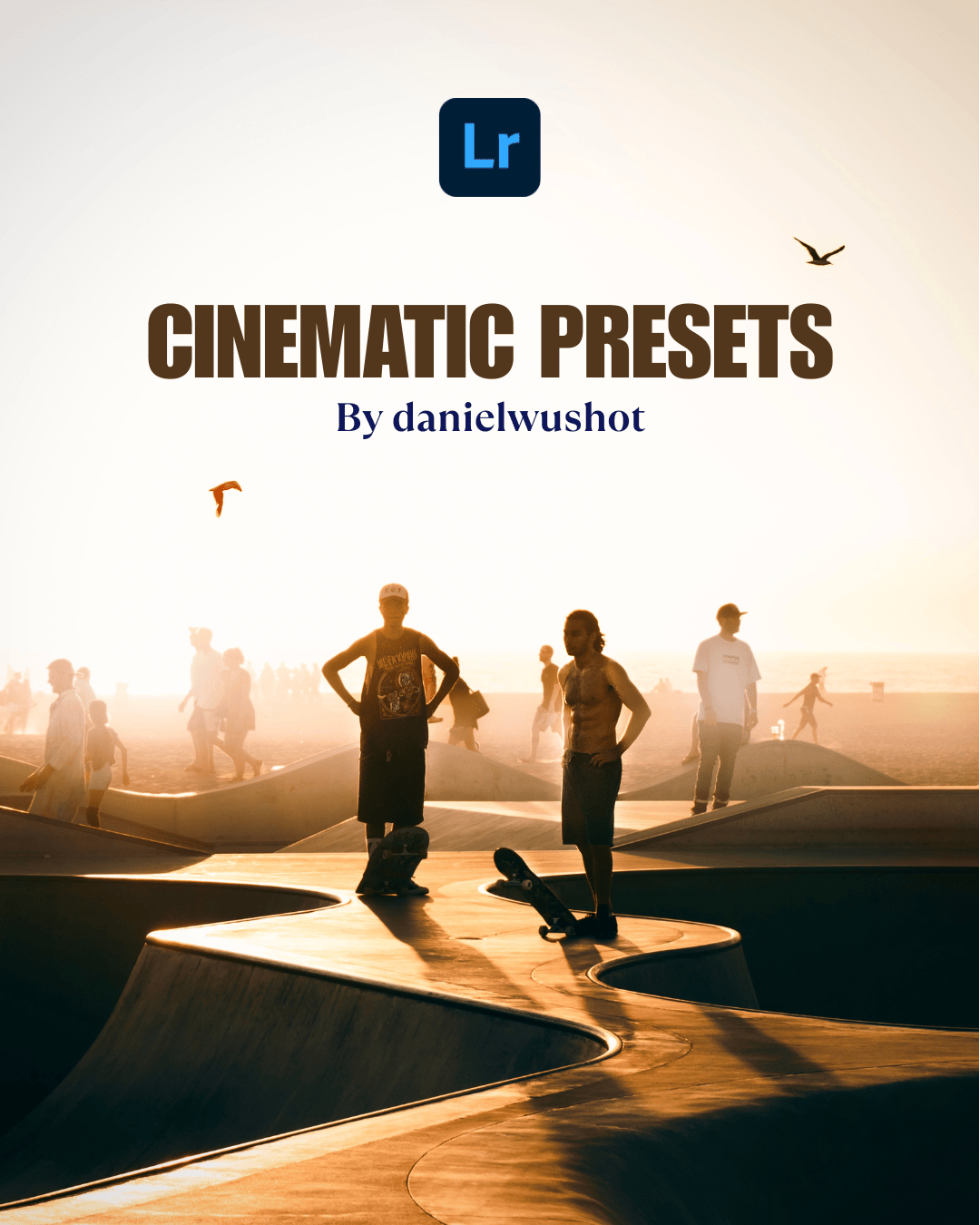
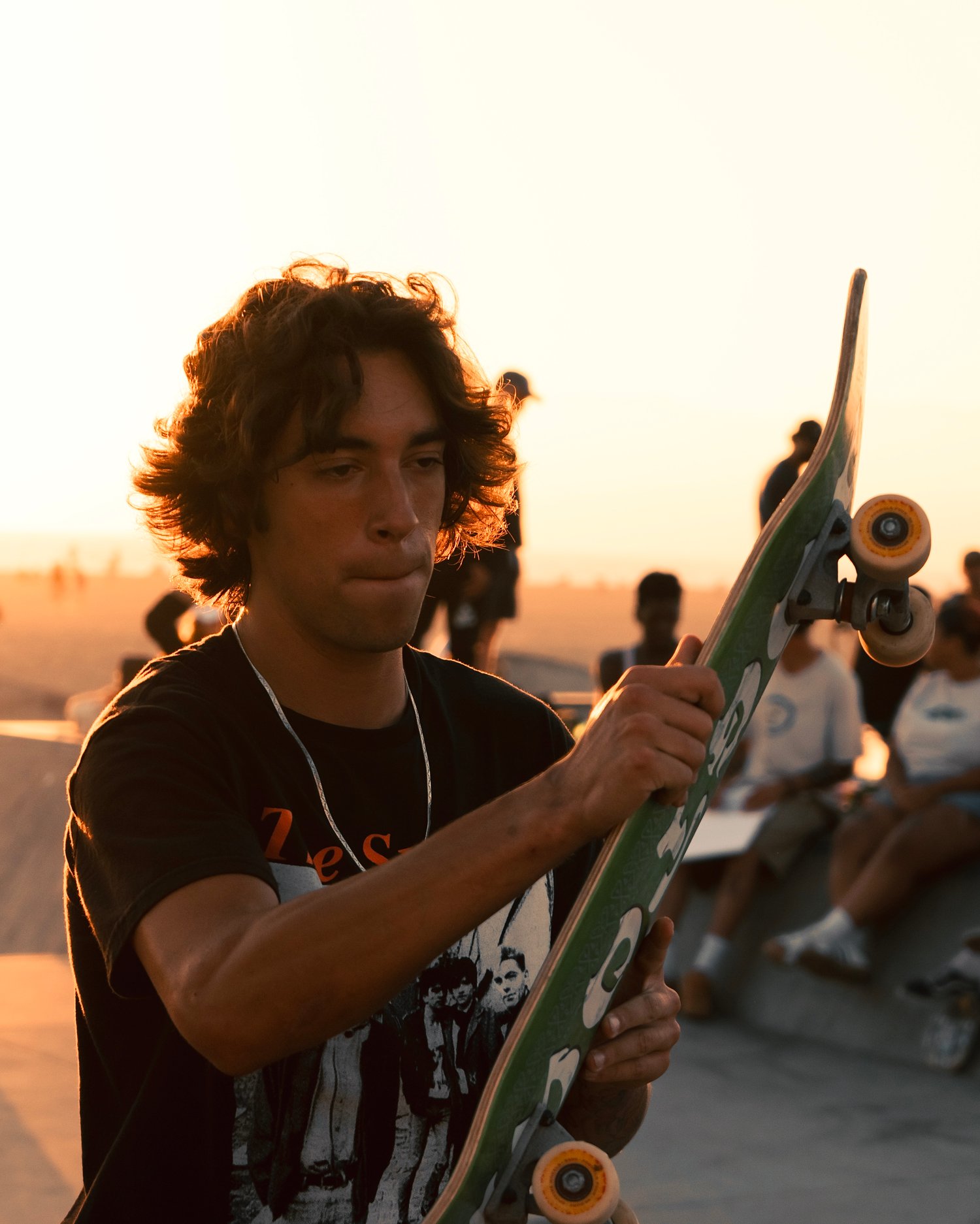
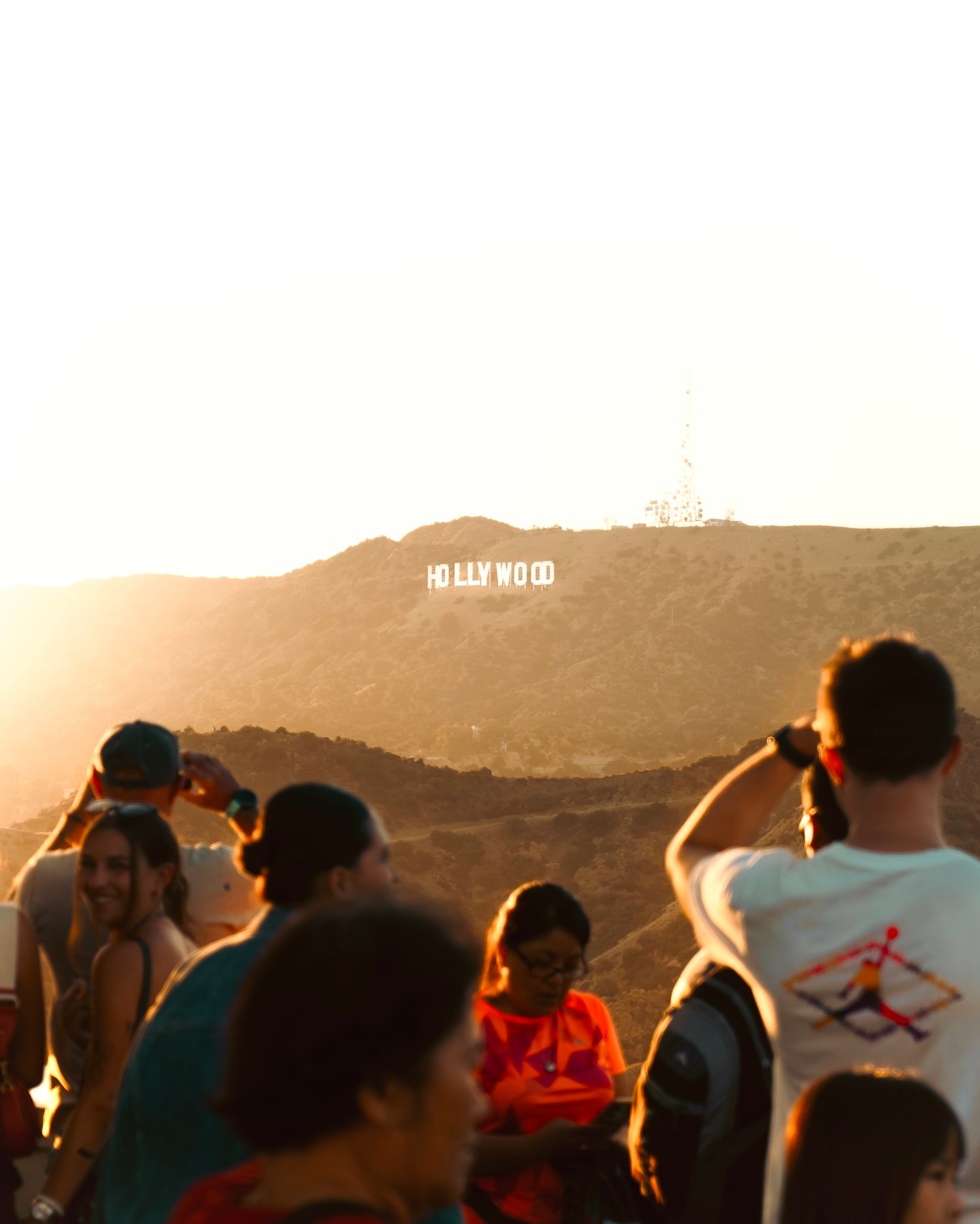
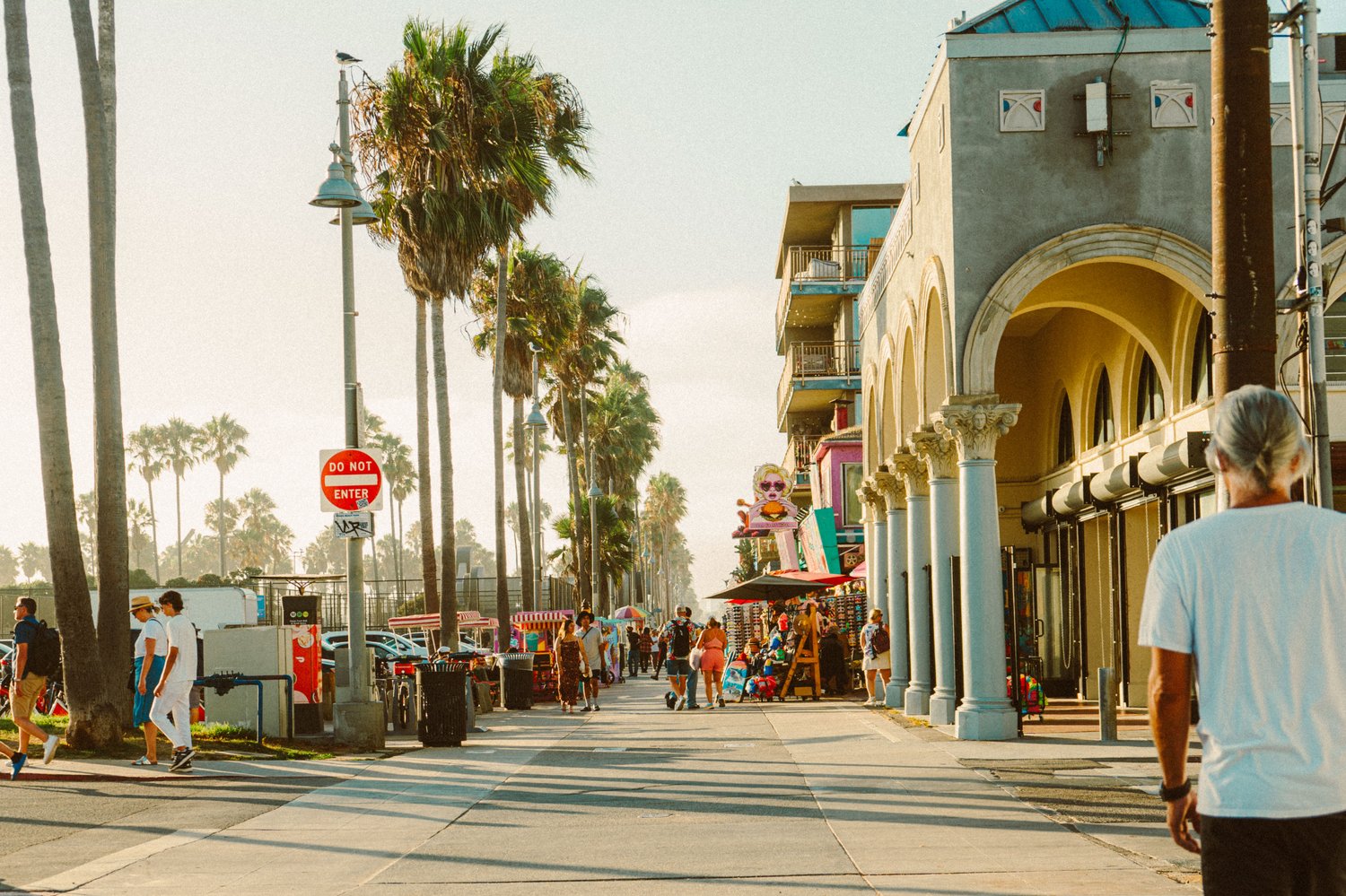
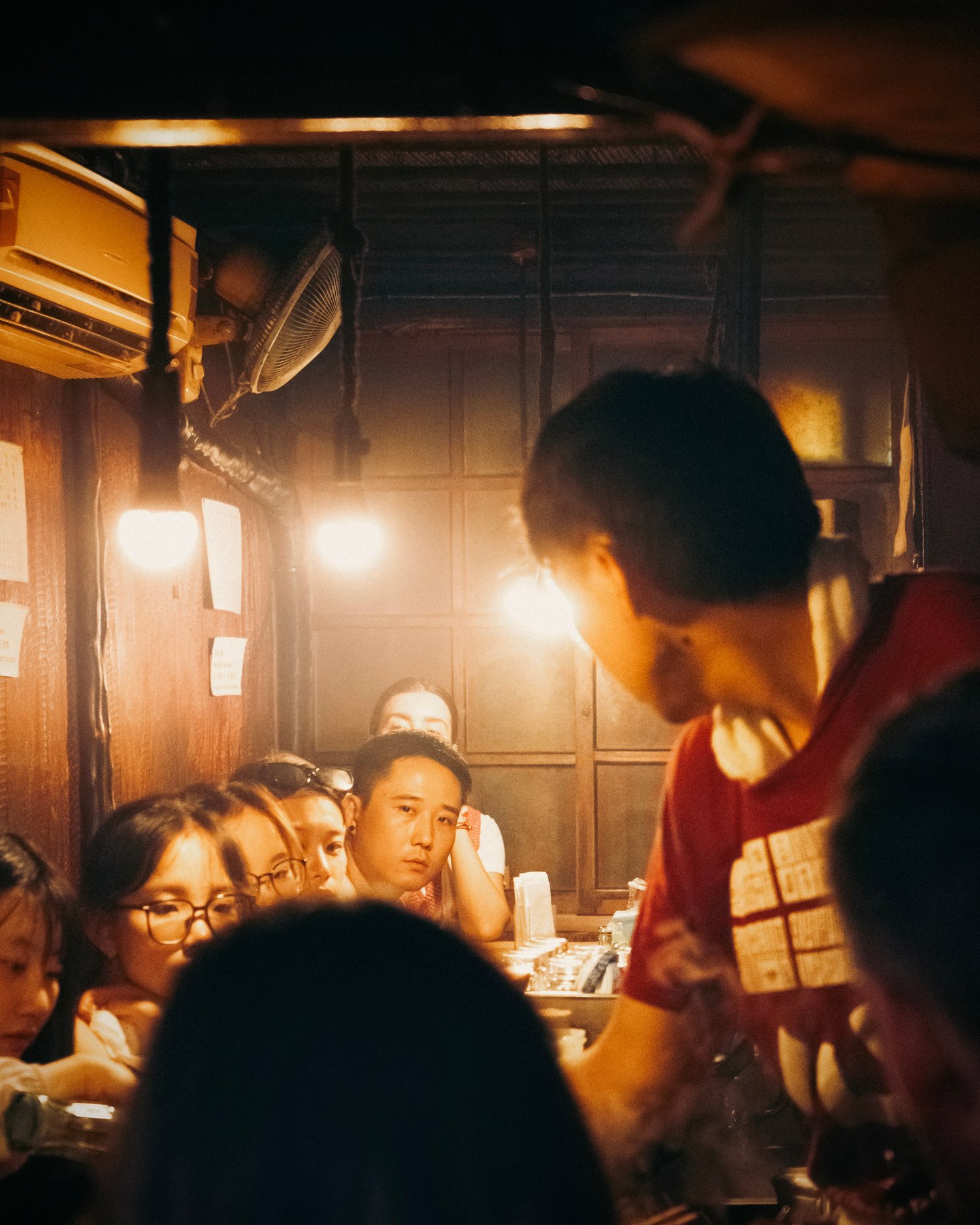

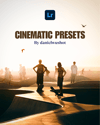






DW's Cinematic Preset Pack (Includes 5 Presets)
5 Solid SUMMER PRESETS by Daniel Wu specifically made to quickly transform your images. Click, tweak, done. Enjoy!
My pack includes:
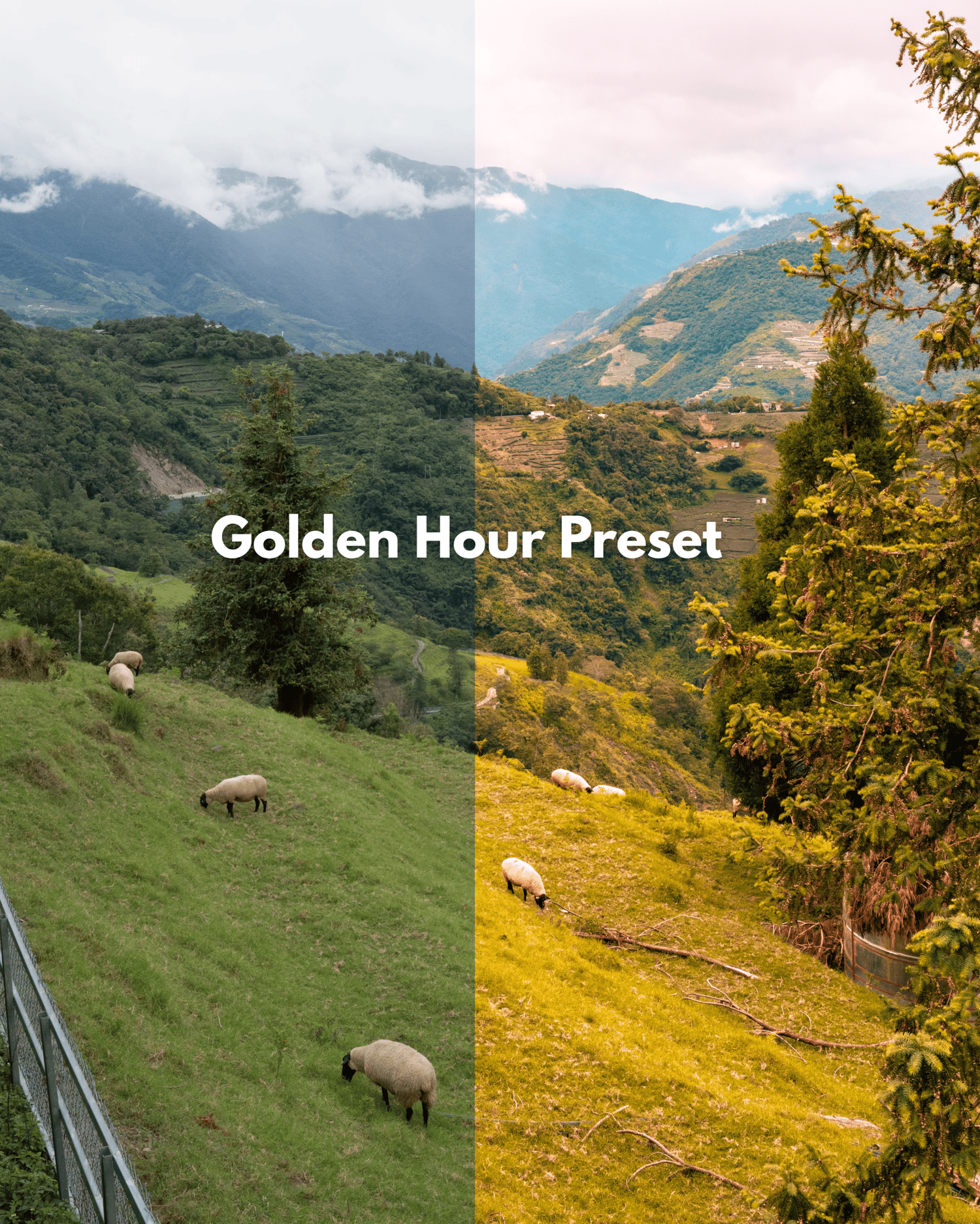
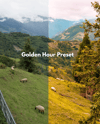
A Golden Hour Preset
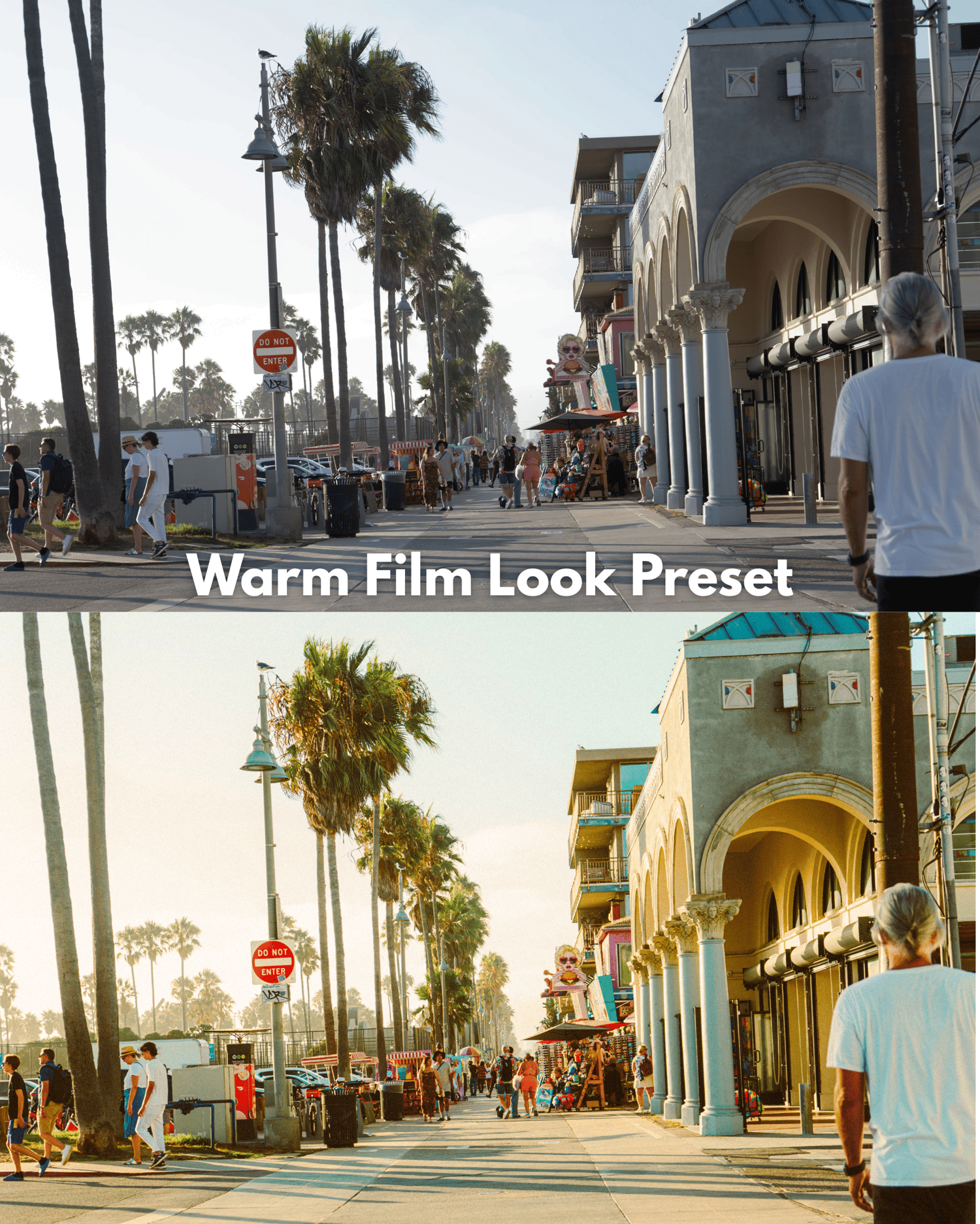
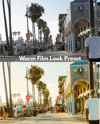
A Film Look Warm Preset
A Cinematic Warm Preset
A Warm Haze Preset
A Basic Cinematic
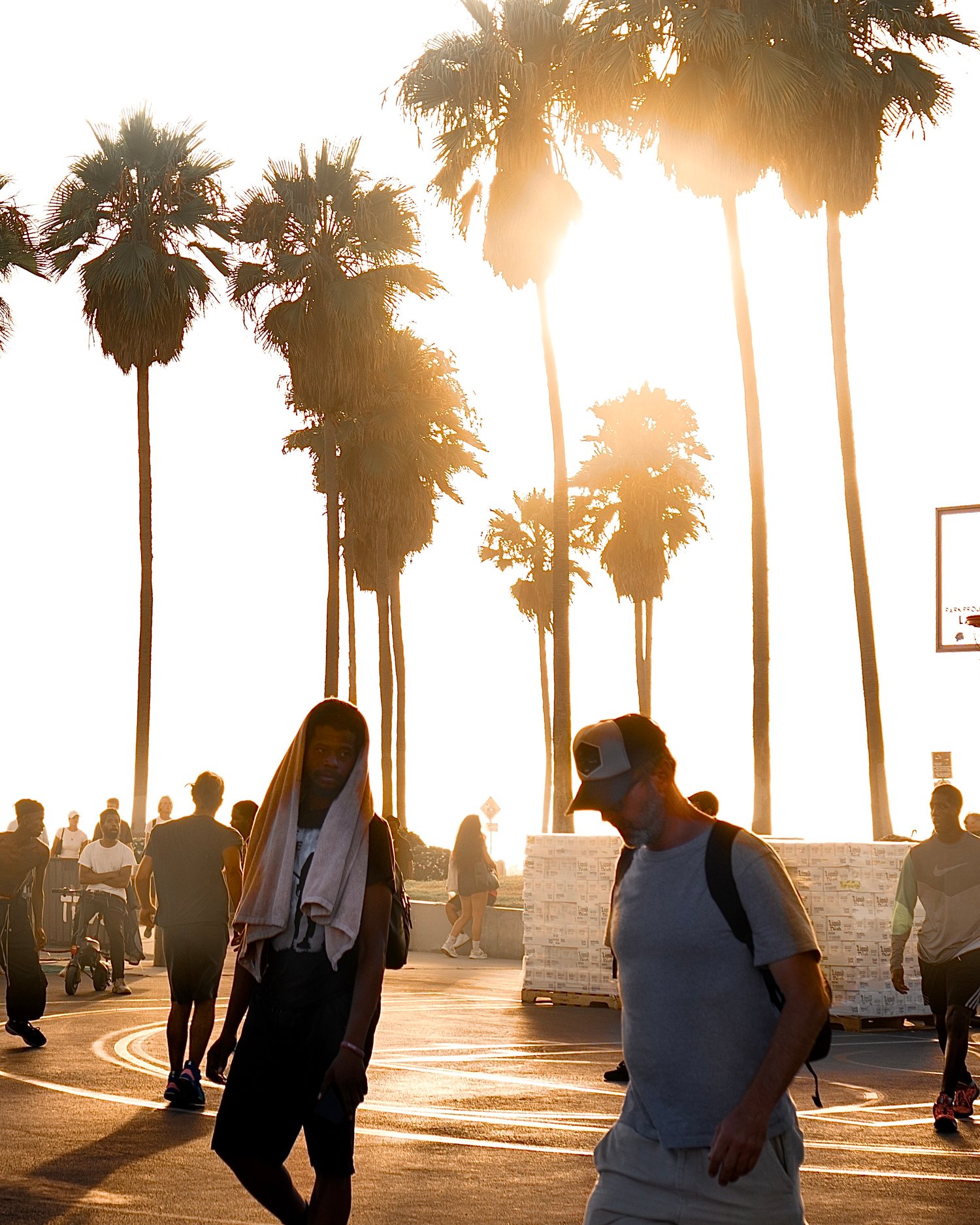
I use these presets as a base for all of my photos you see on my page, just click the preset and adjust the exposure to enhance your photos – Daniel Wu
Install Instructions:
Extract the ZIP file (to your desktop computer, not to your phone).
•Open Lightroom and go to the Presets section. Click on File > Import Profiles & Presets.
•Select the presets ZIP file(s) and click Import. → Selecting the ZIP file.
•Restart LR and your presets will now be listed in the Presets section.
When in doubt, also feel free to Google/YouTube it.
Mobile Instructions
How do I get these to work on LR CC Mobile?
You’ll need to install the presets on your DESKTOP version of Lightroom CC FIRST, then they will auto-sync into your Lightroom CC Mobile App.
Disclaimer: Presets are a stylistic tool, they might not fit every photo. Try them all out to see what works best for your style. Remember, they can’t fix photography skills, just a quick way to enhance your photos.
DM me if you have any questions. – Daniel Wu
Non refundable.