
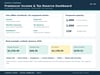

Freelancer Income & Tax Reserve Dashboard
Know what came in, what went out, and what you set aside
Freelancer Income & Tax Reserve Dashboard is an offline business-record organizer for freelancers who want a clear monthly view without invoice chasing or personal-budget categories.
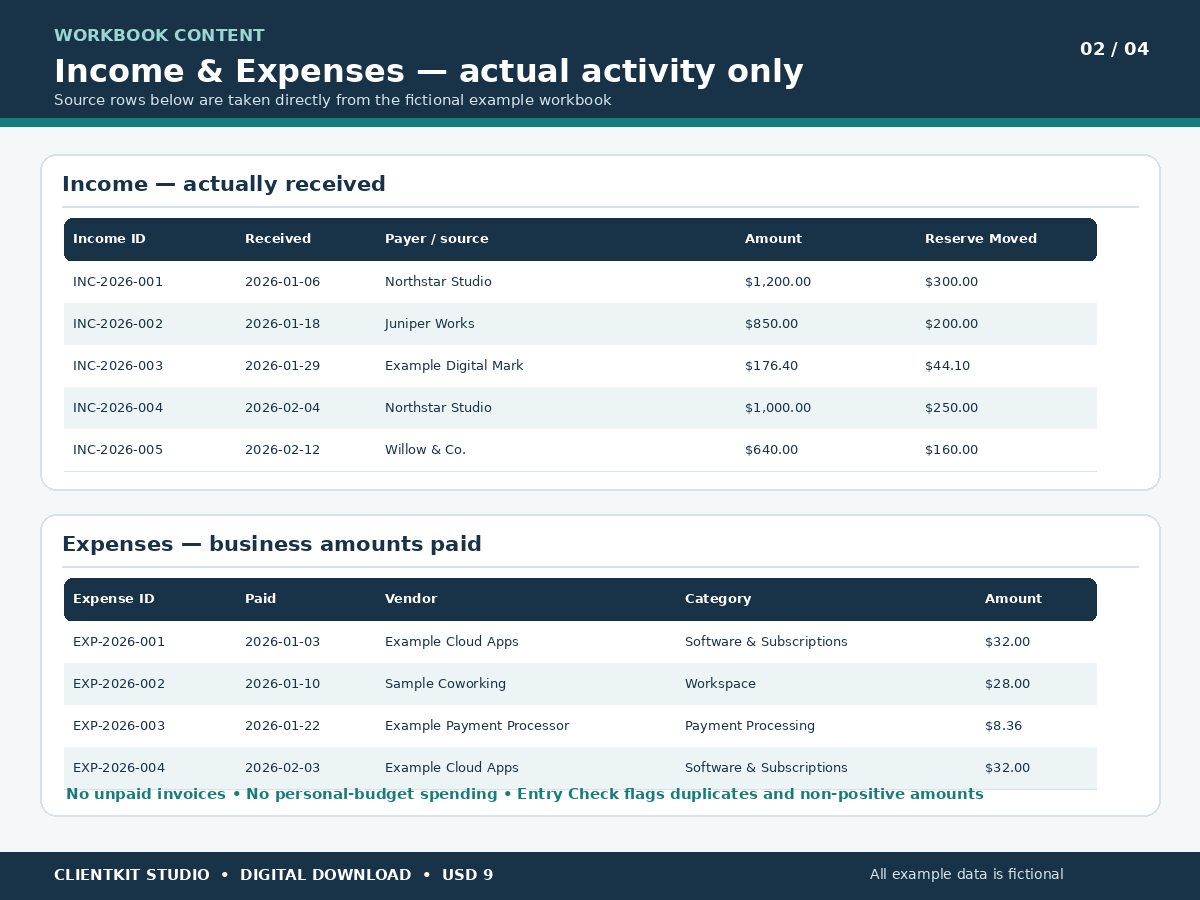
Record a receipt only when the money arrives. Record business expenses when paid. Add each month once, then review net profit, your target reserve, actual Reserve Moved entries and the cumulative arithmetic reserve balance.
This is not an invoice or accounts-receivable tracker. Unpaid client invoices do not belong in Income. It is not a personal budget. Household bills, personal spending and savings goals do not belong in Expenses.
What’s included
1. Freelancer_Income_Tax_Reserve_BLANK.xlsx — prepared for your own business records.
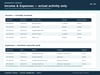
2. Freelancer_Income_Tax_Reserve_EXAMPLE.xlsx — 12 fictional receipts and 11 fictional business expenses across January–March 2026.
3. Quick Start PDF — Quick_Start_Guide.pdf — five searchable pages covering setup, entry rules, calculations, reconciliation and troubleshooting.
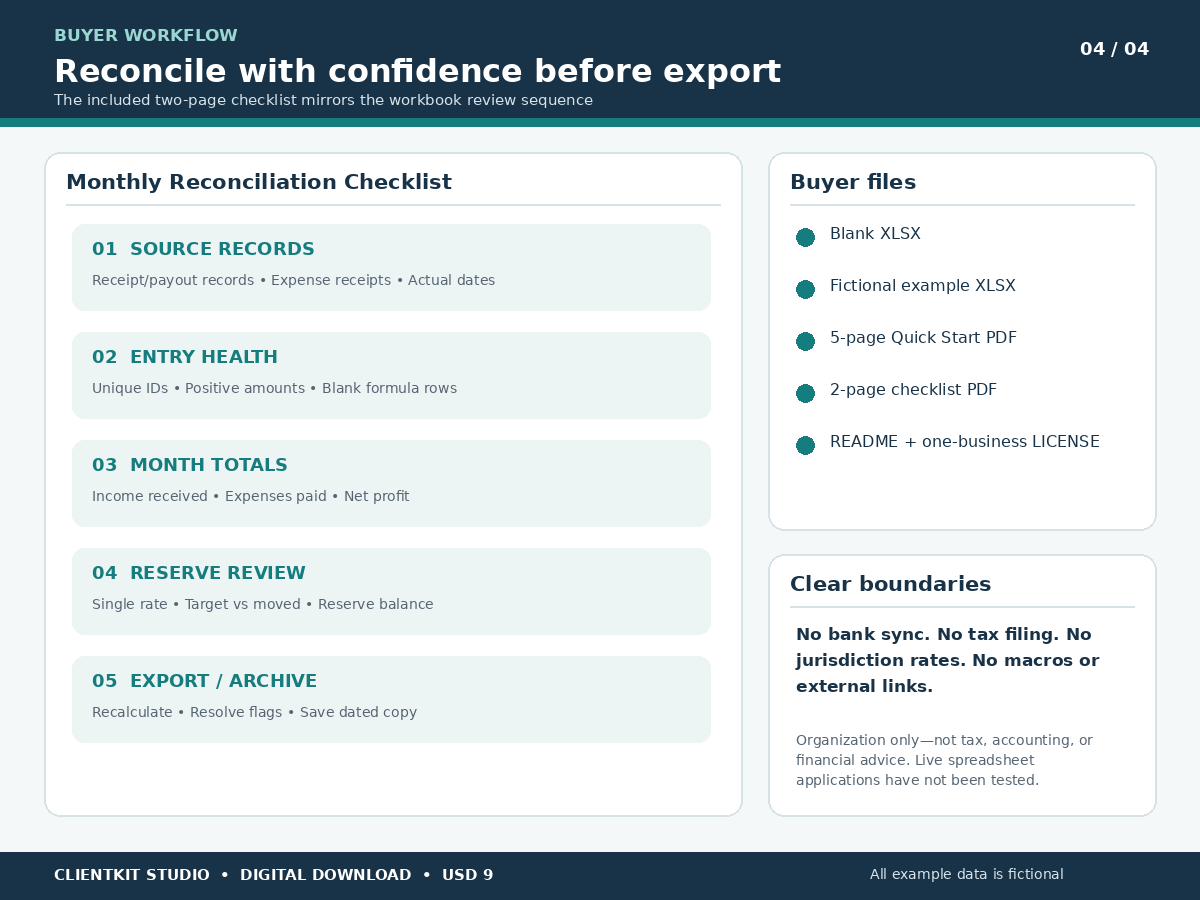
4. Monthly Reconciliation Checklist PDF — Monthly_Reconciliation_Checklist.pdf — two searchable, printable pages for source checks, entry health, profit, reserve and export/archive.
5. README.txt — scope, workflow, capacity and software notes.
6. LICENSE.txt — internal use and customization for one business.
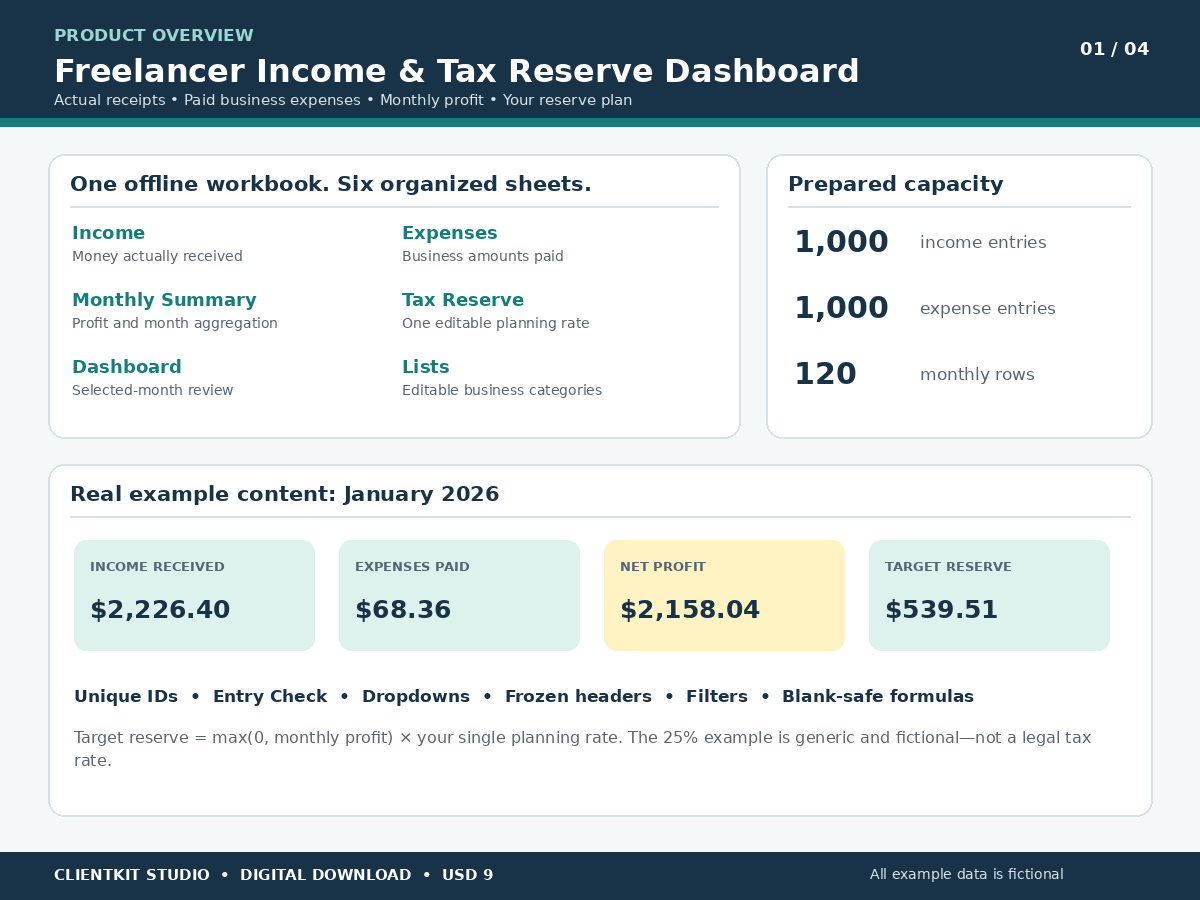
Six connected worksheets
• Income: unique ID, actual receipt date, formula month, payer/source, category, description, amount received, actual Reserve Moved, Entry Check and notes.
• Expenses: unique ID, actual payment date, formula month, vendor, business category, description, amount paid, Entry Check and notes.
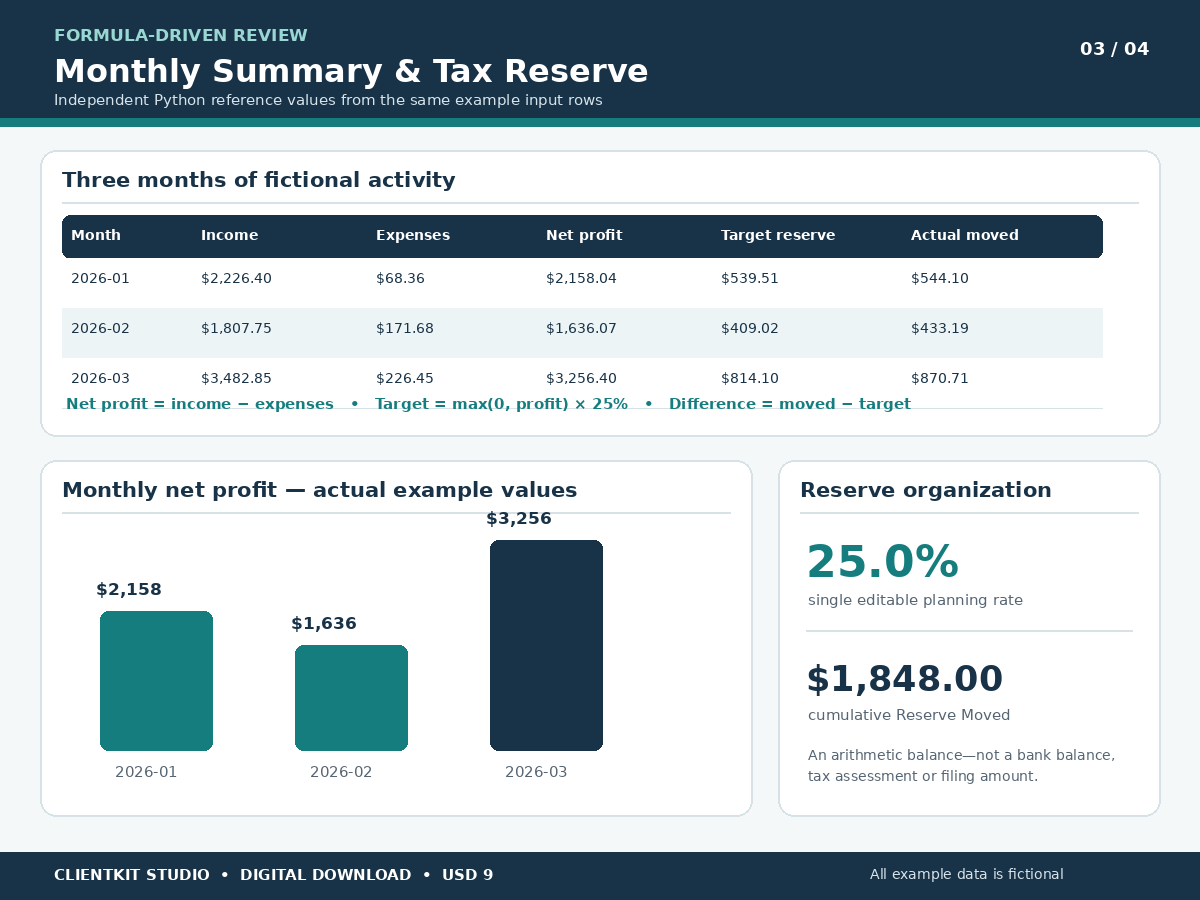
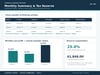
• Monthly Summary: actual income, expenses, net profit, linked reserve rate, target, moved, difference, running balance and review status.
• Tax Reserve: one user-input planning percentage and monthly target-versus-actual organization.
• Dashboard: selected-month totals, cumulative reserve balance and entry-health counts.
• Lists: editable generic business categories and field definitions.
Workbook features
• 1,000 income entries + 1,000 expense entries + 120 months of prepared capacity.
• Monthly aggregation from actual received/paid dates.
• Net profit = income received − expenses paid.
• Target reserve = max(0, net profit) × your single chosen rate; zero or negative profit gives a zero target.
• Reserve balance = cumulative actual Reserve Moved entries, not a bank balance.
• Duplicate-ID, missing-field and non-positive-amount review flags.
• Blank-safe formulas, frozen headers, filters, dropdown/date/numeric/custom validation and conditional formatting.
• A monthly income/expense/profit chart and no macros or external workbook links.
A simple monthly routine
1. Edit categories on Lists and set one reserve planning percentage on Tax Reserve.
2. Add actual receipts and paid business expenses with unique IDs.
3. Record any actual cash set aside in Reserve Moved, or zero.
4. Add the month once on Monthly Summary and select it on Dashboard.
5. Resolve entry warnings, compare with source records and complete the reconciliation checklist.
6. Save a dated archive before exporting or sharing.
Important notes
• No bank sync, automatic transfer, automatic import, subscription or online account.
• No tax filing, statutory tax calculation, deduction determination or tax-saving promise.
• No jurisdiction tax rates or jurisdiction-specific compliance claims. The fictional 25% example is only an editable planning input.
• This is an organizational tool, not tax, accounting, or financial advice. You are responsible for records, source documents and professional guidance.
• Formula cells are set to recalculate on open. Structure, formula definitions and independent Python reference calculations were checked offline.
• The files have not been tested in live Microsoft Excel, LibreOffice, Google Sheets, Windows Excel or macOS Excel. Use spreadsheet software that supports XLSX formulas, SUMIFS, EOMONTH, validation and charts; behavior can vary.
• All example people, businesses, IDs and transactions are fictional.
License and delivery
Your purchase includes a one-business license for internal use and customization. Redistribution, resale, sharing, public upload and client/multi-business reuse are not included. See the included license for full terms.
Instant digital download. No physical item will be shipped. The four 1200 × 900 PNG listing previews are derived from the real workbook fields, fictional example records, reference totals and checklist; they are not duplicated inside the buyer ZIP.