








Aging Parent Care Command Center | Fillable Caregiver Planner PDF + Excel Dashboard
Caregiving can feel like managing a calendar, household, information center, and family communication system all at once.
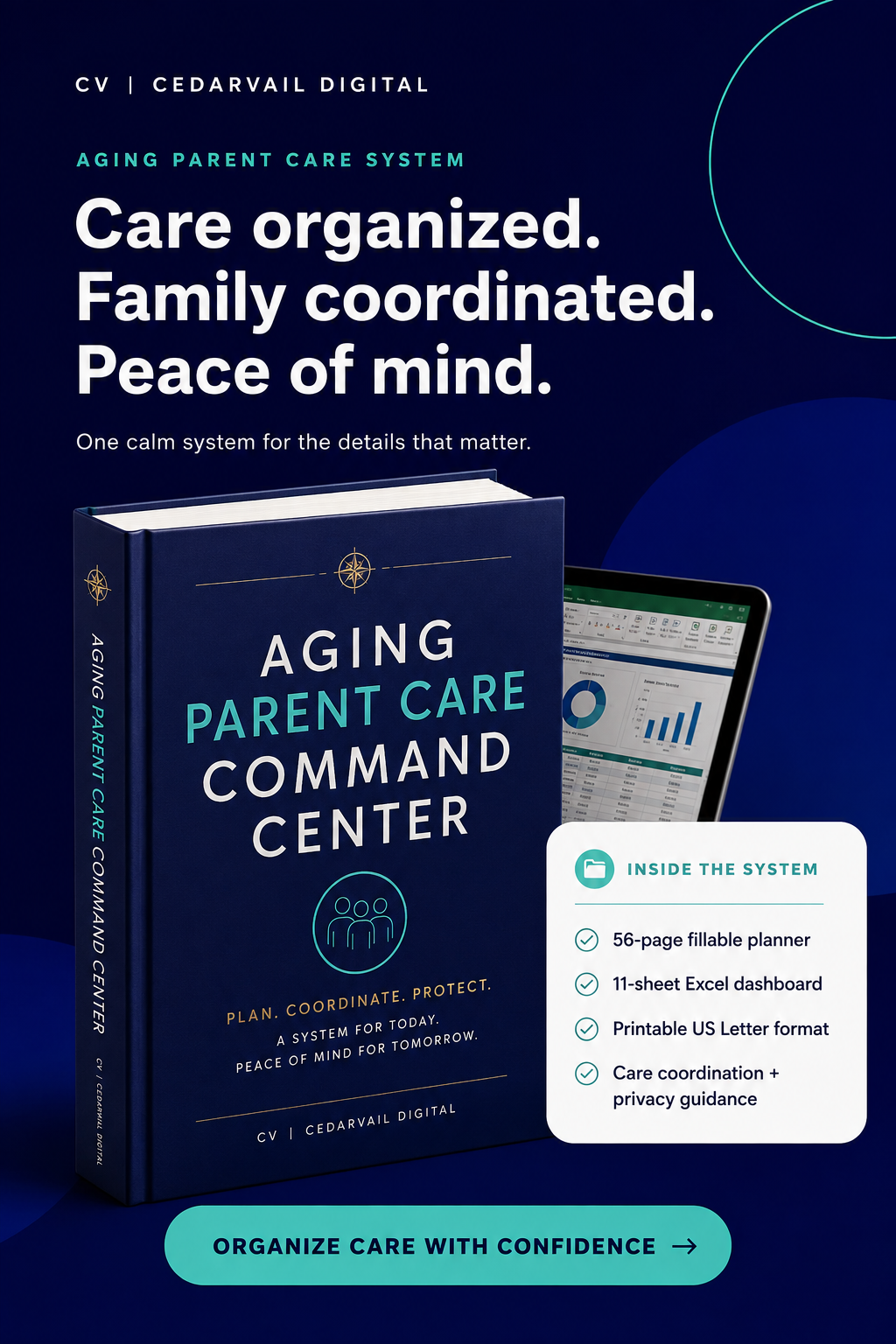
The CedarVail Aging Parent Care Command Center gives families one calm, organized place to gather essential information, coordinate responsibilities, prepare for appointments, and keep care-team updates within reach.
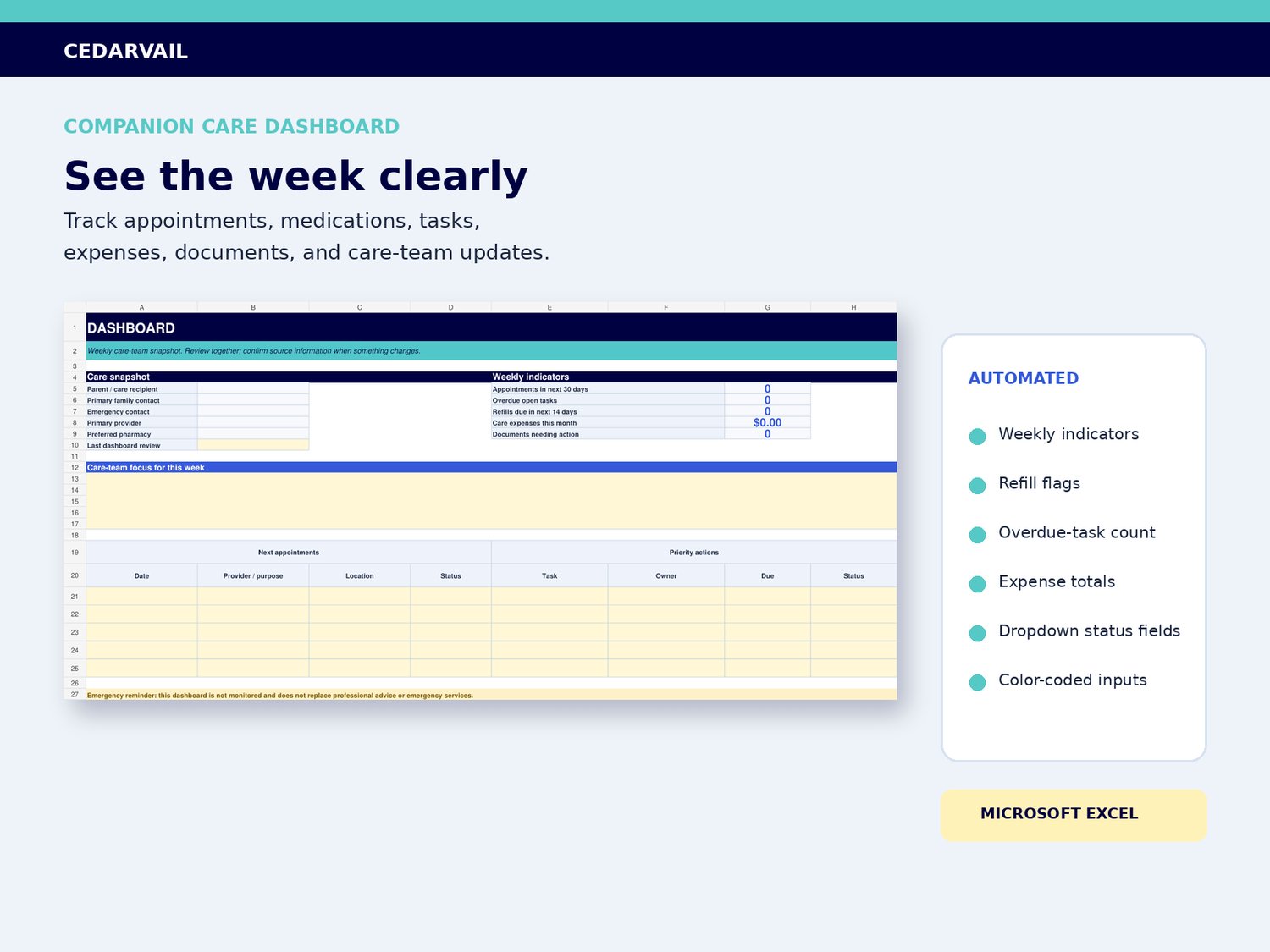
Use the fillable PDF for guided care details, conversations, emergency information, and printable forms. Use the companion Excel dashboard for dates, assignments, expenses, status tracking, and weekly indicators.
ONE SYSTEM. TWO PRACTICAL TOOLS.
The PDF and spreadsheet work together without forcing you into a complicated app or subscription. Save the files securely, complete only the pages you need, and update the system as circumstances change.
WHAT YOU CAN ORGANIZE
- Essential contacts, providers, pharmacies, and care-team roles
- Upcoming appointments, questions, transportation, and follow-up actions
- Current medication information and refill questions
- Daily-care observations, routines, household needs, and safety discussions
- Tasks, owners, deadlines, expenses, benefits calls, and document locations
- Emergency information, caregiver handoffs, backup support, and family updates
WHAT'S INCLUDED
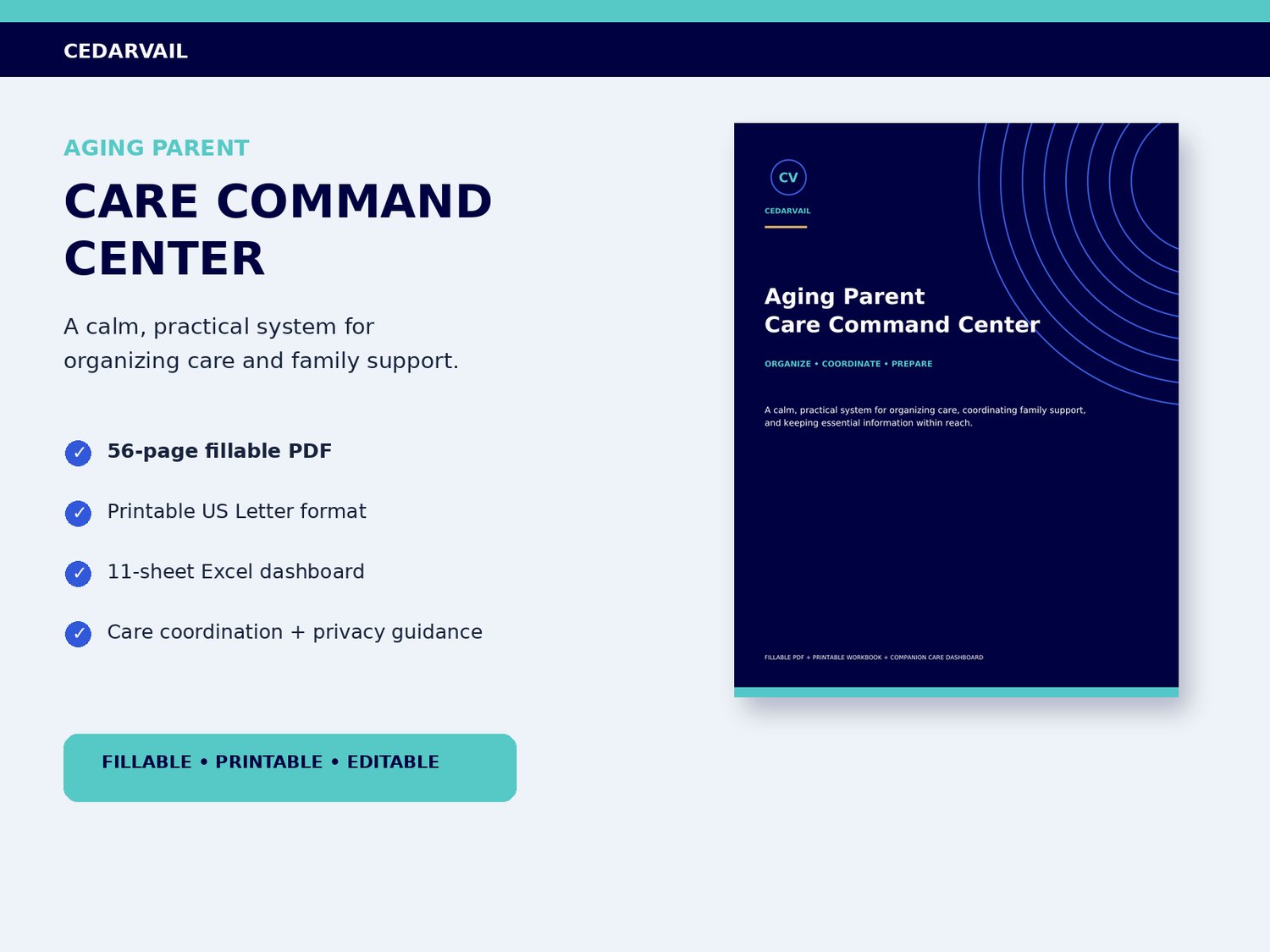
- 56 professionally designed US Letter pages
- More than 1,300 working fillable PDF fields
- 11-sheet Microsoft Excel care dashboard
- Printable, digital, and easy to update
- Appointment preparation and follow-up pages
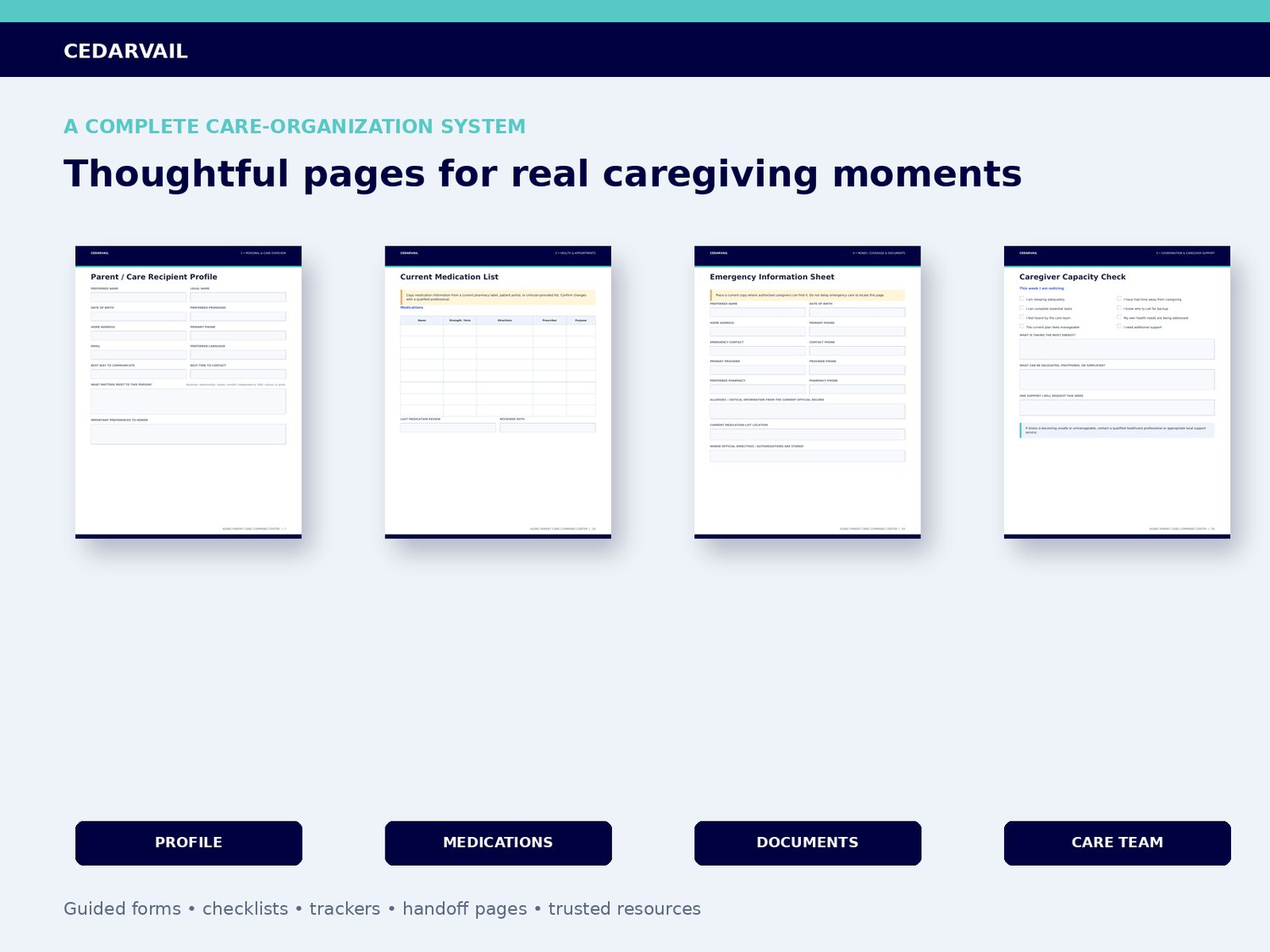
- Medication list and refill organization
- Care-team directory, task assignment, and handoff pages
- Daily-care, household, expense, and document trackers
- Emergency information and wallet-card pages
- Caregiver capacity, respite, and backup-planning tools
- Privacy reminders, customer instructions, and trusted US resources
INSIDE THE FILLABLE PDF
- Personal and care overview
- Health and appointments
- Daily living and home
- Money, coverage, and documents
- Caregiver coordination and support
- Trusted US caregiver resources
INSIDE THE EXCEL DASHBOARD
The companion workbook includes 11 coordinated sheets with color-coded entry cells, dropdowns, formulas, and weekly indicators:
- START HERE
- DASHBOARD
- PARENT PROFILE
- CARE TEAM
- APPOINTMENTS
- MEDICATIONS
- DAILY LOG
- TASKS
- EXPENSES
- DOCUMENTS
- REFERENCE
DESIGNED FOR
- Adult children helping an aging parent
- Spouses, relatives, friends, and chosen family coordinating support
- Long-distance caregivers
- Siblings sharing caregiving responsibilities
- Families preparing before care needs become urgent
- Caregivers who want a clearer weekly organization system
HOW TO BEGIN
1. Download and extract the customer ZIP.
2. Open the Start Here guide.
3. Complete the Profile, Essential Contacts, Medication List, and Emergency Information Sheet first.
4. Use the workbook for dates, assignments, status tracking, and weekly review.
5. Store completed files securely and share only with authorized people.
IMPORTANT
This product is an organizational aid for family caregivers. It does not provide medical, nursing, legal, financial, insurance, tax, or emergency advice and is not a substitute for professional care.
DIGITAL PRODUCT NOTICE
This is a digital download. No physical item is shipped. Colors may vary slightly between screens and printers. Please review the compatibility information and product images before purchasing.
COMPATIBILITY
PDF: Best opened in the free Adobe Acrobat Reader desktop application. Browser previewers and third-party PDF apps may not preserve all form behavior.
SPREADSHEET: Designed for a recent desktop version of Microsoft Excel, including Microsoft 365. Google Sheets, Apple Numbers, and other spreadsheet applications are not supported and may alter formulas, dropdowns, or formatting.
DEVICES: The complete experience is best on a desktop or laptop. Mobile and tablet behavior varies by device and application.
PRINTING: Formatted for US Letter paper, 8.5 x 11 inches. Print settings and printer margins may vary.
SECURITY: These files are stored wherever the customer chooses to save them. Customers are responsible for protecting private information and maintaining secure backups.
CUSTOMER FAQ
Q: Is this a physical binder?
A: No. This is an instant digital download. No physical item is shipped.
Q: What files will I receive?
A: A customer ZIP containing the 56-page fillable PDF, the 11-sheet Microsoft Excel dashboard, and a two-page Start Here guide.
Q: Can I type into the PDF?
A: Yes. The PDF includes more than 1,300 fillable fields. For the most reliable experience, open it in the free Adobe Acrobat Reader application rather than only inside a web browser.
Q: Can I print it?
A: Yes. The organizer is formatted for US Letter paper, 8.5 x 11 inches. Print the full system or only the pages you need.
Q: What software do I need?
A: Adobe Acrobat Reader is recommended for the fillable PDF. A recent desktop version of Microsoft Excel, including Microsoft 365, is recommended for the dashboard.
Q: Will it work on Mac and Windows?
A: Yes, when opened with compatible versions of Adobe Acrobat Reader and Microsoft Excel. The complete experience is best on a desktop or laptop.
Q: Will it work in Google Sheets?
A: Google Sheets compatibility is not guaranteed. Importing may change formatting, formulas, dropdowns, or conditional formatting. Microsoft Excel is the supported spreadsheet application.
Q: Can I use it on a phone or tablet?
A: Some PDF fields may work in the Adobe Acrobat Reader mobile app, but screen size and app behavior vary. The Excel dashboard is designed primarily for desktop or laptop use.
Q: Is the Word source file included?
A: No. Customers receive the fillable PDF and Excel dashboard. The editable seller source file is not included.
Q: Can several family members use it?
A: The personal-use license allows one household or care team to use working copies for the same care recipient. Do not resell, publish, sublicense, or redistribute the files.
Q: Does CedarVail store my information?
A: No. These are downloadable files, not an online care platform. Information is stored wherever you choose to save the completed files. Protect private information and share only with authorized people.
Q: Should I enter passwords or financial access codes?
A: No. Never enter passwords, PINs, security answers, complete payment-card numbers, recovery codes, or similar credentials in the organizer.
Q: Does this replace professional advice?
A: No. This product is an organizational aid. It does not provide medical, nursing, legal, financial, insurance, tax, or emergency advice and does not replace professional care.
Q: What if I have trouble opening a file?
A: Confirm that the ZIP has been fully downloaded and extracted, then open the PDF in Adobe Acrobat Reader and the workbook in Microsoft Excel. Contact CedarVail if a supplied file is damaged or inaccessible.