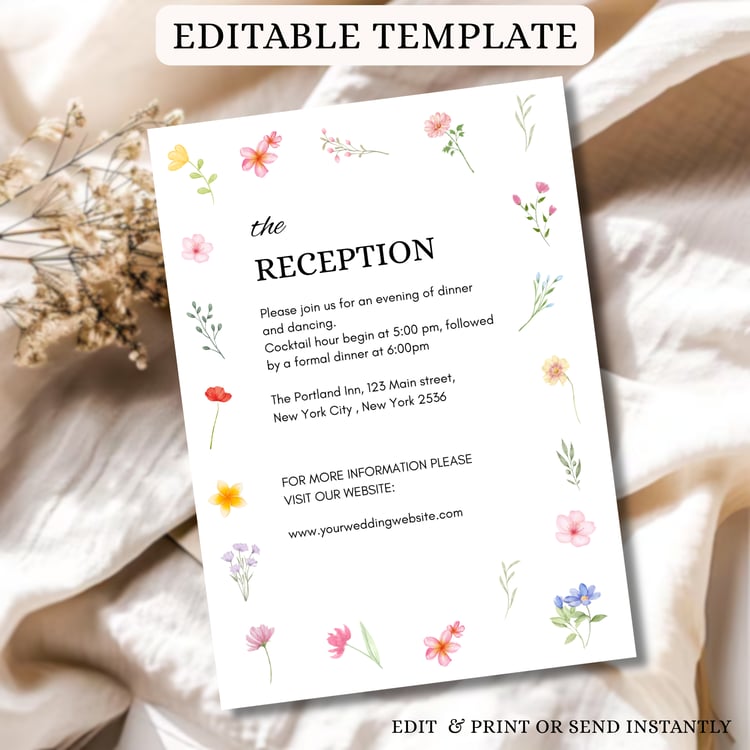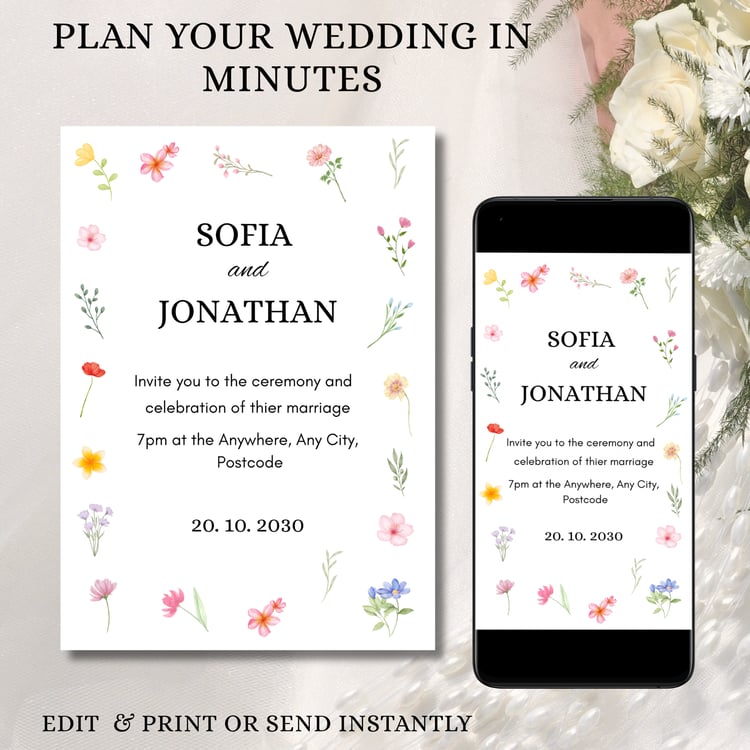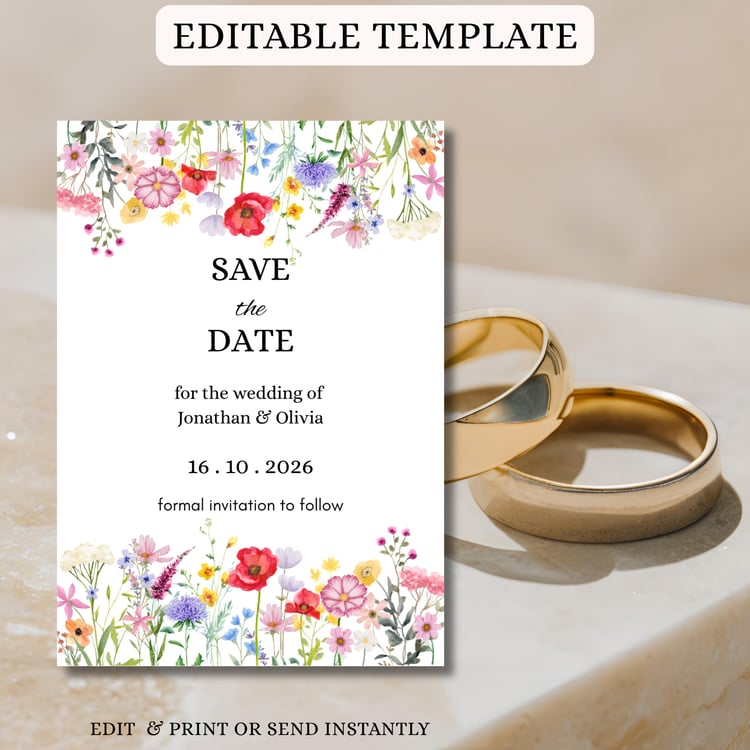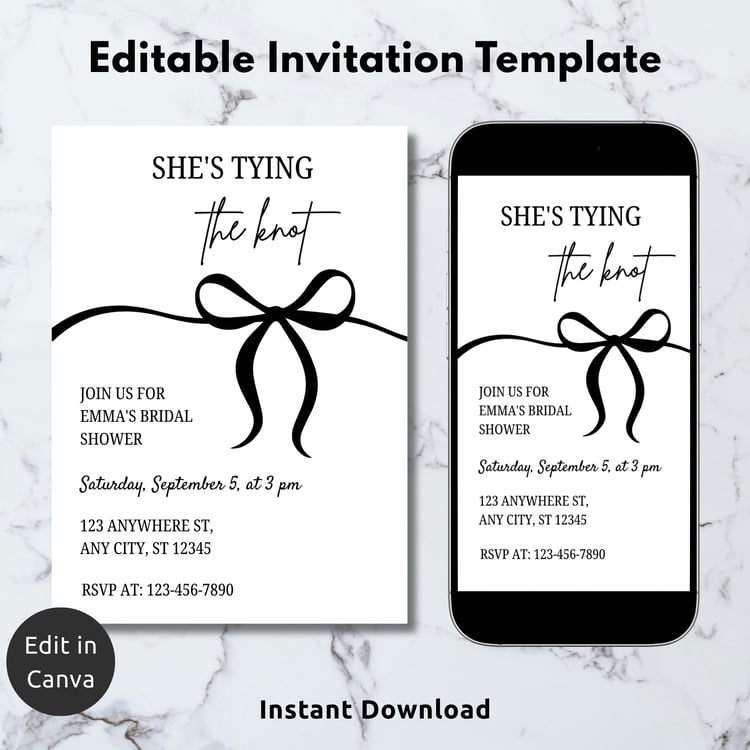



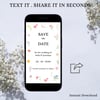
Wildflower Wedding Save the Date, Editable Botanical Floral Announcement Card template | Romantic Spring Invitation | Printable & Digital Canva Invite
✅ Designed for quick and stress-free wedding planning
✅ This is a template that you edit, download send or print yourself.
✅ Easy to use—even if you’ve never used Canva before
✅ Can edit within a web browser or app on a computer or mobile device.
✅ Instant access after purchase
✅ This is a Digital Download
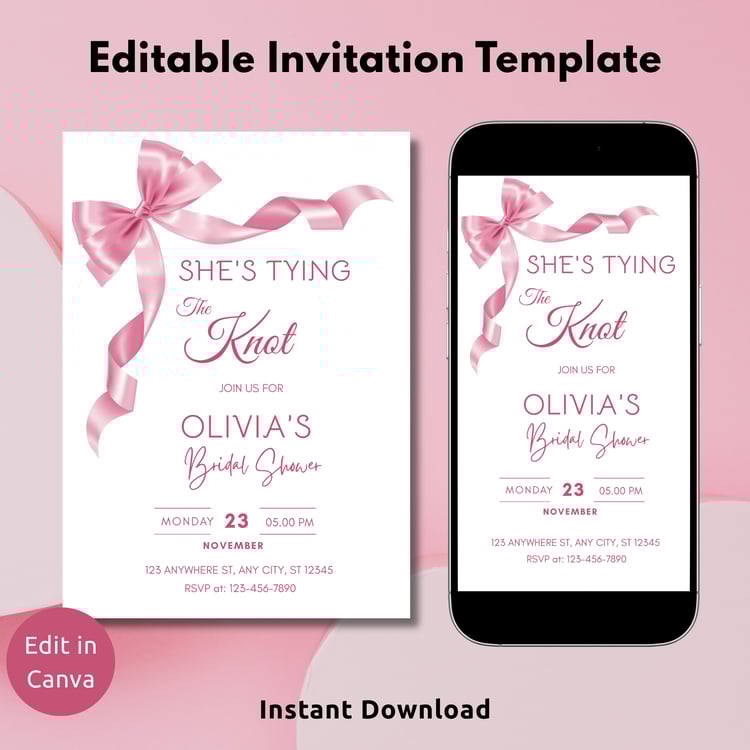
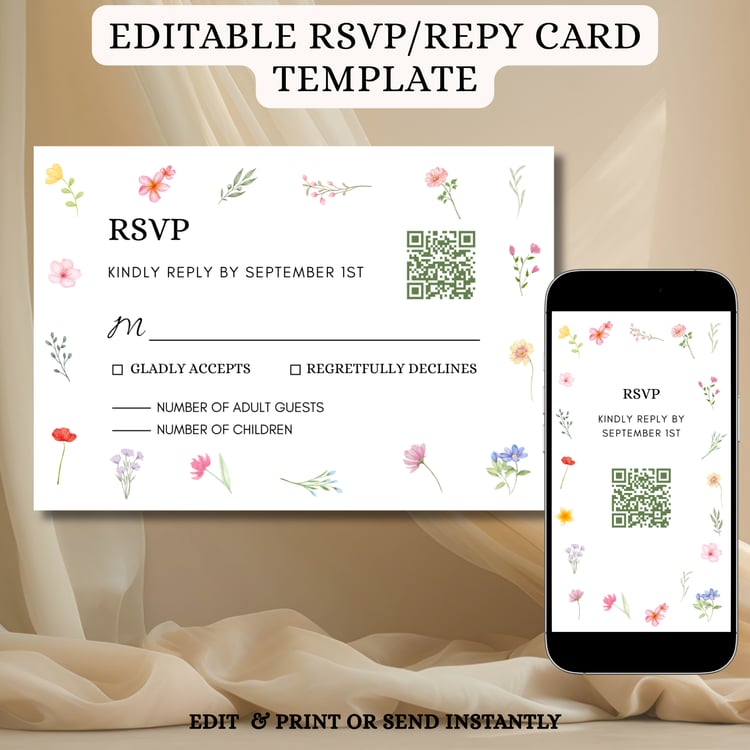
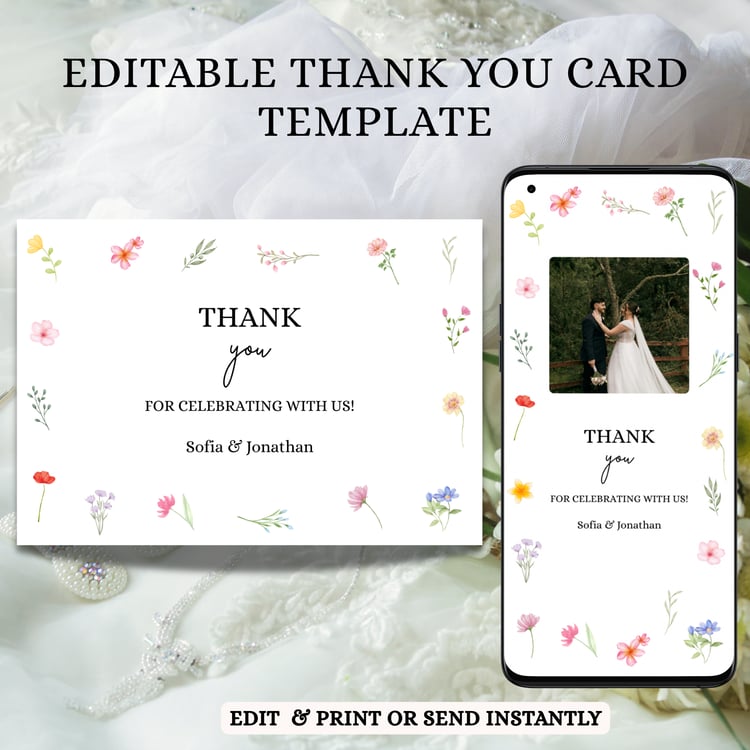
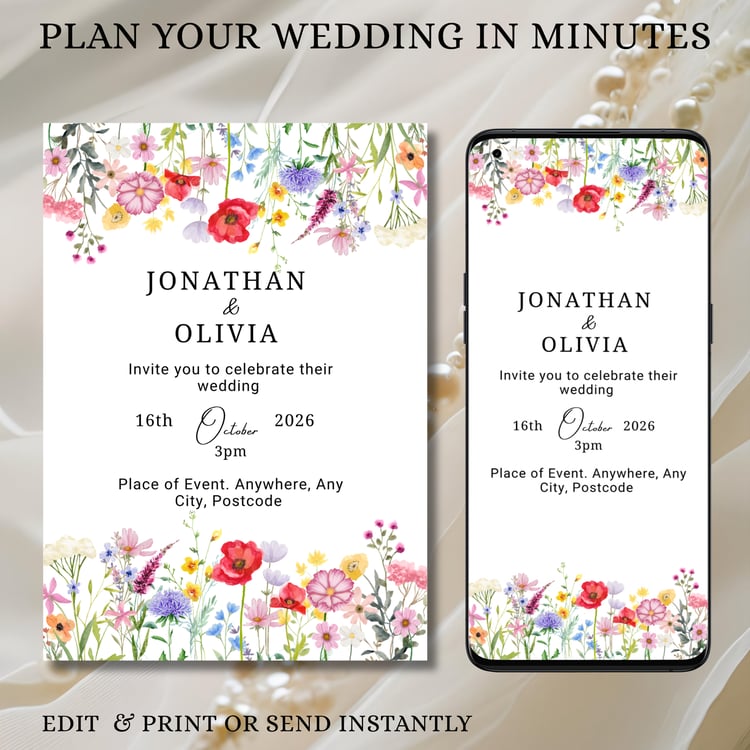
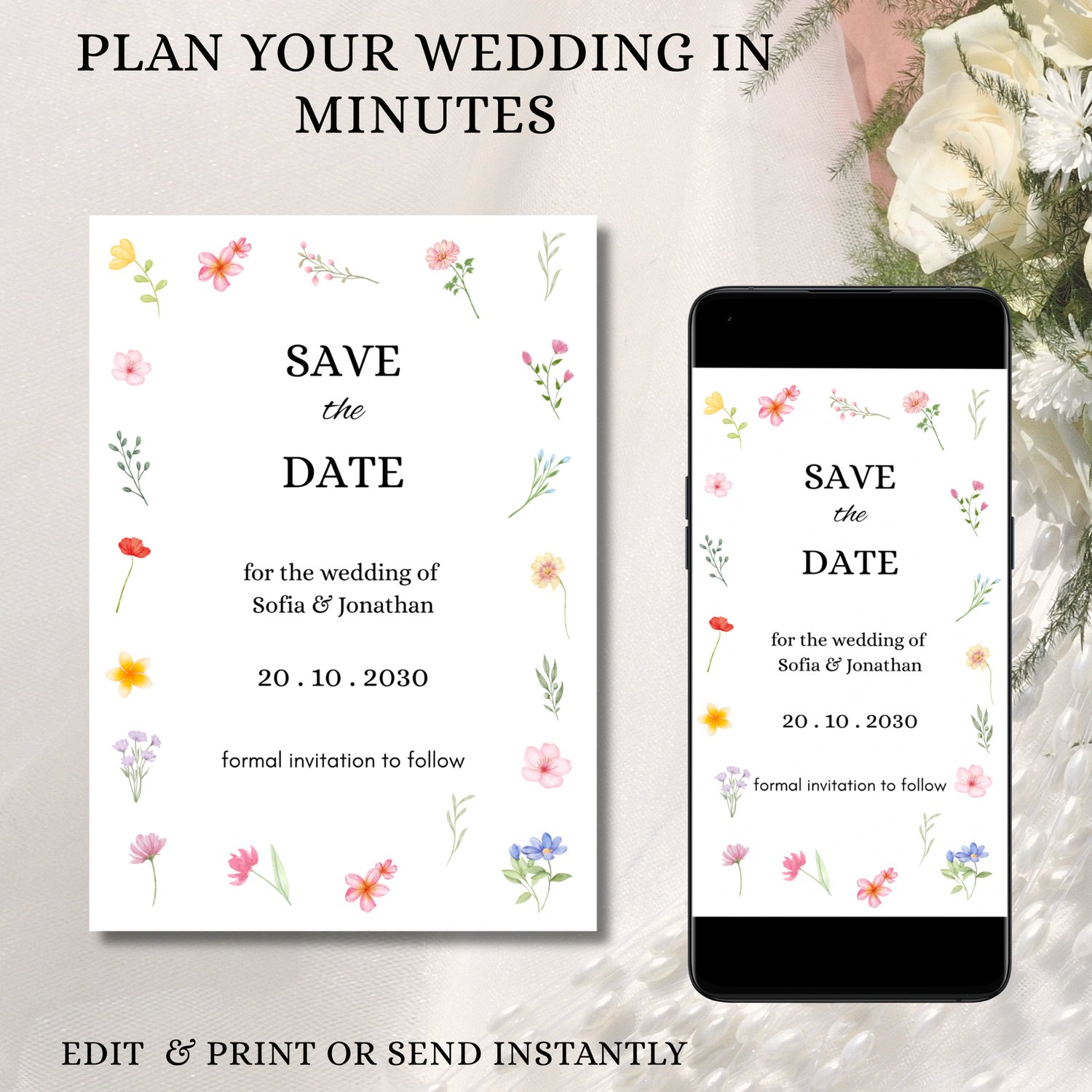
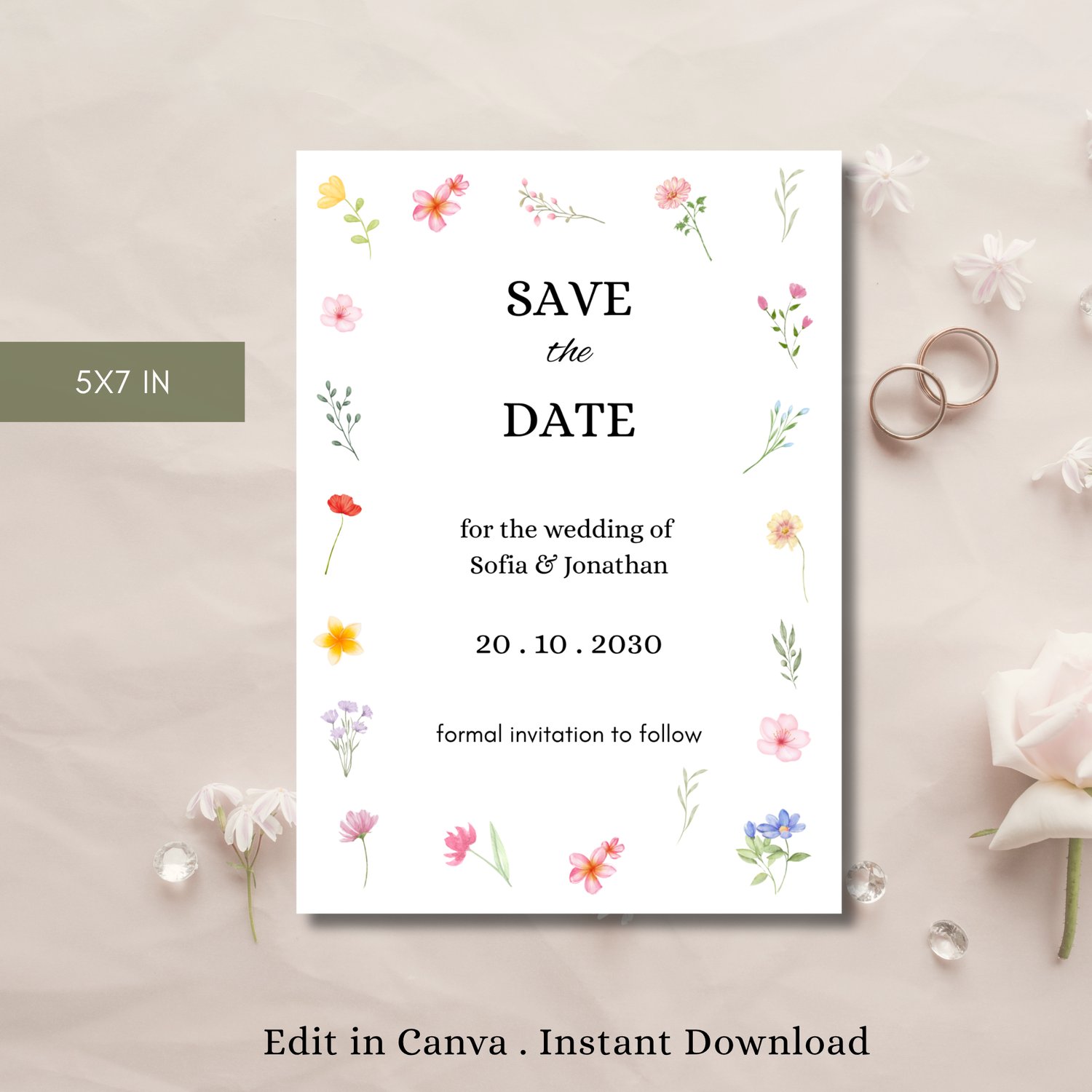
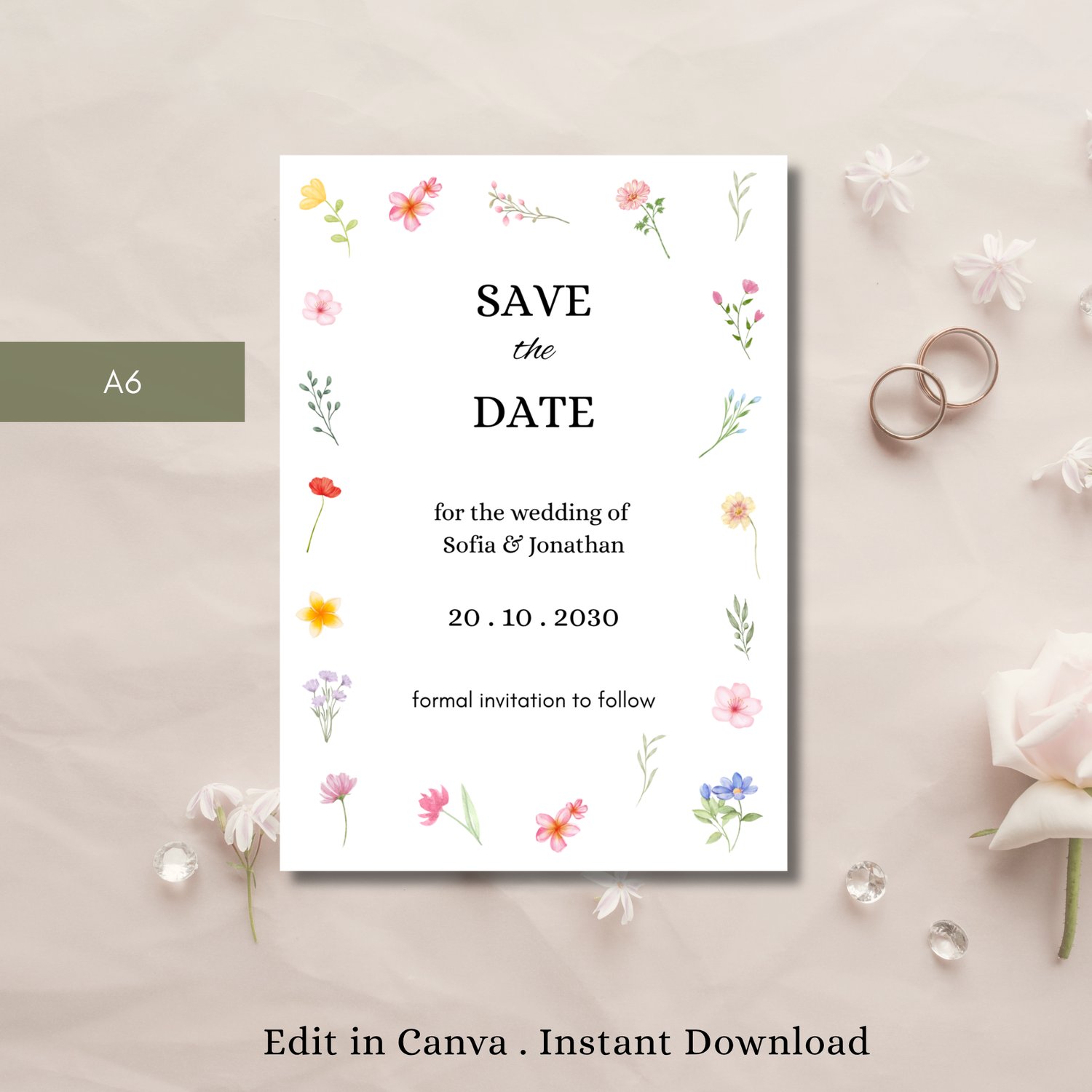
Create a beautifully romantic first impression with this wildflower Save the Date design invitation template, featuring a delicate botanical floral design perfect for spring and garden weddings. This editable Canva invitation allows you to fully customize every detail so your invite perfectly reflects your special day. Perfect for spring, garden, or romantic floral-inspired weddings. Instantly download, personalize, and share digitally or print for an elegant, timeless wedding announcement your guests will love.
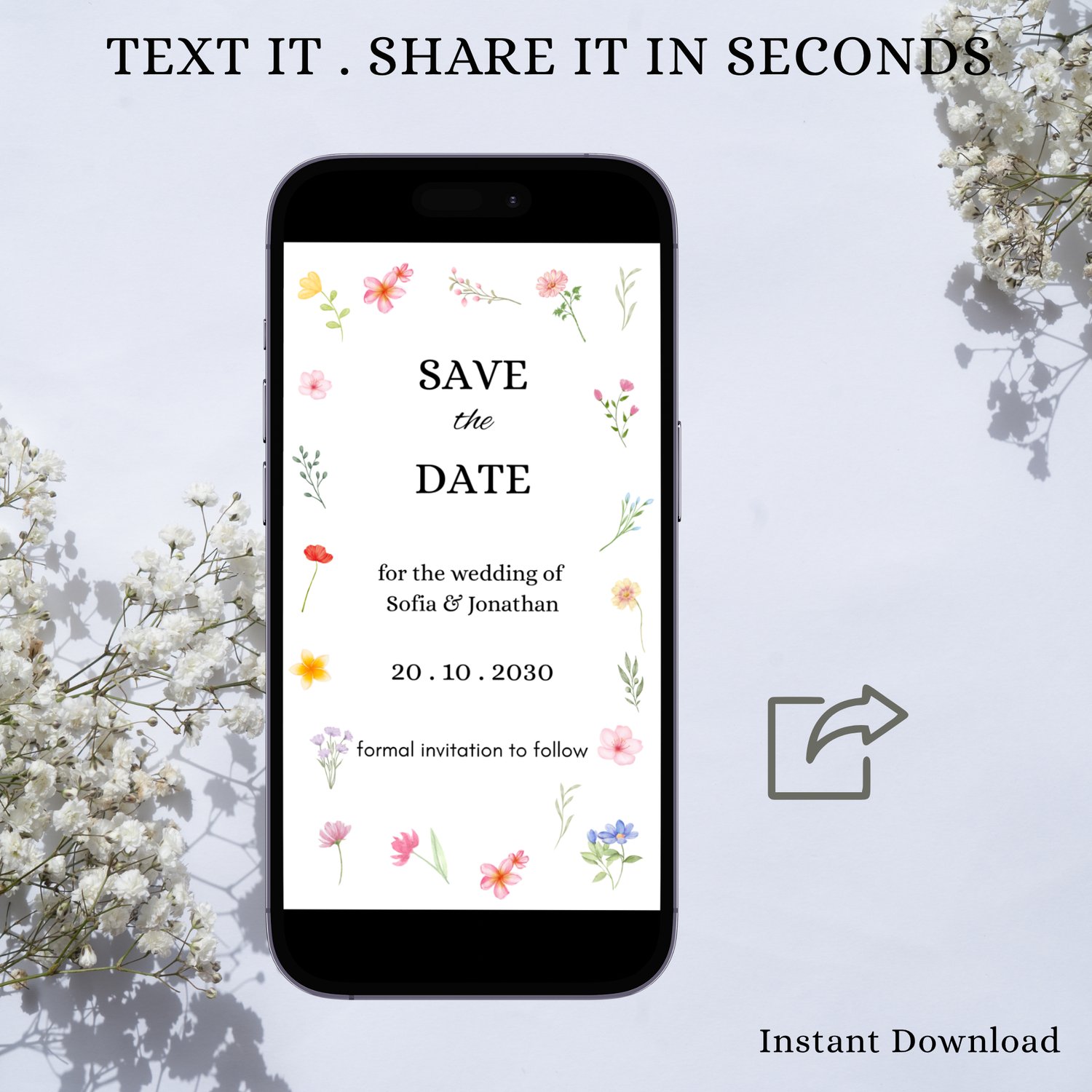
Easily customize your invitation in Canva—no design skills needed. Simply edit your details in minutes, download instantly, and send your invite by text message, email, or social media. Perfect for last-minute planning, this template lets you create and share a beautiful invitation quickly and stress-free.
◆ Instant Access & Easy Editing
- Create your invitation in minutes—no design skills needed!
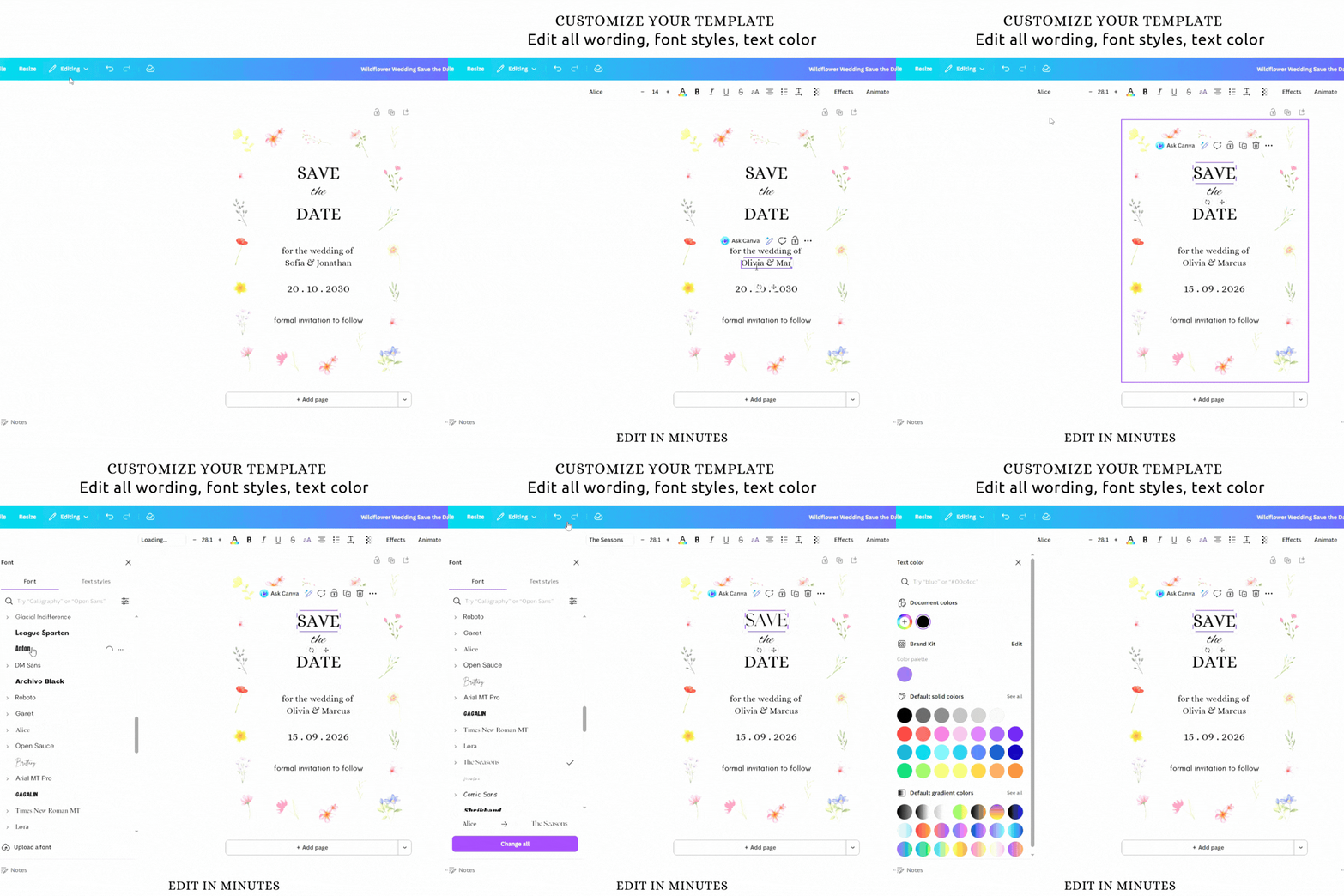
- Edit directly in Canva (desktop or mobile)
- No software or fonts to download
- Instant access after purchase
- Customize and share right away
◆ Perfect for Digital or Print Use
This invitation is designed for modern convenience:
- Send as a text message, email, or social media post
- Optimized for mobile viewing
- Print at home or at a local print shop
◆ What You’ll Receive (Sizes Available)
- A6 (4.1 x 5.8 in)(good for printing)
- 5x7in (good for printing)
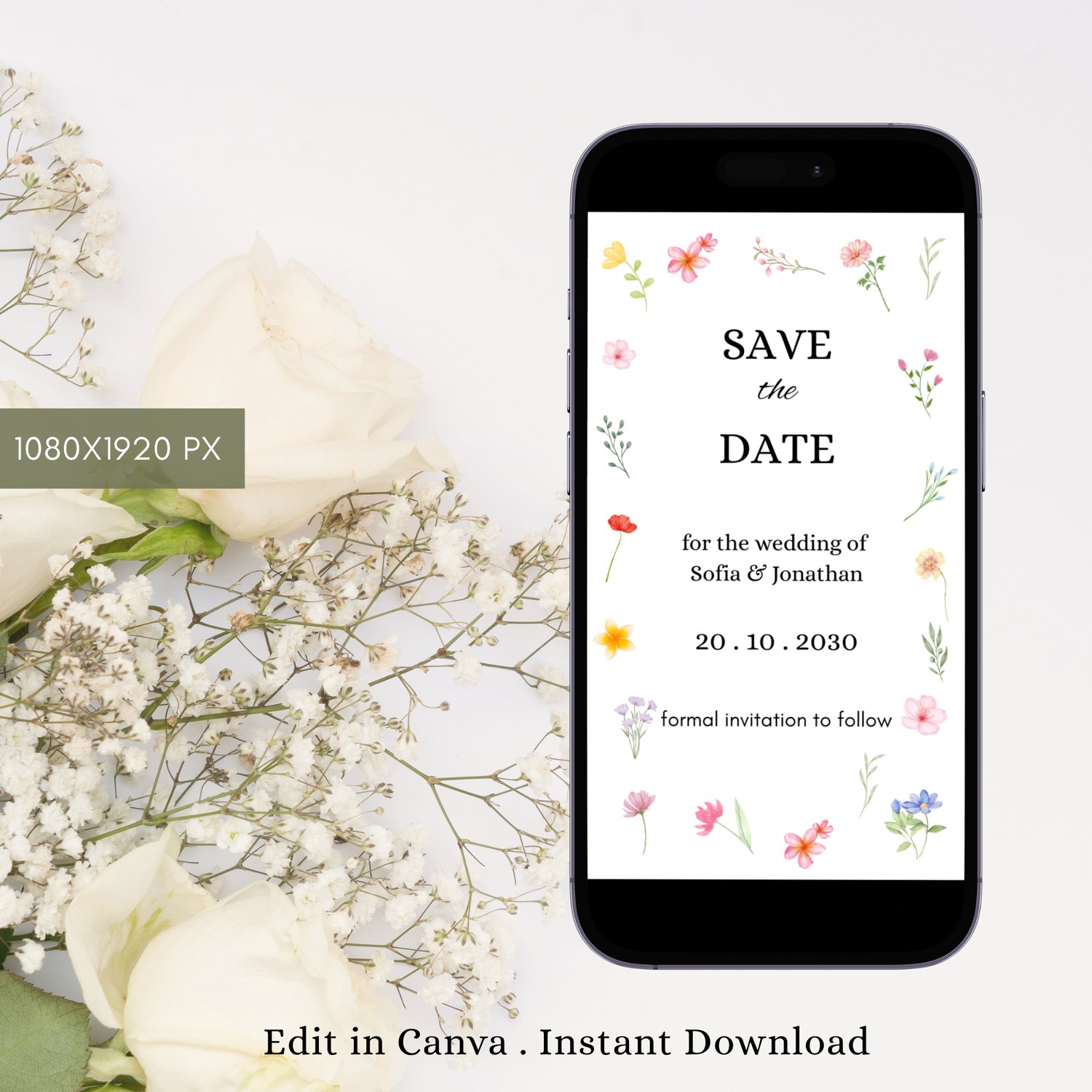
- 1080x1920px (good for most smartphones)
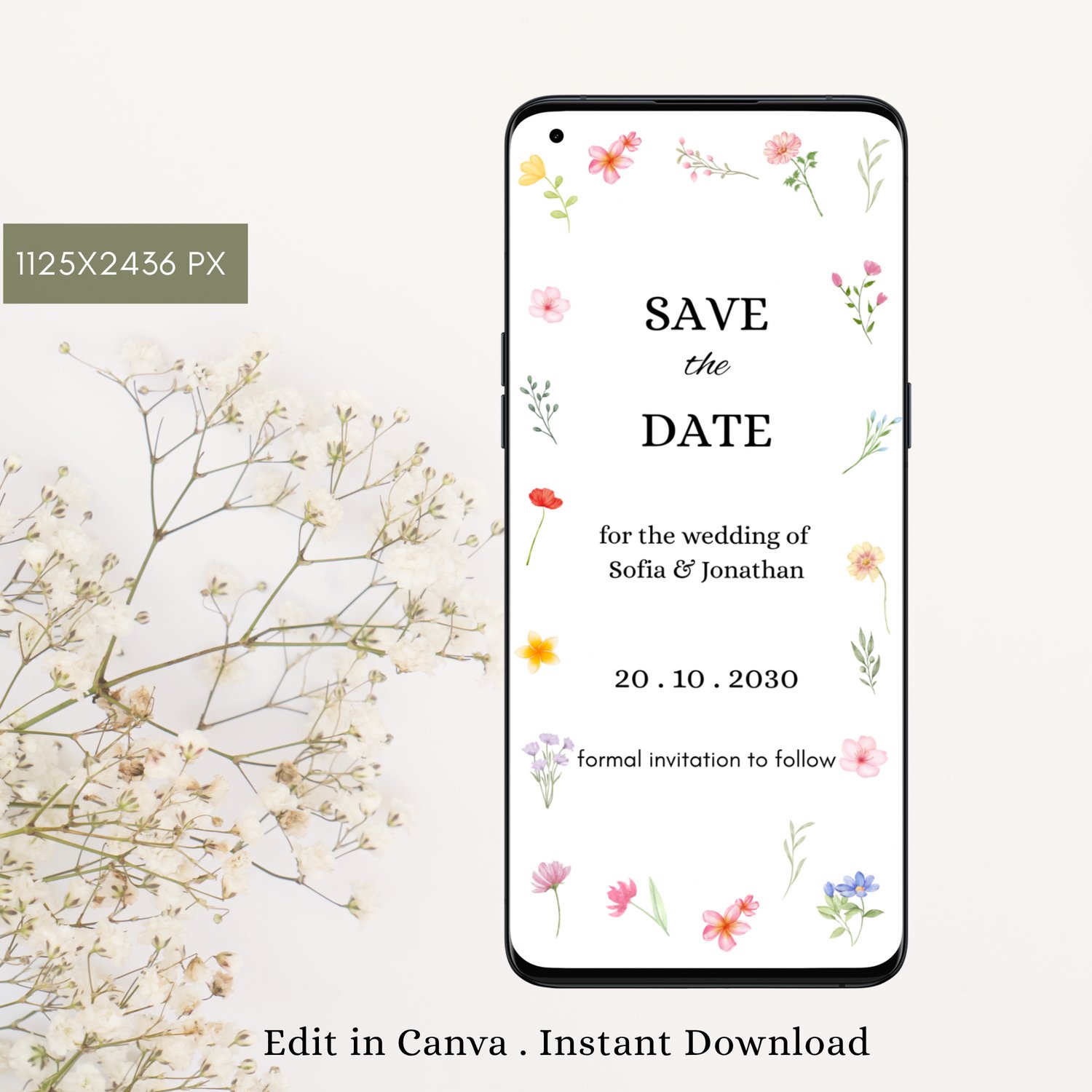
- 1125x2436px (good for iPhone X and up)
Save as JPG, PNG, or PDF.
◆ Download Formats:
- PDF for high-quality printing.
- JPG for texting, emailing, or sharing on social media.
Optional bleed and trim marks (with PDF).
◆ What You Can Edit
Using Canva, you can:
- Edit all text (name, date, time, location, details)
- Change font colors and styles
- Move and resize text
- You Can Not change background graphics.
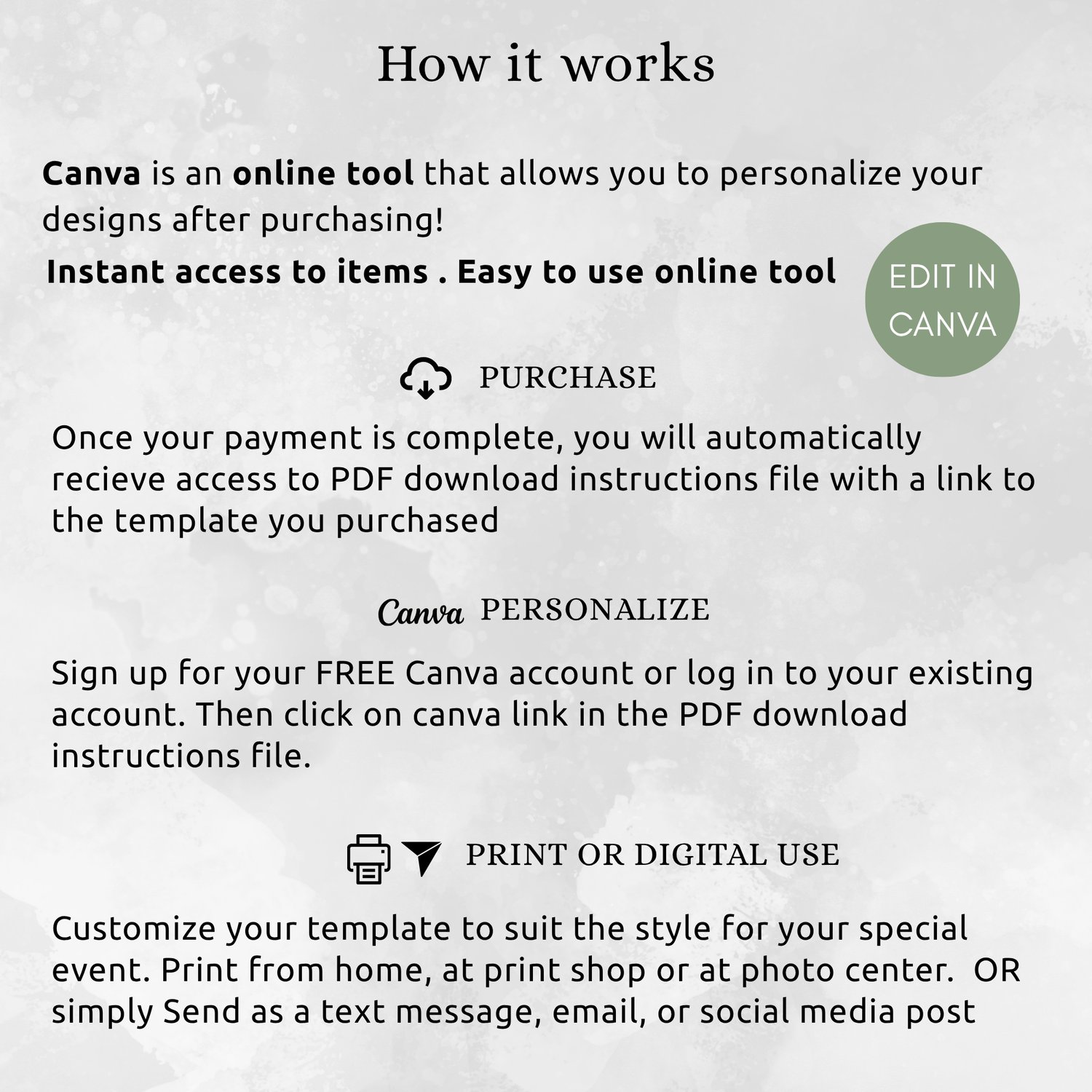
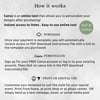
◆ How It Works
- Purchase the template
- Download the PDF with your Canva link
- Open and edit your design in Canva
- Download your finished design
- Send digitally or print
◆MATCHING ITEMS
Wildflower Wedding Invitation Template
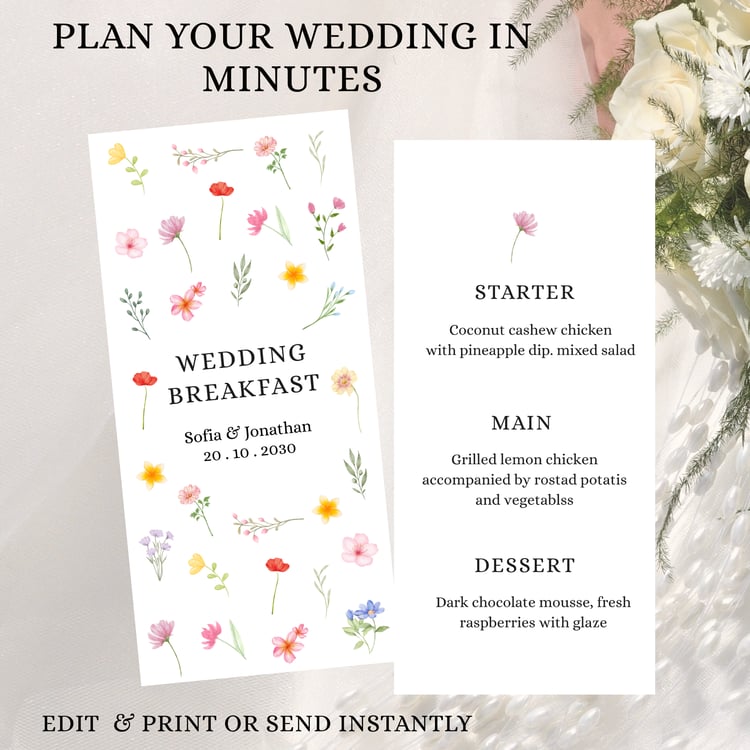
Wildflower Wedding Menu template
◆ Important Information
- No physical product will be shipped
- This is a digital download only
- Colors may vary slightly depending on screens/printers
- For personal use only (no resale)
- Due to the digital nature, refunds are not available
◆ Delivery
Instant download after payment. Start editing immediately