
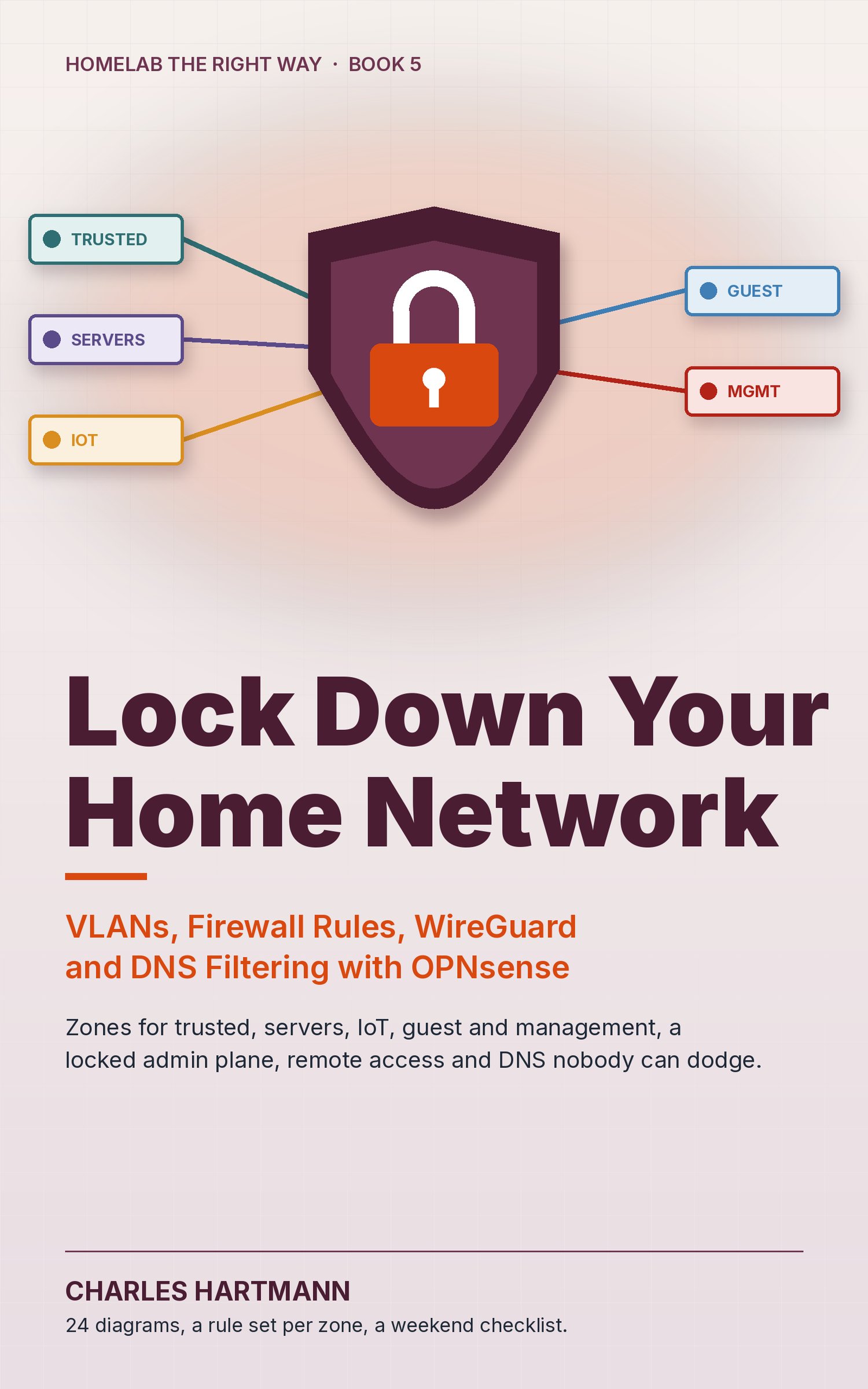
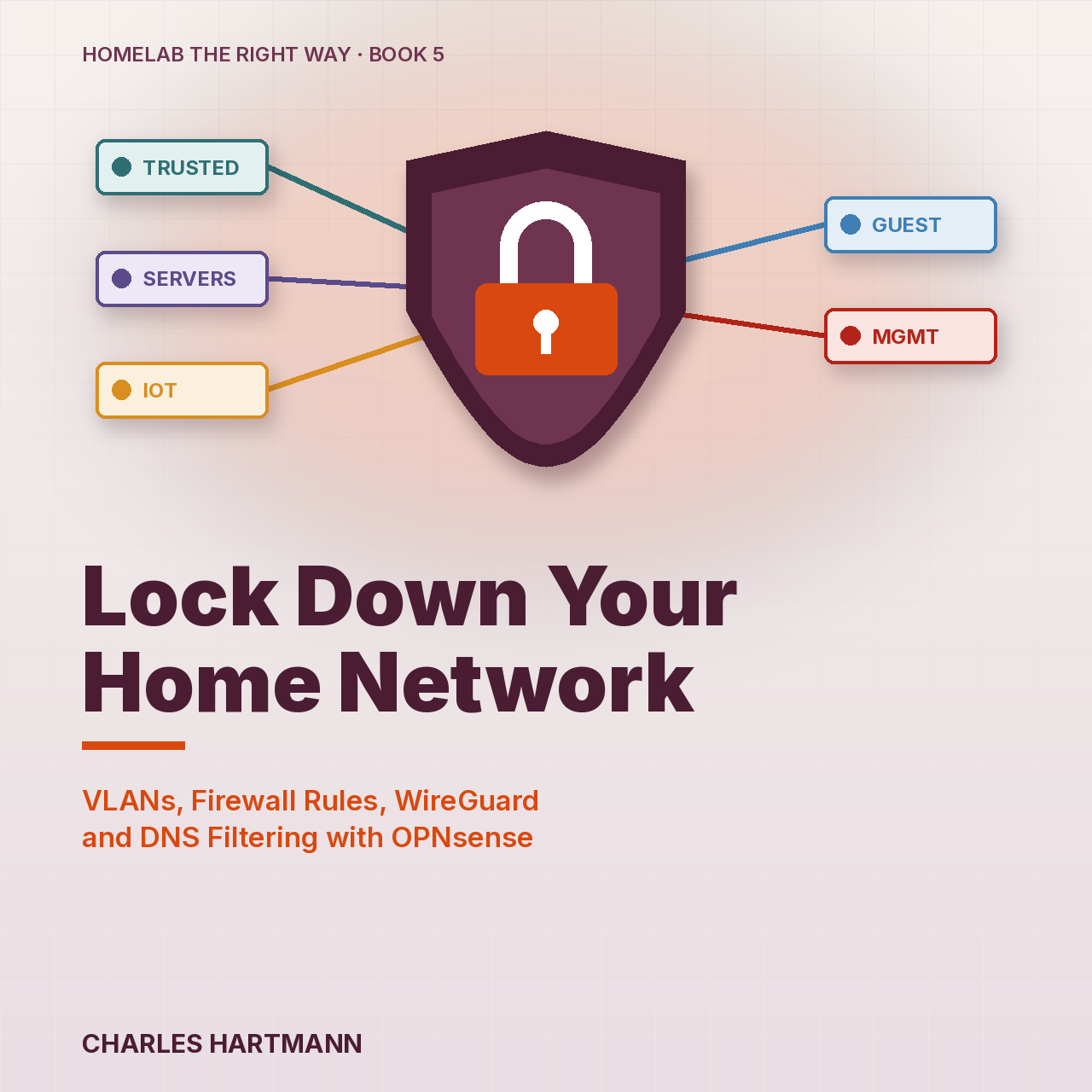
Lock Down Your Home Network: VLANs, Firewall Rules, WireGuard and DNS Filtering with OPNsense
Lock Down Your Home Network is a hands-on guide to turning a flat home network into five zones with OPNsense: trusted devices, servers, IoT, guests and management.
It starts with a zone plan and a one-page matrix of who may talk to whom, then locks the firewall's own front door: admin on the management network only, two-factor login, SSH by key, nothing on the WAN. Then VLANs from the wire up: 802.1Q tags, trunk and access ports, the switch, a VLAN-aware access point and a Proxmox bridge. Rule sets per zone written with aliases, IoT that still casts and still talks to Home Assistant, WireGuard remote access with one key per device, and DNS filtering that devices can't quietly dodge with DNS over TLS or DNS over HTTPS. It ends with a change routine and a test card, so the next change doesn't lock you out.
What you get
- A zone plan and inter-zone matrix you can copy: trusted, servers, IoT, guest and management, with an address plan that reads at a glance
- A locked admin plane: HTTPS on the management network only, TOTP two-factor login, key-only SSH, the anti-lockout rule retired safely
- VLANs that actually carry: tagged and untagged ports explained, switch and access point settings, and the Proxmox VLAN-aware bridge
- Rule sets per zone with aliases and IPv6 covered, plus the mDNS repeater and narrow exceptions that keep casting and Home Assistant working
- WireGuard road-warrior access (split or full tunnel) and DNS filtering that blocks DNS over TLS, the browser canaries and known DNS over HTTPS servers
56 pages, 24 diagrams and rule graphics plus a chapter-opener graphic for every chapter, a weekend checklist and a cheat sheet. PDF and EPUB. Homelab the Right Way, Book 5.
Not sure yet? Read the free sample first (cover, contents and all of Chapter 4): https://payhip.com/b/eQtOF
Also in a bundle: Everything Bundle: all 11 ebooks, $89 · Homelab Bundle: 6 ebooks, $59.