

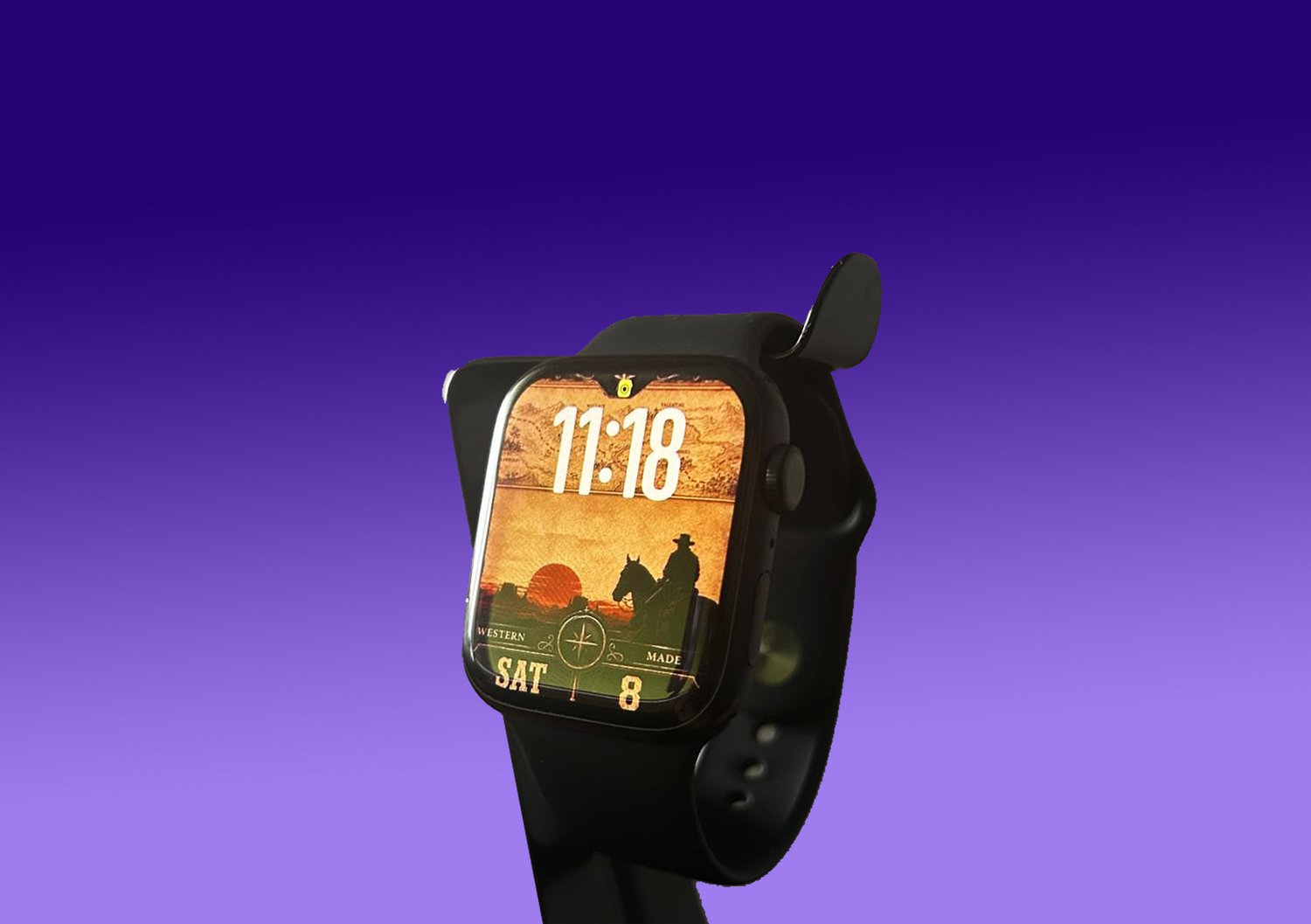
Echoes of the North
A vintage frontier Apple Watch face inspired by the spirit of the Wild West, featuring old maps, dusty trails, and a lone cowboy silhouetted against a crimson sunset. Combining rugged elegance with the mystery and freedom of the American frontier.
Upgrade your Apple Watch with a complete visual experience designed for those who appreciate detail.
After purchase, you will receive a RAR file containing the high-quality image file, ready for download and use.
⚡ Quick Start – Install Your Apple Watch Face
1️⃣ Download & Extract
Download the RAR file and extract it. Save the face images to your iPhone Photos.
2️⃣ Open the Apple Watch App
Go to Face Gallery → Select Photos watch face.
3️⃣ Choose Your face
Tap Choose Photos and select your face from your gallery.
4️⃣ Adjust & Align
Apply the face and adjust the position to align the time perfectly with the design.
✅ Done! Your new face is now active.