


Wall Assembly Thickness Converter
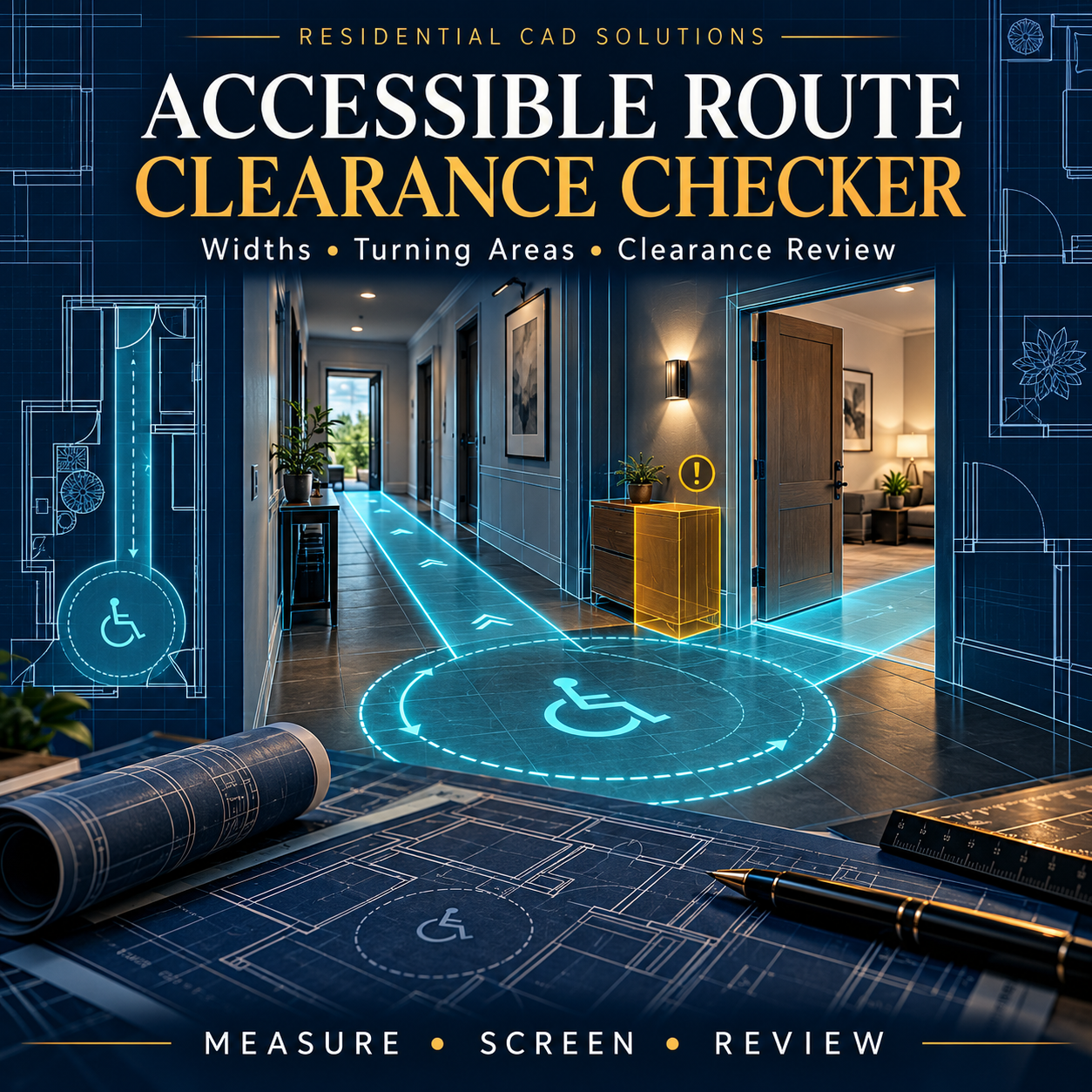
Accessible Route Clearance Checker
Make clearance reviews easier to organize and document. This AutoLISP + DCL tool helps architects, designers, engineers, and drafters compare plan geometry against user-entered project criteria.
Four review modes:
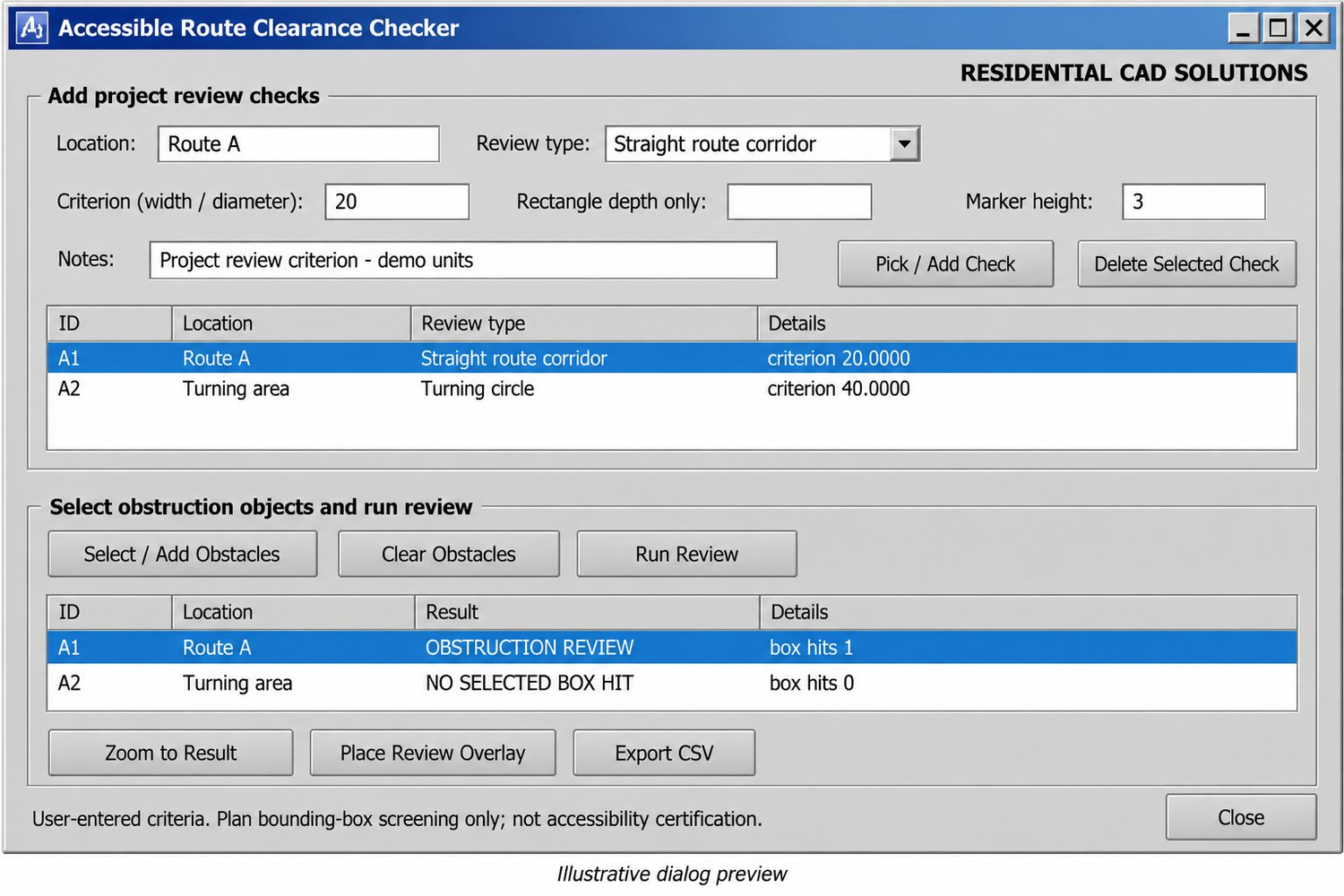
- Width Spot Check: Compare two picked clearance endpoints against a minimum width.
- Straight Route Corridor: Screen a specified-width corridor against selected obstacles.
- Turning Circle: Review a user-sized circular area for potential obstructions.
- Clearance Rectangle: Check an oriented rectangular clearance zone.
Additional features include:
- Flag width shortfalls and potential obstacle intersections.
- Add location labels, criteria references, and review notes.
- Zoom to results and place color-coded overlays.
- Save check records and obstacle selections inside the DWG.
- Export CSV reports for project coordination.
Your download includes: LISP program, DCL dialog file, demo DXF drawing, installation instructions, and verification examples.
Command: ARCC
Requirements: Full Windows AutoCAD with Visual LISP, ActiveX, and DCL. Live version compatibility testing is pending.
Please note: Criteria are user-entered. Obstacle screening uses plan bounding boxes and can produce false positives. This tool does not certify accessibility compliance or evaluate slopes, door maneuvering requirements, surfaces, headroom, or complete route continuity. Results require professional review.