
Timesheet & Pay Calculator (Excel)
Know exactly what you should be paid for every shift and every paycheck.
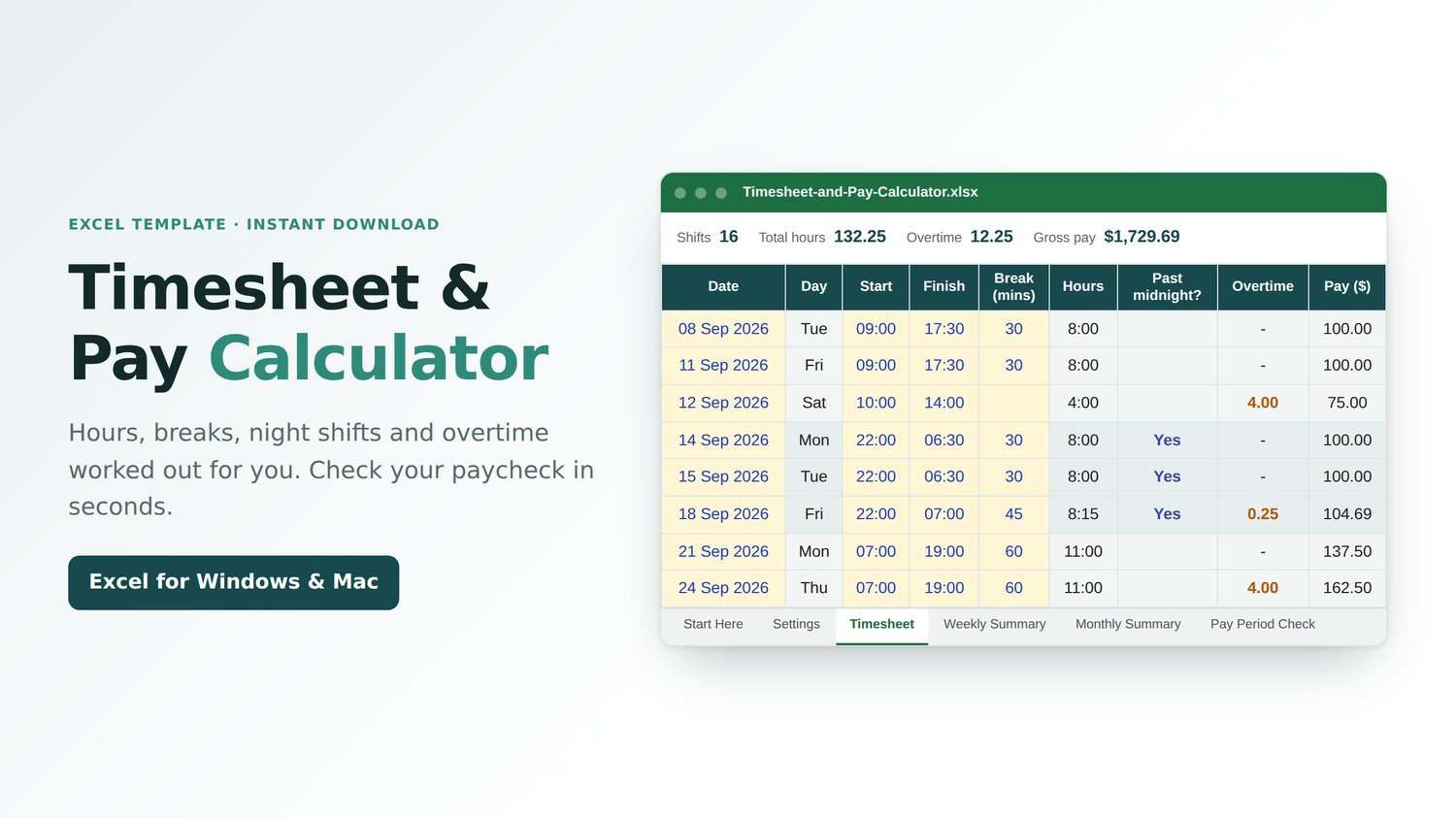
Type in your start and finish times. This Excel calculator works out your hours, unpaid breaks, night shifts, and overtime, then tells you if your paycheck adds up.
WHAT IT DOES
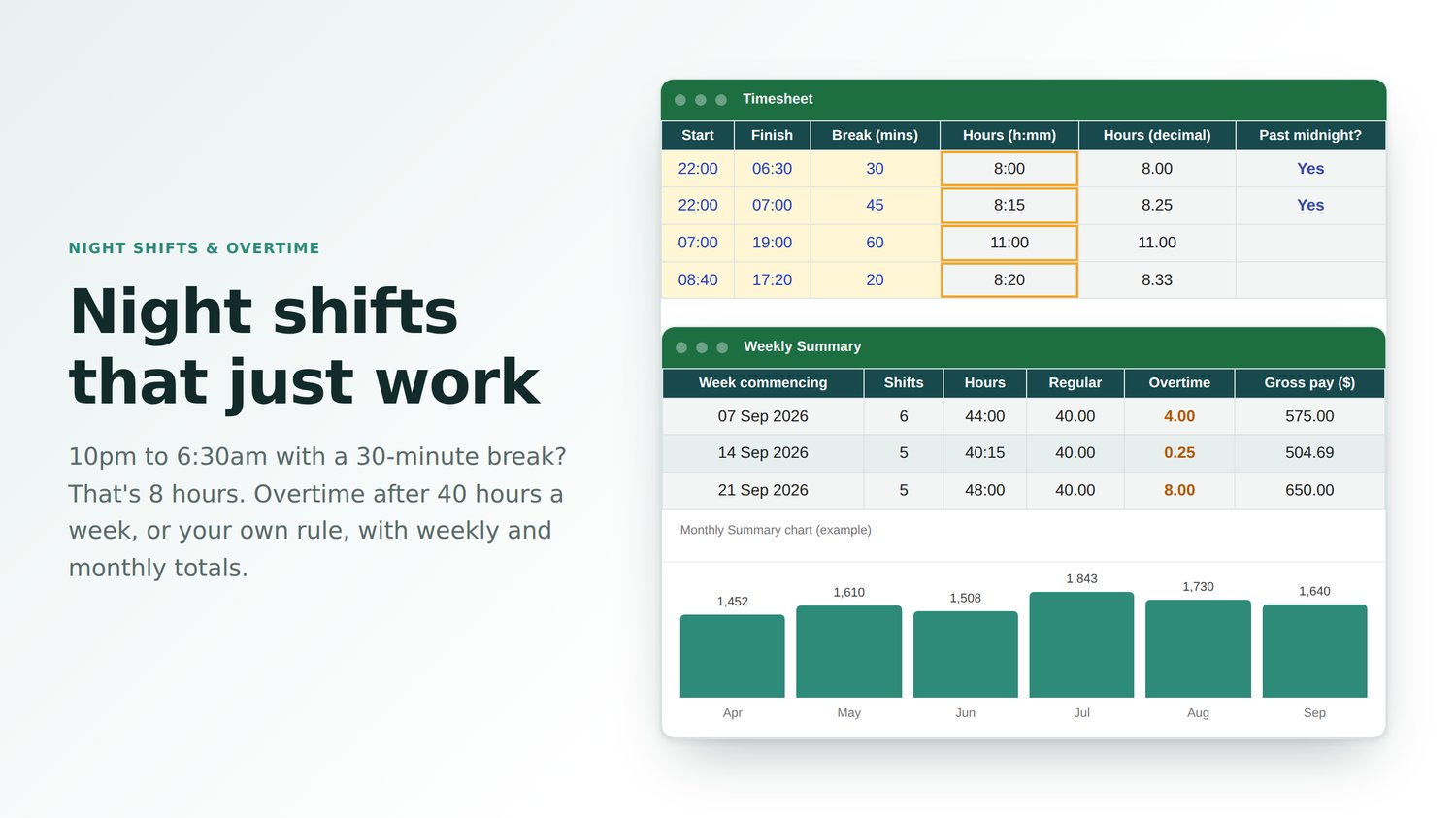
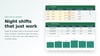
• Night shifts that go past midnight: 10 pm to 6:30 am with a 30-minute break counts as 8 hours
• Unpaid breaks taken off automatically
• Overtime after 40 hours a week (the standard US rule), after 8 hours a day, or your own rule, at any rate (time and a half, double time, or custom)
• Weekly Summary (up to 60 weeks) and Monthly Summary with a pay chart
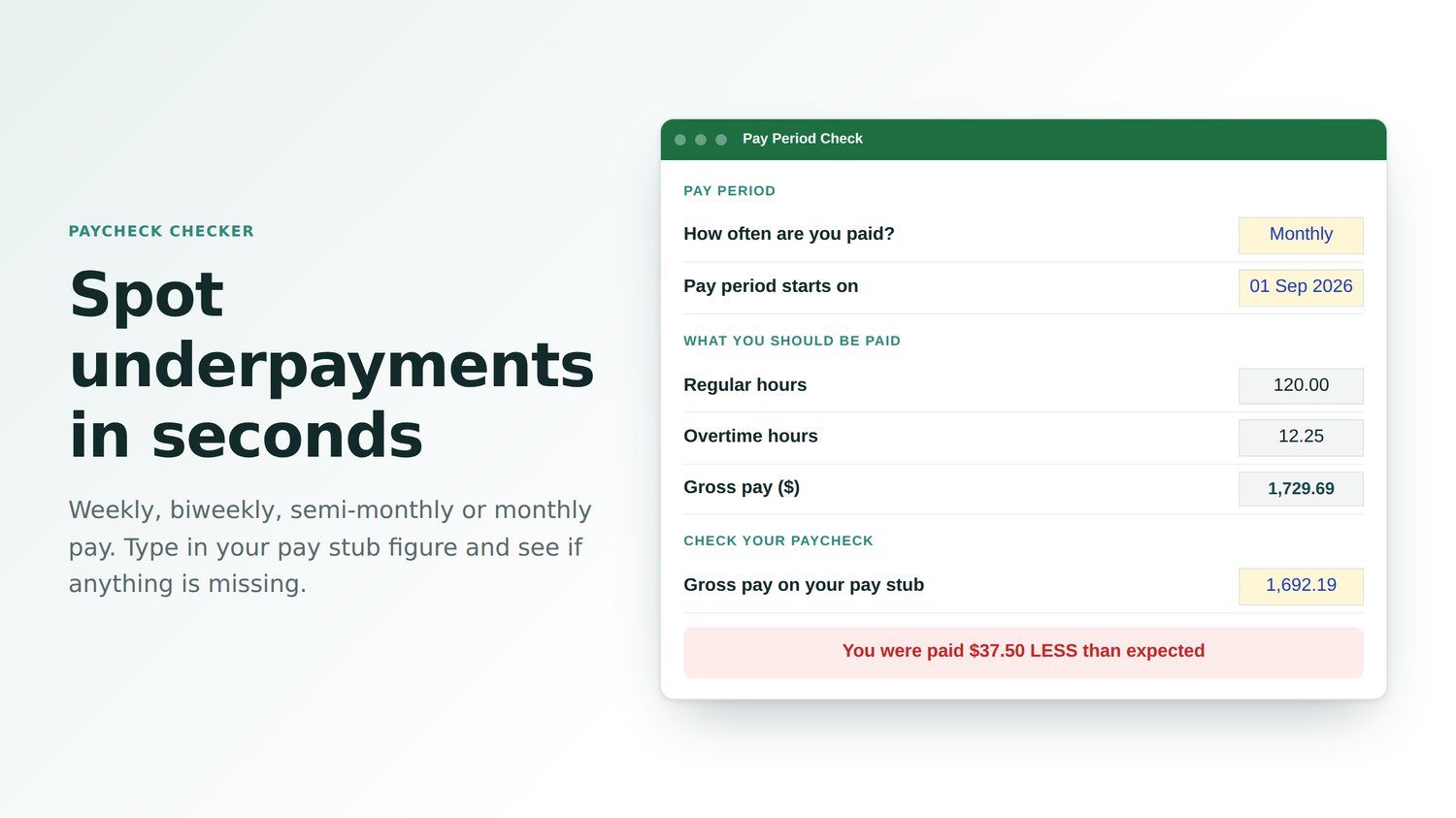
• Pay Period Check for weekly, biweekly, semi-monthly, every-4-weeks or monthly pay
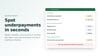
• Paycheck checker: type in the gross pay from your pay stub and see if anything's missing
• Room for 400 shifts, which is more than a year
• Works with any currency: $, £, €, ₹ and more
• Formulas locked so they can't be broken by accident (no password)
• Start Here guide and example shifts included
WHO IT'S FOR
Shift workers, part-timers, people with second jobs, and small employers who track staff hours. Use one copy of the file per person or job.
GOOD TO KNOW
• Works in Microsoft Excel: Microsoft 365, Excel 2010 or later on Windows, and Excel for Mac
• Shows GROSS pay (before taxes and other deductions)
• One-off payment, instant download