

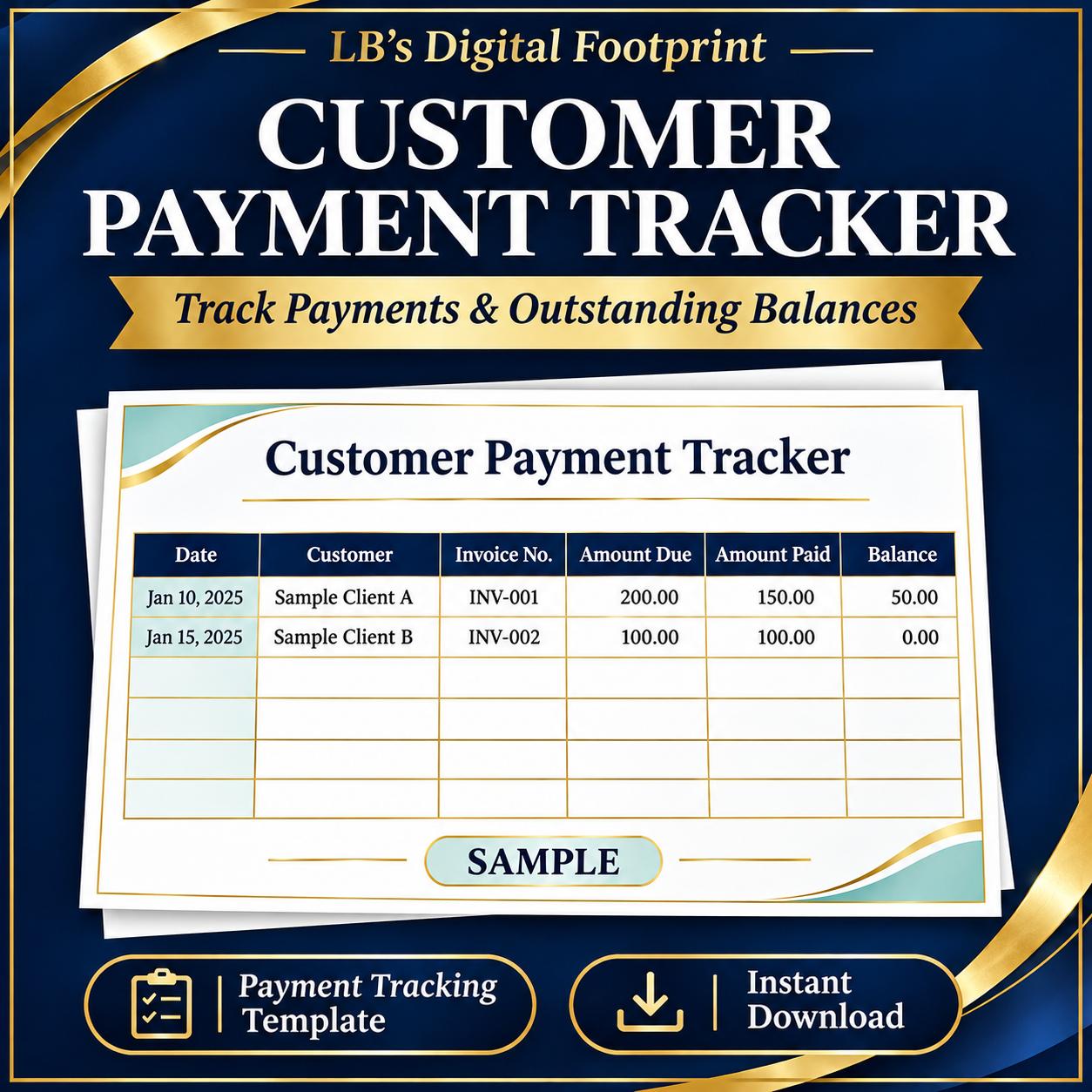
Customer Payment Tracker – Excel Spreadsheet with Automatic Balance Calculations
Stay on top of customer payments with the Customer Payment Tracker from LB’s Digital Footprint. Record invoices and payments received, calculate outstanding balances and see which invoices need follow-up.
Features:
- Automatic balance calculations for each invoice
- Payment status indicators, including paid, part paid and overdue
- Summary of total balance due, overdue invoices and overdue balance
- Space for 150 invoices
- Fields for payment dates, methods, references and notes
- Colour-coded entry cells and formula columns
- Instructions included
What’s included:
An editable Excel workbook (.xlsx).
Enter each invoice amount and the cumulative payments received. Update the review date manually to refresh overdue status.
Ideal for small business owners, freelancers and service providers.
Please note: This is a digital download. No physical product will be shipped. Microsoft Excel or a compatible spreadsheet app is required. Keep formula cells intact so calculations work correctly.
For use within your own business. Reselling or redistributing the template is not permitted.
🛍️ CUSTOMER CHECKOUT TIP
Having trouble with the ZIP/postal code at checkout?
✅ Select your correct billing country.
✅ Enter the ZIP/postal code associated with your card’s billing address.
✅ If your country does not use postal codes and checkout requires one, try 00000.
00000 has worked in our tests with cards from four banks. Results may vary by country, card or payment provider.
Browse all our products:
https://payhip.com/lbsdigitalfootprint
📧 Need help? Email us at lbsdigitalfootprint@gmail.com.
Never share your card details.