
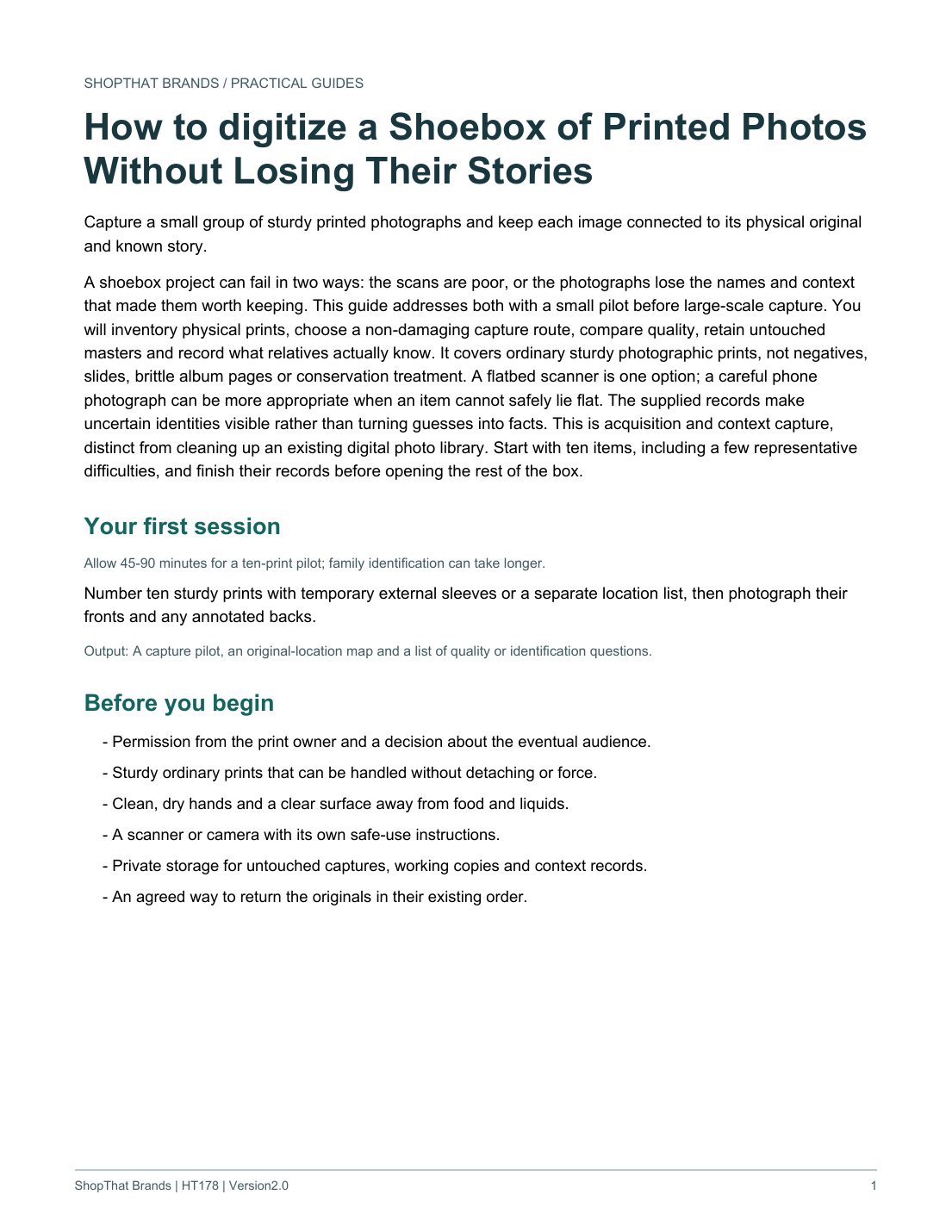

How to digitize a Shoebox of Printed Photos Without Losing Their Stories
Capture the photographs in a shoebox without separating them from their stories. This guide helps a family keeper complete a ten-print pilot before starting a large scanning project. It focuses on acquiring useful images and context from physical prints, rather than reorganizing an existing digital library.
Eight explained steps cover inventory, condition-based route selection, a quality comparison, front/back capture, family identification, master-versus-derivative records, reconciliation and owner handoff. You will learn why a higher pixel count is not proof of recovered detail and why correct file totals cannot detect every mismatched back.
Six distinct tools support physical inventory, capture comparison, file/side mapping, identity uncertainty, edit history and pilot acceptance. Each contains task-specific help and fictional examples. A complete ten-print example checks fourteen informative capture views, compares resolution arithmetic and repairs a front/back naming error.
The download includes a PDF guide, offline HTML guide and editable HTML/TXT working tools. A scanner, camera, storage or photo-editing software is not included. Use your own permitted photographs and the capture device's instructions. Fragile, stuck or damaged material needs appropriate specialist help. The practical result is a small, checked digital collection with its originals returned and its context still attached.
Included files: PDF guide, offline HTML guide, 6 distinct editable tools in HTML and TXT. Extract the ZIP before use. No paid software is required to read this guide or edit its supplied tools. Third-party services discussed may have their own costs. No XLSX, Canva, Notion or video files are included.
Text and template wording were generated with AI and reviewed for clarity and consistency.
License: Personal or internal business use only. You may edit the templates for that use; do not redistribute or resell the supplied files or templates.
HTML tools do not autosave. Use Save filled copy before closing to download and keep your completed entries.