


Drawing Origin & Coordinate Inspector
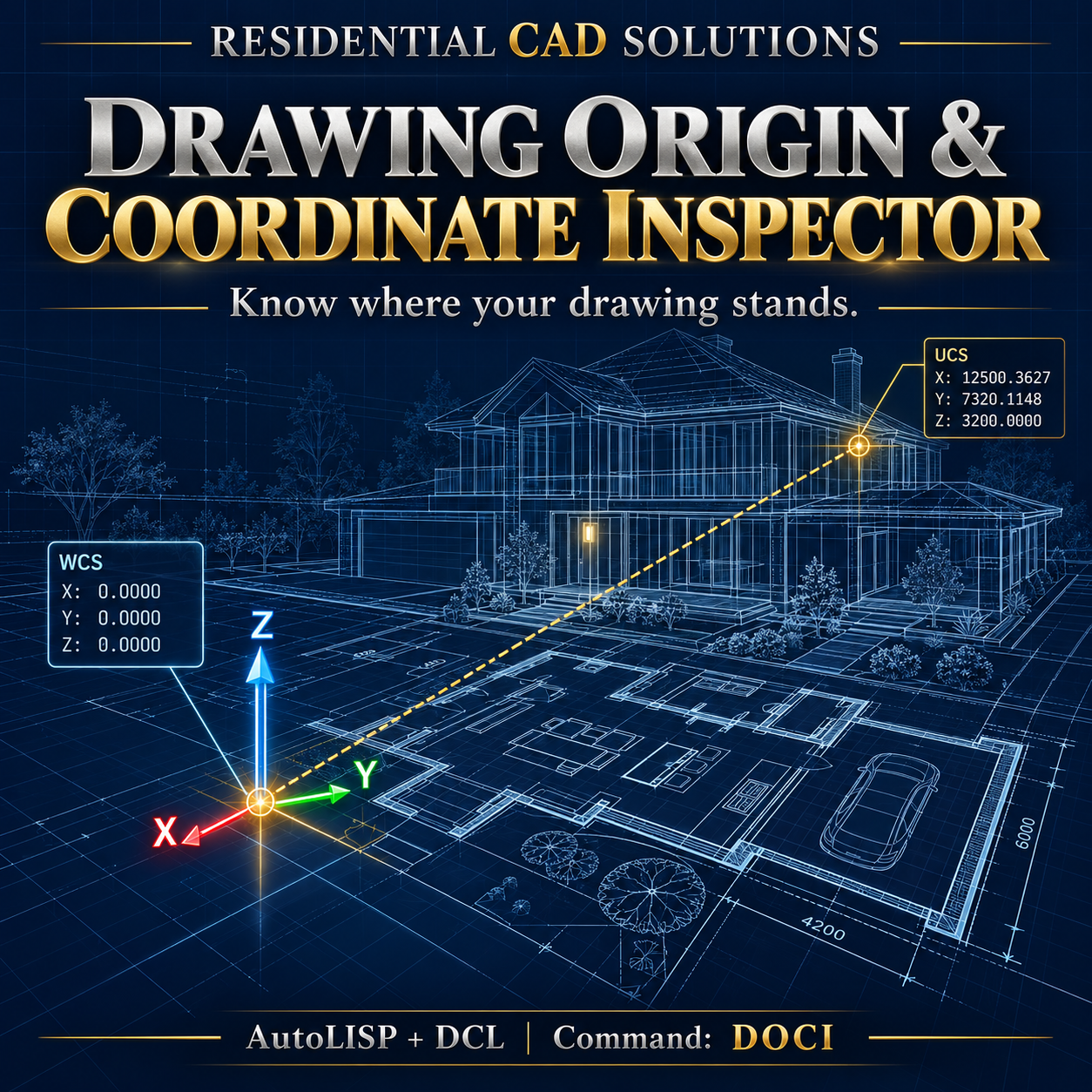
Drawing Origin & Coordinate Inspector
Know where your drawing stands.
Investigate distant geometry, unexpected elevations, and coordinate confusion with a dedicated inspection tool inside AutoCAD.
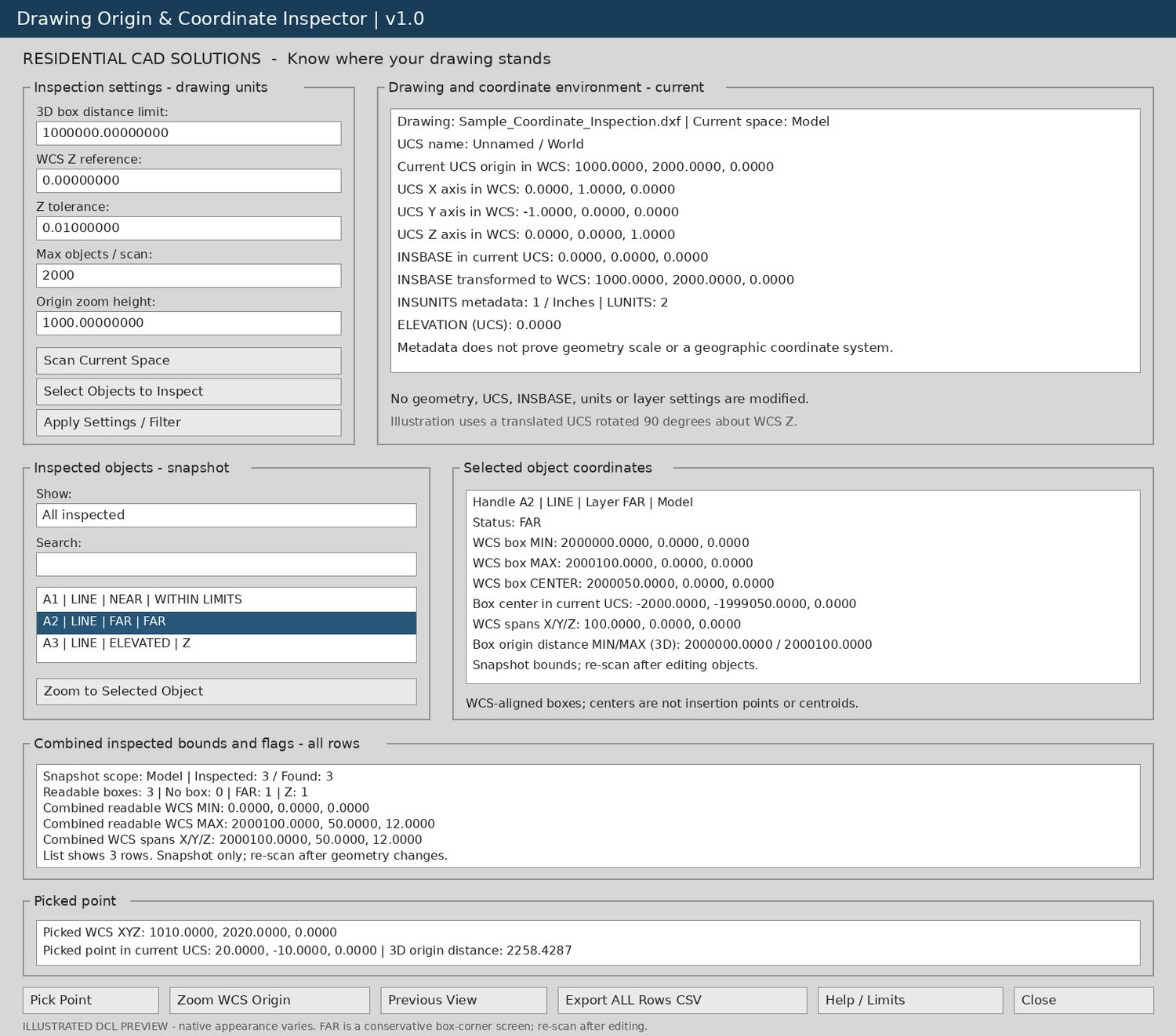
Drawing Origin & Coordinate Inspector brings object coordinates, drawing bounds, UCS orientation, and insertion-base information into one organized dialog—helping you review drawing setup before coordinating or sharing files.
Features include:
- Drawing inspection: Scan current-space objects or inspect a selected group.
- Distance review flags: Identify bounding boxes that exceed your chosen distance from WCS origin.
- Elevation checks: Flag WCS bounds outside your specified Z reference and tolerance.
- WCS/UCS readouts: Review the current UCS origin and axis directions expressed in WCS.
- Insertion-base inspection: Display INSBASE in current UCS and transformed WCS coordinates.
- Object details: View bounding-box minimum, maximum, center, and XYZ spans.
- Point inspection: Pick a point and compare its WCS and current UCS coordinates.
- Search and filters: Find inspected objects by handle, type, layer, or diagnostic note.
- Zoom controls: Navigate to a selected object or WCS origin and return through previous views.
- CSV reporting: Export all inspected rows, coordinate settings, and review notes.
- Transparent scan results: Clearly identify partial scans and objects without readable bounds.
Inspection leaves geometry, UCS, insertion base, units, and layer settings unchanged. Zoom controls change the view only.
Your download includes:
AutoLISP routine, matching DCL dialog, sample DXF drawing, illustrative CSV report, gray interface preview, installation instructions, and an acceptance-testing checklist.
Main command: DOCI
Help command: DOCIHELP
Please note: Flags use WCS bounding boxes and identify items for review; they do not prove drafting errors. The tool does not validate geographic coordinate systems, actual drawing scale, or coordinate accuracy, and it does not automatically repair or relocate geometry. Re-scan after making drawing changes.
Targets Windows AutoCAD 2002 and later with AutoLISP, Visual LISP, ActiveX, and DCL support. Native AutoCAD compatibility testing remains required.
Residential CAD Solutions — Inspect the coordinates behind the drawing.