

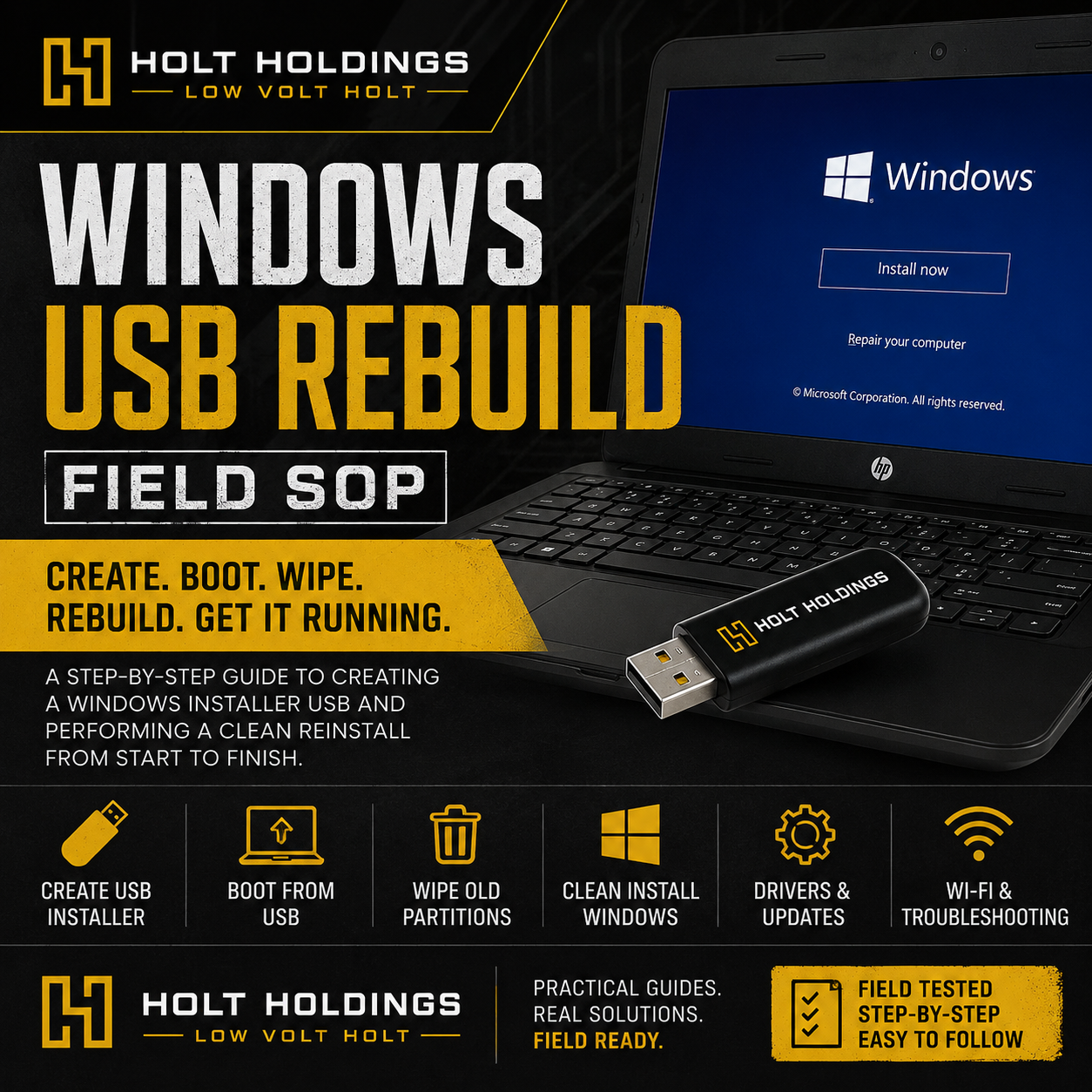
Windows USB Rebuild Field SOP: Create a Recovery Installer & Clean Reinstall Windows
Locked out of an old Windows laptop? Rebuilding a slow or forgotten PC? This field SOP walks through the full process of creating a Windows USB installer and using it to perform a clean Windows reinstall.
This guide is built from a real-world field reset on an older HP Pavilion laptop that was stuck at a login screen and could not connect to Wi-Fi without logging in first. It covers the practical steps, decision points, and “what screen am I looking at?” moments that come up when rebuilding a Windows computer from USB.
Inside the guide, you’ll learn how to:
- Create a Windows USB installer using Microsoft’s media creation process
- Choose the correct architecture, such as 64-bit vs. 32-bit
- Understand the difference between a recovery drive and an installer USB
- Boot an HP, Dell, Lenovo, or older laptop from USB
- Handle common boot-menu keys like Esc, F9, F10, and F12
- Avoid accidentally reinstalling Windows on the wrong computer
- Choose clean install vs. upgrade
- Delete old system, recovery, and OEM partitions when a full wipe is approved
- Install Windows onto unallocated space
- Work through first boot, Wi-Fi setup, updates, and driver checks
- Troubleshoot older laptops that cannot see newer Wi-Fi networks
- Know when a device may still be tied to school/work management
This SOP is written in plain field language, not corporate IT jargon. It is meant for techs, side-hustlers, family “computer person” helpers, and DIY users who want a step-by-step rebuild process they can actually follow.
Important Disclaimer Section
This guide is intended for computers you own or have permission to service. A clean Windows reinstall can permanently erase files, accounts, programs, and settings. Always confirm that the customer/user does not need anything saved before wiping partitions.
This guide does not teach password bypassing, data extraction, or unauthorized access. It is focused on legitimate clean reinstall/rebuild workflows.
What’s Included
Digital PDF Field SOP
Includes:
- USB creation checklist
- Boot menu reference
- Clean install walkthrough
- Partition deletion notes
- First boot checklist
- Wi-Fi and driver troubleshooting
- Customer handoff notes
- Field-tech tips and warnings