

Debt Snowball Spreadsheet, Debt Avalanche Calculator, Debt Payoff Tracker with Payment Log and Payoff Chart, Debt Free Planner Template
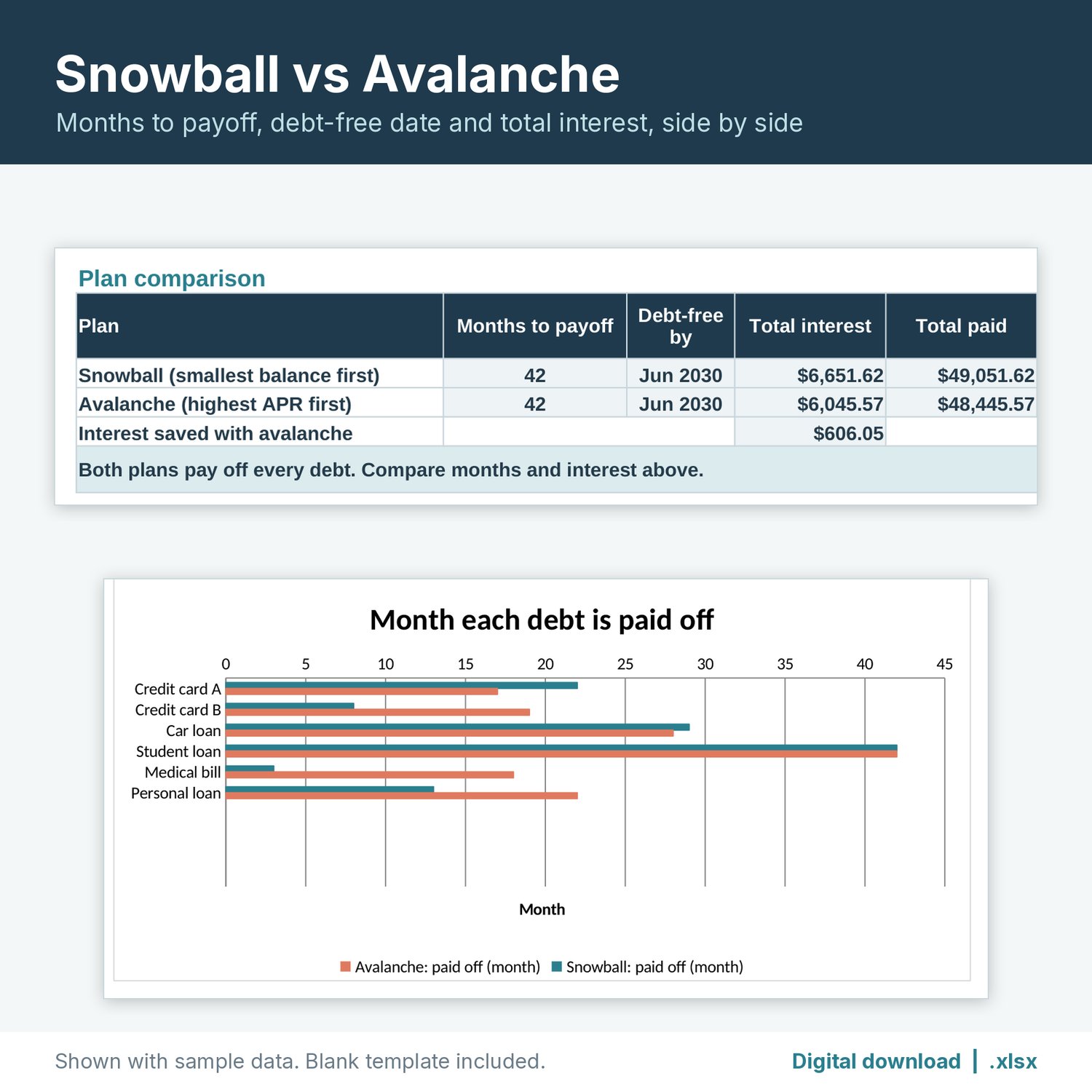
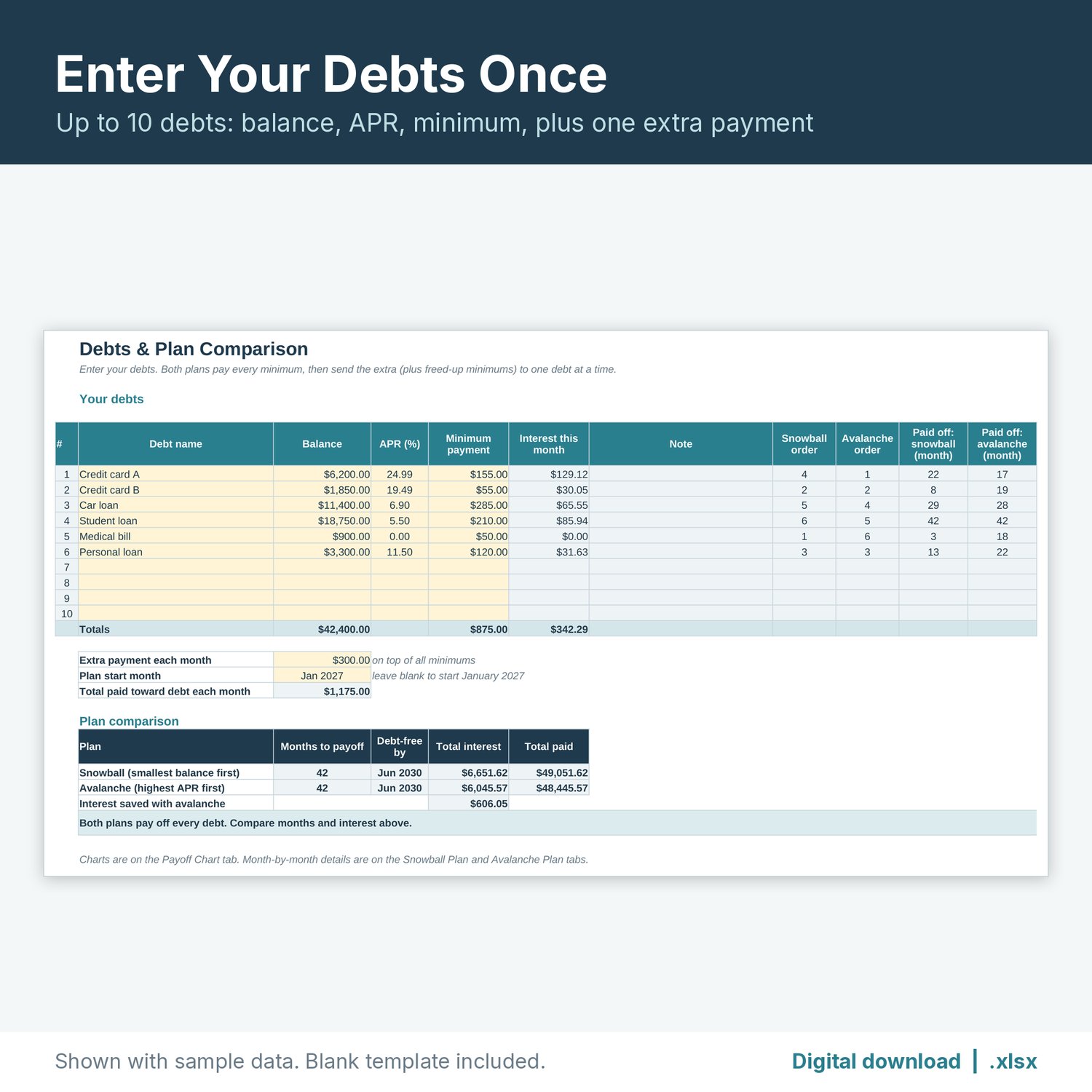
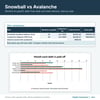
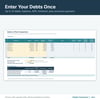
Enter your debts once and compare two ways to pay them off: the snowball plan (smallest balance first) and the avalanche plan (highest APR first). See months to payoff, the debt-free-by month, total interest, total paid and the interest you save, side by side. Then log every payment and see if you're ahead or behind your plan.
This is a digital download. No physical item will be shipped. You get one ZIP file right after purchase with the tracker, a filled sample copy, and a short "How to open" note.
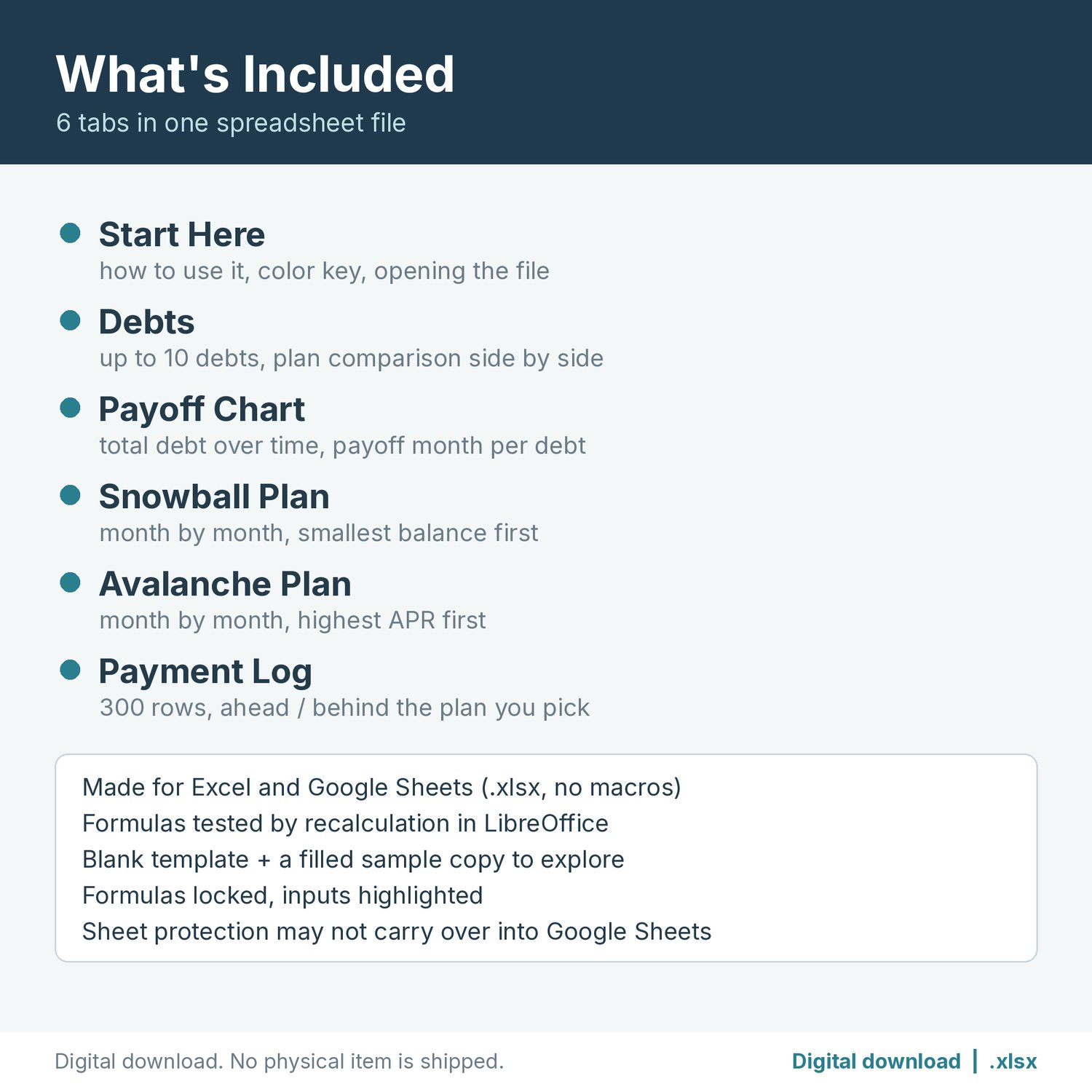
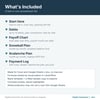
What's included (6 tabs in one .xlsx file)
- Start Here: how to use it, a color key (yellow = you type, blue-gray = automatic), and how to open the file.
- Debts: up to 10 debts (name, balance, APR, minimum payment) plus one extra monthly payment and a plan start month. Shows interest this month, the payoff order for each plan, the month each debt is paid off, and the Plan comparison: months to payoff, debt-free by, total interest, total paid and interest saved with avalanche.
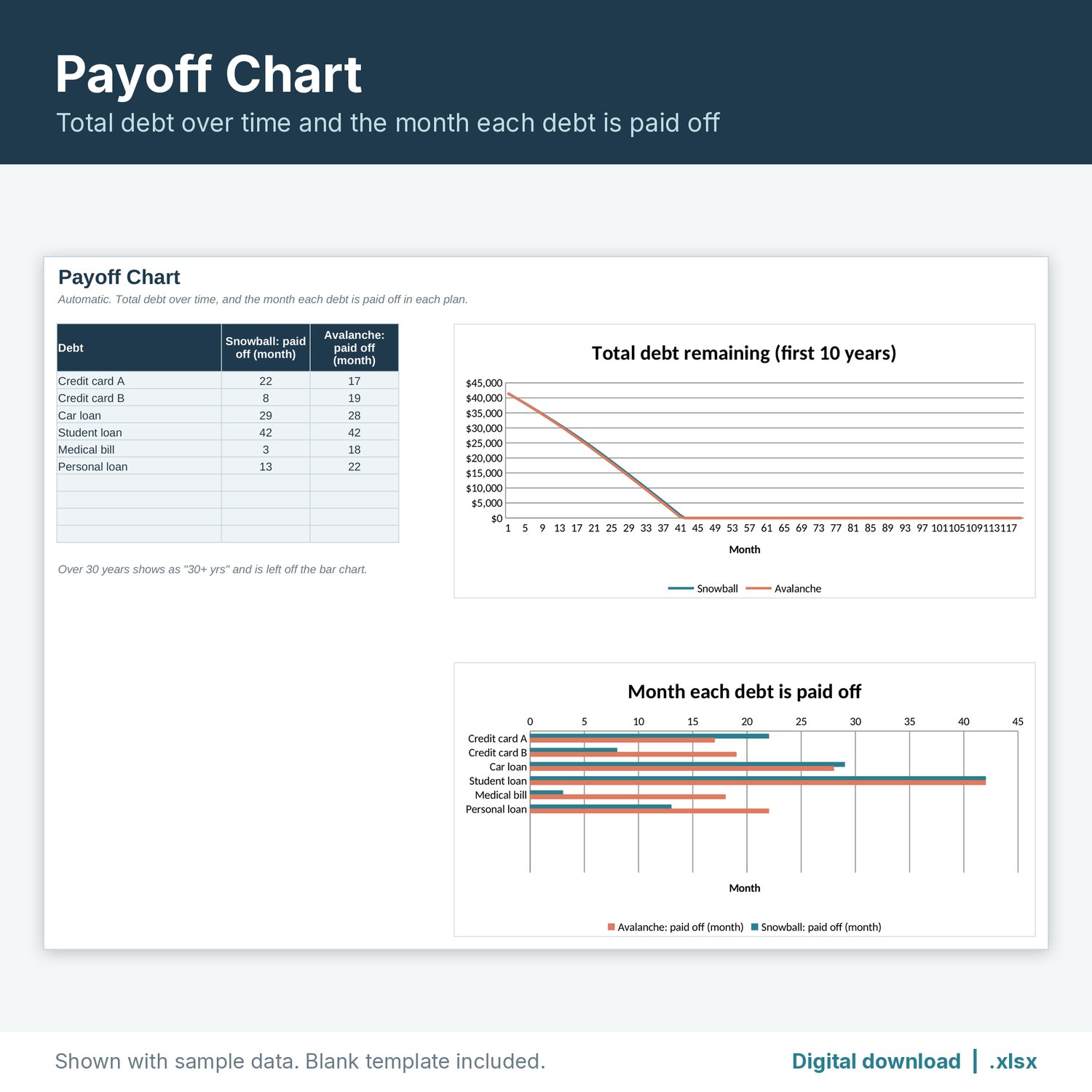
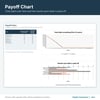
- Payoff Chart: total debt remaining over time for both plans, and a bar chart of the month each debt is paid off.
- Snowball Plan and Avalanche Plan: month-by-month tables (up to 30 years) that show every interest charge, payment and balance for each debt.
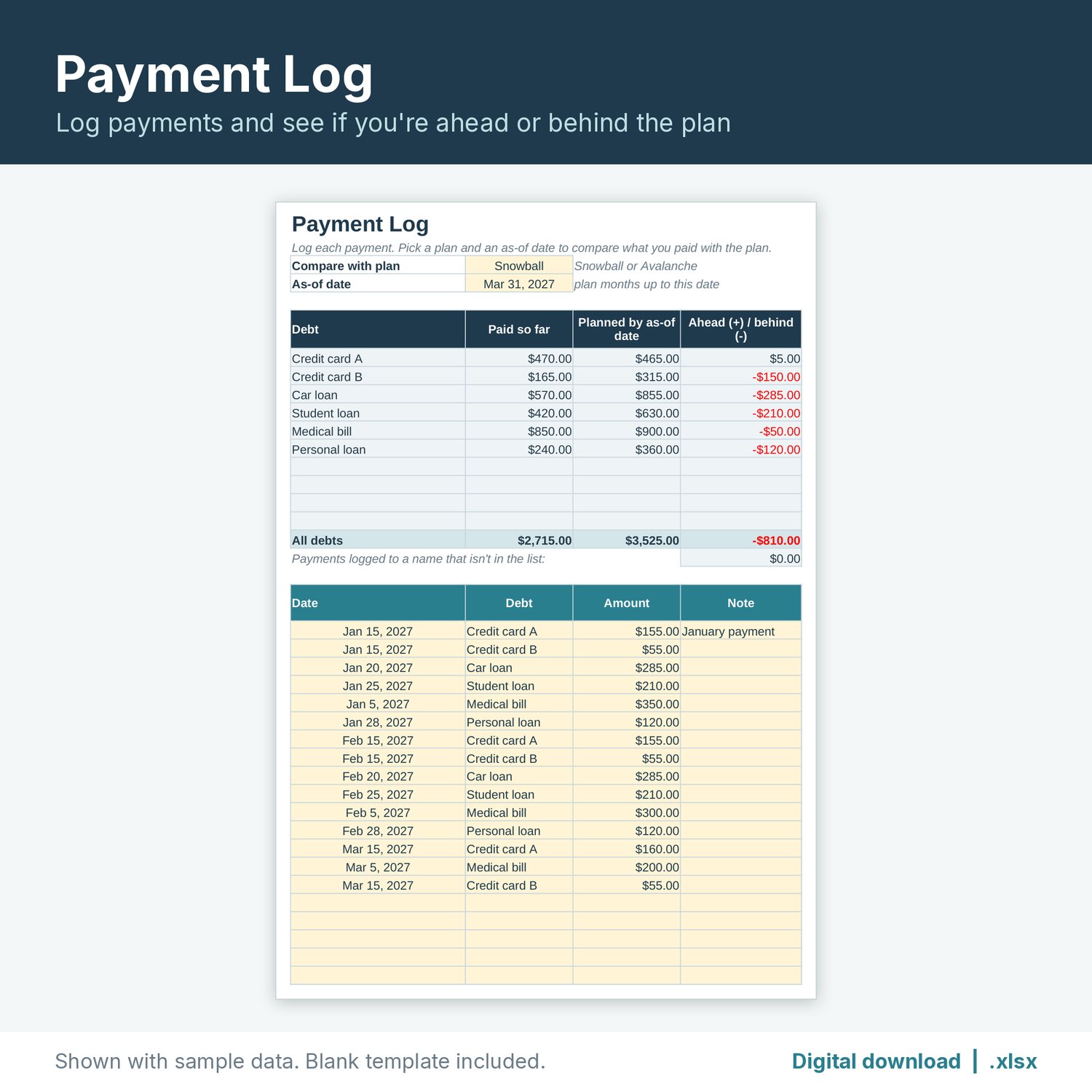
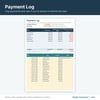
- Payment Log: 300 rows for date, debt (dropdown), amount and note. Pick a plan and an as-of date to see paid so far, planned by that date, and ahead (+) or behind (-) for each debt.
You also get a filled sample copy with made-up numbers, so you can see how everything works before you enter your own.
File format
- One ZIP containing the .xlsx tracker, the .xlsx sample copy, and a "How to open" text note.
- Made for Excel and Google Sheets (.xlsx, no macros). Formulas tested by recalculation in LibreOffice.
- To open it in Google Sheets, upload the file to Google Drive and choose Open with > Google Sheets, or use File > Import in a blank sheet. Charts may look slightly different from one app to another.
- Formula cells are locked so they don't get overwritten by accident. Tabs are protected with no password, so you can unprotect them if you want to customize. Sheet protection may not carry over when you import into Google Sheets; the formula cells stay shaded either way.
Please note
- This is a digital download. No physical item will be shipped.
- The plans are estimates using a fixed APR, monthly interest rounded to the cent, and the same total payment each month. Your lender's statements may differ slightly.
- This tracker is an organizing tool. It is not financial, tax or legal advice.
- For personal use. Please don't resell or share the file.
How this was made: An AI assistant built this spreadsheet template and wrote this description, then it was reviewed before release. The listing images are real renders of the spreadsheet with sample data. No AI-generated images are used.