

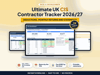



Ultimate UK CIS Contractor Tracker
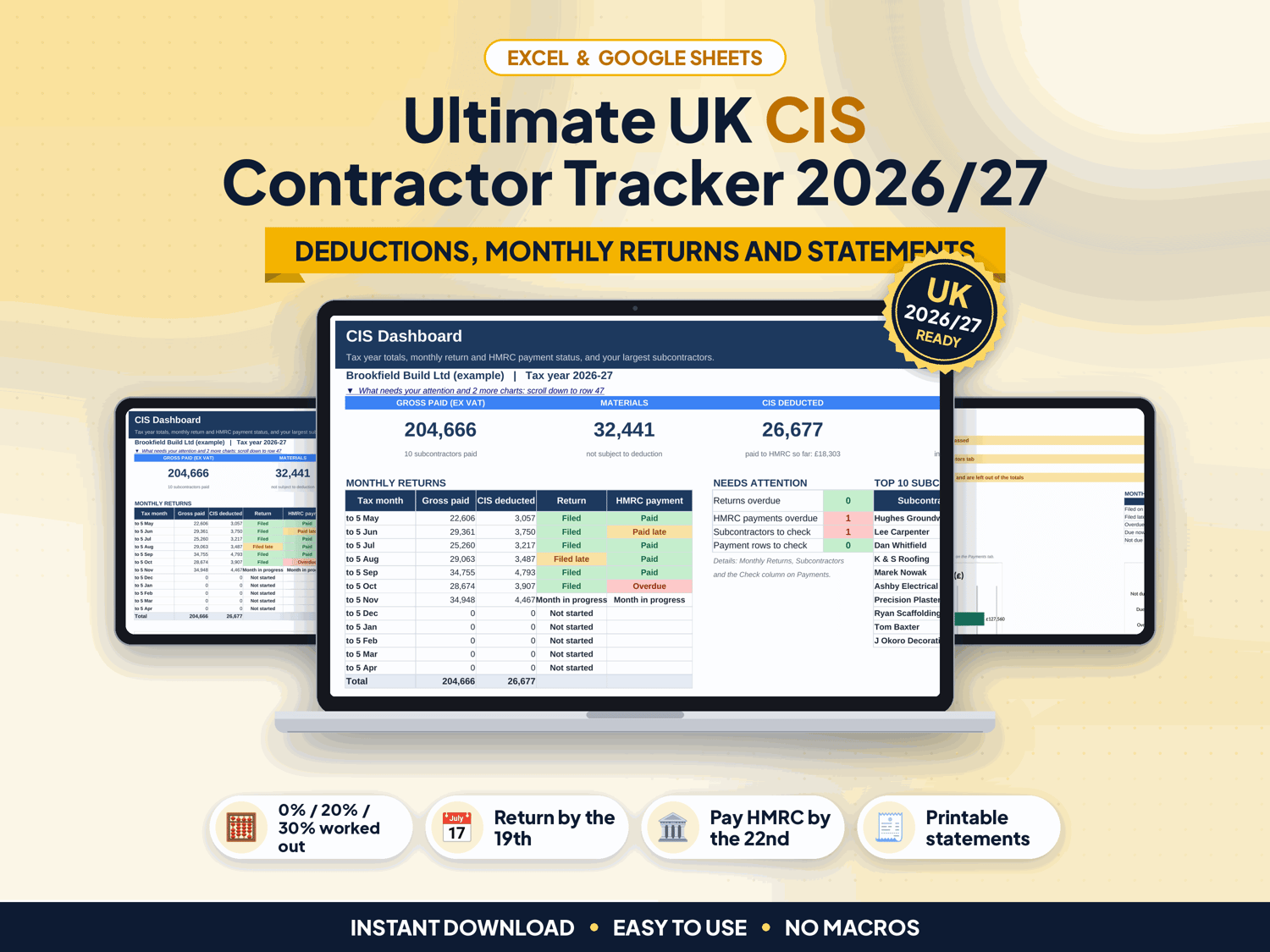
Paying subcontractors under the Construction Industry Scheme? Every month you have to take the right deduction from each payment, total it all up for the CIS300 return by the 19th, pay HMRC by the 22nd and give each subcontractor a payment and deduction statement. This tracker does the sums and keeps the record.
Made for UK building contractors and bookkeepers under the GOV.UK CIS rules for 2026/27: 20% for registered subcontractors, 30% for unregistered and 0% with gross payment status, worked out on the payment less VAT and the materials the subcontractor paid for.
▶ Easy Start Here guide included – video tutorial coming to our YouTube channel
Works in Microsoft Excel and Google Sheets, with no macros.
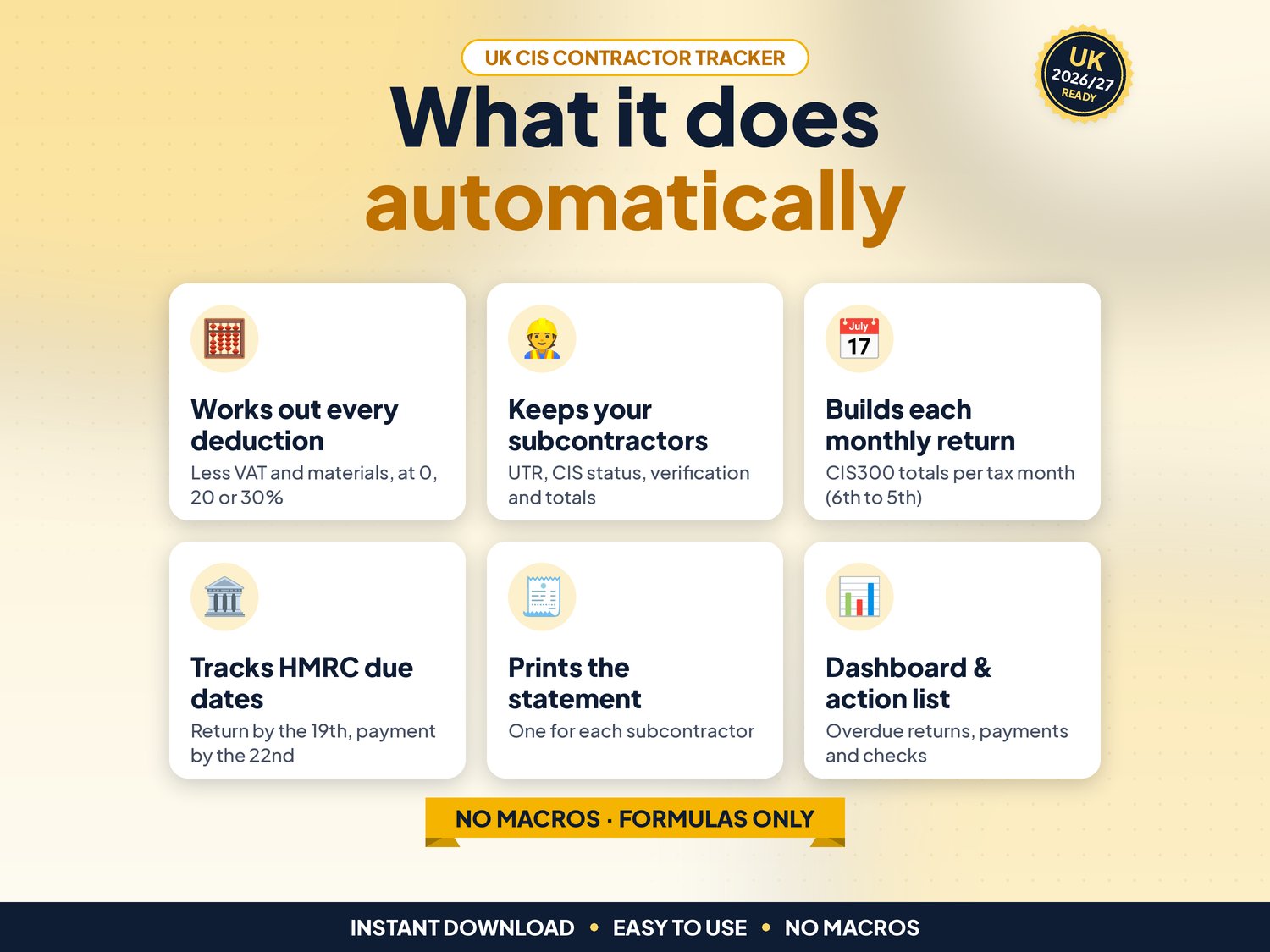
What it does for you
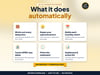
- Subcontractors tab for up to 100 subcontractors with UTR, CIS status, verification number and date, plus totals paid, deducted and net for the tax year
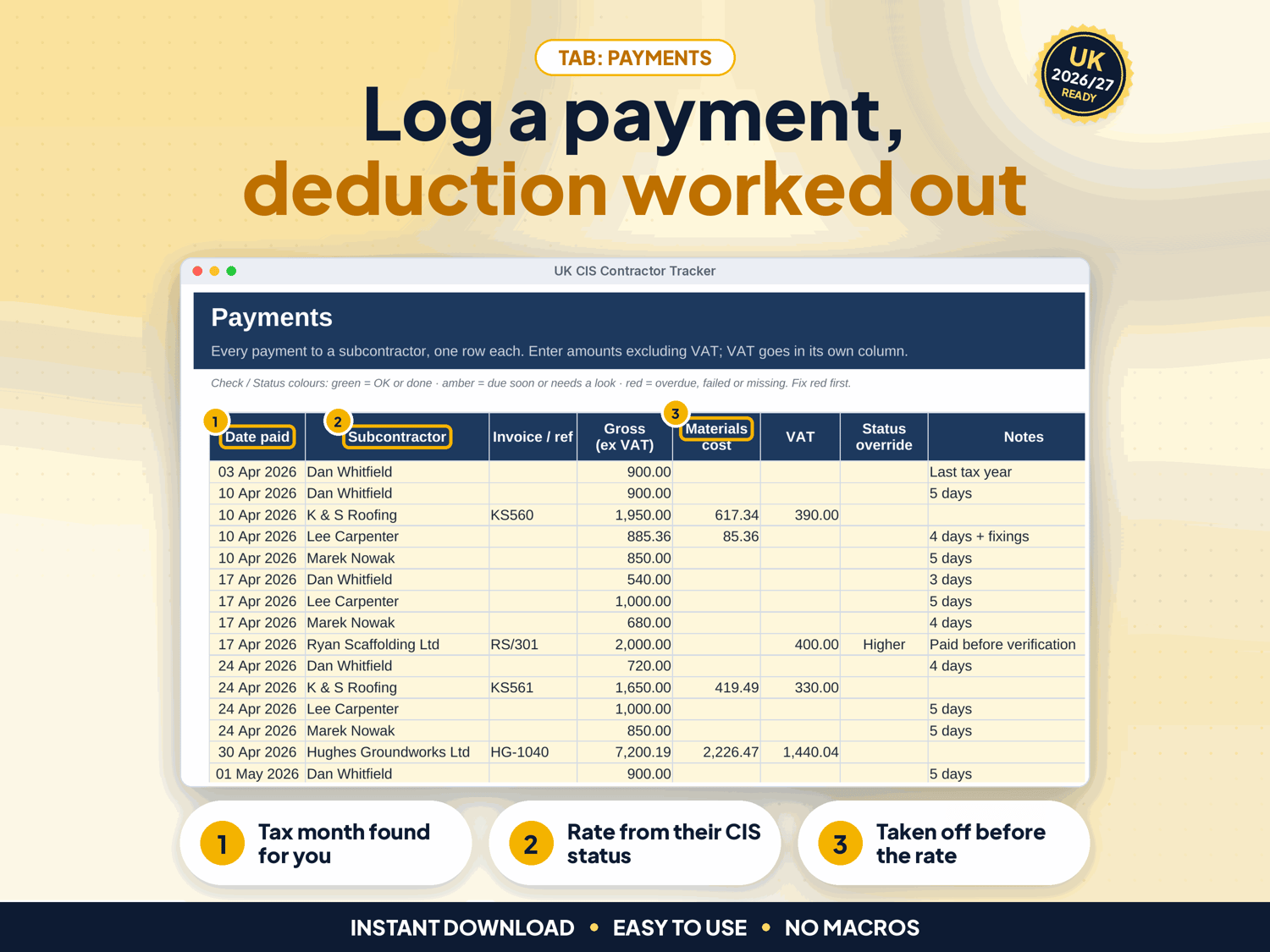
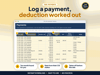
- Payments log for up to 2,000 payments: enter gross ex VAT, materials and VAT, and the deduction (rounded down to the penny, or nearest penny), net pay and tax month are worked out
- Status override, so a status change during the year does not change past deductions
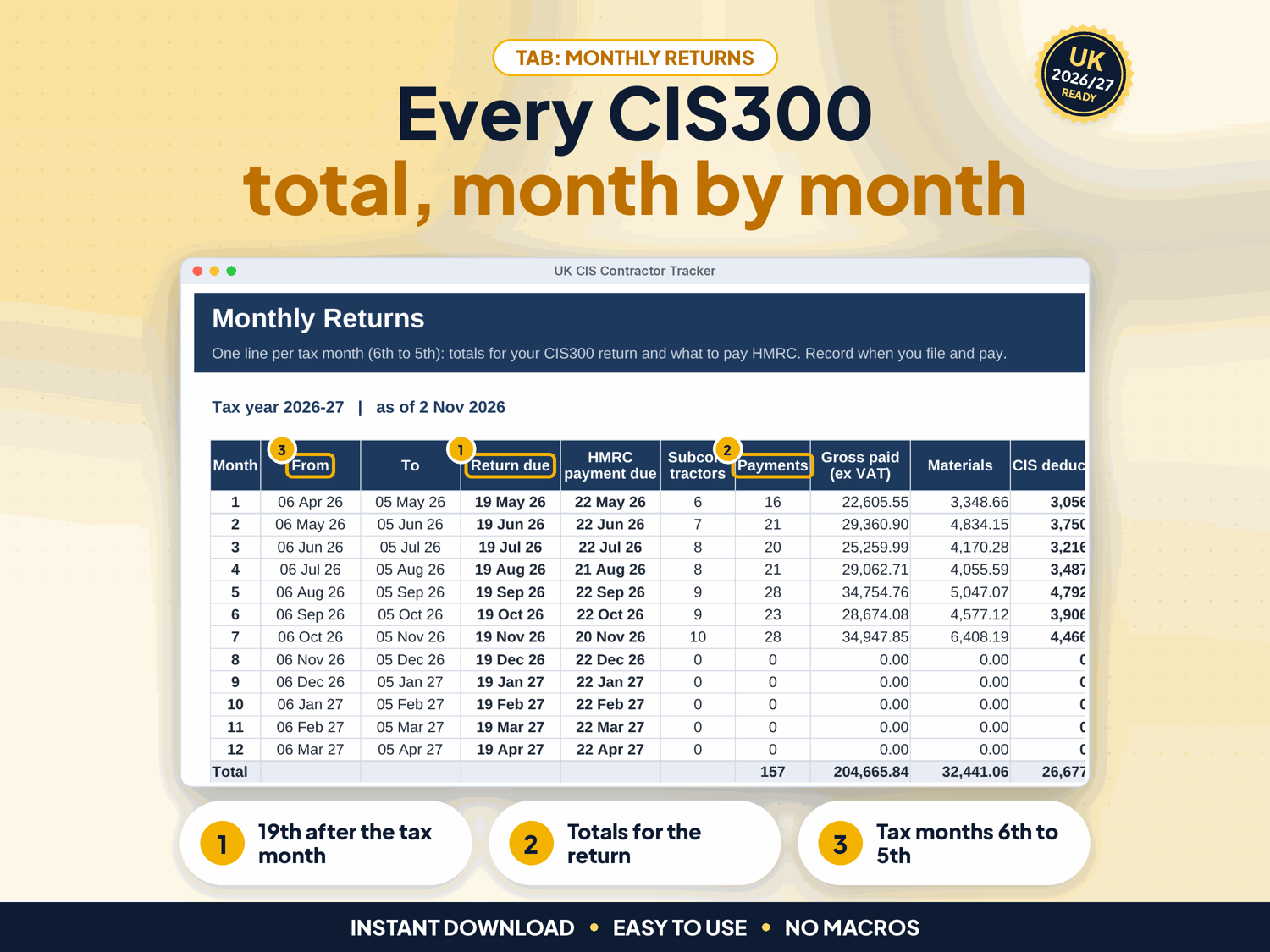
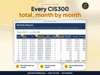
- Monthly Returns: the totals for each CIS300 return, the return and HMRC payment due dates, and Filed / Overdue / Paid statuses once you record them
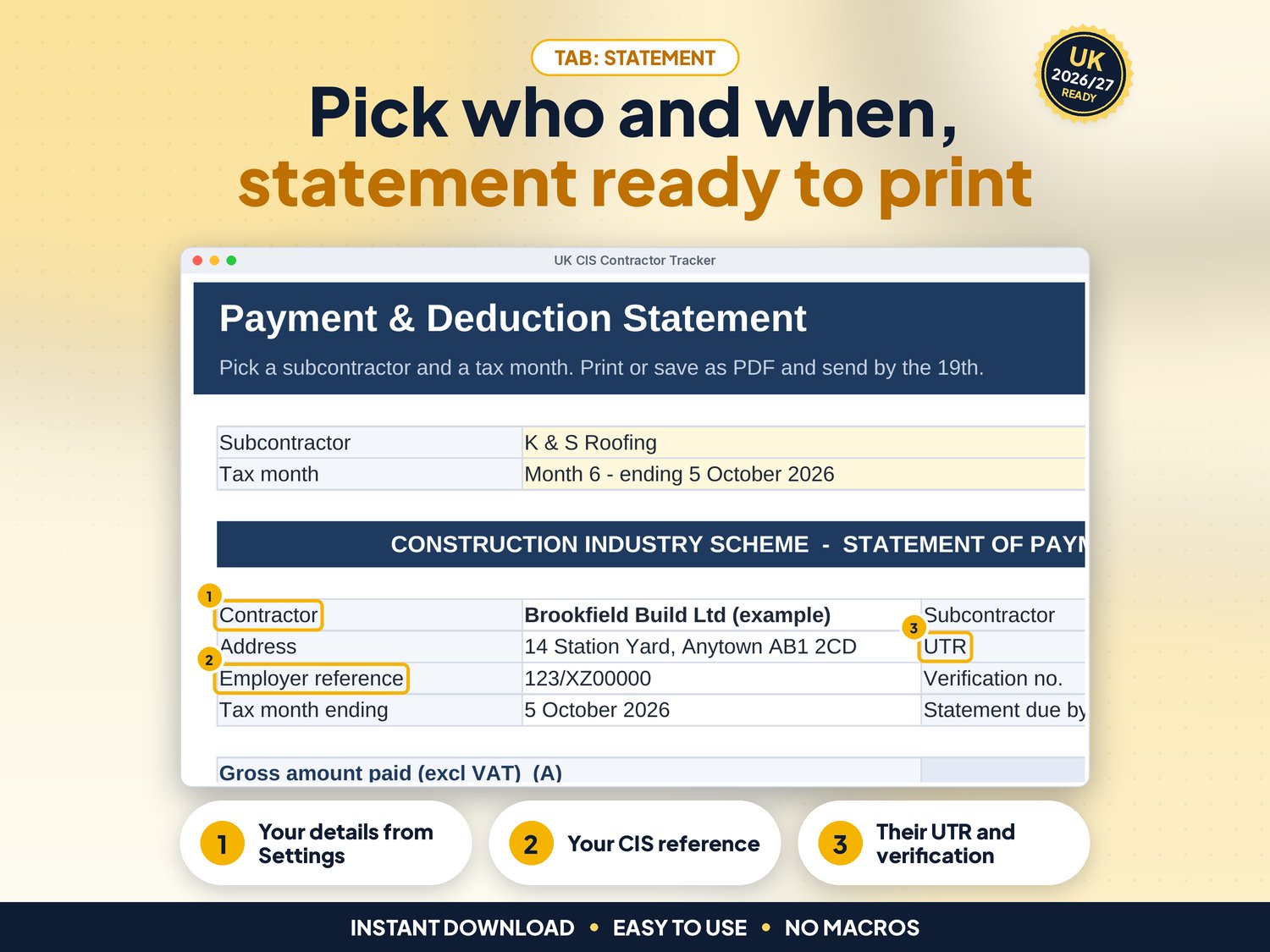
- Payment and deduction statement: pick a subcontractor and tax month, then print or save as PDF
- Flags missing statuses, bad UTRs, unverified or duplicate subcontractors, unknown names, text in date or amount cells and materials above gross
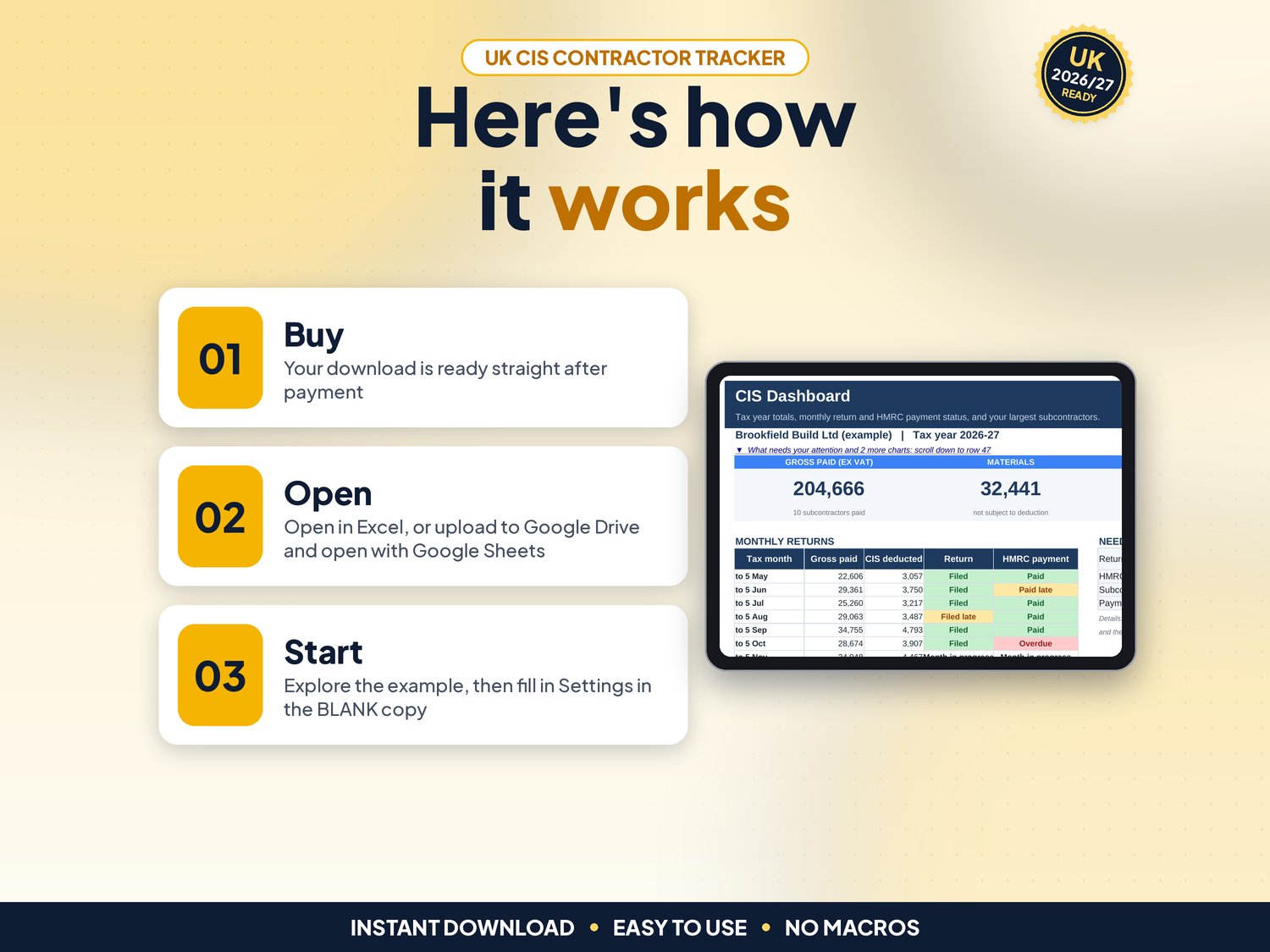
- Dashboard with tax year totals, the next return due, a top 10, four charts and a "What needs your attention" list
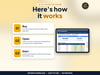
- Start Here tab with a 3-step plan and a health check
How it works (3 steps)
- Set up once: your name, employer reference and tax year on Settings (CIS rates are filled in)
- Add each subcontractor with the CIS status HMRC gave you
- Log every payment, then file and pay from Monthly Returns and print each Statement
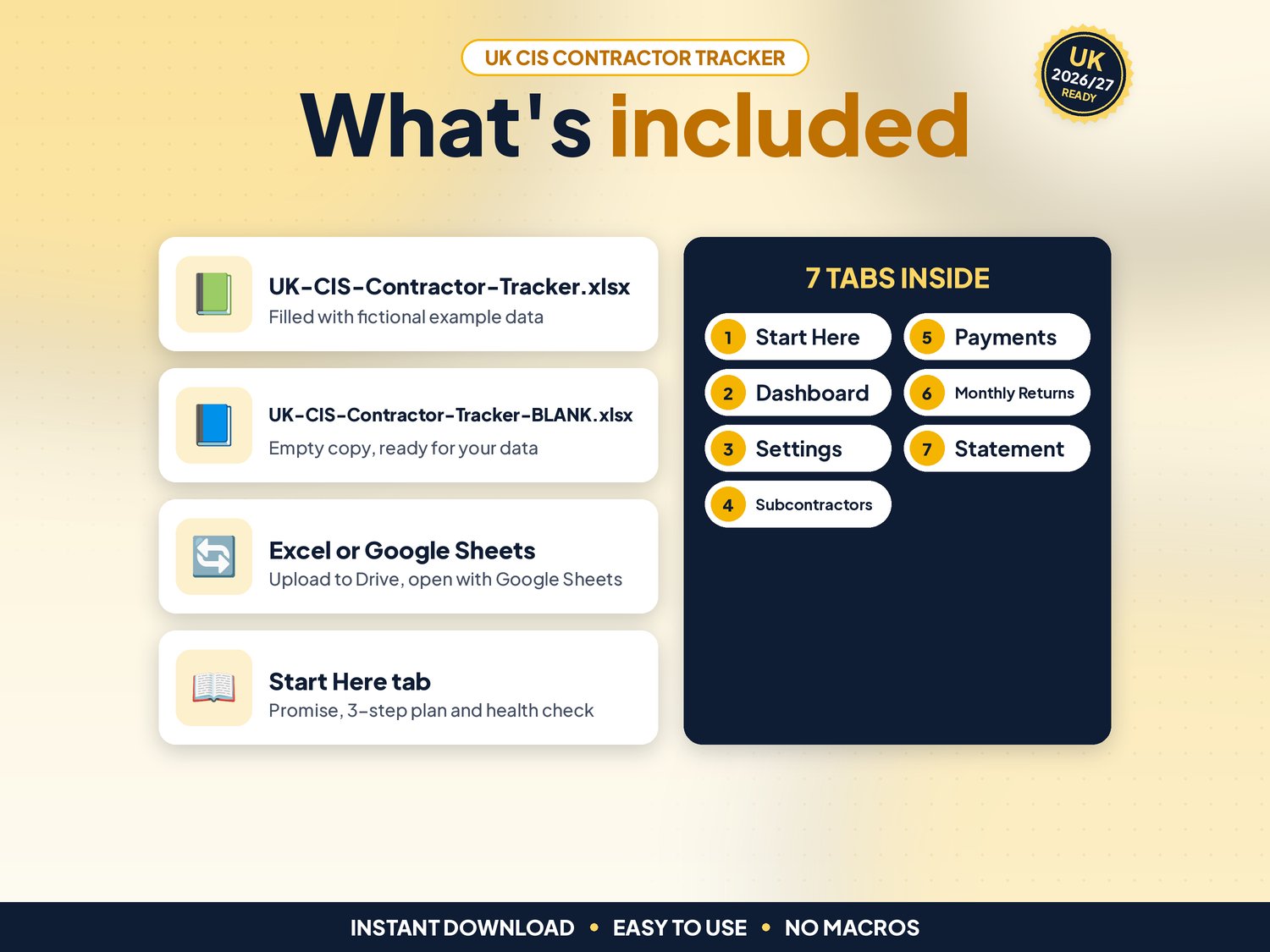
What's included
- UK-CIS-Contractor-Tracker.xlsx: filled with fictional example data (10 subcontractors, 158 payments) so you can see how it works
- UK-CIS-Contractor-Tracker-BLANK.xlsx: an empty copy, ready for your own business
- Works in Google Sheets: upload the .xlsx to Google Drive, right-click > Open with > Google Sheets, then File > Save as Google Sheets (tested: formulas and charts kept)
- Start-here.pdf: one-page quick-start guide, including how to open it in Google Sheets
Compatibility
- Microsoft Excel 2010 or newer (Windows & Mac) and Microsoft 365
- Google Sheets (free Google account). Set File > Settings > Locale to United Kingdom for £ and UK dates
- Not designed for Apple Numbers or mobile-only editing. A computer is recommended
- No macros, add-ons or subscriptions
Instant download
This is a digital product. Nothing physical will be shipped. Your download link appears straight after checkout and is also emailed to you. Stuck or have a question? Email info@phkmedia.co.uk and I'll gladly help you set it up.
Good to know
- Cream (pale yellow) cells are for your input. White and grey cells are worked out for you, and the sheets are protected (no password) so formulas are not overwritten by mistake
- A Health check on the Start Here tab and a Check/Status column on every log flag missing or odd entries
- Rules checked on GOV.UK ("What you must do as a CIS contractor" and the CIS 340 guide) on 02/11/2026. Rates are on the Settings tab, so you can update them if HMRC changes them
- Dates show as DD/MM/YYYY; tax months run from the 6th to the 5th
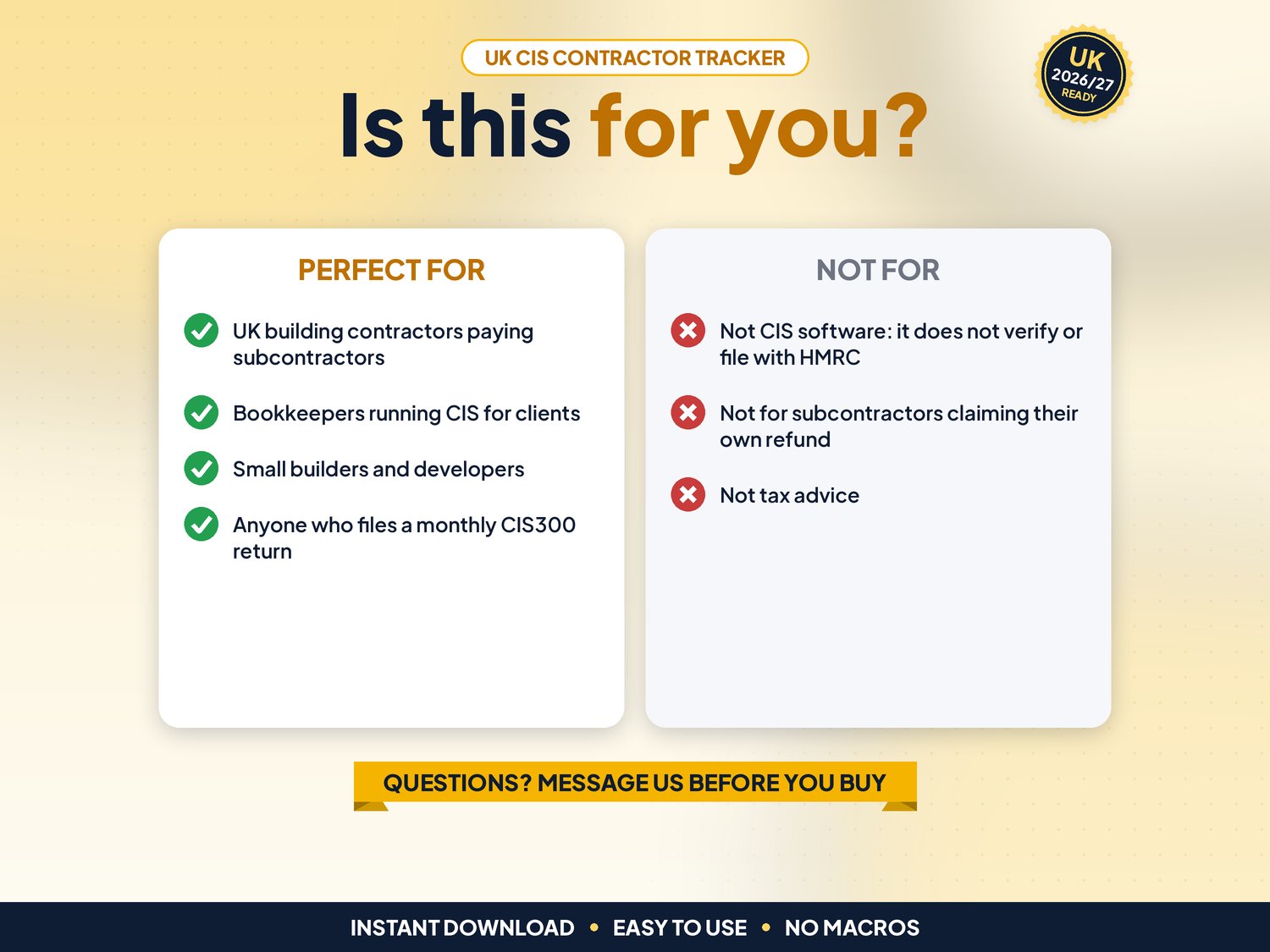
- FAQ: Does it file my CIS300 or verify subcontractors? No. You do both through HMRC online services or your software; this gives you the figures and statements
- FAQ: Does it cover quarterly payments, credit notes, reverse-charge VAT or the CITB levy? No
- FAQ: Can my bookkeeper use it? Yes, in Google Sheets you can share it
DISCLAIMER
This tracker is a record-keeping and calculation aid, not tax advice. Check unusual cases with HMRC guidance or your accountant. All names and figures in the example file are fictional.
Licence: Licensed for use within one business. Please do not resell, share or redistribute the files.
AI disclosure: This template and its listing images were designed by PHK MEDIA LTD with the help of AI tools. All formulas were tested and the files were reviewed and finalised by the seller.
© PHK MEDIA LTD
Licence: Licensed for use within one business or household. You may edit and print the files for that business. You may not resell, share or upload them for others.