



💦 Water Spray
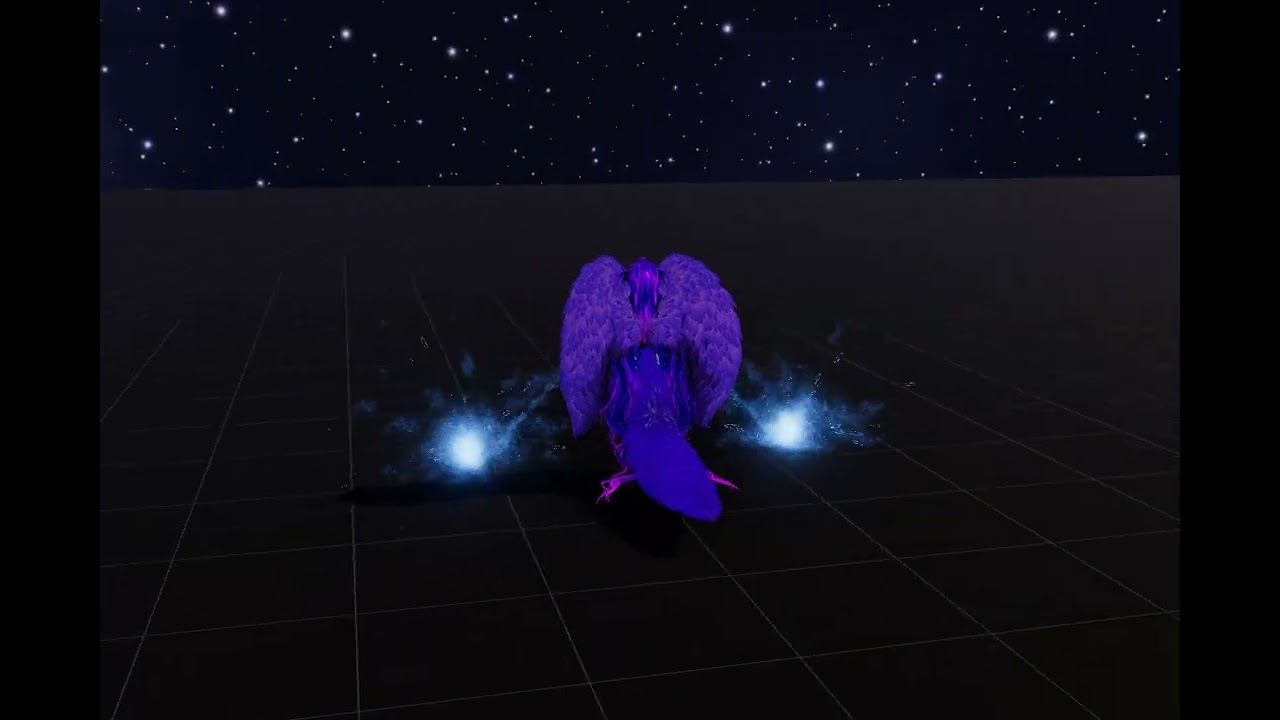
Fire streams of water from either hand, create splashes when the water hits nearby surfaces, and customize the appearance directly from your avatar’s Expressions Menu.
Choose between fast one-handed controls or a more deliberate two-handed gesture combination to prevent accidental activation.
✨ Features
💧 Dual Water Sprays
Independent water spray effects for the left and right hands. Each side can be enabled or disabled separately through the Expressions Menu.
👉 Gesture-Activated Spraying
Water is fired from the hand performing the VRChat Point gesture. Switch to another gesture to stop the stream.
🖐️ One-Handed and Two-Handed Controls
Choose between two different gesture-control modes: One-handed to just point to spray, or two-handed where you need to make a fist with one hand, and point to spray with the other.
💥 Impact Splashes
The water particles react when they hit surfaces, producing small splash effects at the point of impact.
⚡ Lightweight Particle Effects
Designed to create a convincing stream of water without relying on unnecessarily heavy visual effects.
🎨 Customizable Appearance
Adjust the water’s hue, emission, and overall stream size directly from your radial menu.
🔧 Requirements
- Unity 2022.3
- VRCFury
🛠️ Installation
- Import the required dependencies.
- Import the Water Spray packages.
- Drag the prefab on your avatar and position the left/right sprays on your left/right hand.
- Allow VRCFury to install the menu, parameters, and animator setup.
- Upload your avatar and start spraying!
📜 License
Personal use, you can use and modify it on your avatars, but not share the package or its contents in any way.