


Freelancer Time Tracker & Project Profitability
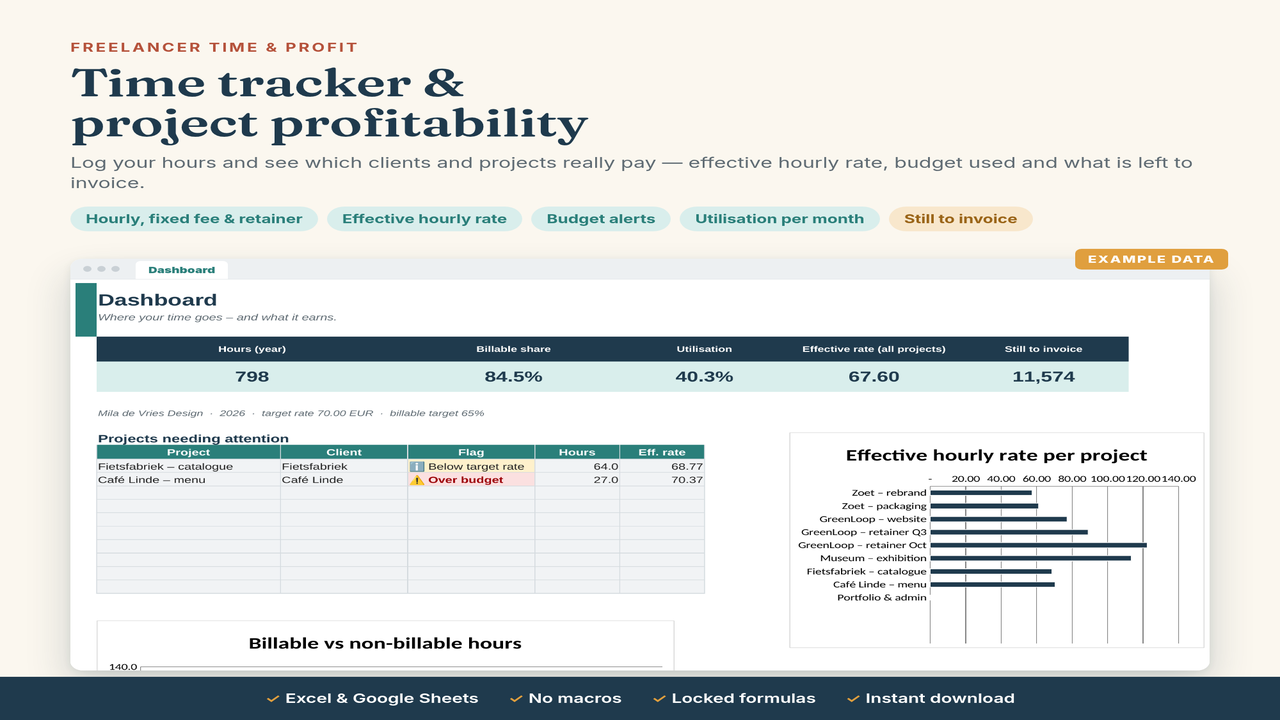
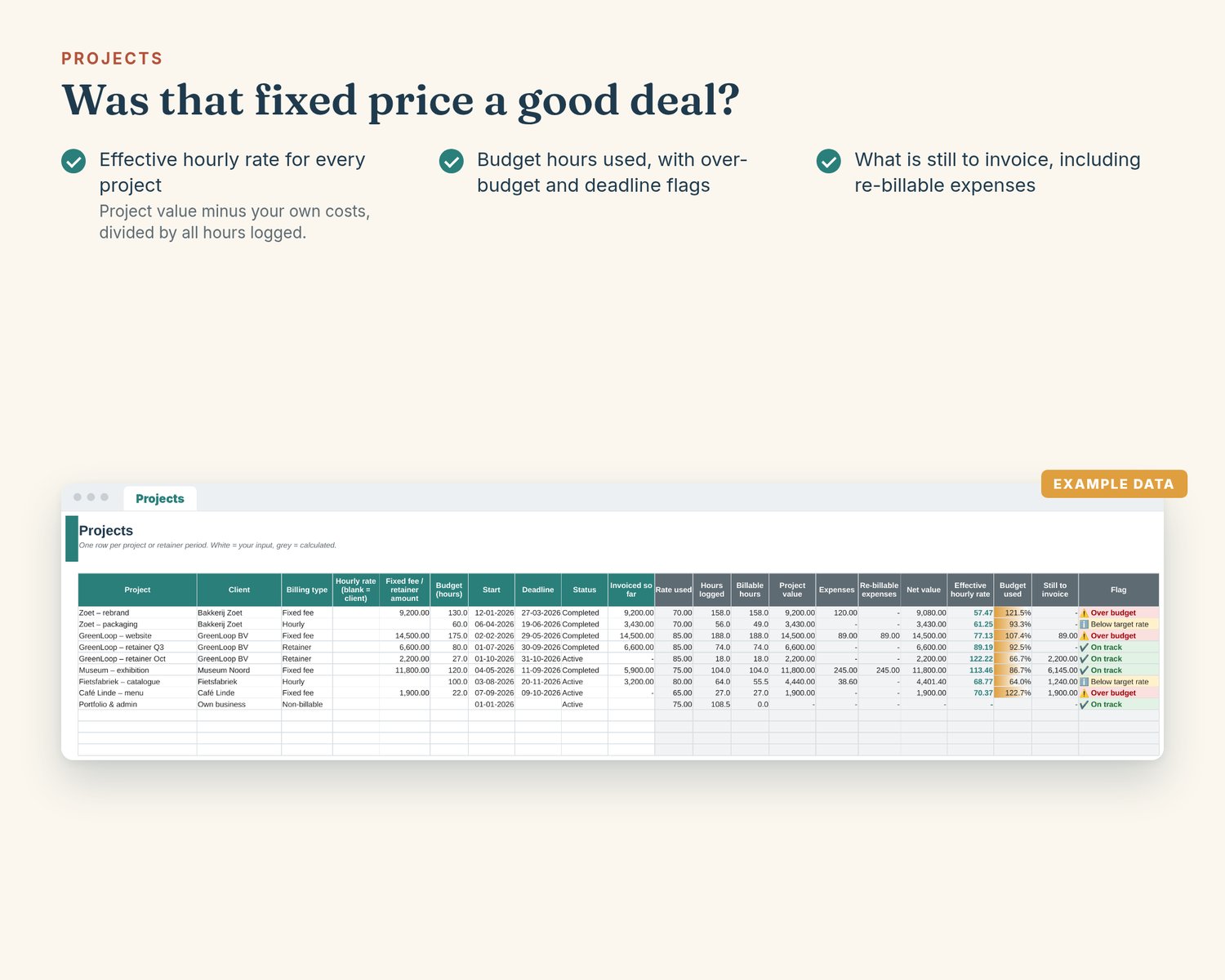
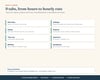
"Was that fixed price actually a good deal?" Log your hours per project and the workbook shows each project's value – hourly, fixed fee or retainer – your effective hourly rate after your own costs, budget hours used, what is still to invoice and how much of your time you bill each month.
What's included
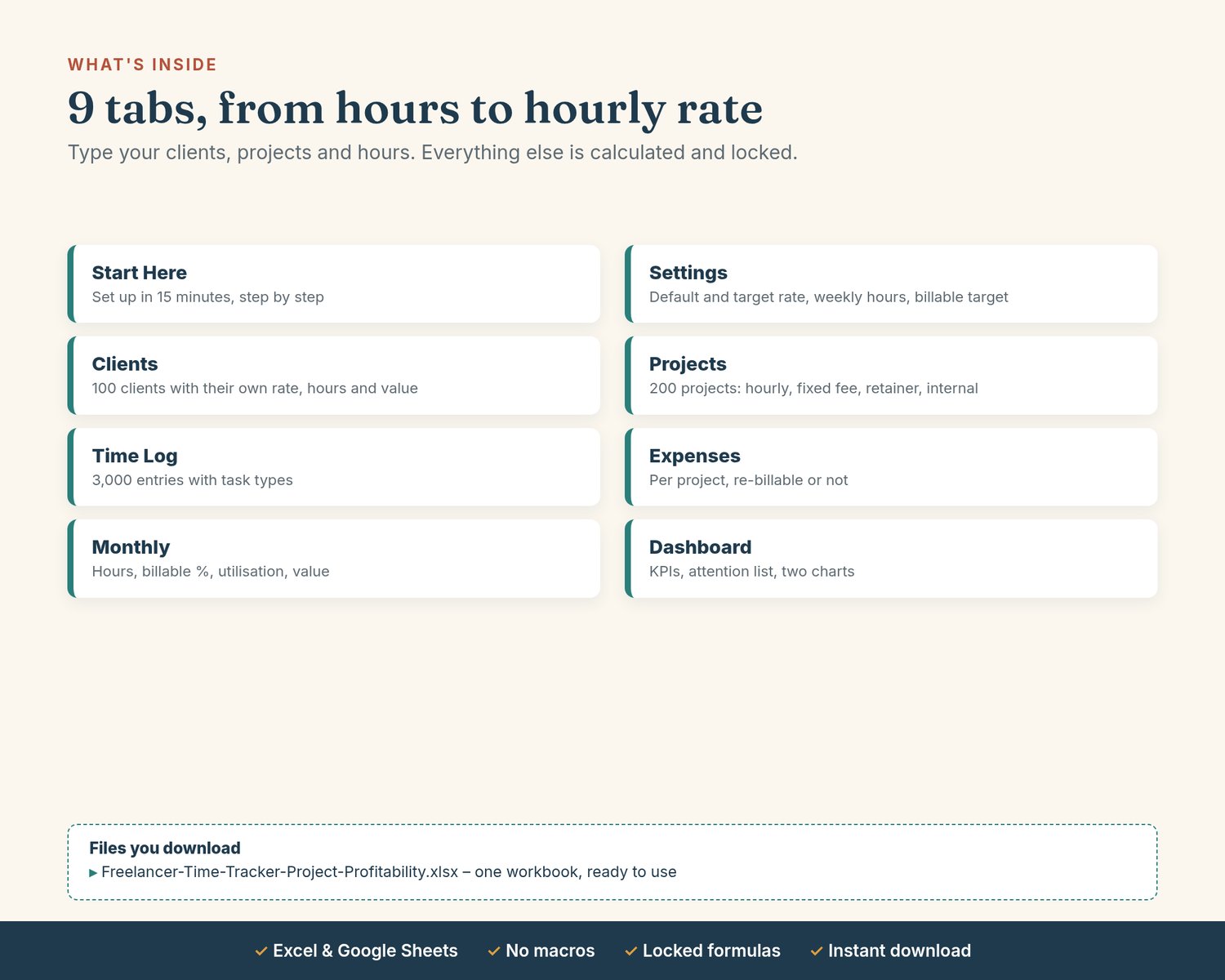
• Freelancer-Time-Tracker-Project-Profitability.xlsx – one workbook, ready to use
• Clients (100) with their own rate, hours, value and effective rate
• Projects (200): hourly, fixed fee, retainer or non-billable, with budget hours, deadline, status, invoiced so far and flags
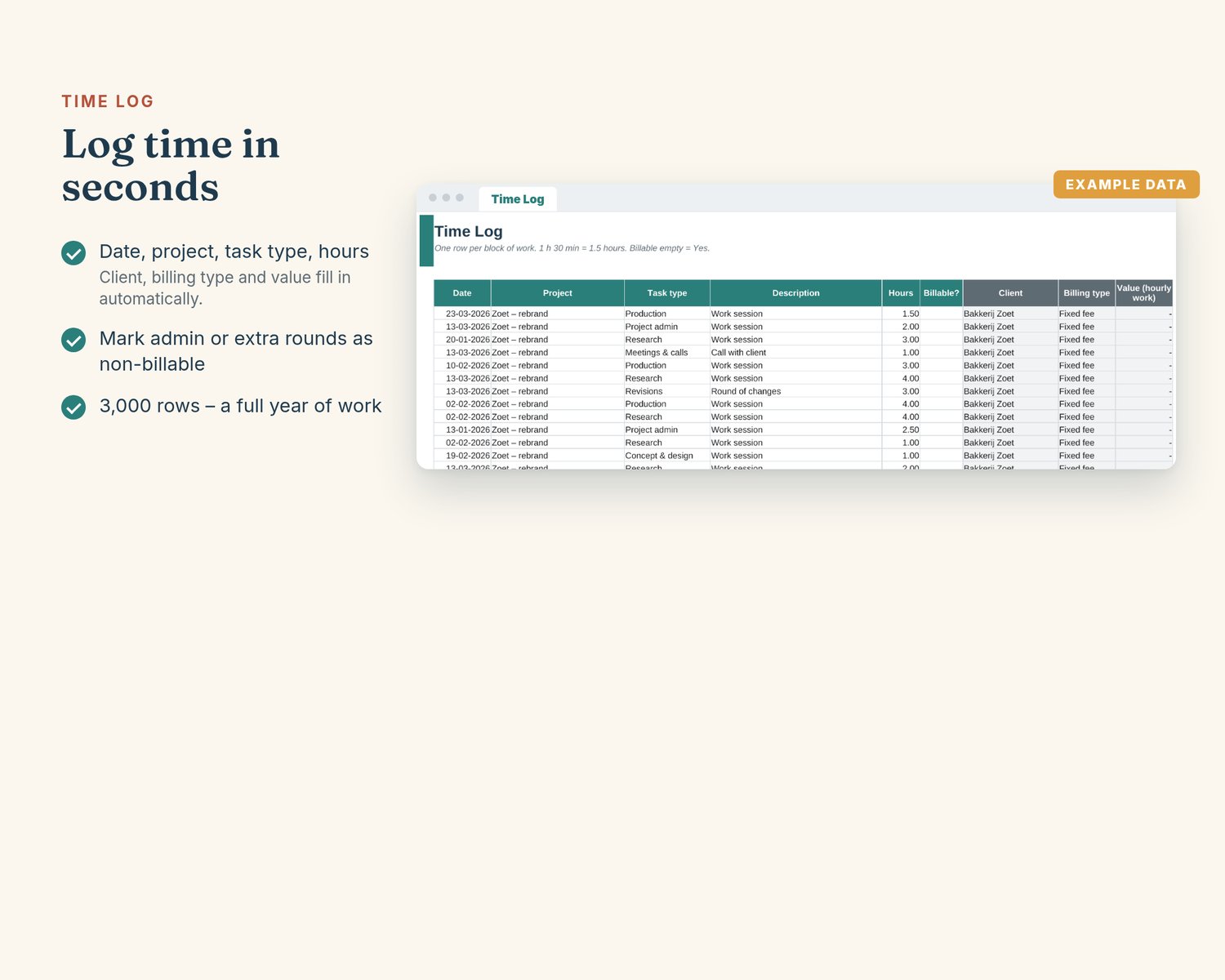
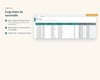
• Time Log (3,000 rows) with task types and billable yes/no; Expenses per project, re-billable or not
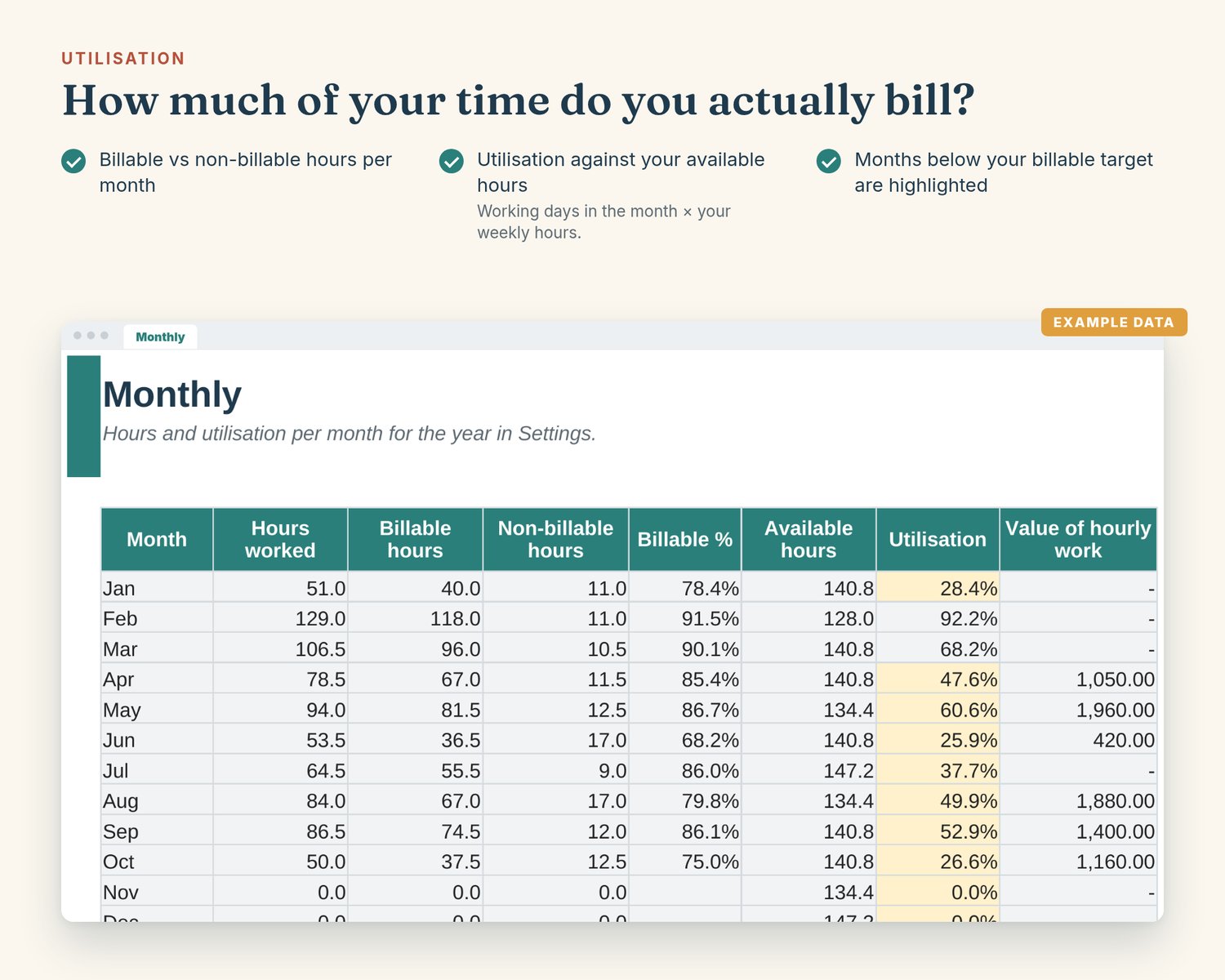
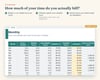
• Monthly: hours, billable share, available hours (working days × your weekly hours) and utilisation
• Dashboard: KPIs, projects needing attention, two charts
Who it's for
Freelancers, designers, developers, consultants, writers, photographers and small agencies working for several clients.
How to use
1. Excel: unzip the download, then open the .xlsx in Microsoft Excel 2010 or later (Windows or Mac).
2. Google Sheets: upload the file to Google Drive, open it with Google Sheets, then choose File → Save as Google Sheets.
3. Start on the Start Here tab. White cells are for your input; grey cells are calculated and locked.
Good to know
• Edition 2026. Monthly and the Dashboard summarise the year set in Settings (2026 out of the box – change it for a new year). No tax rates or thresholds are built in.
• A time-tracking and planning aid, not accounting, tax, legal or financial advice. Your invoices and bookkeeping stay the official record; check tax questions with your tax office or an adviser.
• Hours are entered as decimals (1 h 30 min = 1.5). One currency per file.
Support
Questions? Email balans@brightsheetsstudio.com
Instant digital download. By purchasing you agree the download starts immediately, which waives the 14-day withdrawal right for digital content.