
Run-of-Show Workspace: Notion template for small live events
A Notion workspace for running one small live event: a fundraising dinner, a community gathering, a launch night, a volunteer-run conference day.
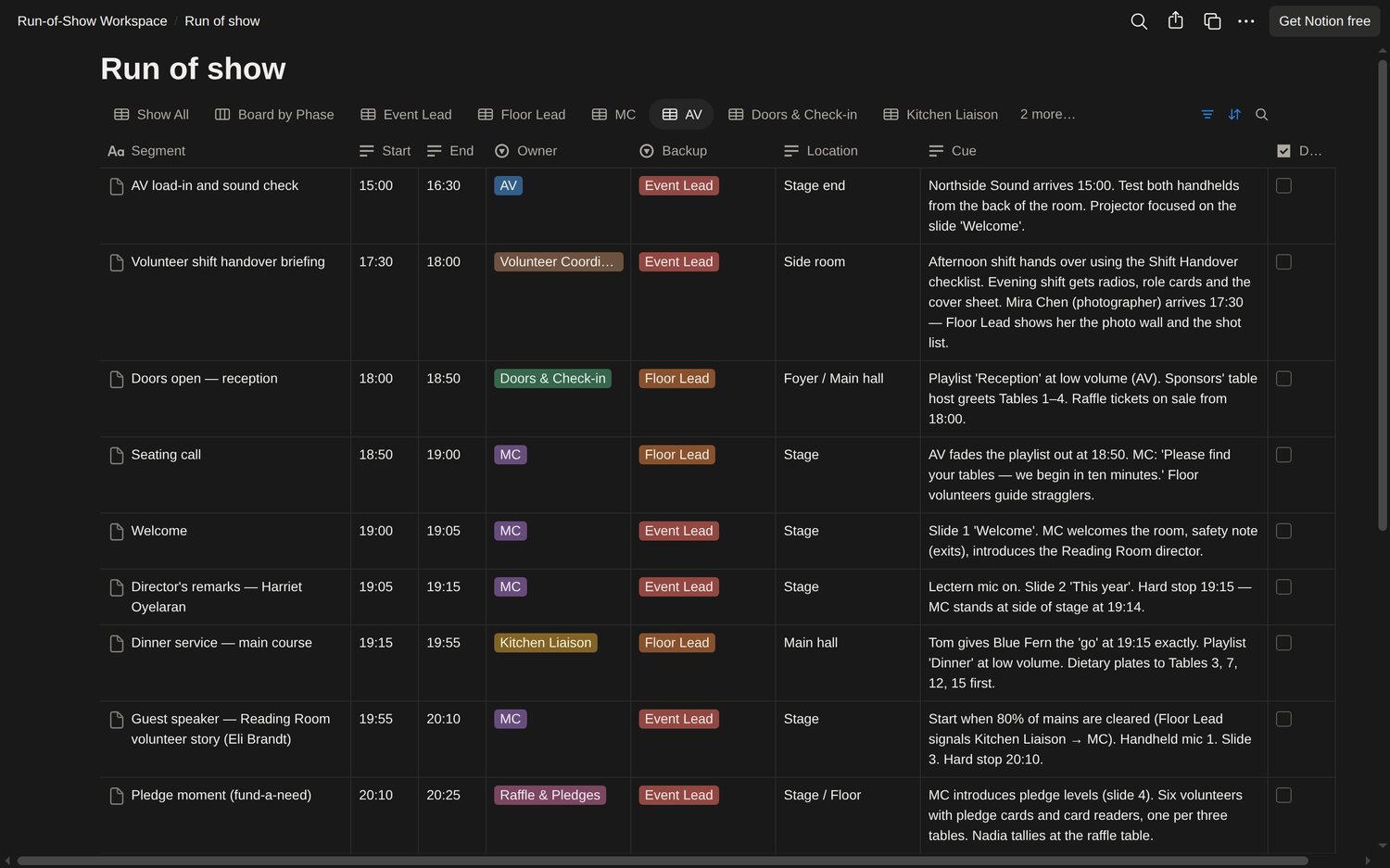
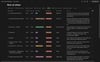
Every segment of the run of show has a start and end time, an owner and a backup, a location and a cue written in plain words. Eight primary roles have filtered views; helpers use their team’s sheet. The AV volunteer sees the 14 rows assigned to that team, including the shift handover. Print a role's view and you have their cue card.
What is inside:
- Run of show database, with a board by phase (load-in, program, load-out) and one view per role: Event Lead, Floor Lead, MC, AV, Doors & Check-in, Kitchen Liaison, Raffle & Pledges and Volunteer Coordinator.
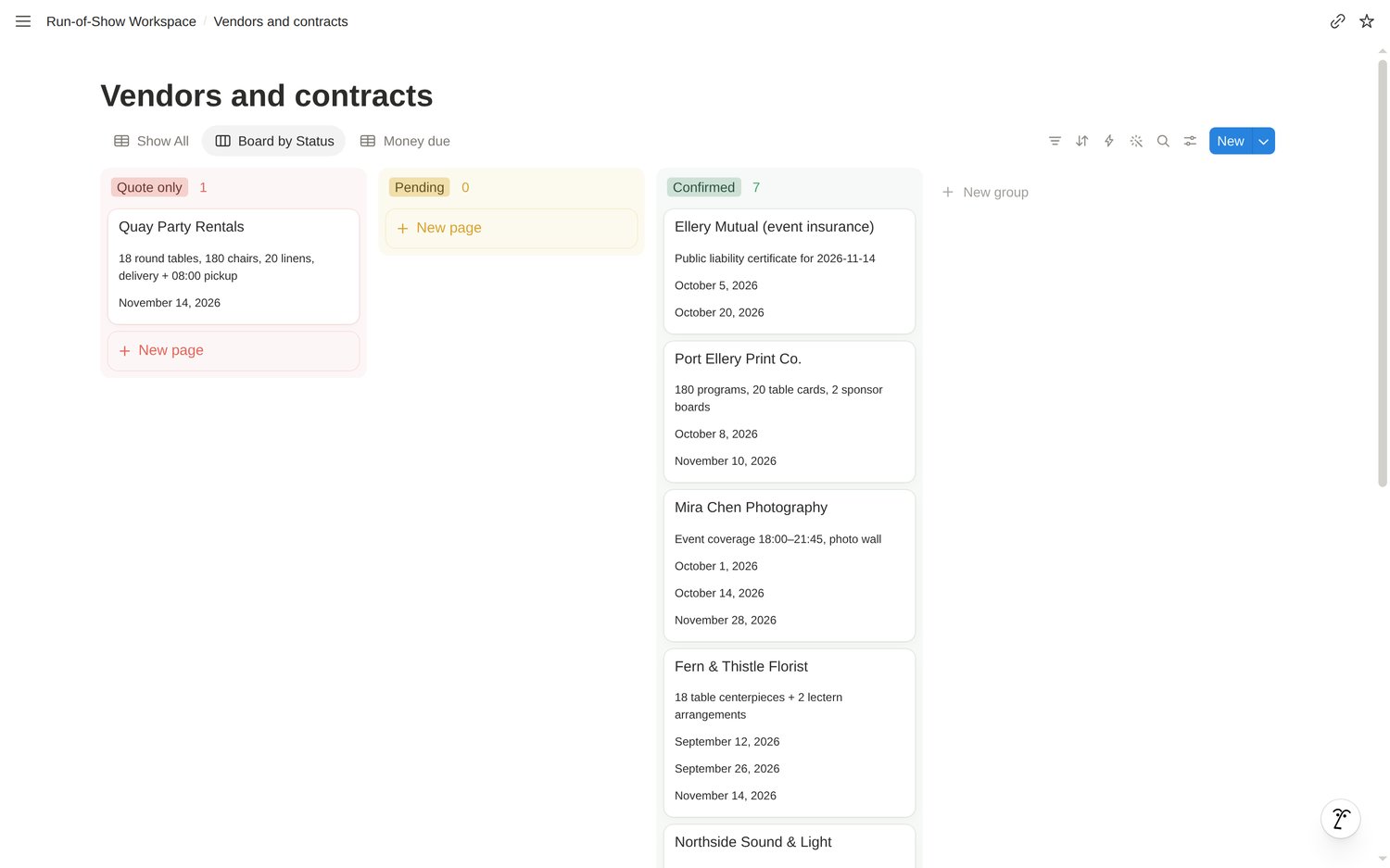
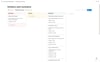
- Vendors and contracts, with a board by status. A vendor counts as Confirmed only when you have checked the signed contract and paid any required deposit, so a friendly phone call never passes for a booking. You maintain this status manually; the board does not enforce the rule.
- Deadlines, with a calendar and an open-items list. Every unpaid deposit and balance has a dated row with an owner.
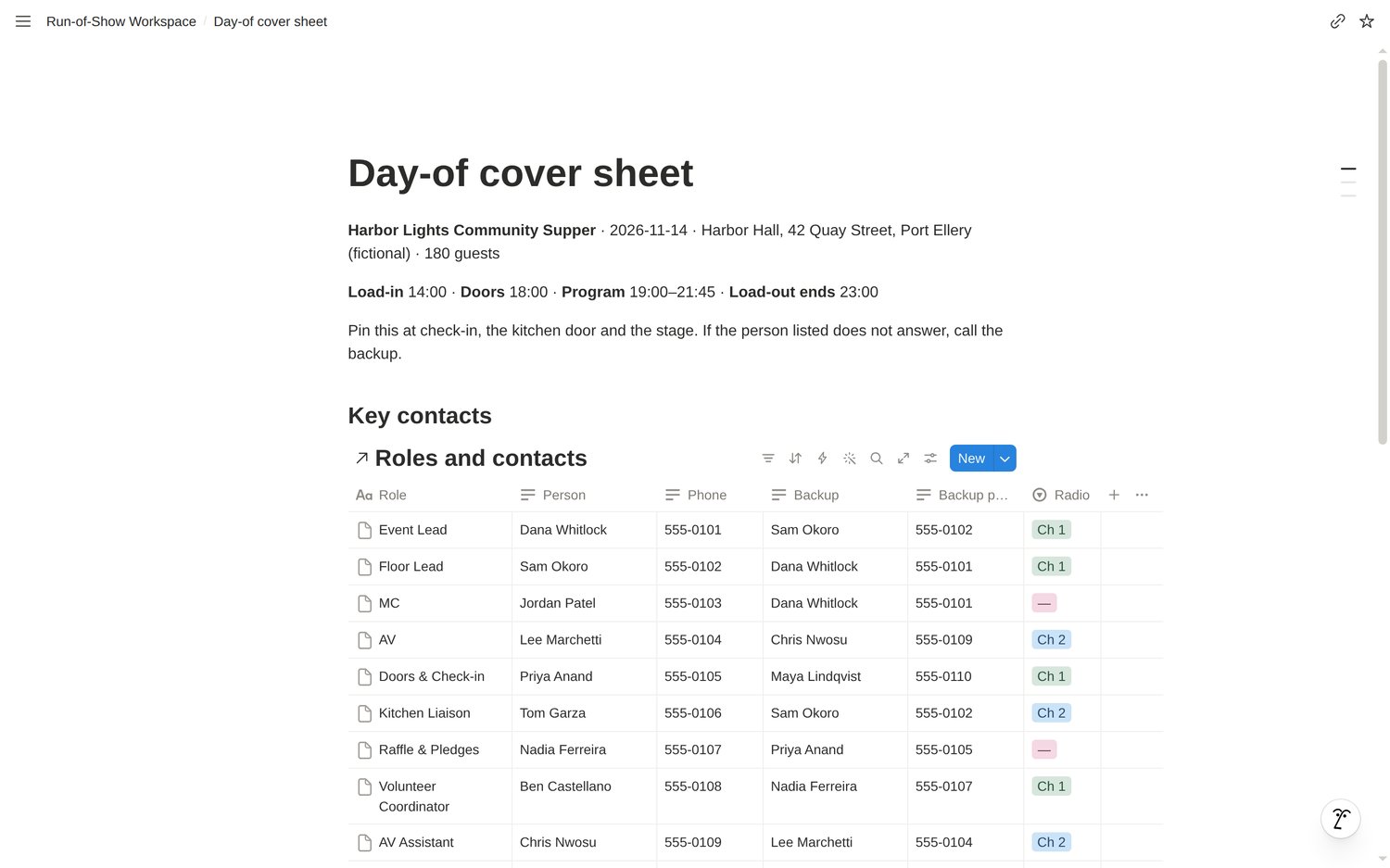
- Roles and contacts, with a backup person and backup phone for every role, plus a radio channel where assigned.
- Checklists for load-in, the volunteer shift handover and load-out, each item with an owner.
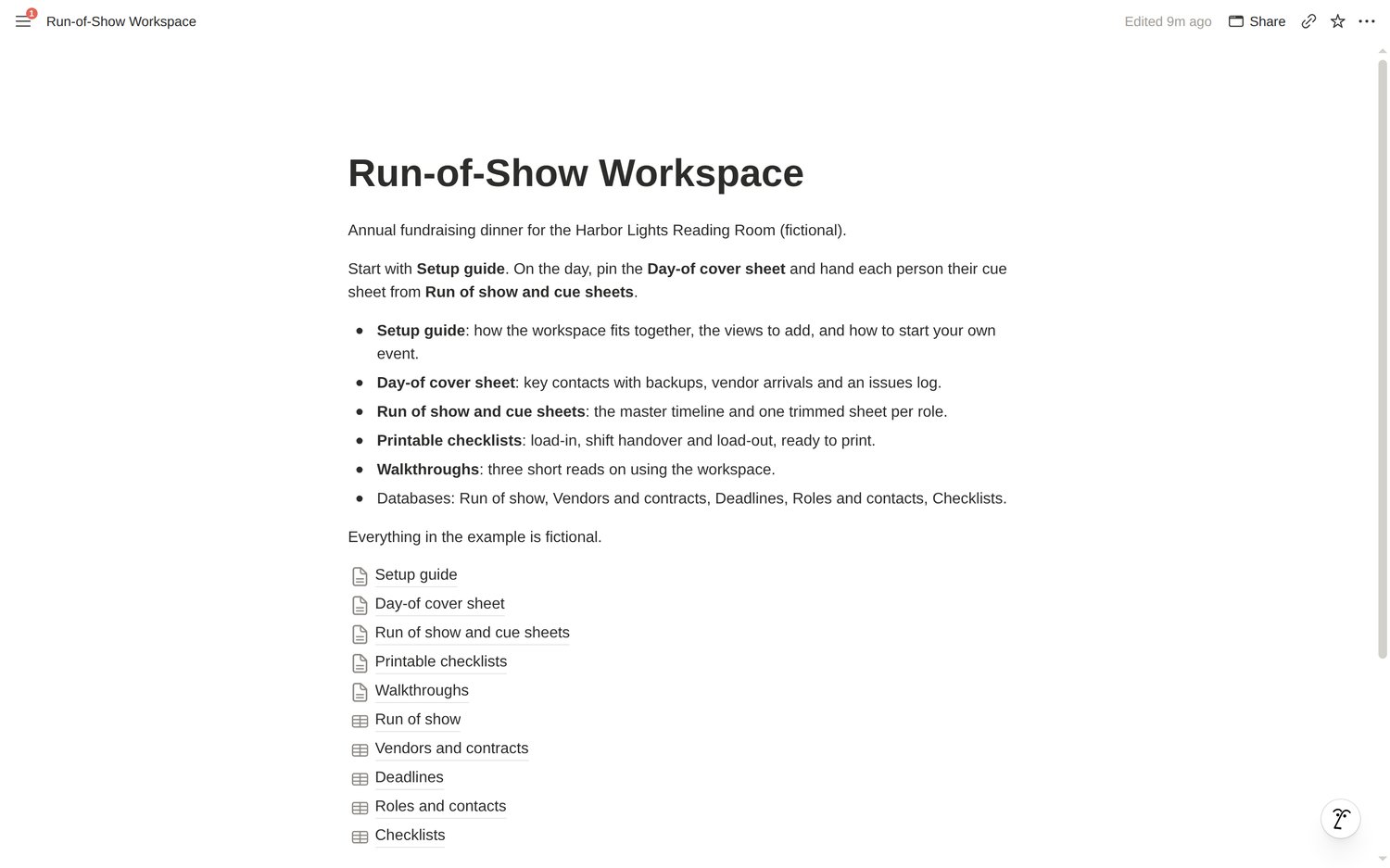
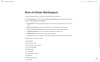
- A day-of cover sheet to pin at check-in, the kitchen door and the stage, plus a setup guide and three short walkthroughs.
It arrives filled in with a complete fictional event, a 180-guest fundraising dinner, so you can see every part working before you clear it. Every name, number and amount in the example is invented.
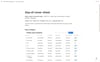
How you get it: after purchase you download a ZIP. Open START-HERE.html and select the link to duplicate the workspace into your own Notion account. The ZIP also holds the same workspace as Markdown and CSV files for Notion's Import, and a read-only preview that opens in any browser.
Works on Notion's Free plan. No automations or integrations. Start, End and Minutes are manual fields. The cover sheet and printable reference pages must be updated for your event; print current database views for the latest cues and checklists.
Limits: one event per copy (duplicate it for each new event). Relations between databases are left for you to add if you want them; the setup guide shows where.
Made with AI assistance: the example event, page text and build scripts were written with AI tools, then checked by 15 automated tests, an import into Notion, and a duplicate made from the published template.
Questions: https://payhip.com/TheLanternLibrary/contact
Read the free guide: A run of show volunteers can actually follow.