
Freelancer Business Manager — Invoice, Income, Expense & Tax Set-Aside Tracker (Excel + Google Sheets)
Know who owes you, what you actually earned, and what to set aside for tax — in one spreadsheet.
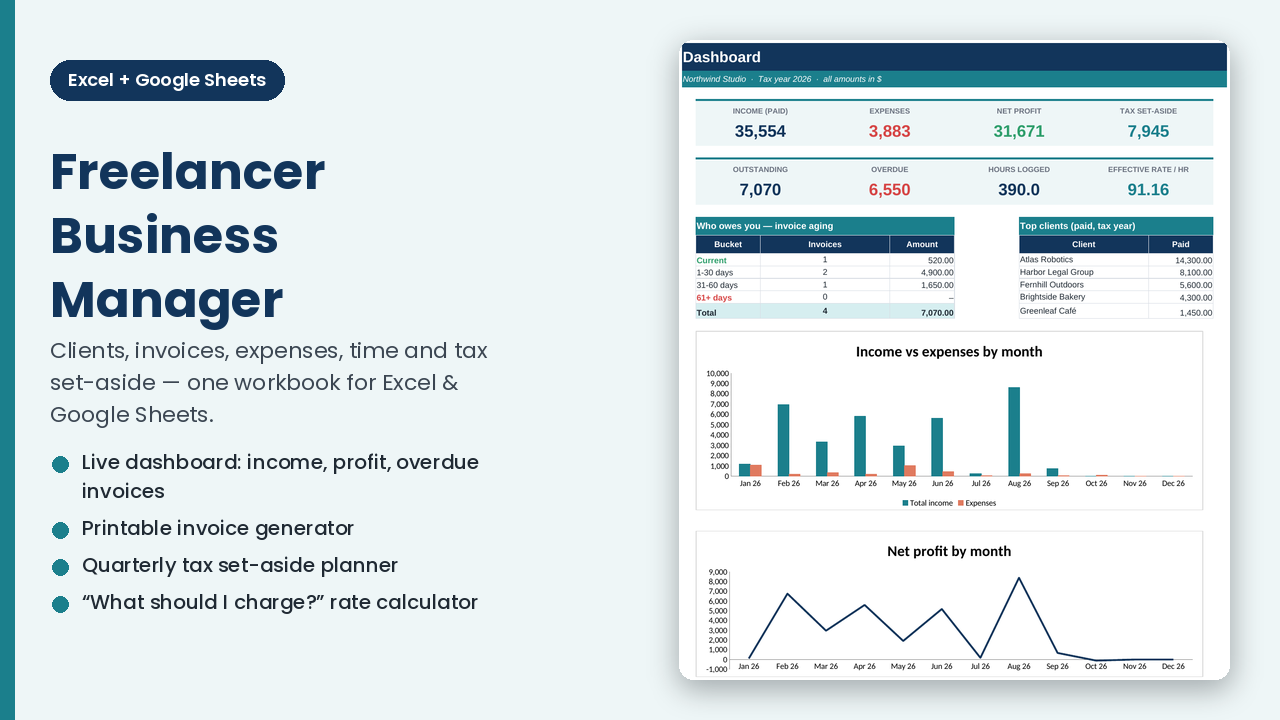
If your freelance business lives in a bank app, a shoebox of receipts and three half-finished spreadsheets, this workbook replaces all of it. Log things once; the dashboard, invoice aging, monthly profit & loss and quarterly tax set-aside update by themselves.
What you can do with it
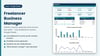
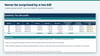
- See your business at a glance — income, expenses, net profit, outstanding and overdue invoices, hours logged and your real effective hourly rate.
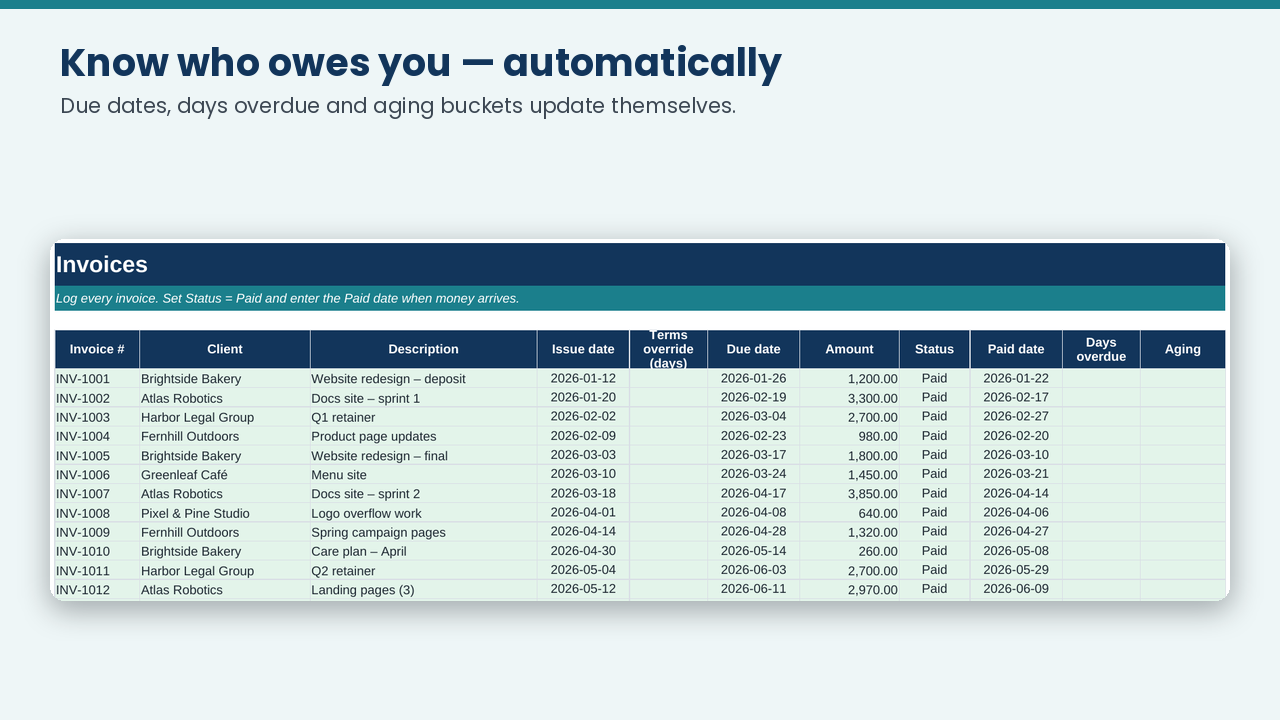
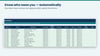
- Chase the right invoices — due dates, days overdue and aging buckets (Current / 1–30 / 31–60 / 61+ days) calculate automatically.
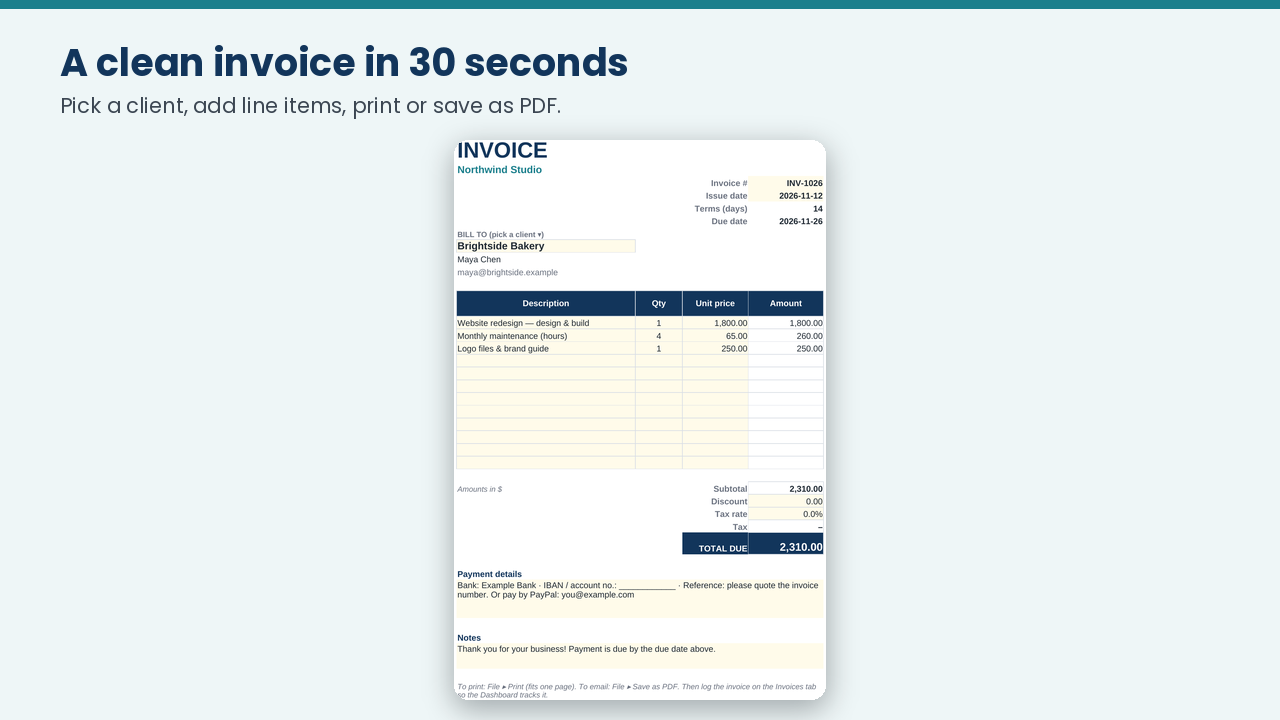
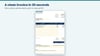
- Send a clean invoice in 30 seconds — pick a client, add line items, print or save as PDF.
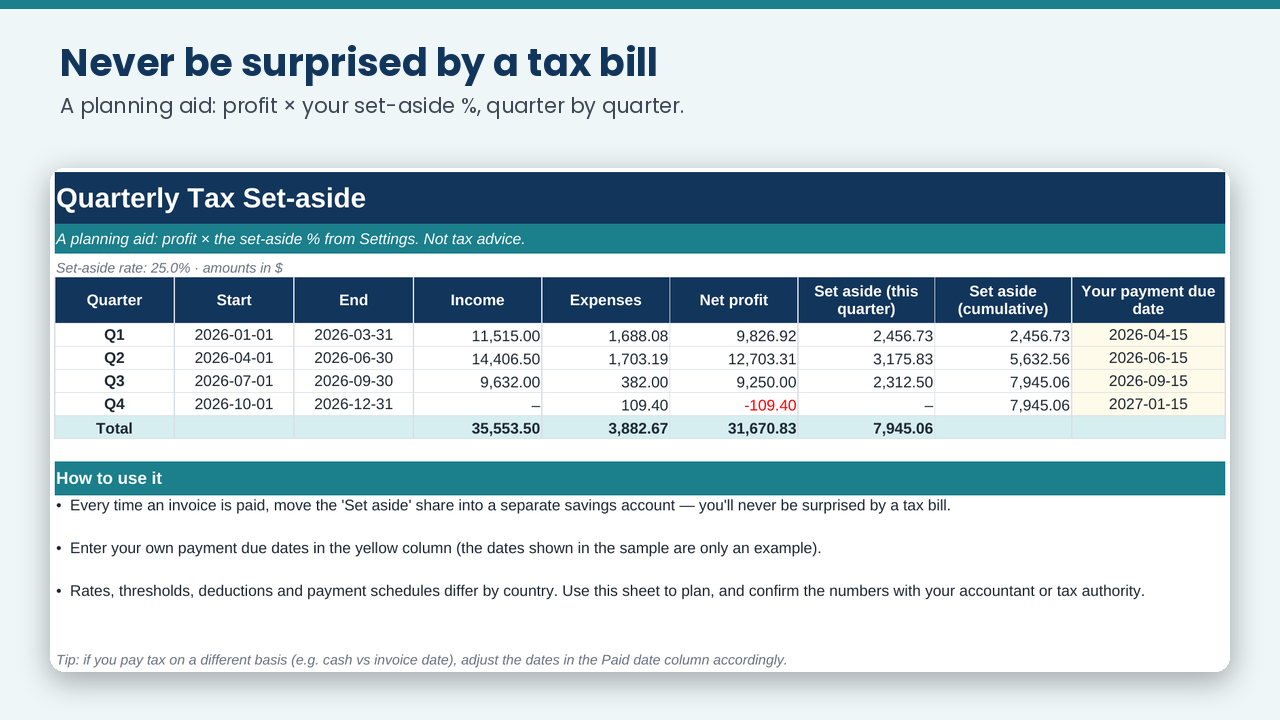
- Never be surprised by a tax bill — quarterly profit × your set-aside % shows how much to park in savings. (Planning aid only — see note below.)
- Price your work properly — the Rate Calculator turns your income goal into hourly, day and project rates, including weeks off and non-billable time.
- Track time by client and project with automatic billable value.
- Log expenses by category, with a business-use % for shared costs (phone, internet).
- Any currency, any tax-year start month.
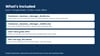
What's inside (12 tabs): Start Here · Dashboard · Clients · Invoices · Invoice Generator · Other Income · Expenses · Time Log · Quarterly Tax · Monthly P&L · Rate Calculator · Settings
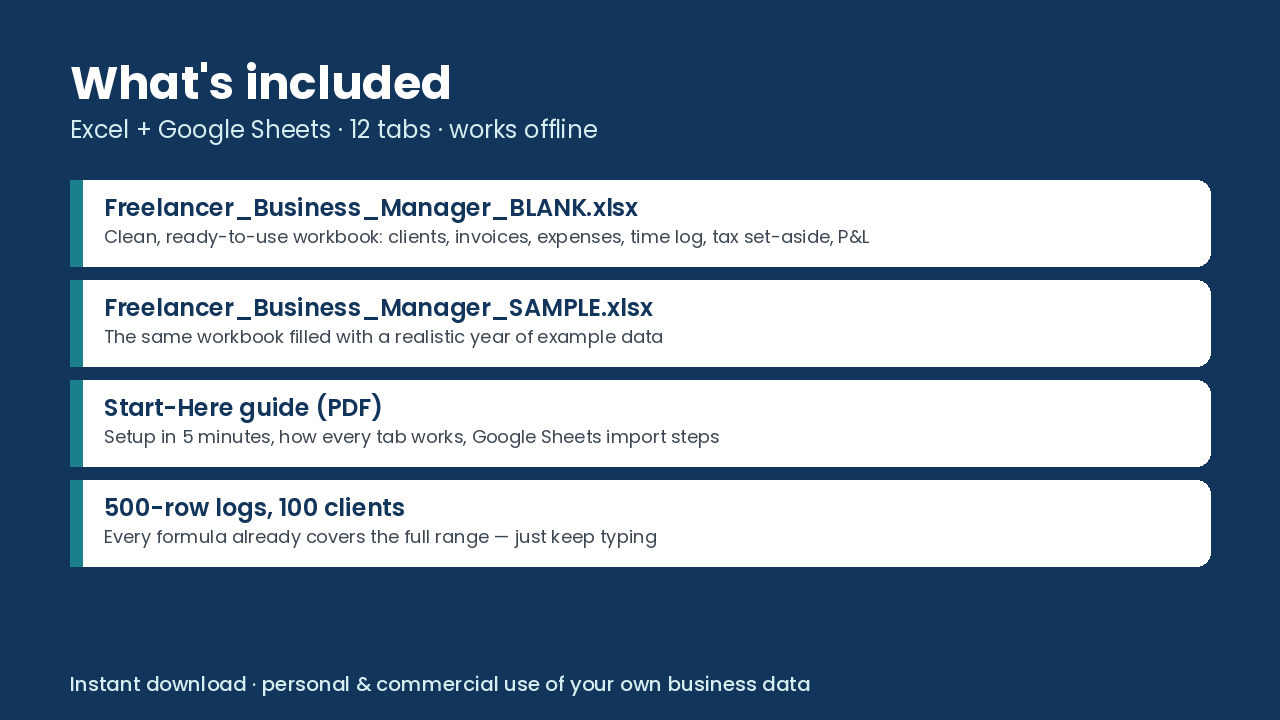
How it works: open in Excel (2010+) or import into Google Sheets (File ▸ Import). Yellow cells are for you to type in; everything else is a live formula (SUMIFS / COUNTIFS / INDEX-MATCH — no macros, no add-ons, nothing to install). Pre-formatted for 500 invoices/expenses/time entries and 100 clients.
You receive (ZIP):
- Freelancer_Business_Manager_BLANK.xlsx — clean, ready for your numbers
- Freelancer_Business_Manager_SAMPLE.xlsx — the same workbook filled with a year of example data so you can see how it works
- Start_Here_Guide.pdf — 4-page setup guide (5 minutes), Google Sheets import steps, troubleshooting
Good to know
- It's a spreadsheet template: you enter your own data (no bank connection, no cloud account needed — your numbers stay in your file).
- The tax tab is a simple percentage-of-profit planner, not tax advice; rules differ by country — check with an accountant.
- Personal and commercial use in your own business is fine; please don't resell or redistribute the file.
- Instant digital download — no physical item is shipped.