

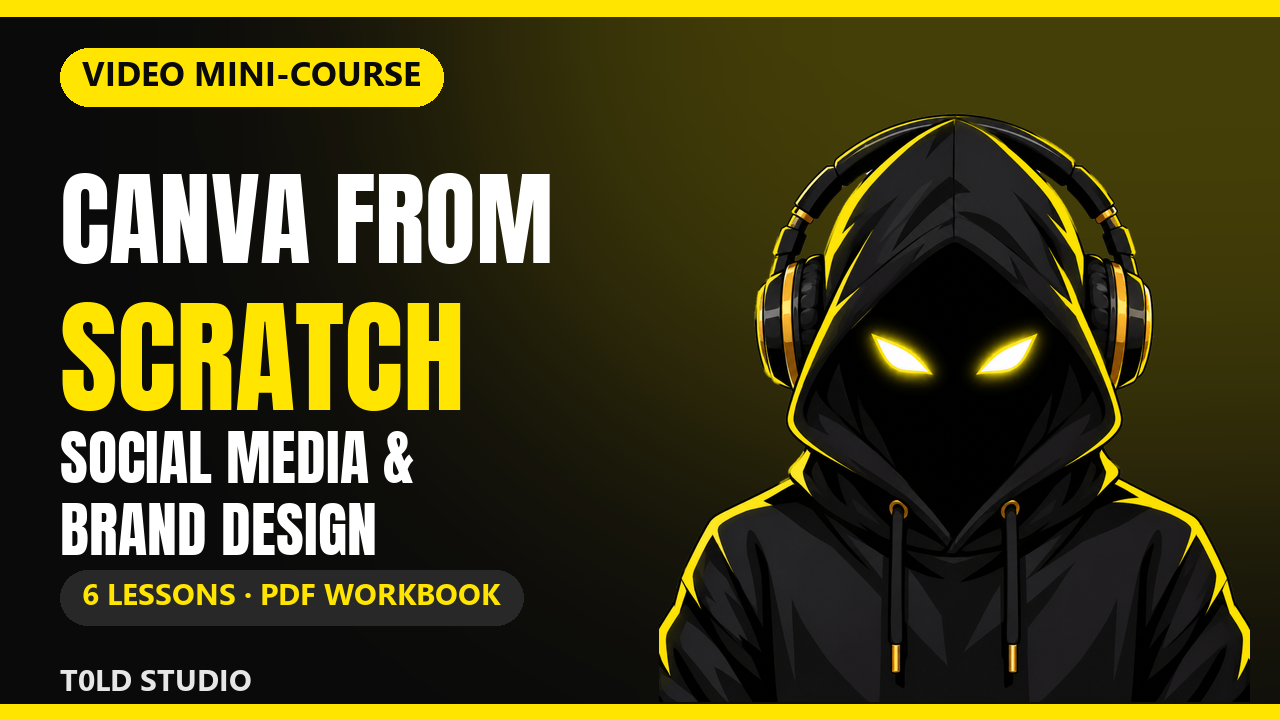
Canva from Scratch: Social Media & Brand Design
Tired of starting from zero on every post? In this short video mini-course you learn Canva from the basics and build a simple, consistent visual identity for your small business, even if you have never studied design.
What you will learn:
- First steps: account, editing screen and the right size for each format
- Simple visual identity: brand personality, colors, two fonts and a text logo
- Brand kit and reusable templates, in Canva or manually on the free plan
- Feed posts and carousels: hierarchy, white space, alignment and review
- Stories, video covers and exporting correctly
- A weekly routine, calendar, file organization and a seven-day plan
What's included: 6 video lessons (about 21 minutes in total, MP4 1080p) and a PDF workbook with lesson summaries, exercises, a checklist and a glossary.
Lessons:
- Canva First Steps: Account, Screen and Sizes
- Simple Visual Identity: Colors, Fonts and Logo
- Brand Kit and Reusable Templates
- Feed Posts and Carousels That Read Well
- Stories, Video Covers and Exporting
- Routine, Organization and Next Steps
Please note: Canva's free and paid features change over time, so check what your account includes. Commercial-use rights for fonts, images and elements must be checked in Canva's official terms. Educational content only, no promise of sales, followers or results. This course is independent and not affiliated with Canva.
AI-assisted narration: Part of this material, including the lesson narration, was produced with AI assistance and reviewed by people. 30-day refund, no questions asked.