

VRChat Build Size Viewer & Android Exclusion Editor Tools
Discord: https://discord.gg/pGwkH6ueQu
Take control of your VRChat world optimization!
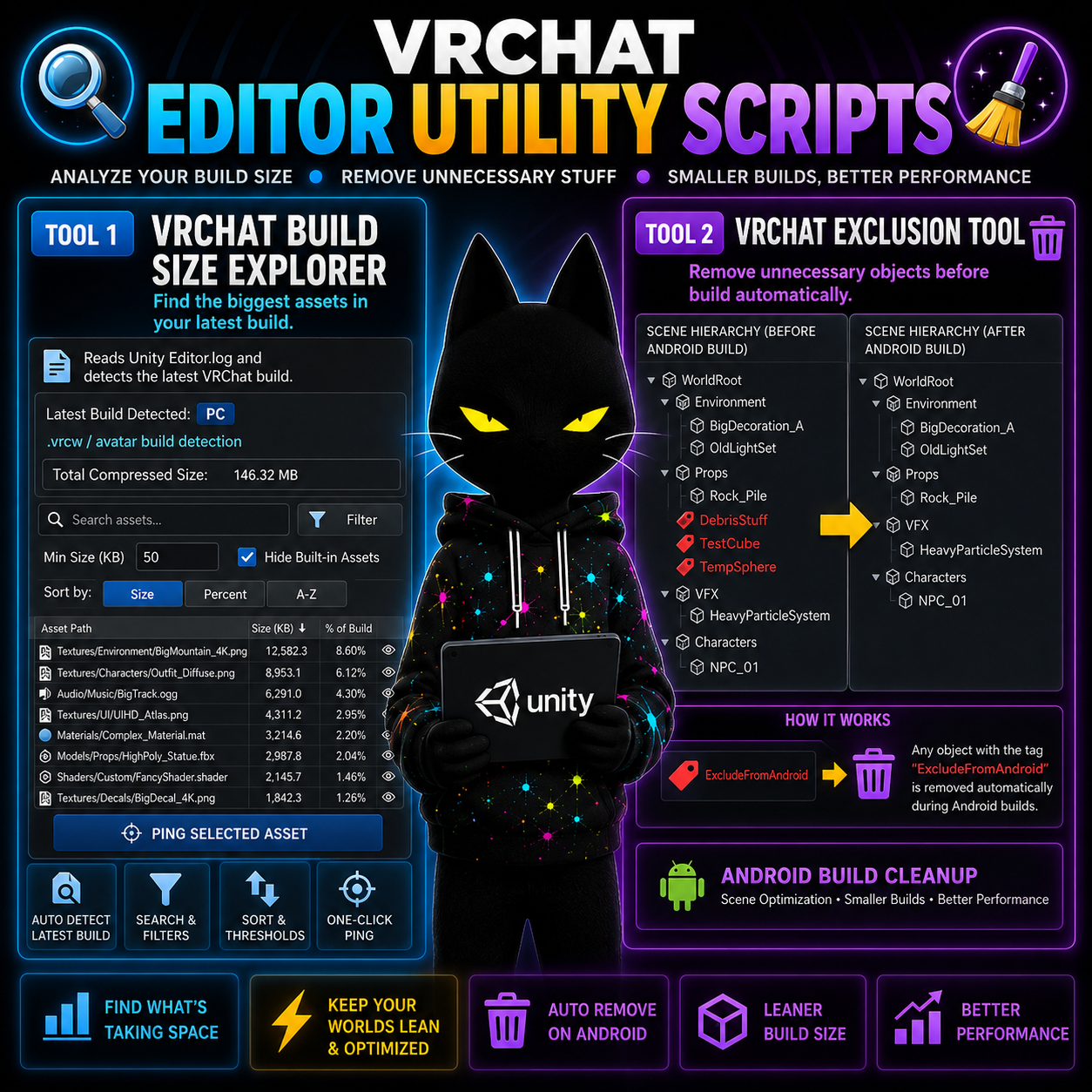
In this video, I showcase TWO brand-new Unity editor tools designed specifically for VRChat world creators: the VRChat Build Size Explorer and the VRChat Exclusion Tool. These tools dramatically improve your workflow, help you locate heavy assets, reduce build size, and keep your project clean and optimized for both PC and Quest.
🔧 Tool 1 — VRChat Build Size Explorer
This upgraded build-size inspector goes far beyond the default Unity log viewer. It scans the latest build inside your Editor.log and breaks down exactly which assets are taking up space. Includes:
Cross-platform log detection (Windows/macOS/Linux)
Automatic detection of the most recent VRChat build (PC or Android)
Search, filters, and size thresholds
Sort by size, percent, or alphabetical
Toggle to hide Unity built-in assets
One-click asset pinging
Cleaner UI for faster debugging and optimization
Perfect for preventing oversized Quest builds or tracking down that one texture blowing up your file size.
🧹 Tool 2 — VRChat Exclusion Tool
This Unity editor utility helps you remove unnecessary objects, materials, or components from your project and keep your world lean. Great for:
Removing unused content before building
Optimizing scenes for Quest
Cleaning up kitbashing leftovers
Managing large worlds with many assets
Use both tools together and watch your build size shrink while your performance skyrockets.