
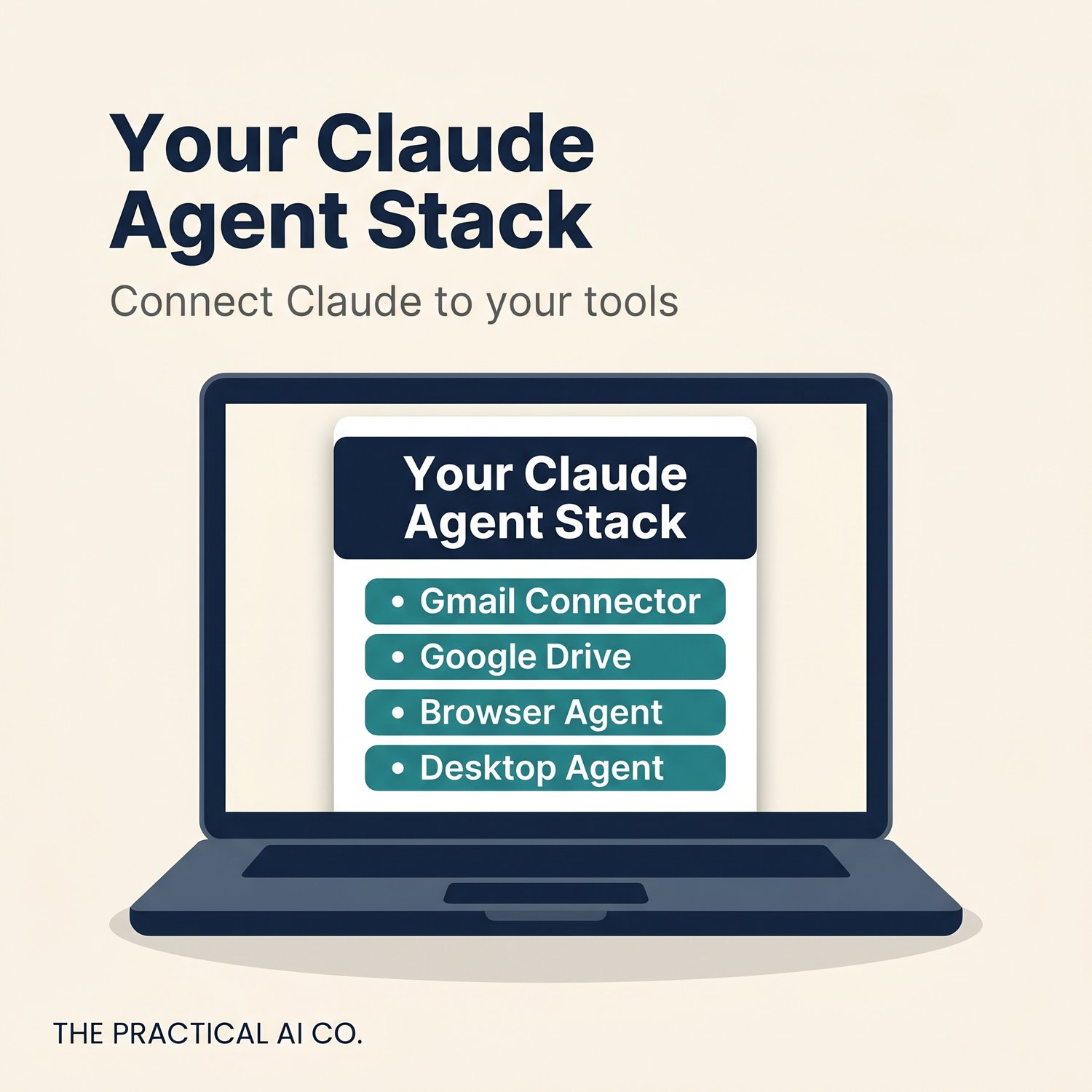


Your Claude Agent Stack — Book 3 of The Practical Claude Pack
Your Claude Projects know your job. Now connect them to your actual tools.
This guide shows you how to link Claude to Gmail, Google Drive, and Google Calendar — so it can search your emails, find your files, and check your schedule without you copying and pasting anything. Then it covers Claude in Chrome (a browser agent that reads websites and fills forms for you) and Cowork (a desktop agent that organises your local files).
Plain English instructions. No code. Honest about what's free and what needs a paid plan.
What's inside:
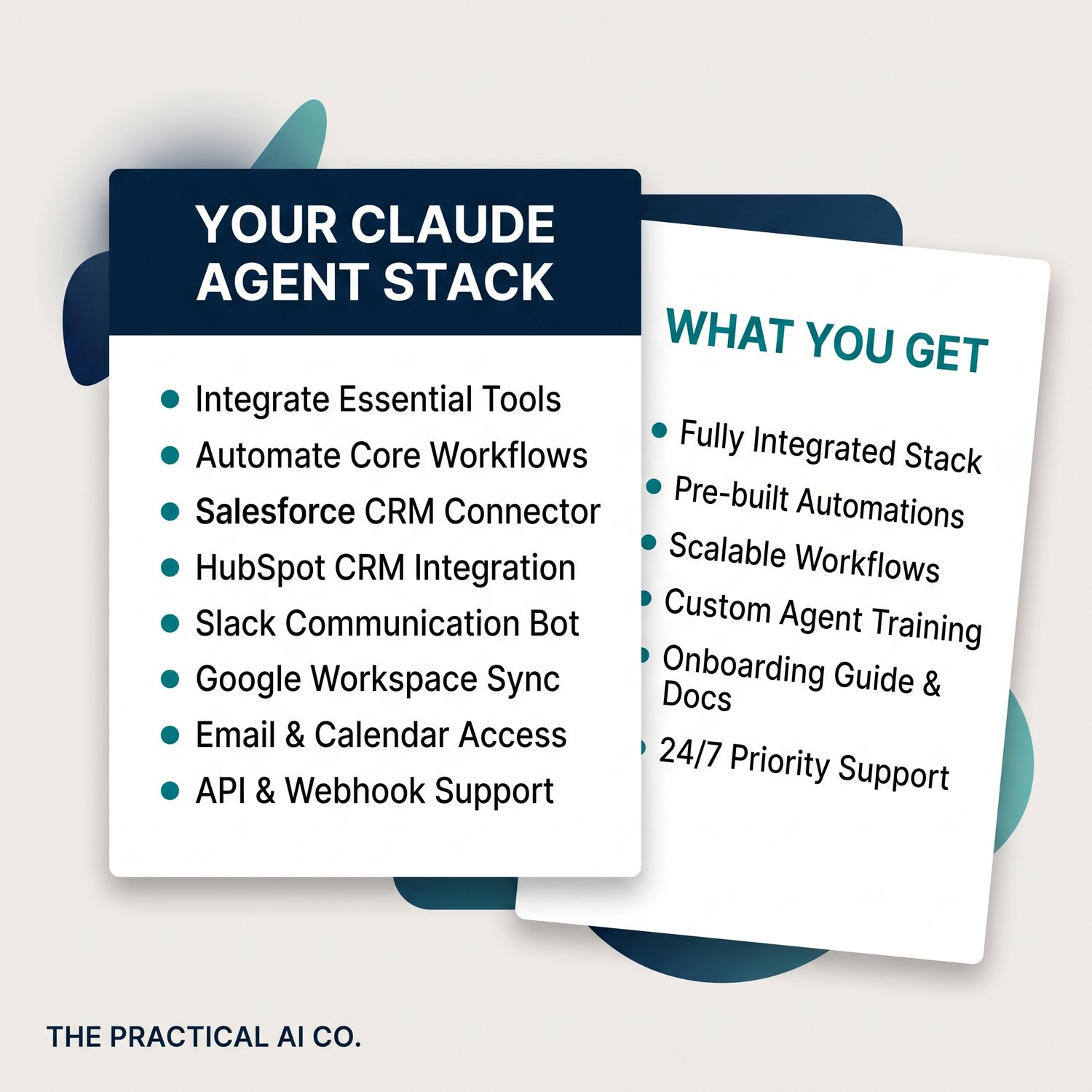
- Setting up Gmail, Google Drive, and Calendar connectors (step by step — works on free and paid plans)
- Real prompts to try with each connector — email search, document summaries, calendar management
- How to combine connectors with your existing Projects for one-step workflows
- Claude in Chrome setup and starter tasks — web research, form filling, data extraction (paid plans only, currently in beta)
- Cowork setup and practical tasks — file organisation, document processing, receipt extraction (paid plans only)
- A full privacy and safety checklist for connecting work accounts
- An honest comparison of free vs. paid features so you can decide what's worth it
- Troubleshooting table for the eight most common problems
Who it's for:
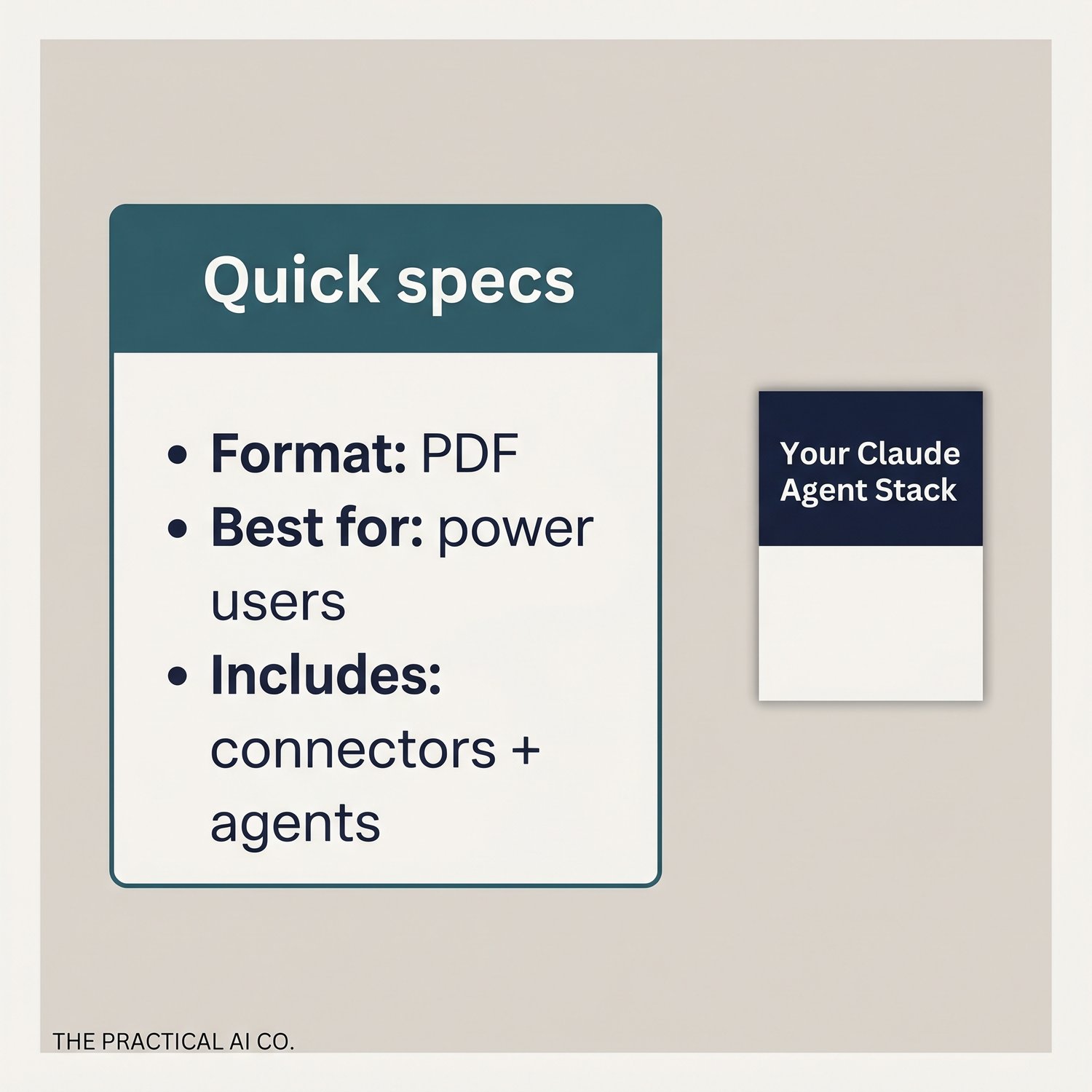
People who already use Claude Projects (Books 1 and 2) and want Claude reaching into their real work tools. You'll need a Google account (personal or work) and Chrome. Some features require a paid Claude plan — the guide is clear about which ones.
What you'll walk away with:
A connected Claude setup where your Projects, your email, your files, your calendar, and your browser all work together. The full stack, no code required.
Book 3 of The Practical Claude Pack. Works best after completing Books 1 and 2. Built by The Practical AI Co. in Sydney.