
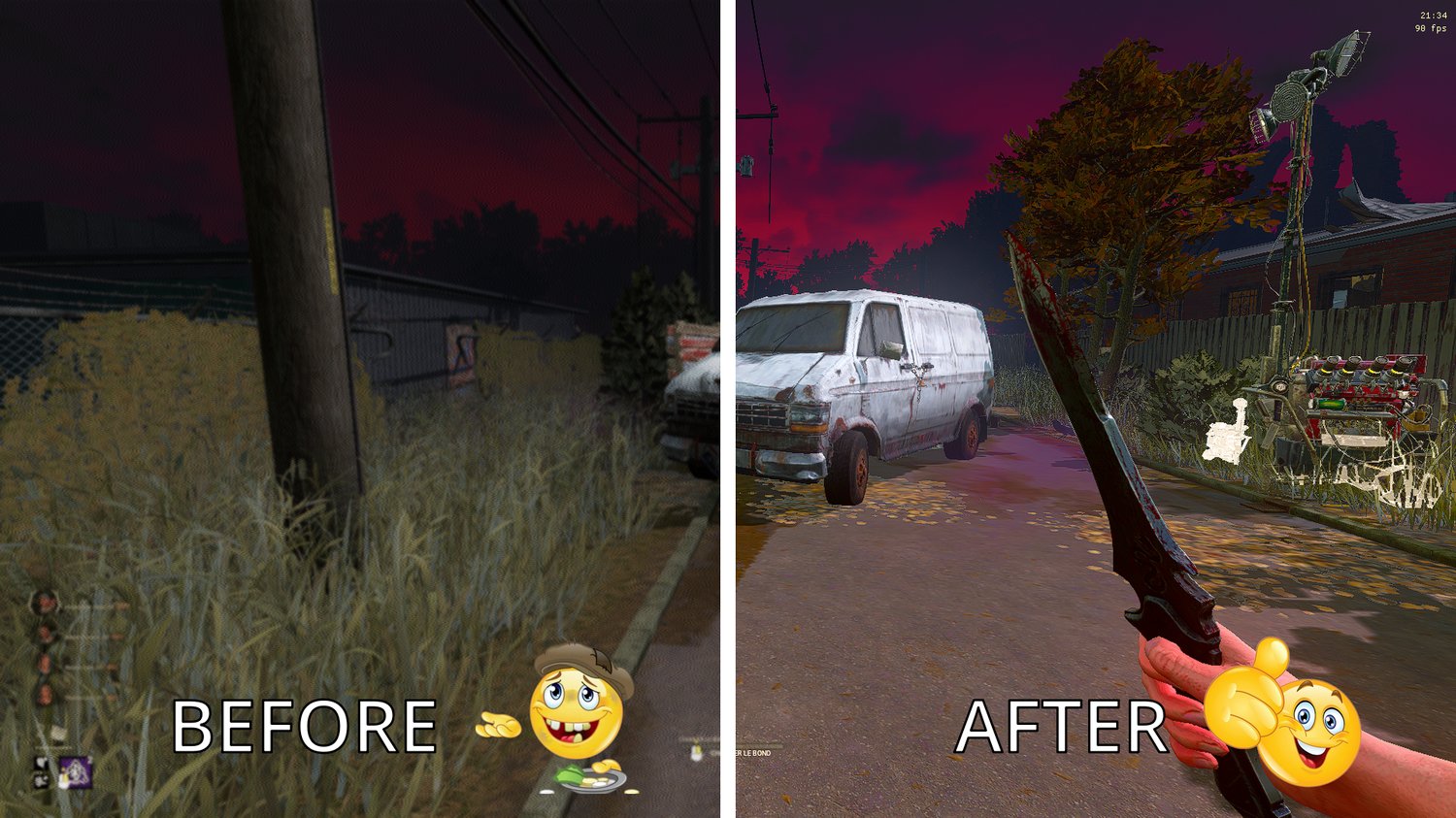
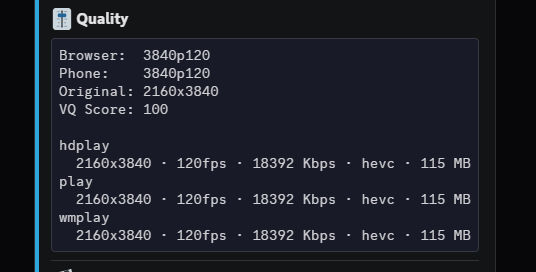

4k 120 FPS Quality Settings + Full TikTok Editing Guide
On Sale
€10.00
€10.00
Bypass TikTok’s 30 FPS Compression – Upload in High FPS And High Quality
This is the exact workflow behind 80M+ views and it produces multi-million-view videos on repeat.
What's inside:
4K 120 FPS Fix: Designed to keep your clips smooth at maximum frame rate and maximum quality.
Editing Tutorial: The full TikTok-ready workflow: 9:16 formatting, blurred background, clean text captions.
Step-by-step video walkthroughs: Recording, editing, and uploading, start to finish.
Topaz Video AI Settings: The exact settings that's earned us millions of views and tens of thousands of followers.
Recording Settings: The OBS setup we use for clean, high-bitrate source footage.
Requirements:
- A PC or Laptop
- OBS Studio (free)
- DaVinci Resolve (free)
- Topaz Video AI (free)