


Roof Crosshair Angle — Rise/Run
Roof Crosshair Angle — Rise/Run
Enter your rise. Enter your run. Align your cursor.
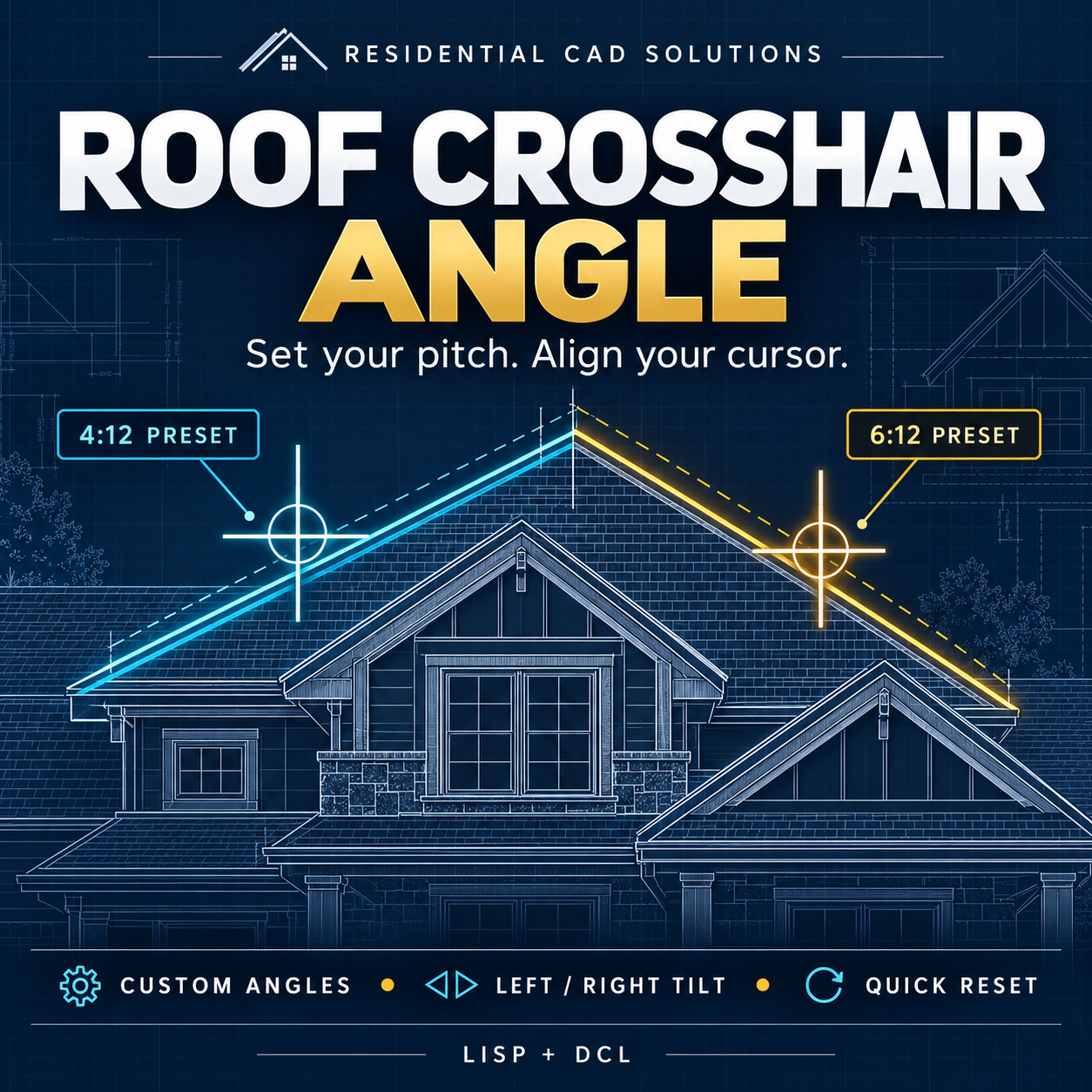
Make drawing angled roof lines easier with a tool that converts your rise and run into a crosshair rotation angle.
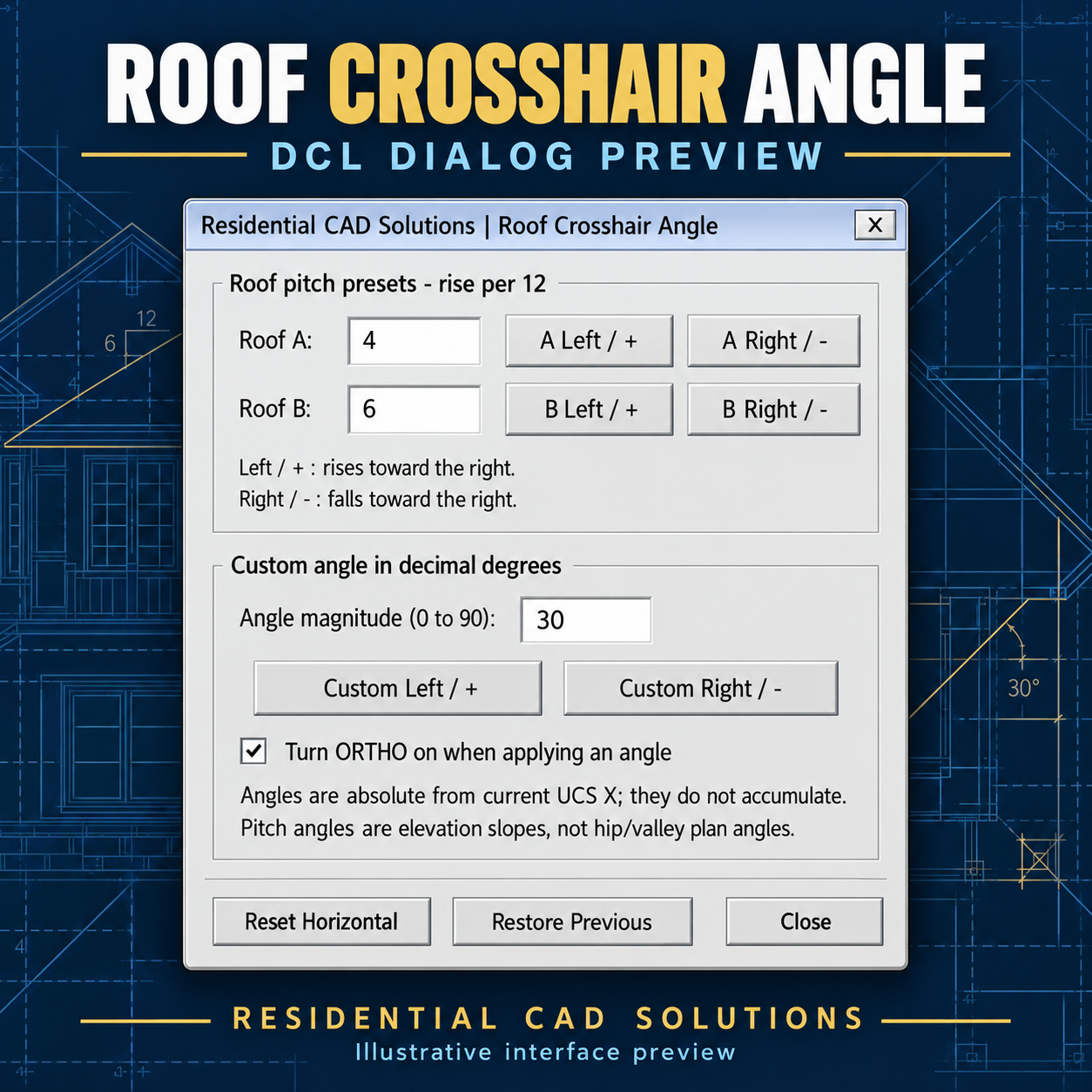
Enter the vertical rise and horizontal run, then choose left or right tilt. Need the opposite ratio? Click Swap Rise/Run and apply the new angle.
Features include:
- Direct Rise/Run Input: Calculate angles from measurements entered in the same units.
- Swap Rise/Run: Quickly exchange the two values.
- Left/Right Tilt: Apply positive or negative rotation.
- Custom Angle Entry: Enter a decimal angle from 0° to 90°.
- Optional ORTHO: Enable drawing along the rotated crosshair axes.
- Quick Commands: Flip the current angle, reset to UCS horizontal, or restore the previous angle and ORTHO setting.
Example: A rise of 6 and run of 4 produces 56.310°. Swap them for 33.690°.
Included: AutoLISP file, DCL dialog, and installation instructions.
Please note: This tool calculates a direct rise/run angle. It does not automatically determine a valley angle from two roof pitches. Rotation is relative to the current UCS and affects the crosshairs and snap/grid orientation.
Intended for Windows AutoCAD with AutoLISP and DCL support. Live AutoCAD version testing is pending.
By Residential CAD Solutions.