


Free Job Search Tracker for Google Sheets & Excel
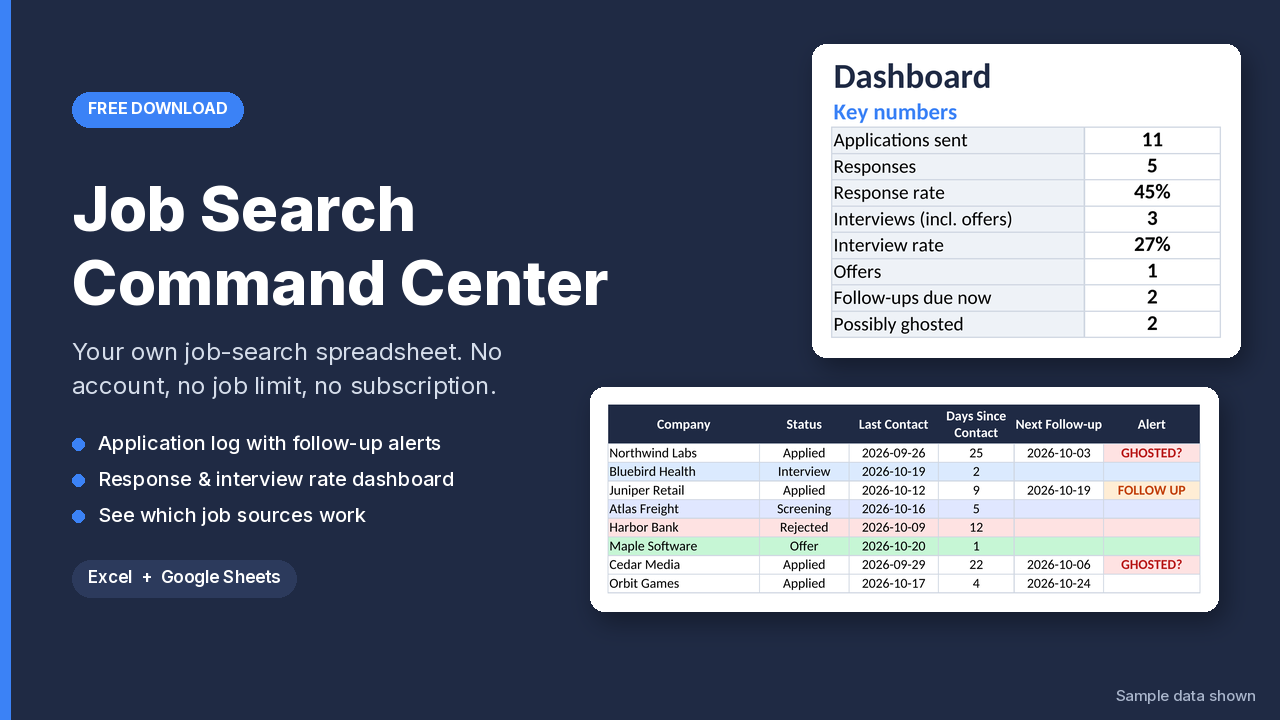
Job hunting is a numbers game, and it's easy to lose track. The Job Search Command Center is a free spreadsheet that keeps your whole search in one place, with no app, no account and no job limit.
What's inside
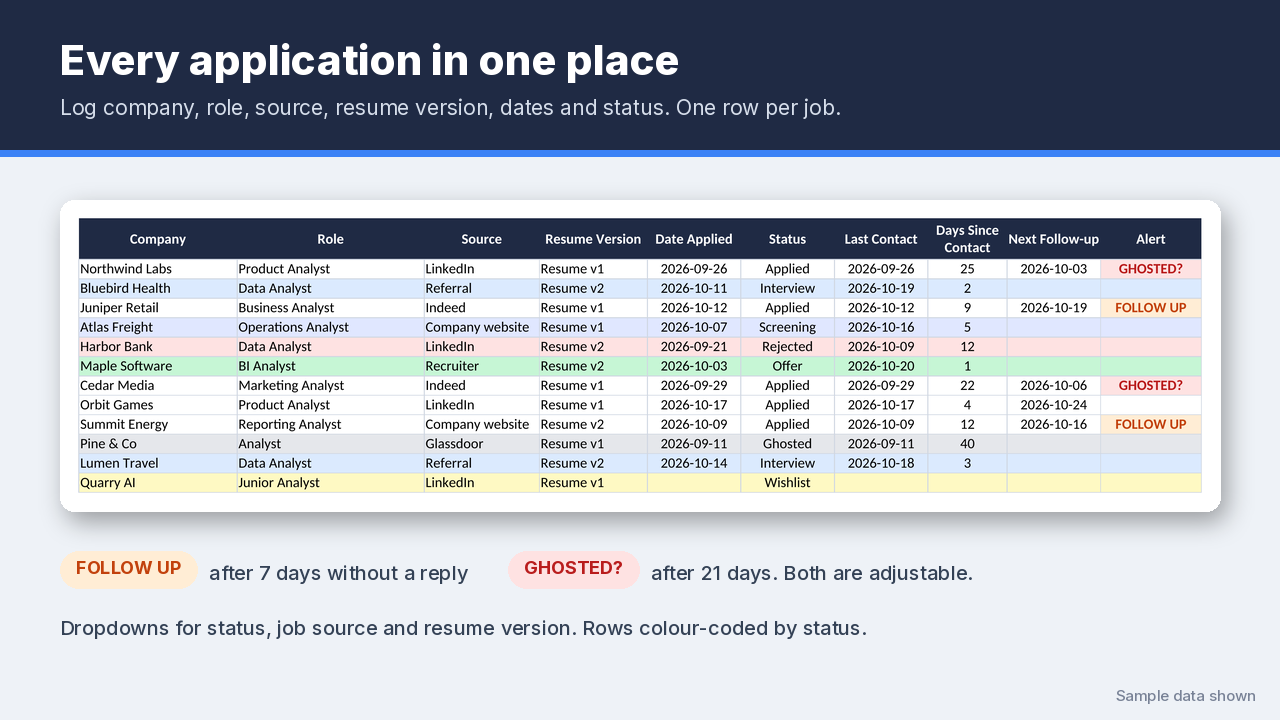
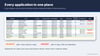
- Application log: company, role, location, job link, source, resume (CV) version, date applied, status, last contact, salary range, contact person and notes. Dropdowns for status, job source and resume version, and rows colour-coded by status.
- Follow-up and "ghosted" alerts, so no application goes quiet without a nudge. The Alert column shows FOLLOW UP after 7 days without contact and GHOSTED? after 21 days. You can change both numbers.
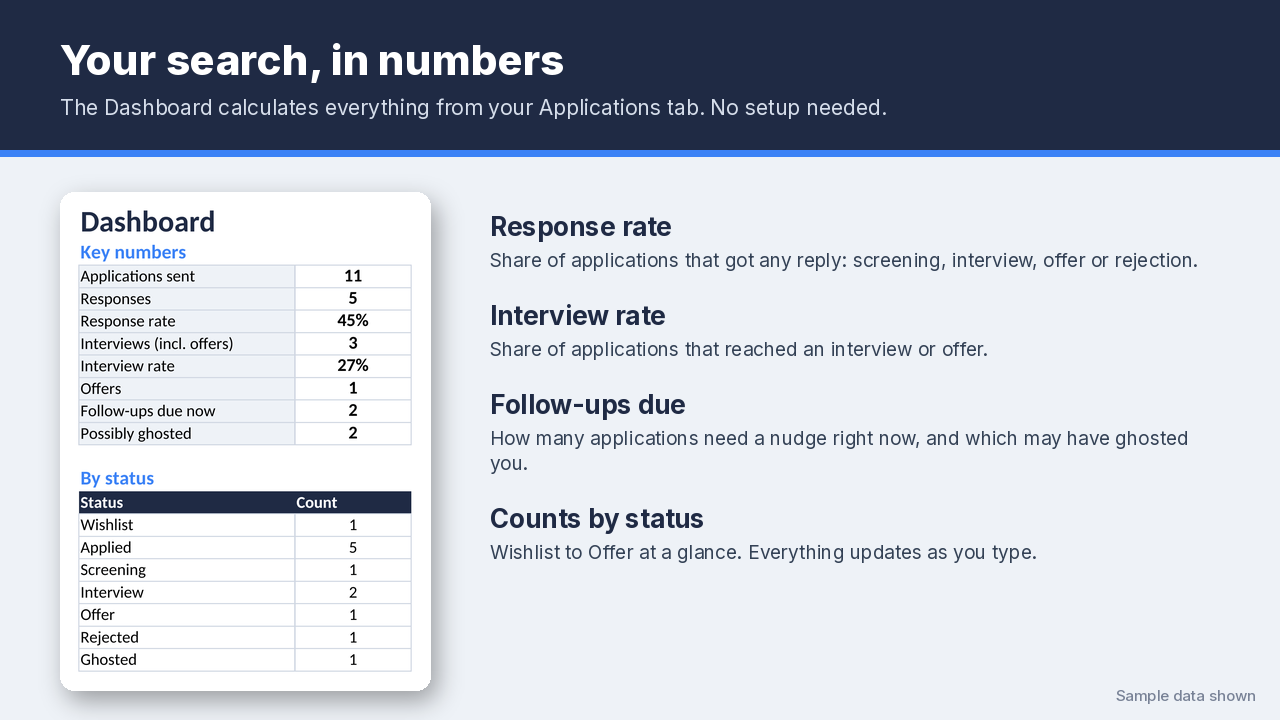
- Dashboard with your response rate and interview rate, follow-ups due, possibly-ghosted applications, and a count for every status.
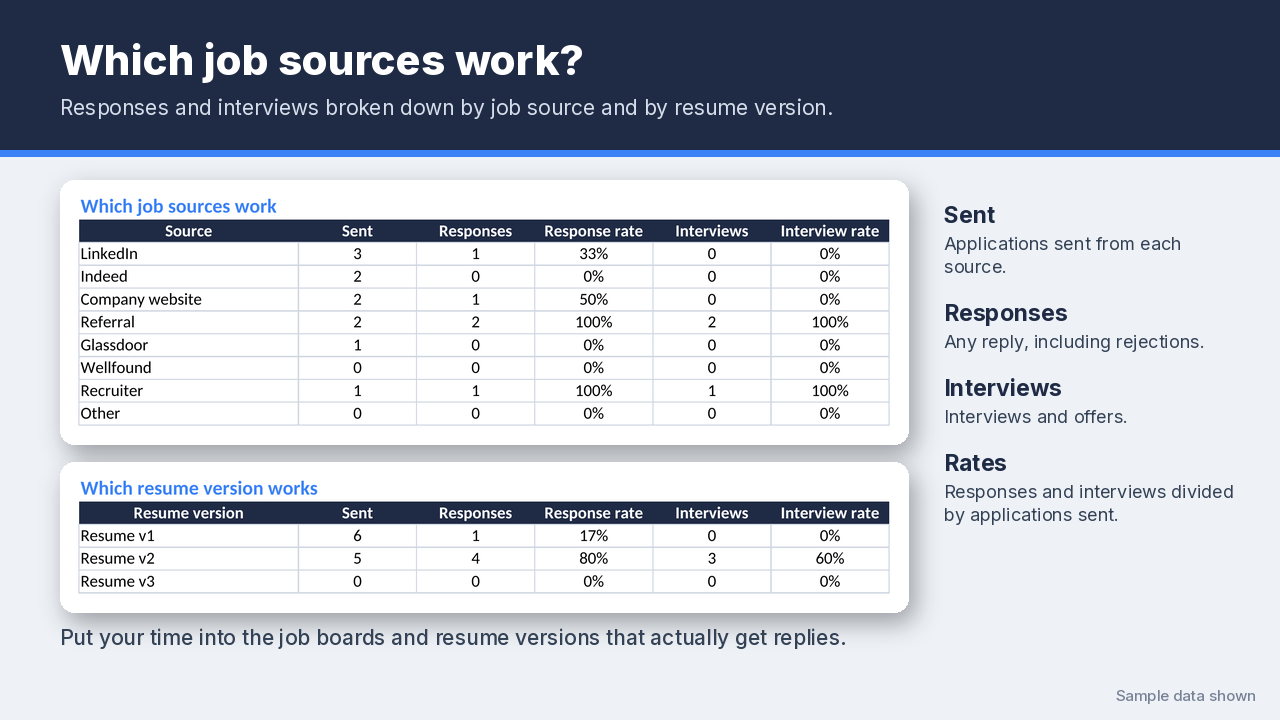
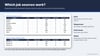
- "Which source works?" view: compare LinkedIn, referrals, job boards, company websites and recruiters by responses and interviews. There's the same breakdown for each resume version, so you can see which CV gets replies.
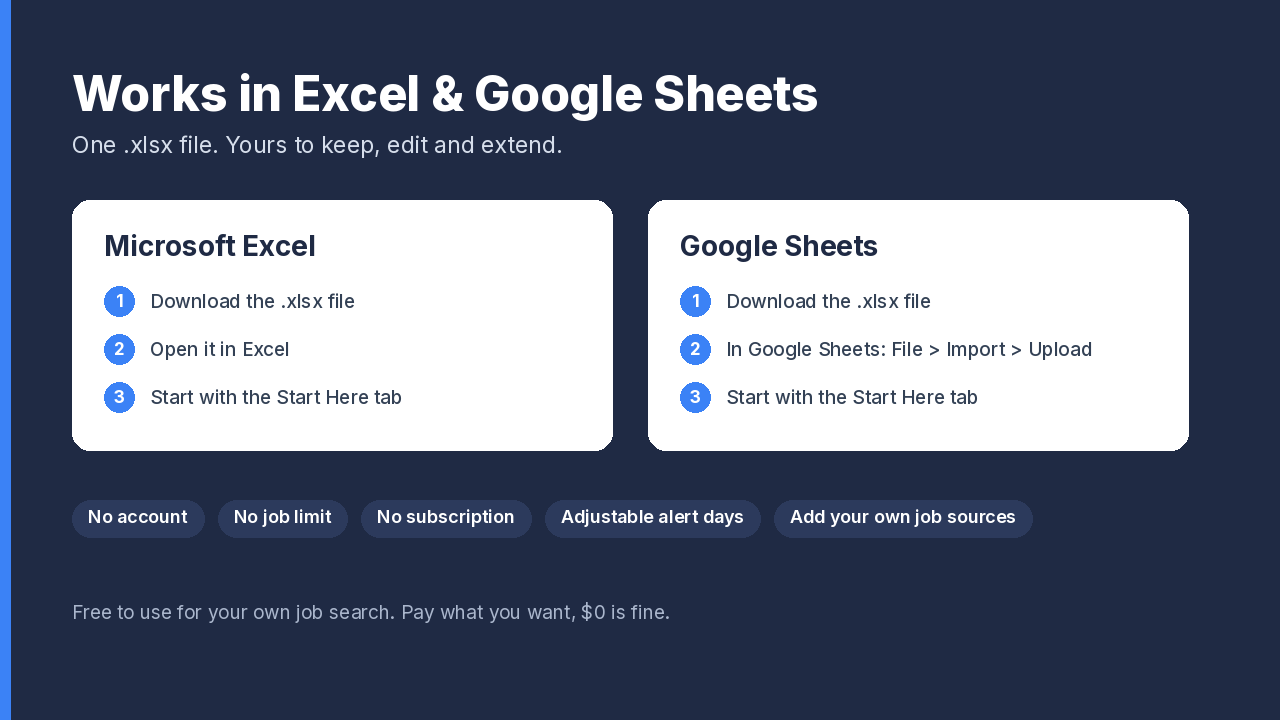
- Works in Google Sheets and Excel. Yours to keep and edit.
How to use it
- Download the .xlsx file. Open it in Excel, or in Google Sheets go to File > Import > Upload.
- Read the Start Here tab, then clear the three example rows.
- In the Lists tab, add the job boards you use and name your resume versions.
- Log each application the day you send it, and update "Last Contact" whenever you hear back or follow up.
- Check the Alert column twice a week, and the Dashboard to see what's working.
FAQ
Is it really free?
Yes. Click Download Now, enter your email, and download it.Do I need an account or a subscription?
No. It's a normal spreadsheet file. Nothing to sign up for, and your data stays in your own file.
How do I use it in Google Sheets?
In Google Sheets, go to File > Import > Upload and choose the .xlsx file. You can also upload it to Google Drive and open it with Google Sheets.
Is there a limit on how many jobs I can track?
No. 500 rows are ready to use. Need more? Copy the last row down. The Dashboard counts up to 5,000 applications.
Can I change the follow-up timing?
Yes. In the Lists tab, set the follow-up days (default 7) and the "possibly ghosted" days (default 21).
Can I add my own job sources or resume versions?
Yes, in the Lists tab: up to 12 job sources and 8 resume versions. The dropdowns and the Dashboard tables update automatically.
What counts as a "response"?
Any reply from the company: Screening, Interview, Offer or Rejected. "Interviews" includes offers.
Does it work on Mac / Numbers / LibreOffice?
It's built and tested for Excel and Google Sheets, and it also opens without errors in LibreOffice. Numbers isn't tested.
Can I share or resell it?
Use it freely for your own job search. Please don't resell it. Share the link instead.
Got interviews coming up? The Interview Prep & STAR Story Bank helps you write a few strong STAR stories and link them to 80 common interview questions, with a dashboard that shows what you still need to prepare.
100% free. Click Download Now, enter your email, and get it instantly. No card needed.Preparing for interviews? Free preview of the STAR Story Bank: https://payhip.com/b/03jvH