
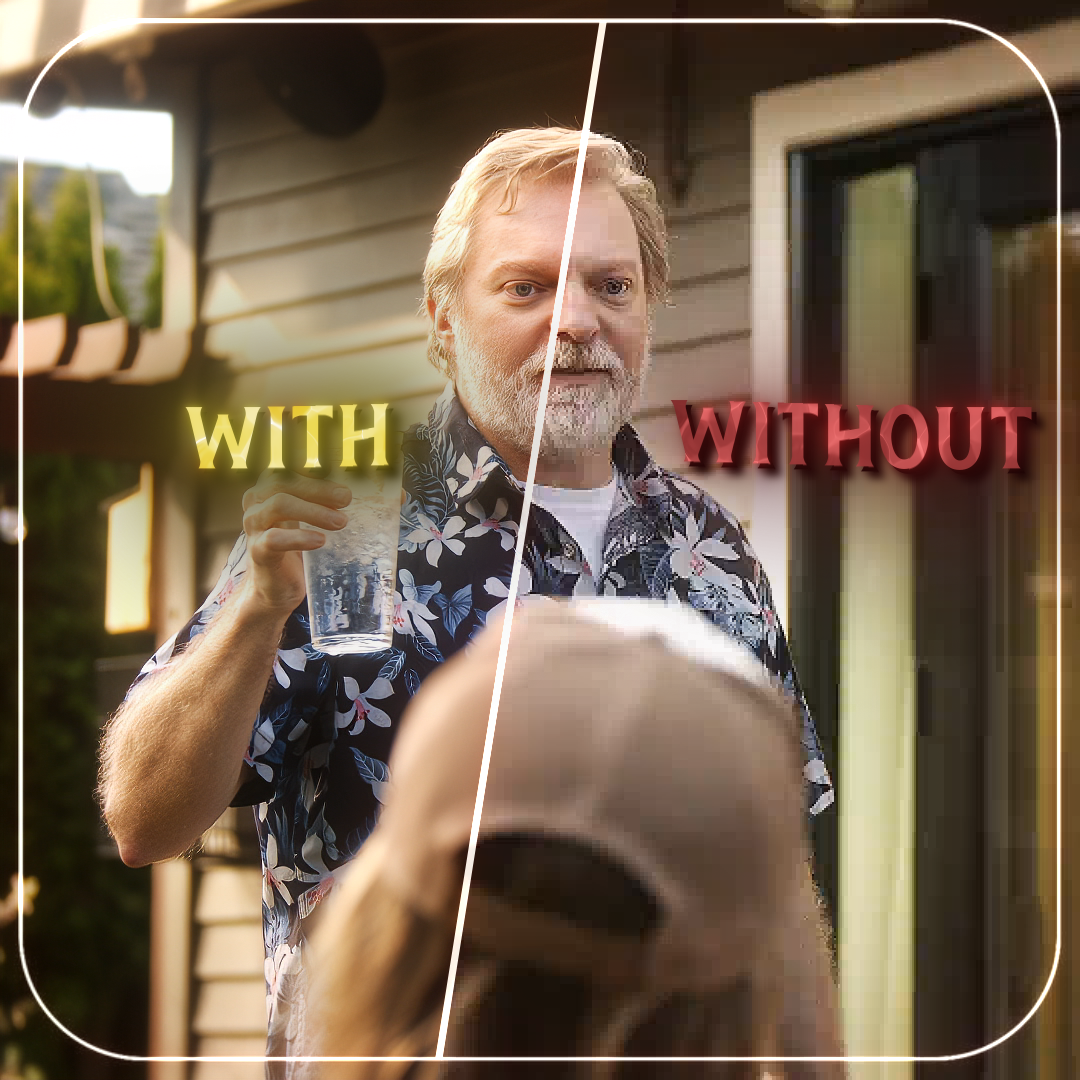
Best Export Settings for TikTok (PHONE UPLOAD)
These settings are still the best for uploading from a "phone".
I've included a video showing how to import the preset into HandBrake.
I mainly use HandBrake because it has fewer errors and crashes, and it also includes an excellent sharpen filter that helps reduce the blurring caused by TikTok's compression.
Just make sure to render your final edit with at least QuickTime ProRes 422 LT or higher to preserve maximum quality before compressing it using HandBrake. If your CC has a sharpen effect, remove it, or just remove the sharpen filter from HandBrake. These settings were calculated with TikTok compression system which showed that they don't re-compress the original file after uploading when using it.
If you want to use Media Encoder, I have a preset file for it just make sure to add sharpen. I can't give an exact amount.
IMPORTANT!|
Don't go over 1080p.
The uploading country can affect video quality. It may take some time for the video to be processed and become available in 1080p, and in some cases, higher quality may not appear until the video reaches a certain number of views.
If you have any questions don’t hesitate to dm me on TikTok @jim4fx immediately starting with the question. Or email me jim4fx@gmail.com