

Reading Desk — Create Feeds, Scrape Websites & Watch Changes
Turn the web into feeds you control.
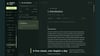
Reading Desk is a point-and-click web scraper, change monitor and RSS publisher for Windows. Give a website its missing feed. Track a price or stock status. Collect posts and pictures. Combine sources into your own feeds, export the data, or take everything to your phone and e-reader.
US$10 once. No subscription. No Reading Desk account required.
SEE IT IN ACTION
Use the Preview button on this page to download the demo video before you buy.
GIVE WEBSITES THEIR MISSING FEED
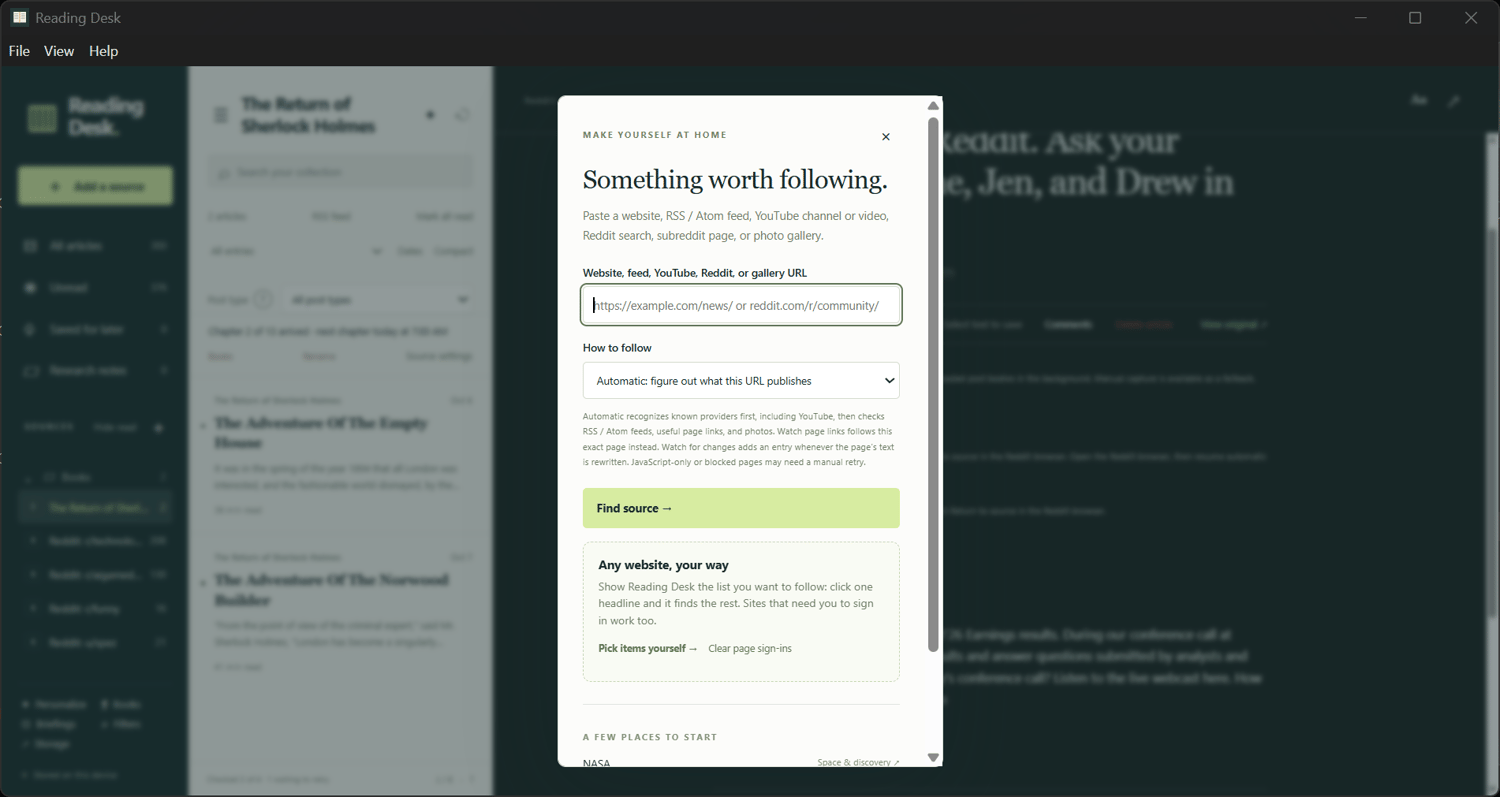
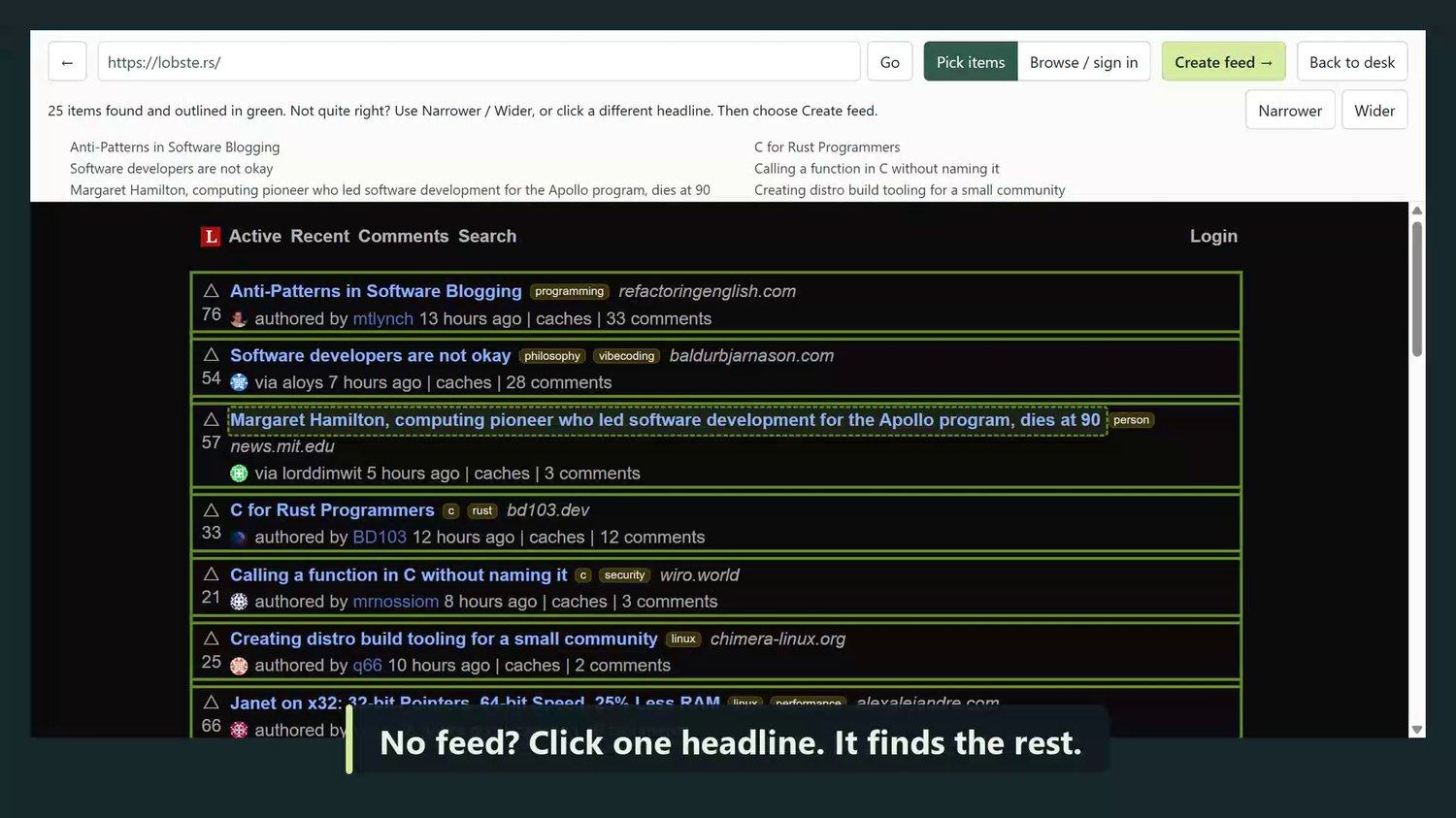
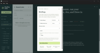
Click one headline, post or card and Reading Desk finds the matching items. No code or selectors to write. It works with supported pages built by JavaScript and pages you sign in to yourself. Pick items again if a site changes its layout; your saved entries stay.
COLLECT ACROSS MULTIPLE PAGES
Follow a site’s own Next links across up to 10 pages on each check. Build a useful collection from news pages, directories, resource lists and more. Export the current list as CSV for a spreadsheet or JSON for your own tools.
WATCH PRICES, STOCK AND CHANGING PAGES
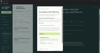
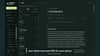
Click a price, stock status or line of text to keep a history of changes. Or watch an entire guide, FAQ or page for rewrites: new entries show exactly what was added and removed. Set alert words and get Windows notifications when matching entries arrive. Optional Live watch checks supported sources about every 15 seconds while the app is running.
MAKE YOUR OWN FEEDS — AND TAKE THEM ANYWHERE
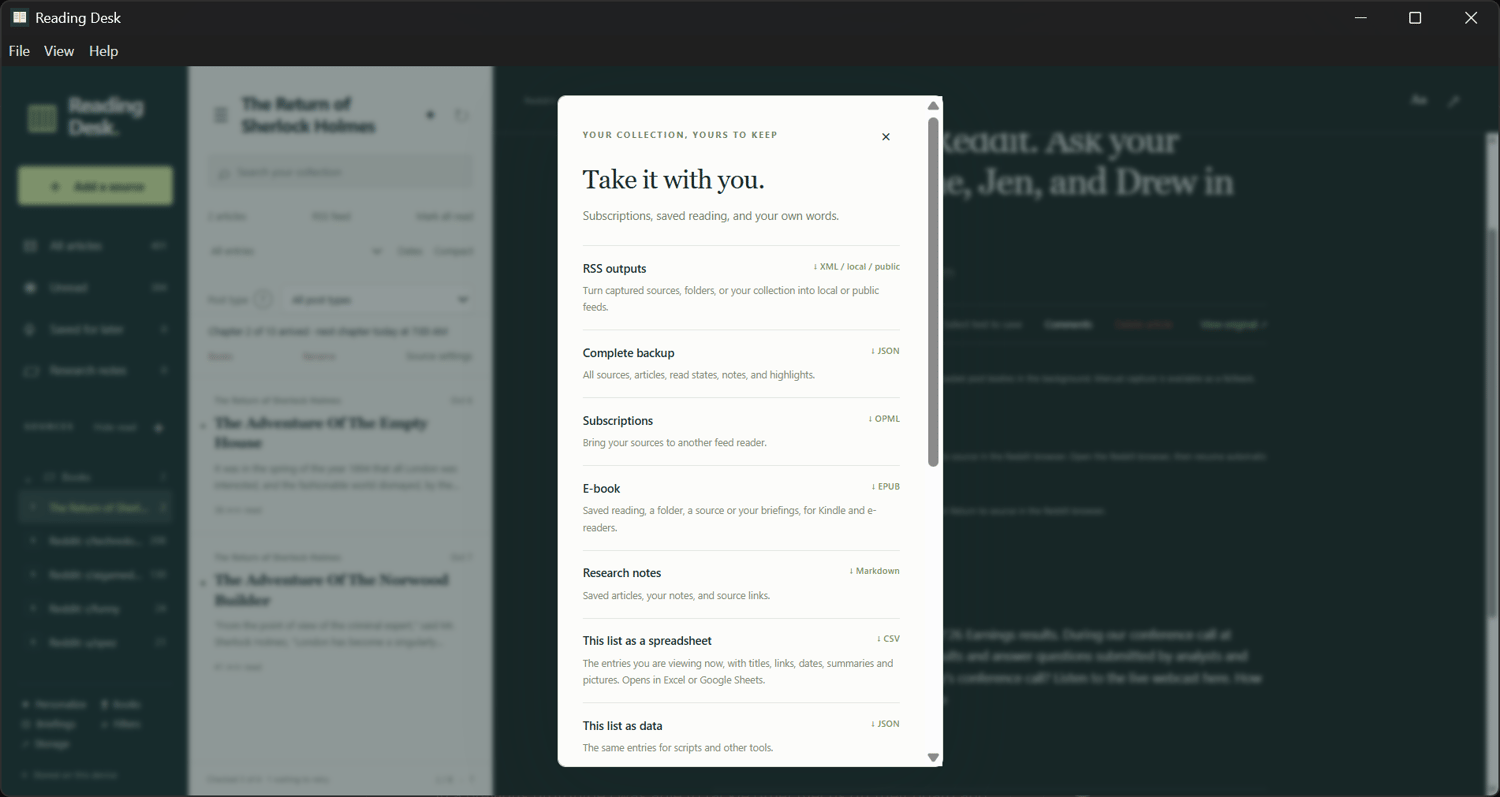
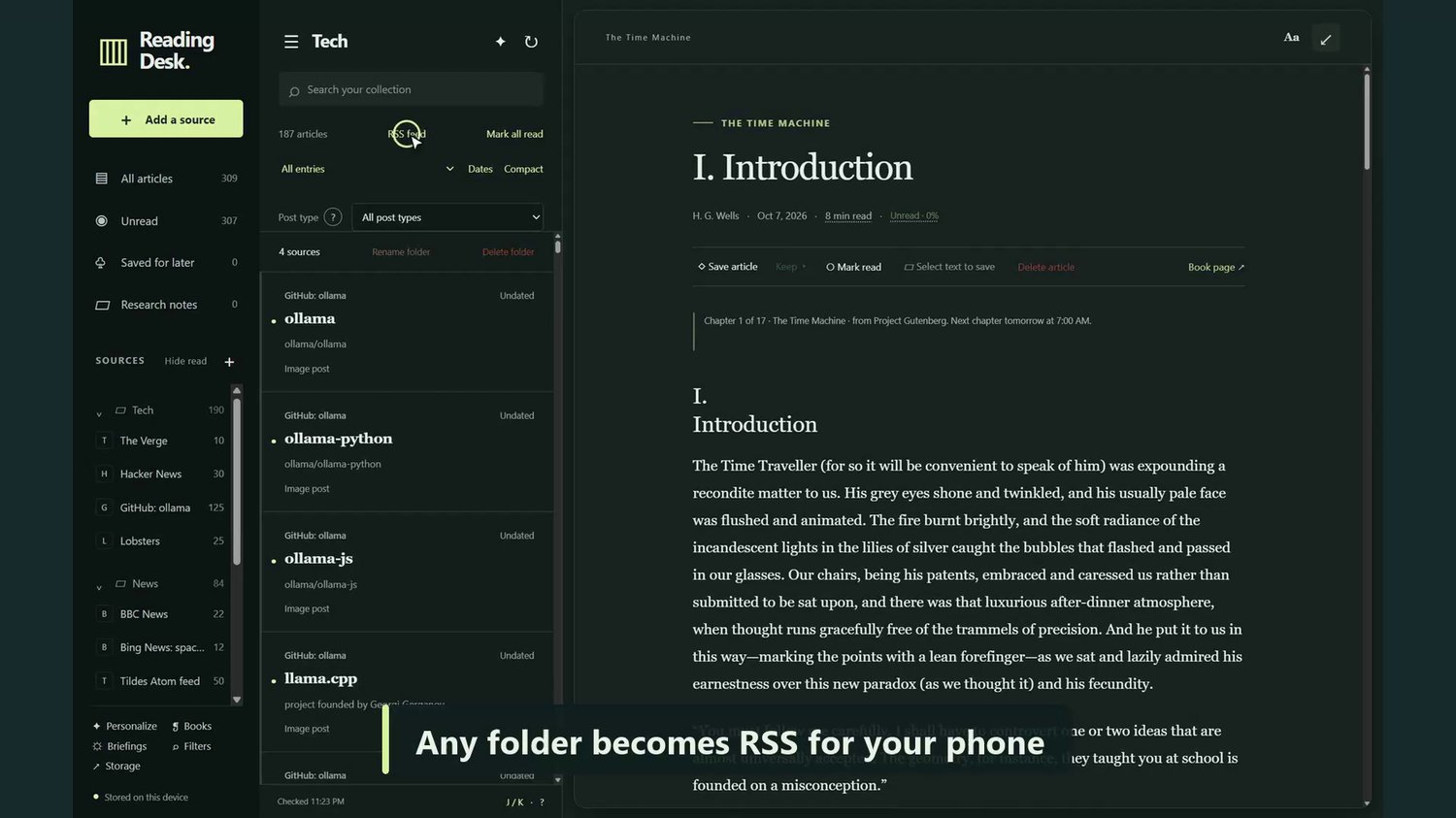
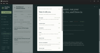
Turn any captured source, a folder of sources or your entire collection into RSS. Build up to 250 local feeds, with pictures and up to 500 available entries per feed. Your filters carry through, so your feeds contain the topics you want.
Share feeds over home Wi-Fi, or connect a free GitHub account for public links you can open in your preferred phone RSS app from anywhere. The last published feeds remain available while your PC is off; new collection and publishing happen while Reading Desk is running.
FOLLOW THE HARDER SOURCES TOO
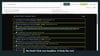
Bring together Reddit communities, searches and user pages; YouTube channels and videos; Bluesky and Mastodon profiles; Telegram channels; GitHub, Facebook pages, Bing News, galleries and ordinary RSS/Atom feeds.
Reddit sources can target up to 500 posts per check, save available pictures and galleries, and carry animated GIFs into RSS readers. Play supported videos in the reader and open live Reddit comments alongside the post. If a followed page suddenly returns far fewer items, Reading Desk warns you.
BUILD YOUR OWN BRIEFING
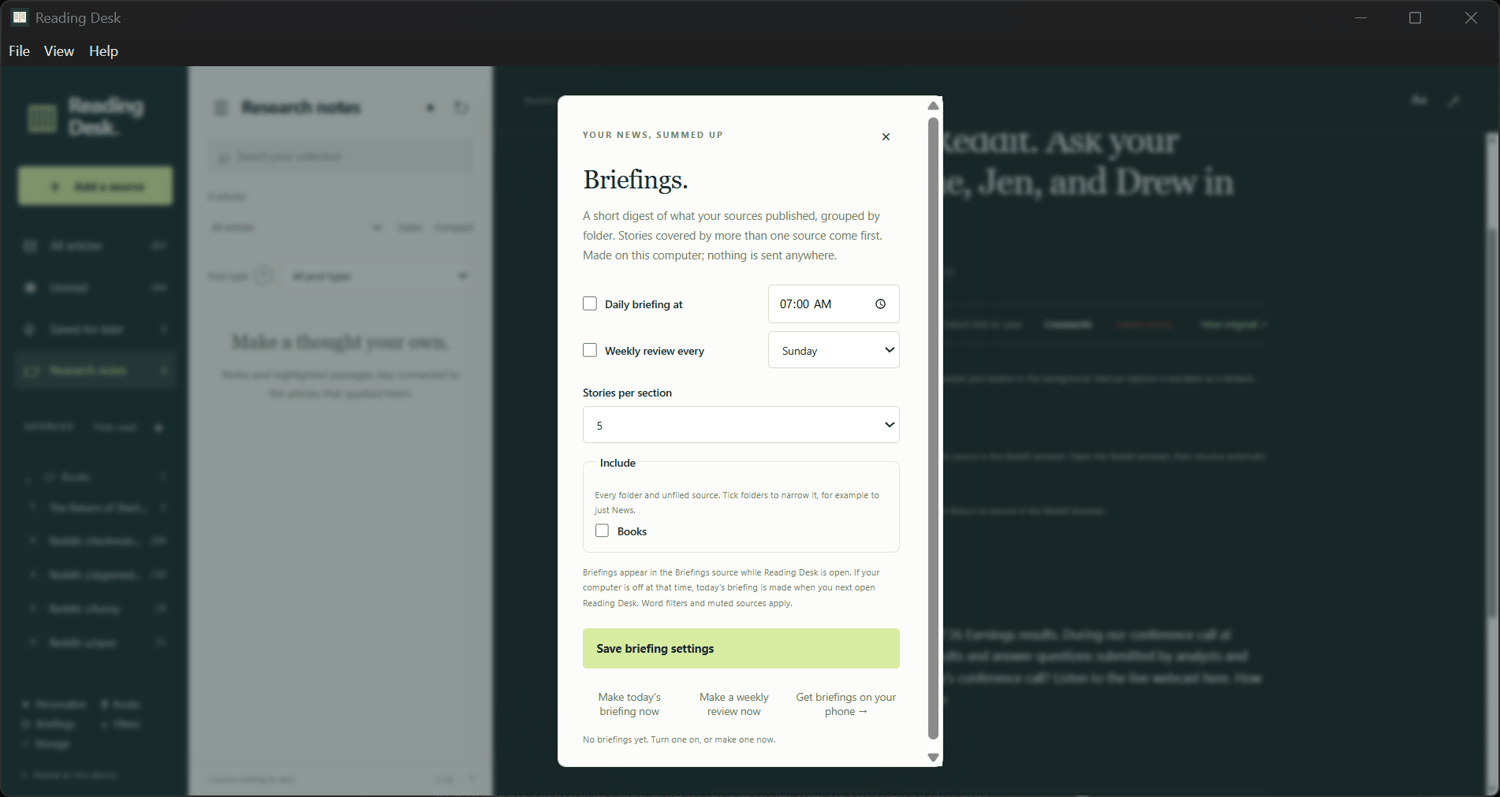
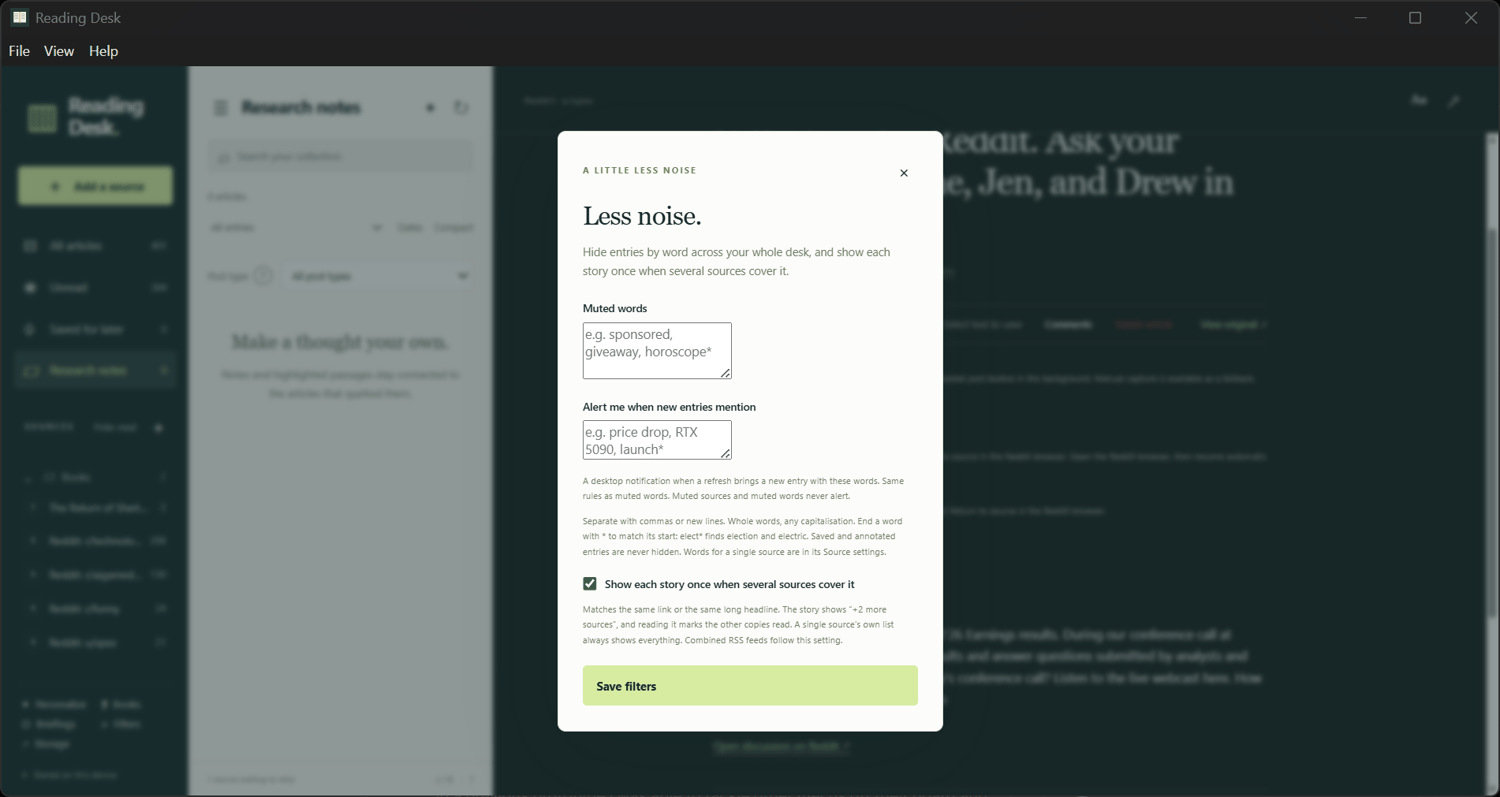
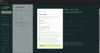
Create daily or weekly briefings from the sources and folders you choose, right on your PC, without an AI service. Stories covered by several sources rise to the top. Mute unwanted words, include the topics you care about and merge duplicate stories. Publish your briefings as RSS for your phone too.
KEEP IT, USE IT, READ IT
Save articles, passages and notes. Search your captured content and notes. Export individual entries as Markdown, save cached pictures, or turn a folder, source, saved reading or briefing into an EPUB for your e-reader.
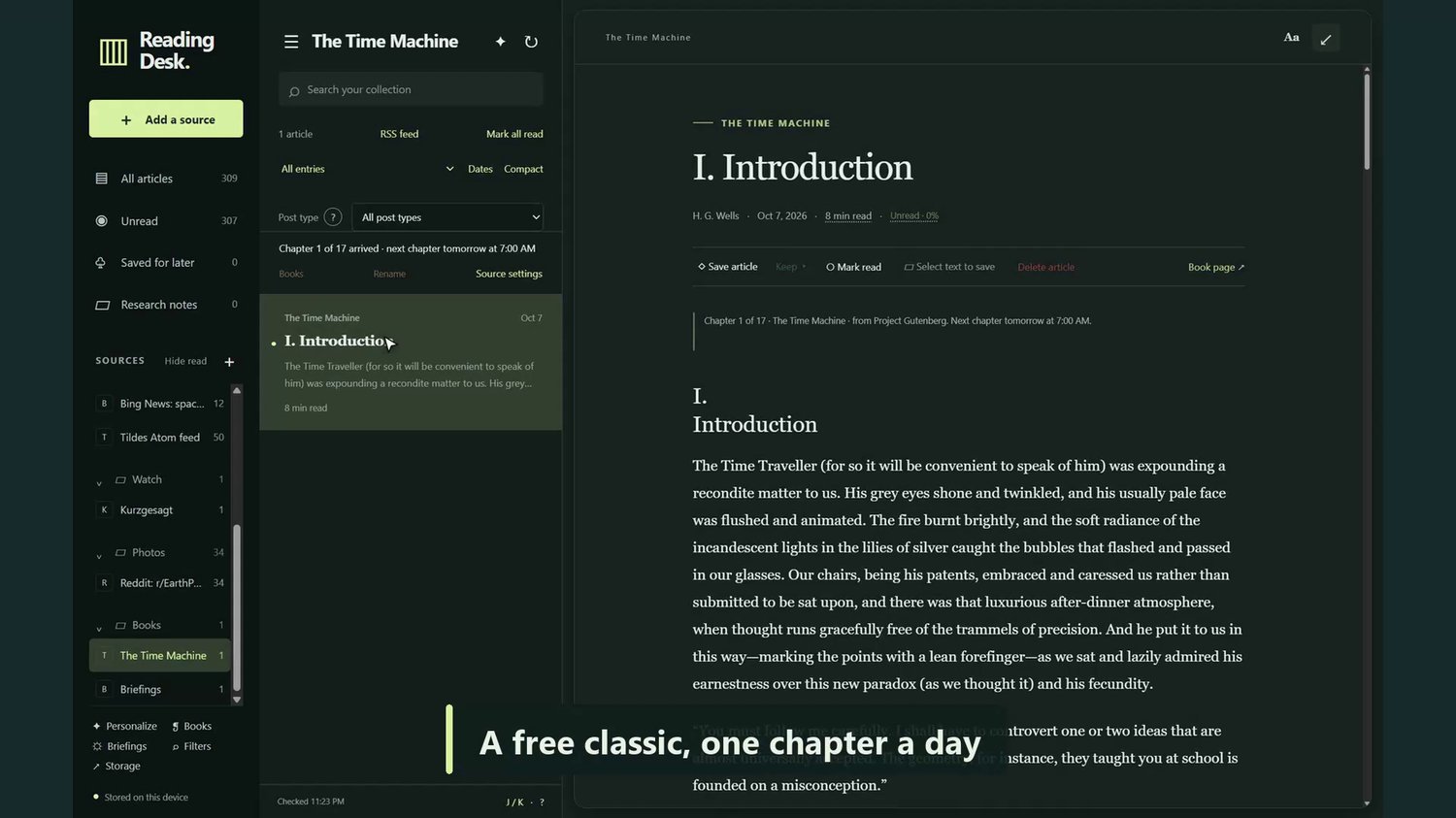
There is a Books shelf too: find free classics or import your own DRM-free EPUB and receive chapters on a schedule you choose. Book feeds can deliver full chapters to your phone. Make the desk yours with light/dark themes, colors, fonts and layouts.
WHAT YOU GET
Reading Desk 1.6.0 for Windows 10/11, 64-bit, as a ZIP download. The desktop app, runtime, getting-started instructions and editable source code are included. No installer or separate Node.js setup is needed.
Version 1.6.0 improves large-collection performance, adds whole-page change history with added/removed text, and improves support for directories made of short links.
GET STARTED
1. Extract the entire ZIP and keep the folder together.
2. Close any older Reading Desk window.
3. Open Reading Desk.exe, then add a website or source.
PRACTICAL DETAILS
Automatic checks need Reading Desk open and your PC awake. Site sign-ins and access restrictions still apply; Reddit needs sign-in. Pagination follows real Next links, rather than endless-scroll-only pages. Capture limits are targets, not promises of that many new posts. GitHub-published feeds are public. EPUB exports contain text, not pictures or notes. This is a Windows x64 download; Mac and native ARM builds are not included. The app is unsigned, so Windows may show a SmartScreen warning.
HELP & SUPPORT
Use Collection & storage → Report a problem in the app, or email deveritts253@gmail.com.