


Profile Velvet
Profile Velvet
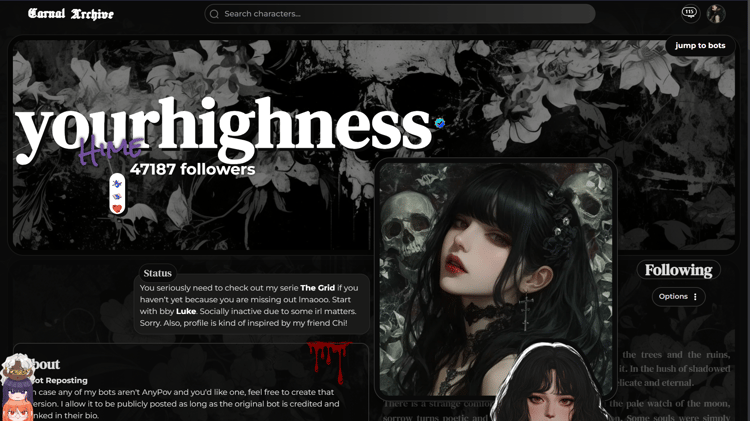
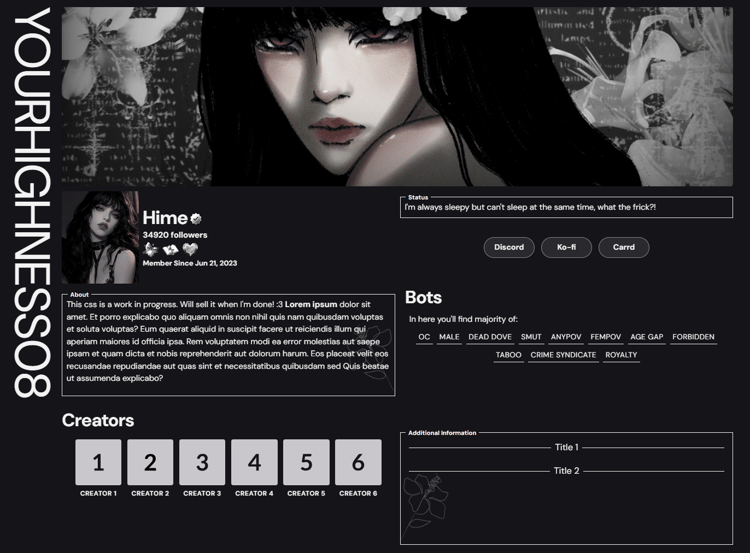
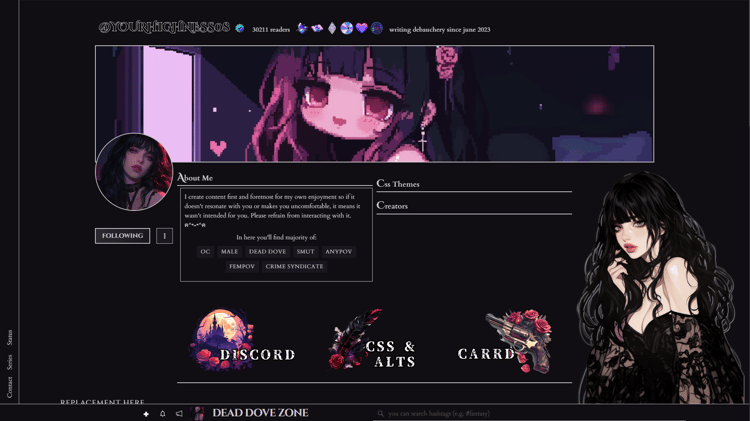
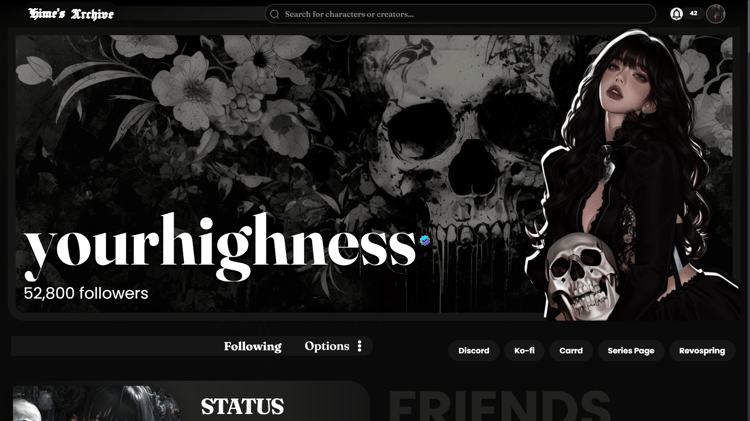
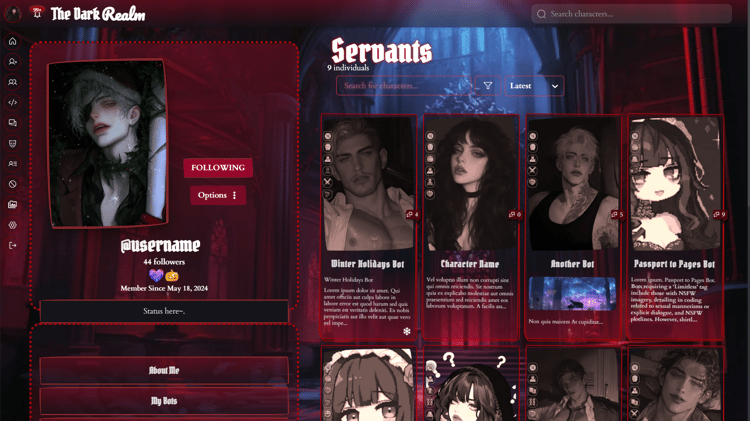
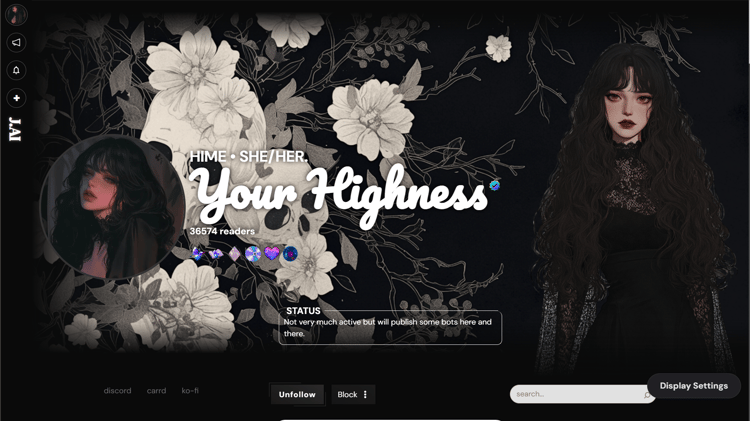
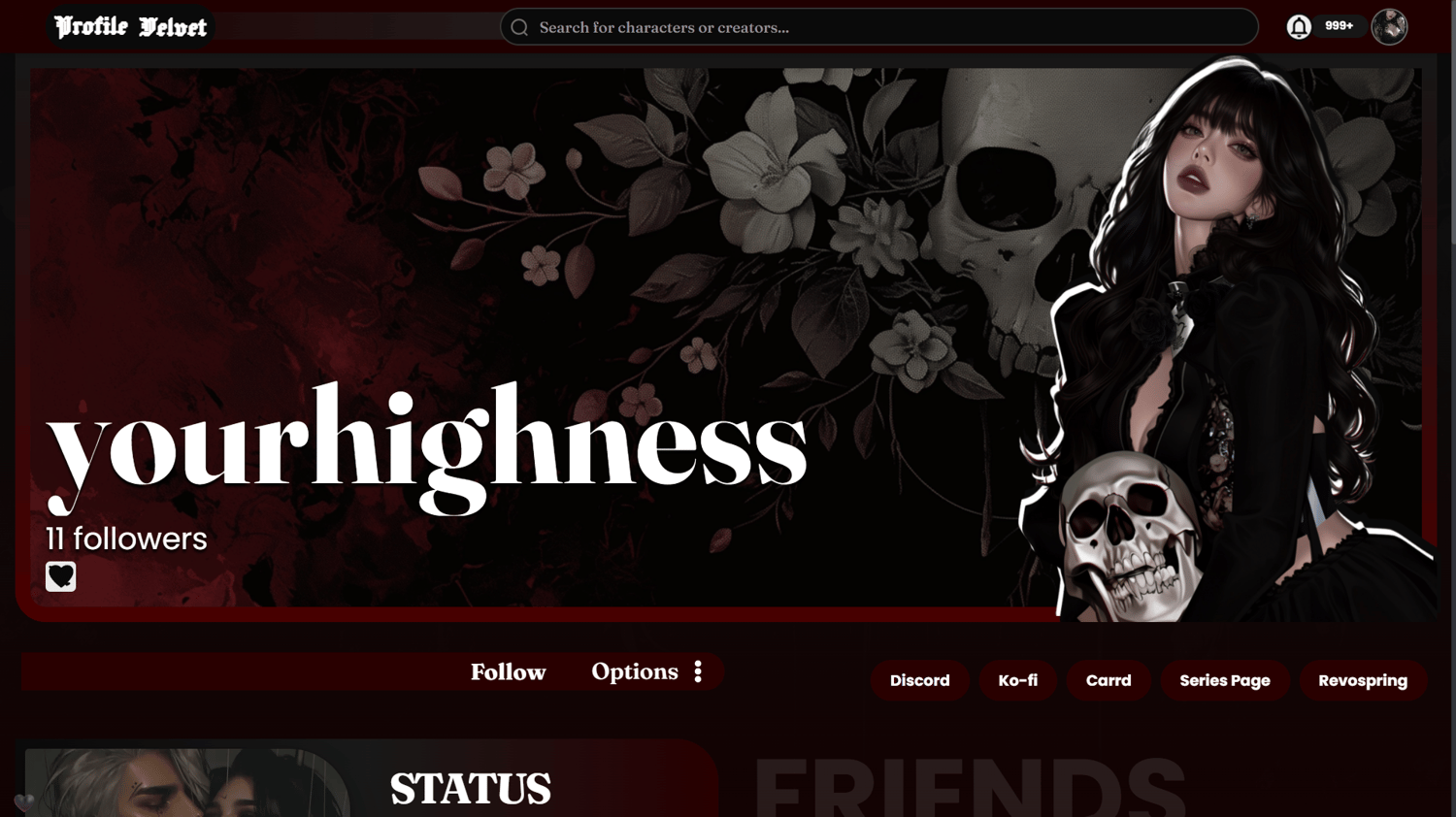
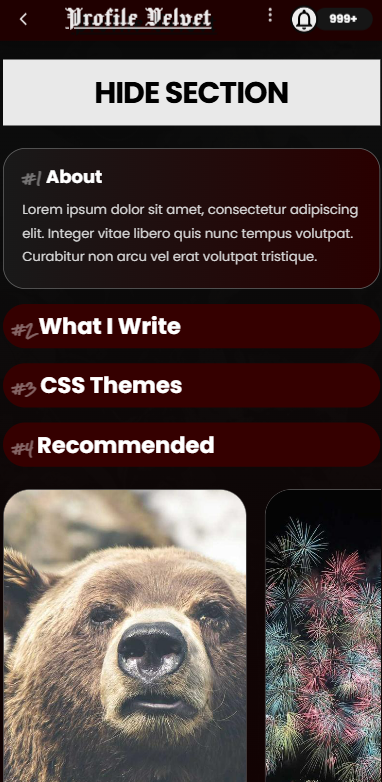
A dark and red profile inspired from a Pinterest layout!
Rules upon purchase:
Please do not share the full code or its declarations, as this theme is intended for your personal use only. Thank you for your support and for respecting my work! <3
About the Theme:
- Archive-inspired profile: Designed as a personal archive where your creations take center stage while maintaining the feel of a sleek social profile.
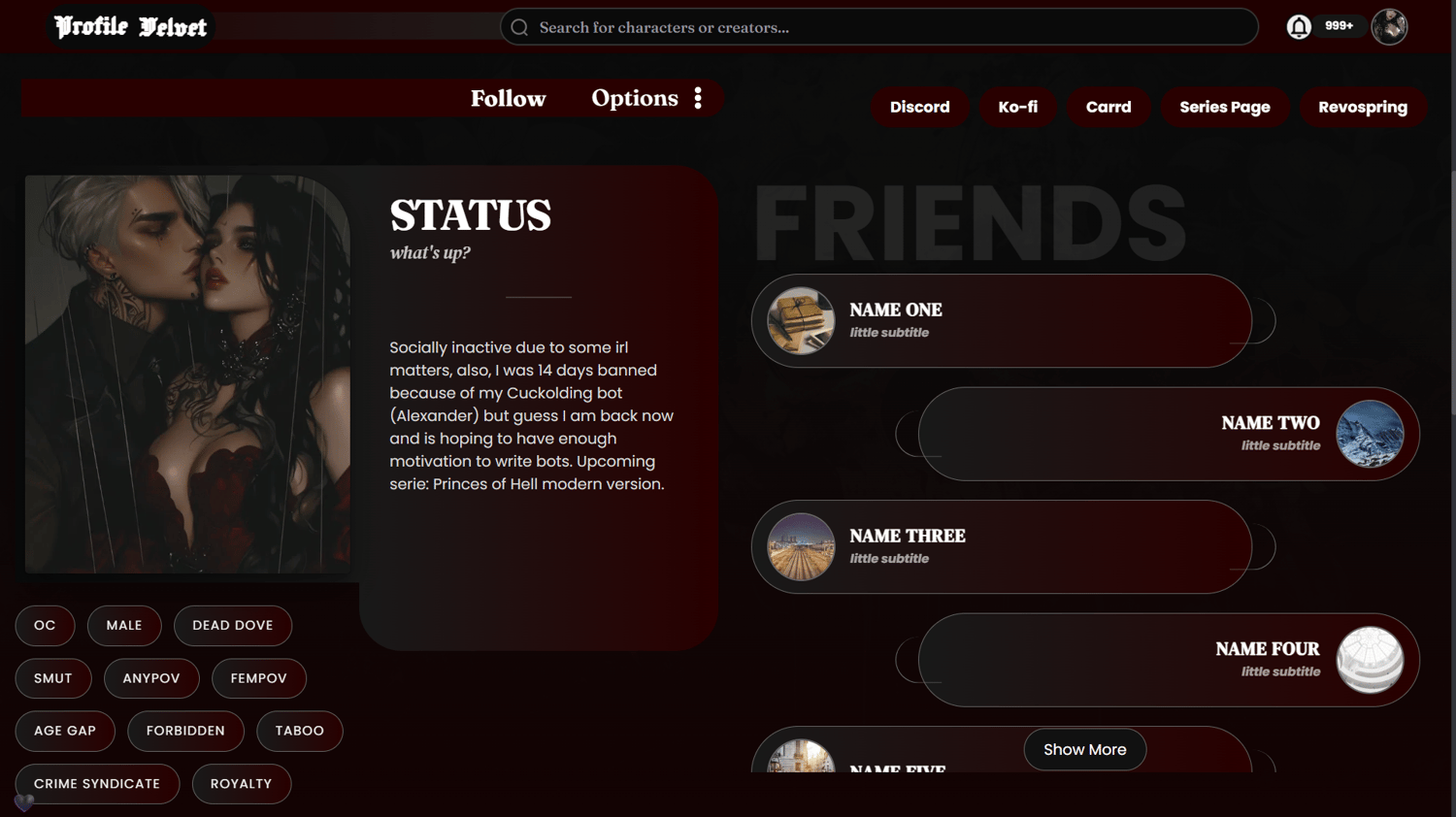
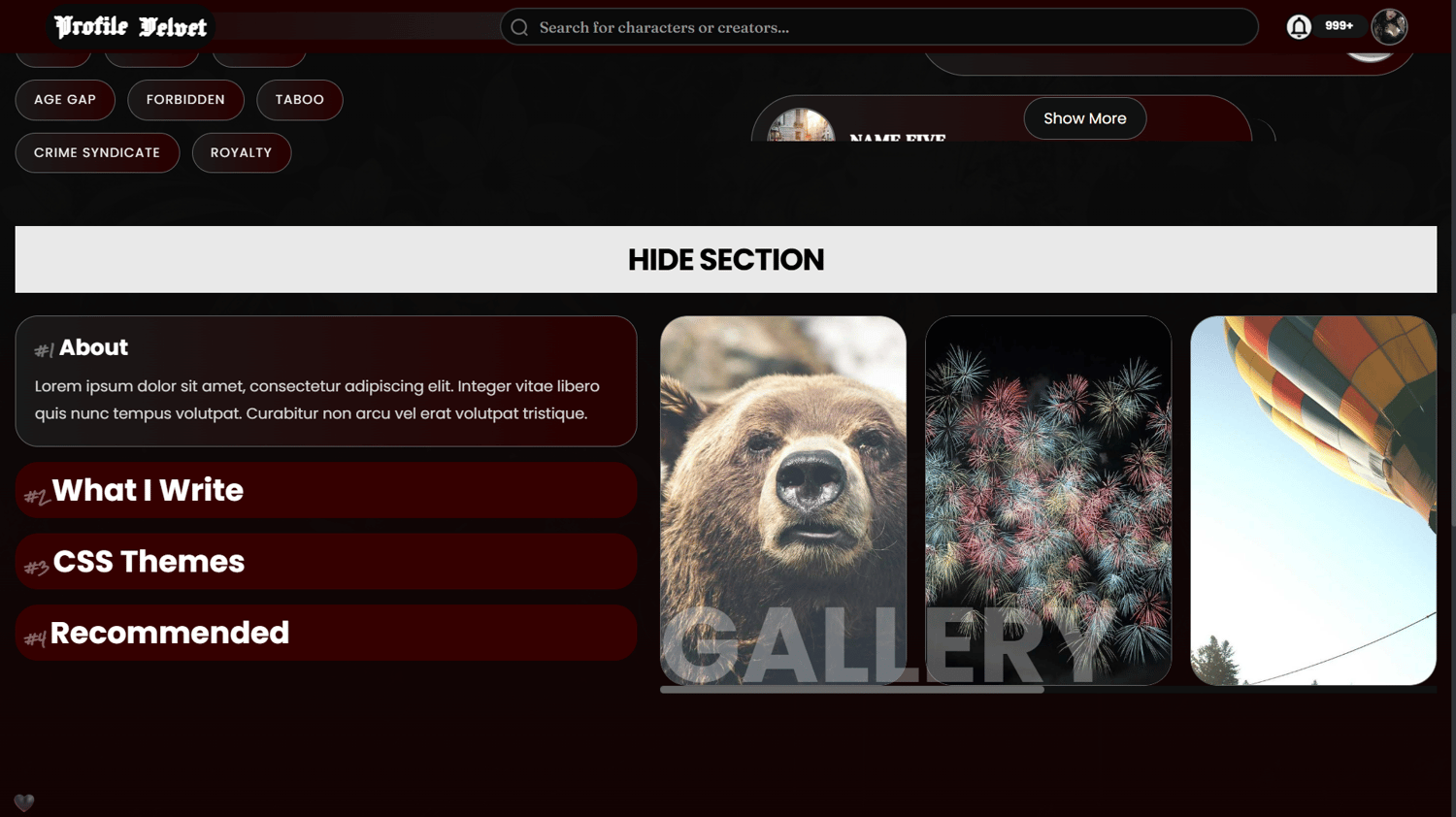
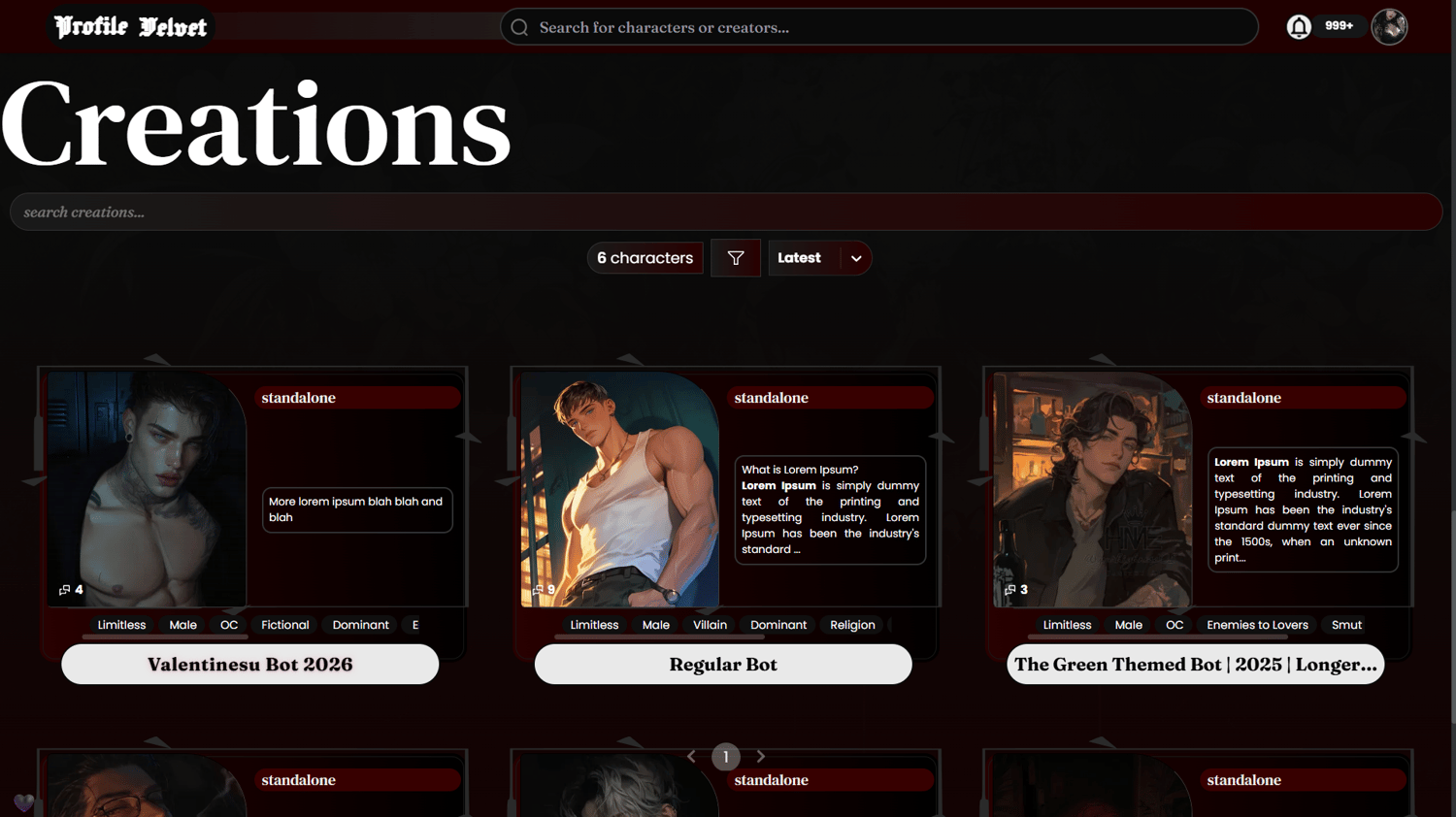
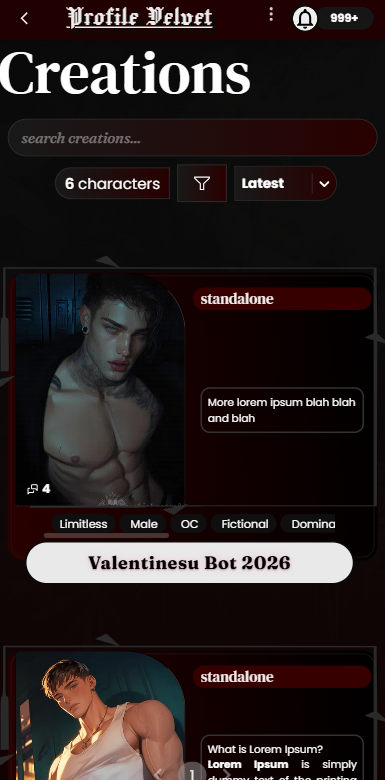
- Grid-based layout: Both the bio section and bot cards follow a neat, structured grid.
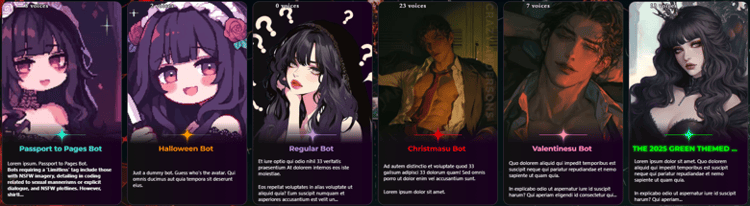
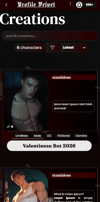
- Customizable bot cards: Add your own series or custom tags. Placed on the top of the bot's description.
- Bold typography: Oversized headings and monochrome styling create a striking first impression that immediately draws attention to your profile.
- Character-first layout: Your creations are presented in structured showcase cards, making it easy for visitors to browse your bots at a glance.
- Minimal gothic styling: A black-and-white palette paired with subtle textures keeps the profile clean, modern, and immersive.
Important Note: The bot card border decor might not show up on other devices such as iOS, not sure, because I'm on Windows. Lol. :3
Profile Sections:
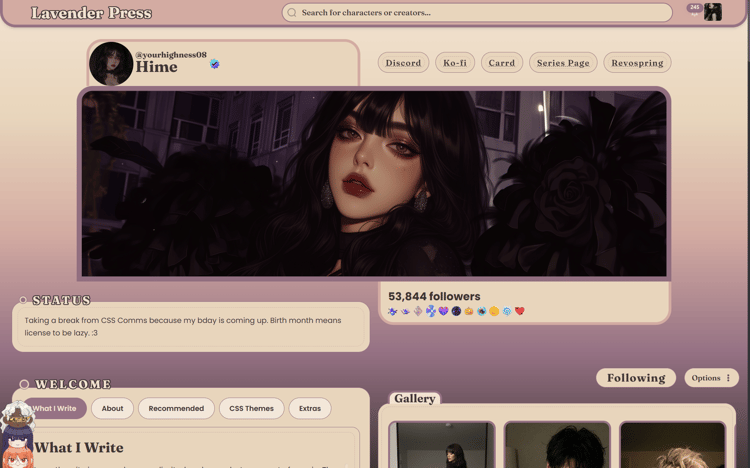
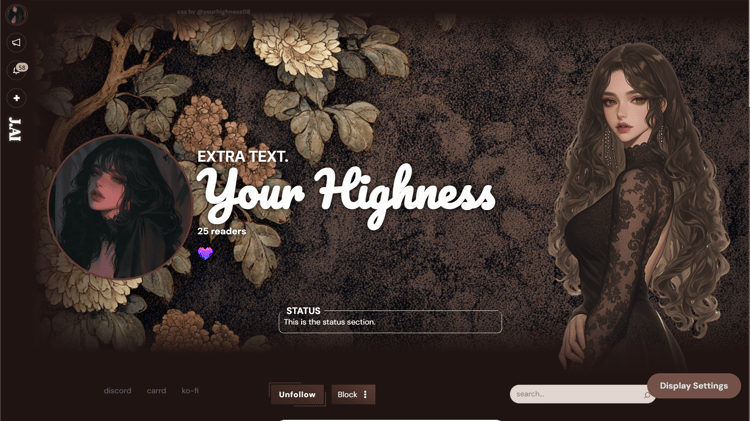
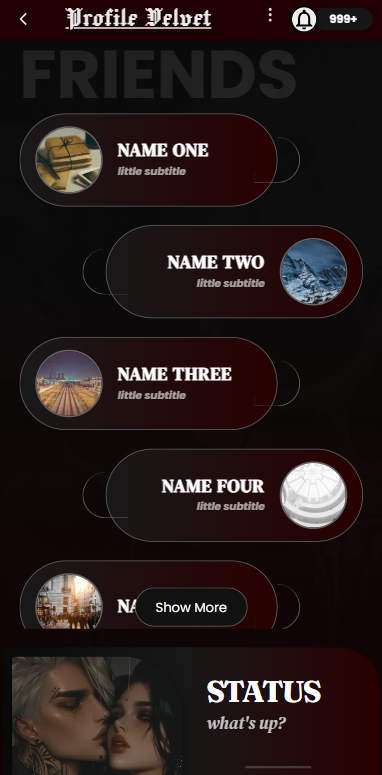
- Status Card: A dedicated space for updates, announcements, or personal notes for your followers.
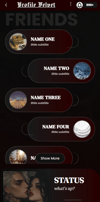
- Friends Showcase: Feature your favorite mutuals in an elegant scrolling list with customizable avatars and subtitles.
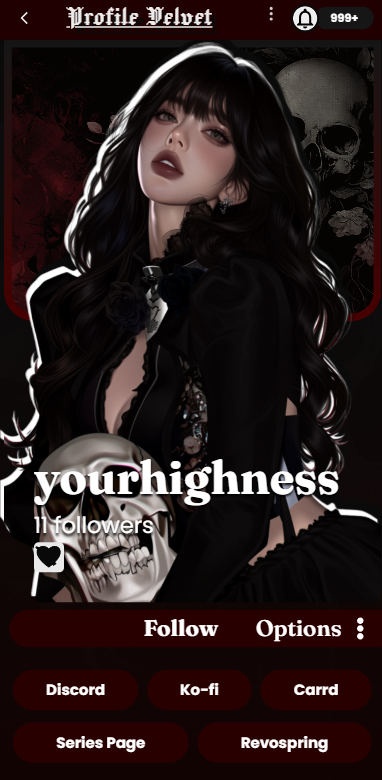
- Quick Links: Keep your Discord, Carrd, Ko-fi, and other platforms easily accessible.
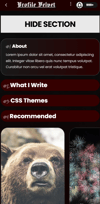
- More Details Button: Includes a "More Details" button that expands the profile to reveal the Gallery and Details/Dropdowns sections. This keeps the initial layout clean and focused on your creations, while still allowing visitors to explore additional information only if they choose to.
Note: Fully customizable — recolor, tweak, or reskin to fit your aesthetic. :3
Application:
Simply copy and paste the code to apply the changes to your profile. (I highly recommend you using the Settings>About Me section rather than the CSS Editor.) However, feel free to contact me on Discord if you need any guidance:
discord.com/users/1121685643630739507