





OSCGetsHandy
Take your VRChat experience to the next level with OSCGetsHandy!
OSCGetsHandy is a lightweight bridge application that connects your device to VRChat using the Open Sound Control (OSC) protocol. It reads your avatar's contact parameters and turns them into smooth, responsive motion in real time, so compatible avatars and experiences sync automatically for more immersive gameplay. Just press Start and play.
Version 3.0.0 brings a brand-new modern look, a guided first-time setup, and smart tools that find the right avatar parameter for you, so you spend less time setting up and more time playing.
Features
* Seamless, low-latency bridge between VRChat OSC and your device
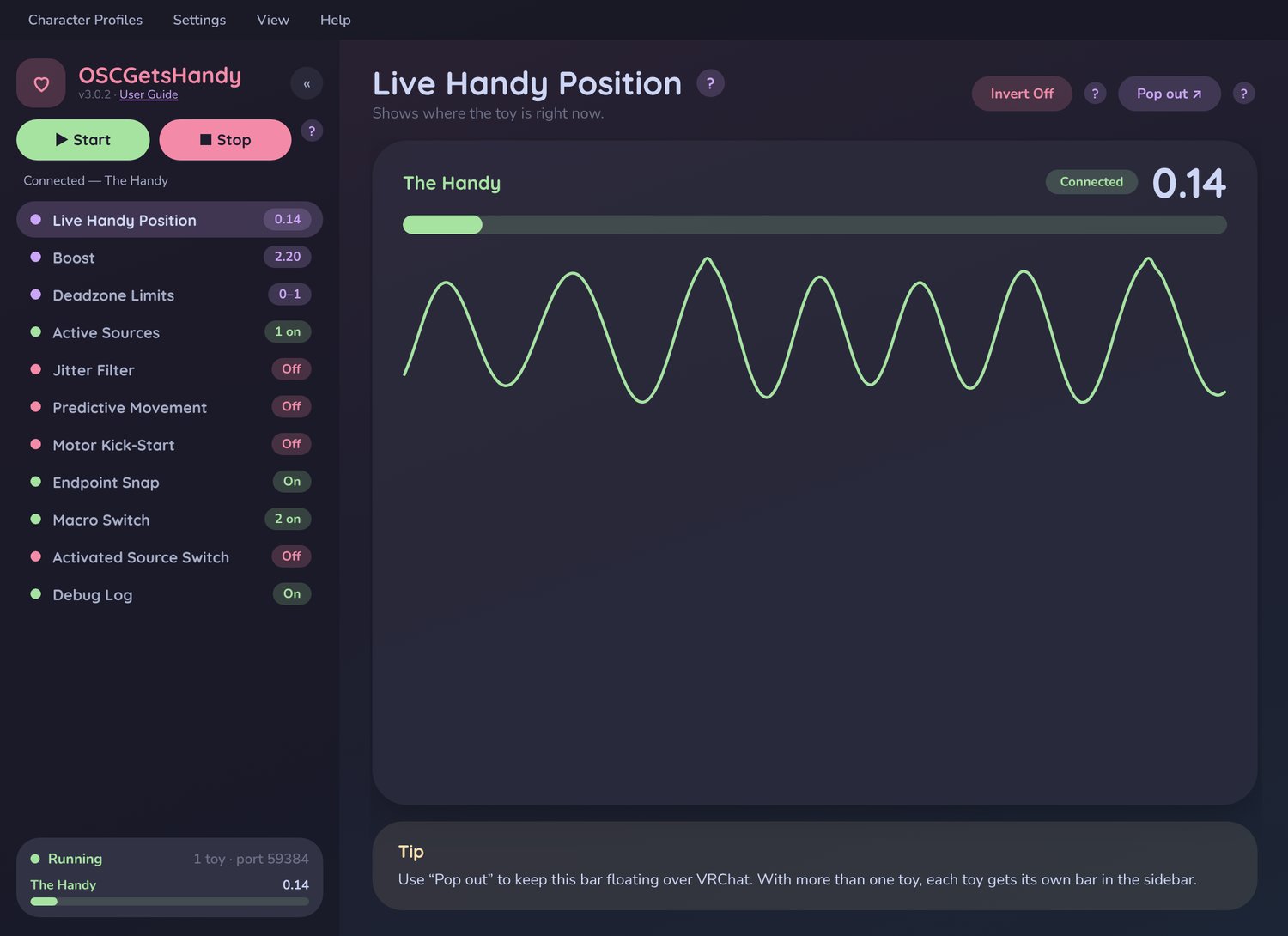
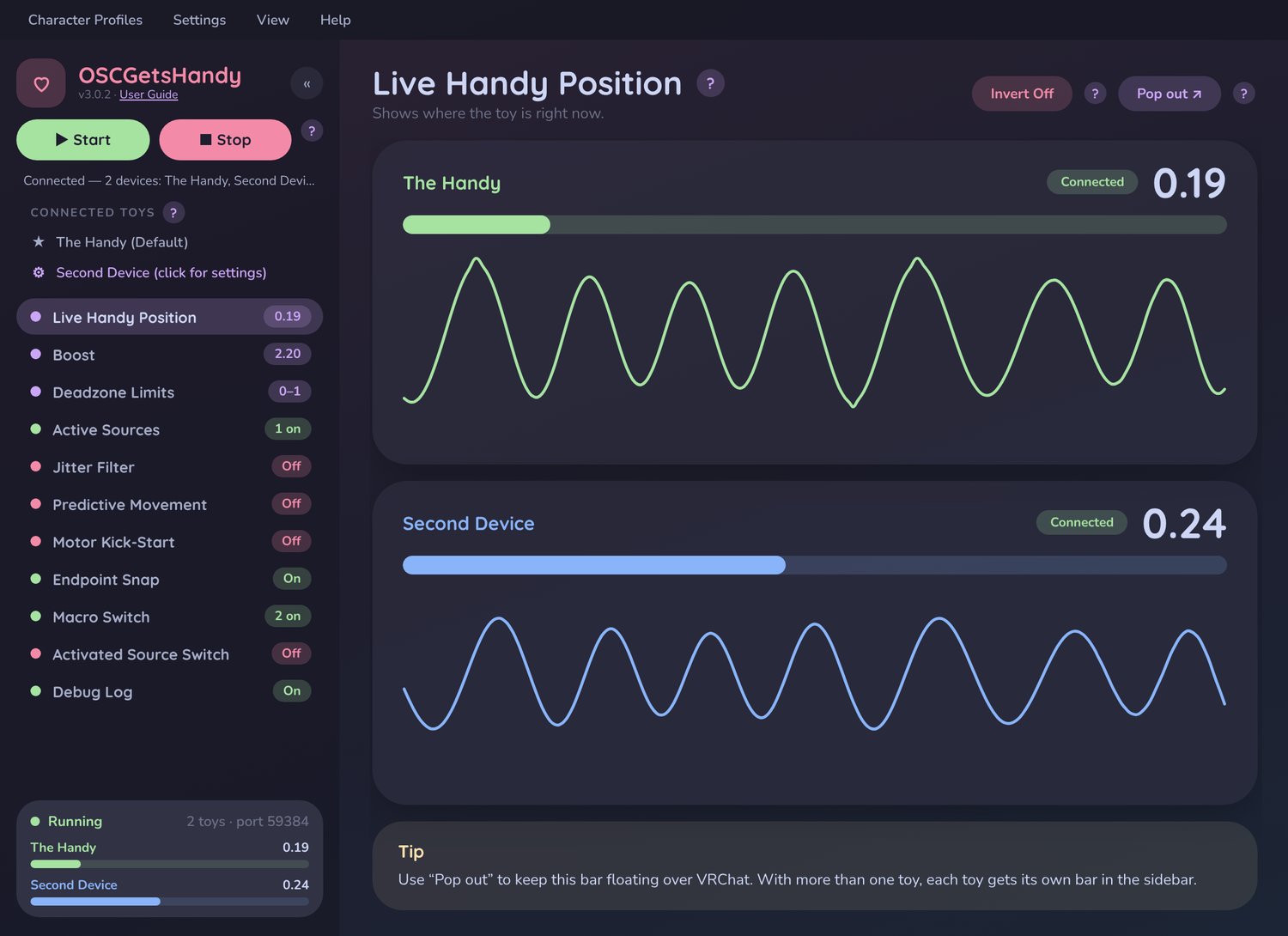
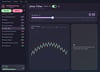
* Brand-new modern interface with a live position graph for every device
* Guided first-time tutorial that gets you connected in minutes
* Find Your Source: a quick 3-chime test you can do with your headset on. It finds the right avatar parameter for you
* Smart source priority, so your device never jumps between signals
* OTHER DEVICES ARE NOW SUPPORTED!!! Use several devices at once, each with its own settings
* An arrangement of modifiers to customize output, including:
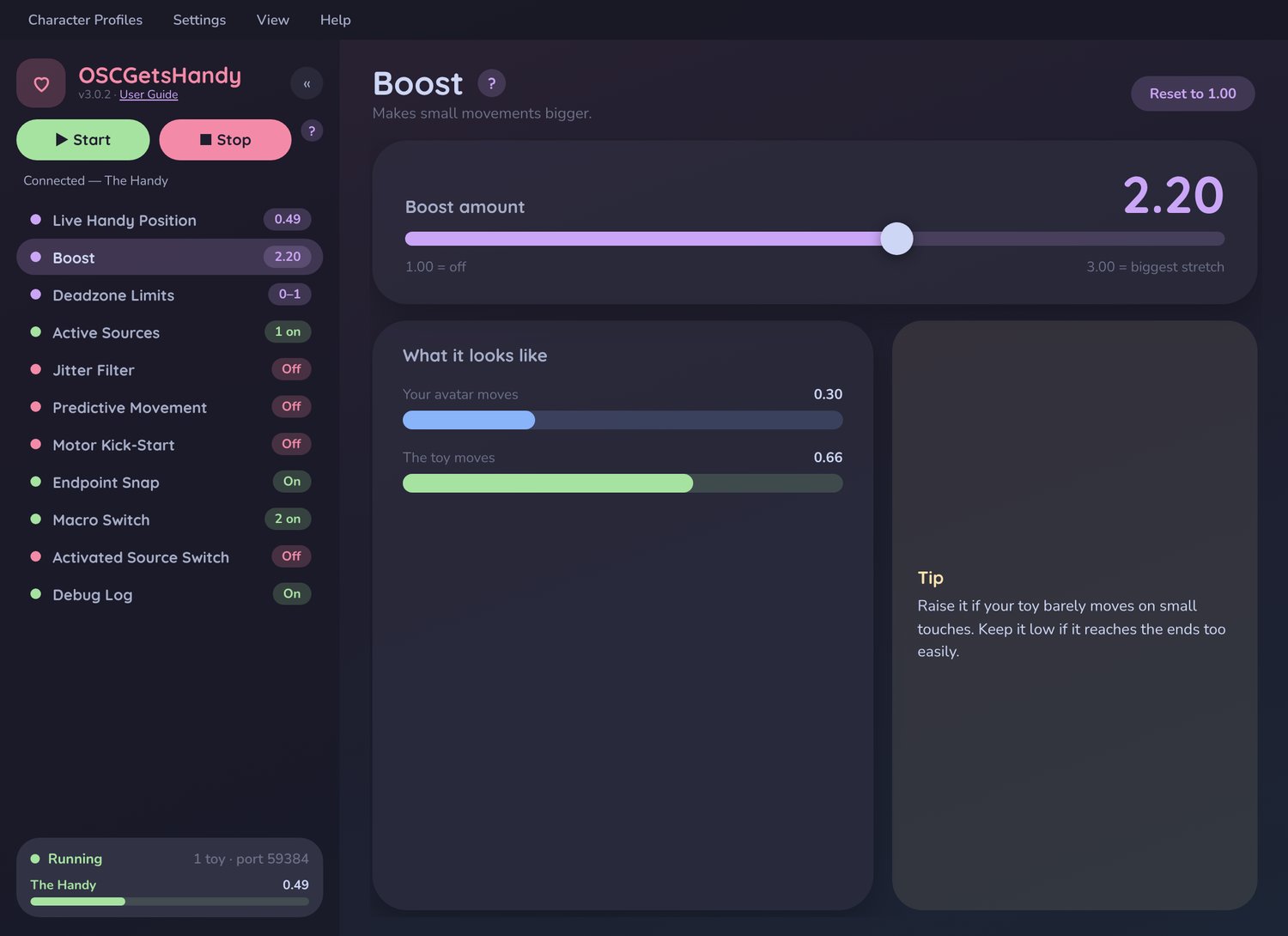
* Booster control: makes small movements feel bigger
* Endpoint Snap: forces using the full range of motion
* Adjustable Deadzone Limits
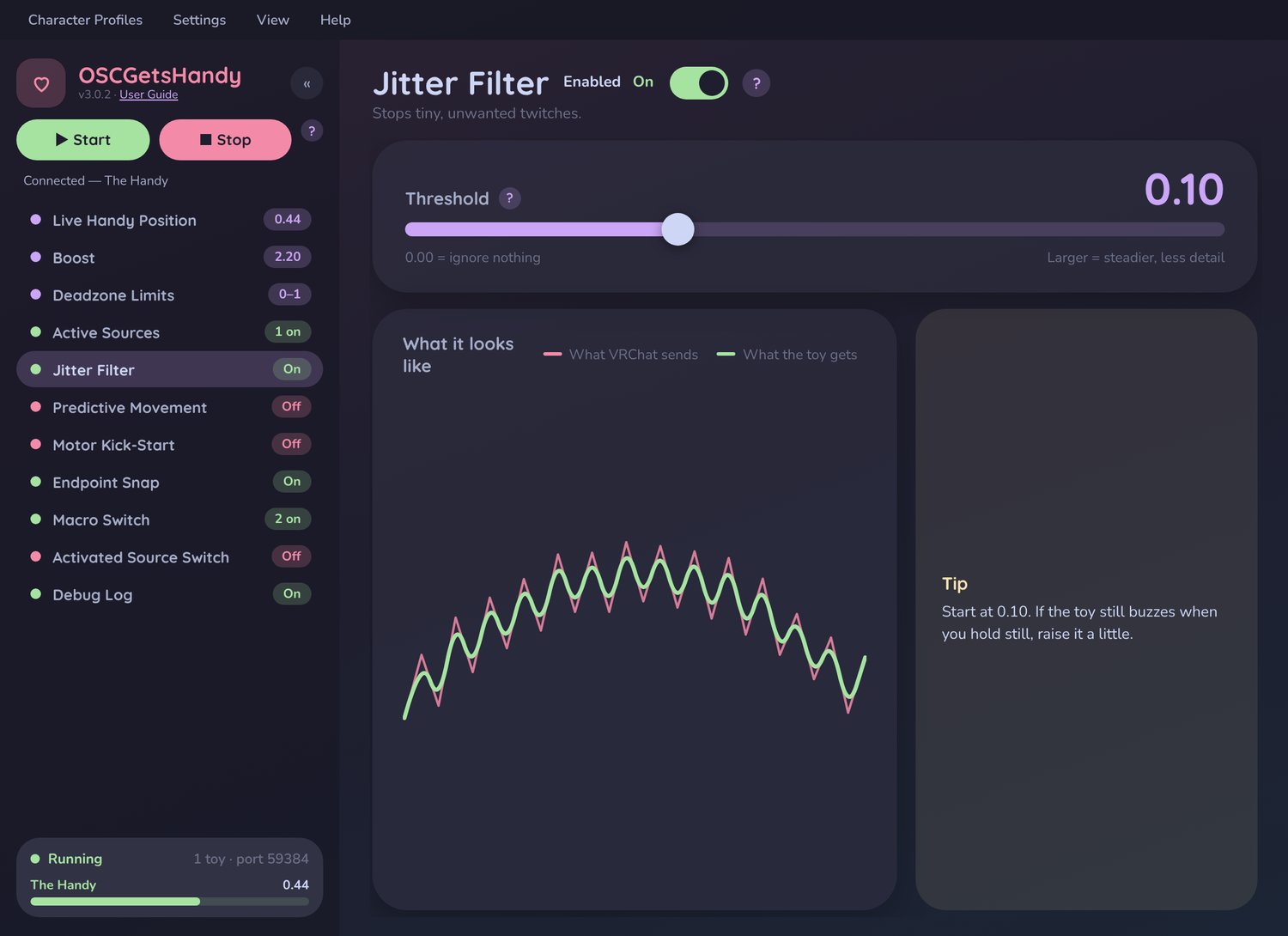
* Adjustable Jitter Filtering for smoother tracking
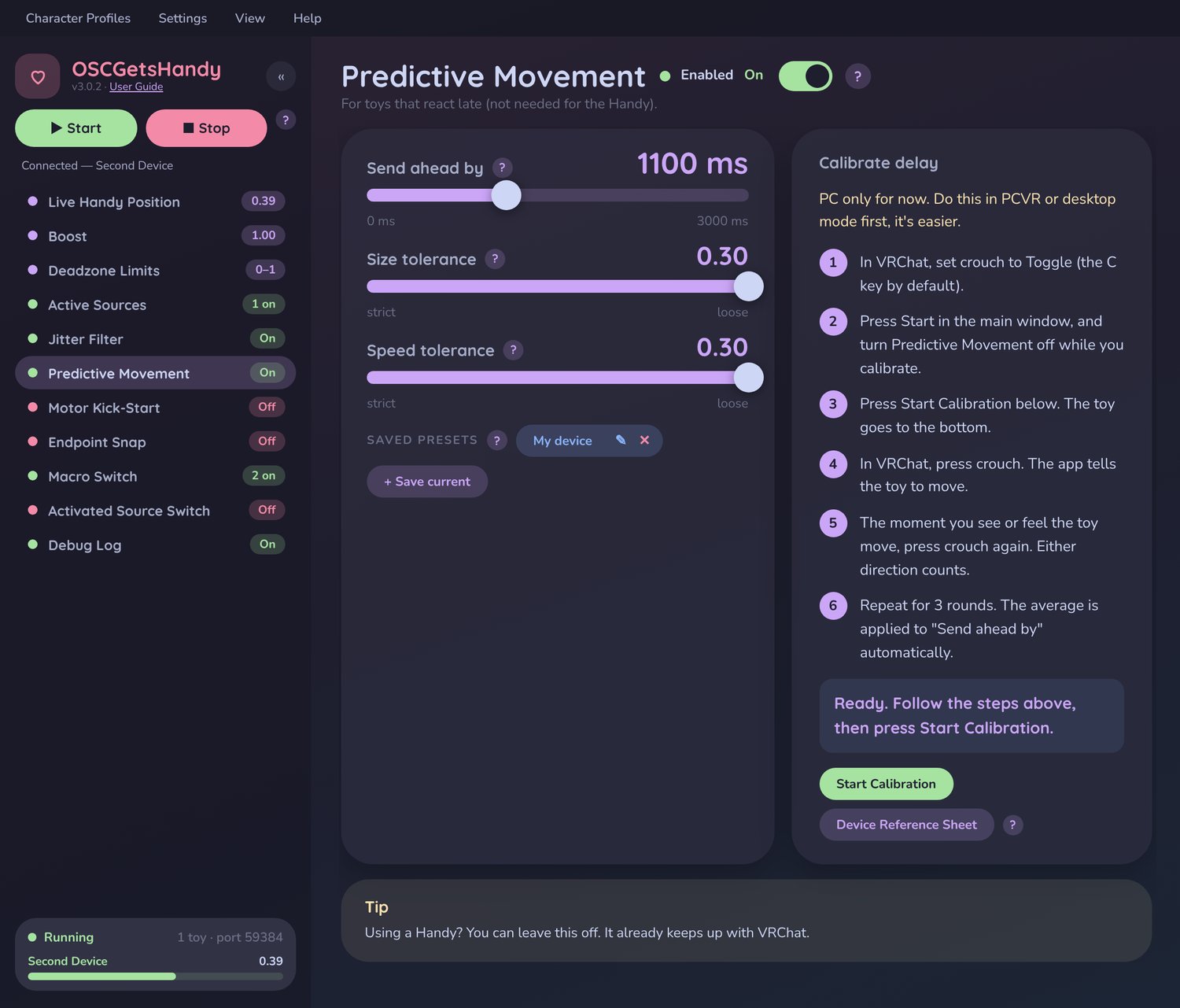
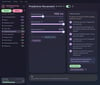
* Predictive Movement with built-in delay calibration (for high latency devices)
* Motor Kick-Start for slower-starting devices
* Preset motion patterns for intensity-only signals
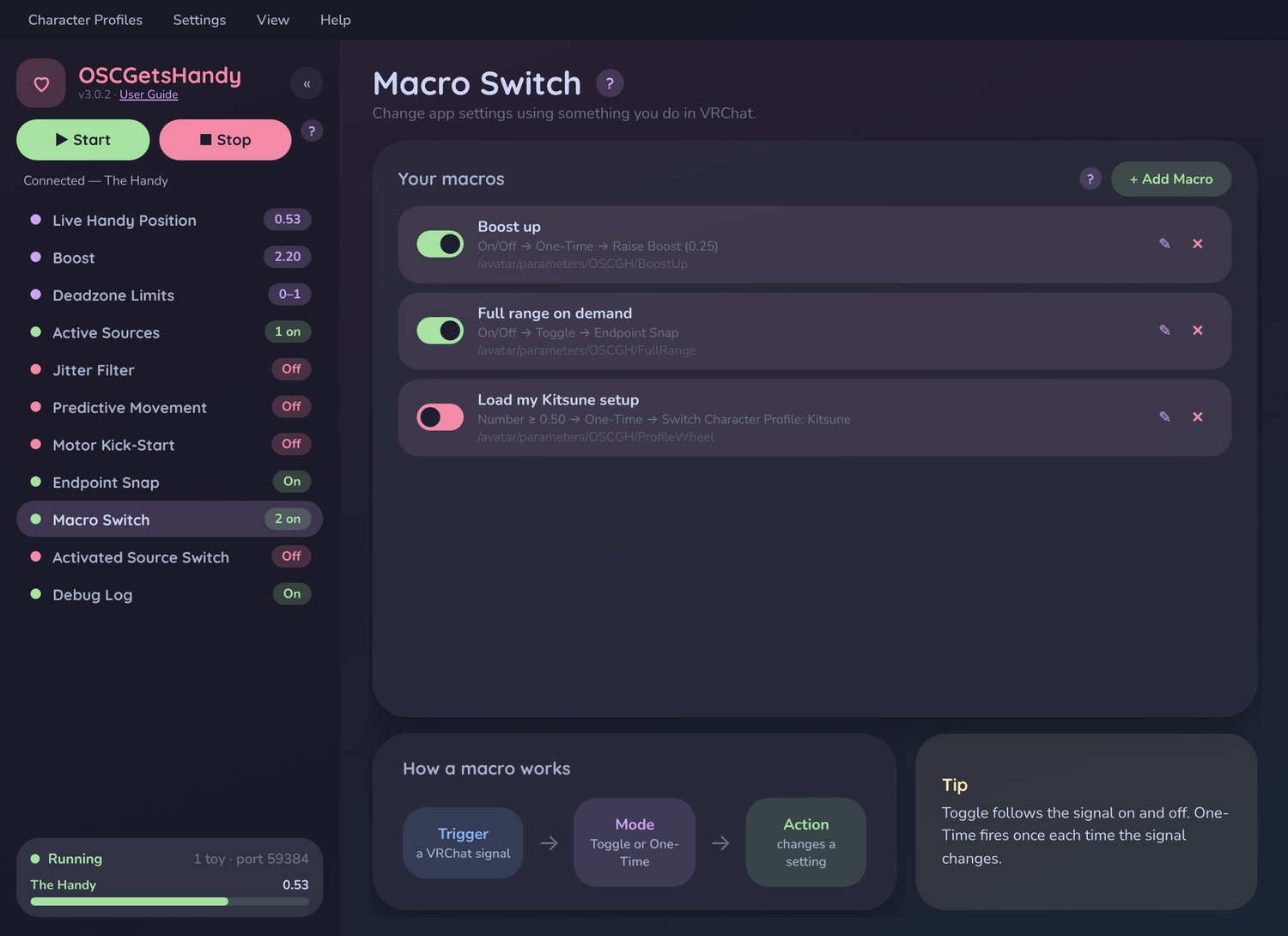
* Macro Assignment: change settings from your avatar menu without leaving VRChat
* Automatic Source Switching: pick your source with a quick in-game gesture
* Character Profiles: your settings load automatically for each avatar
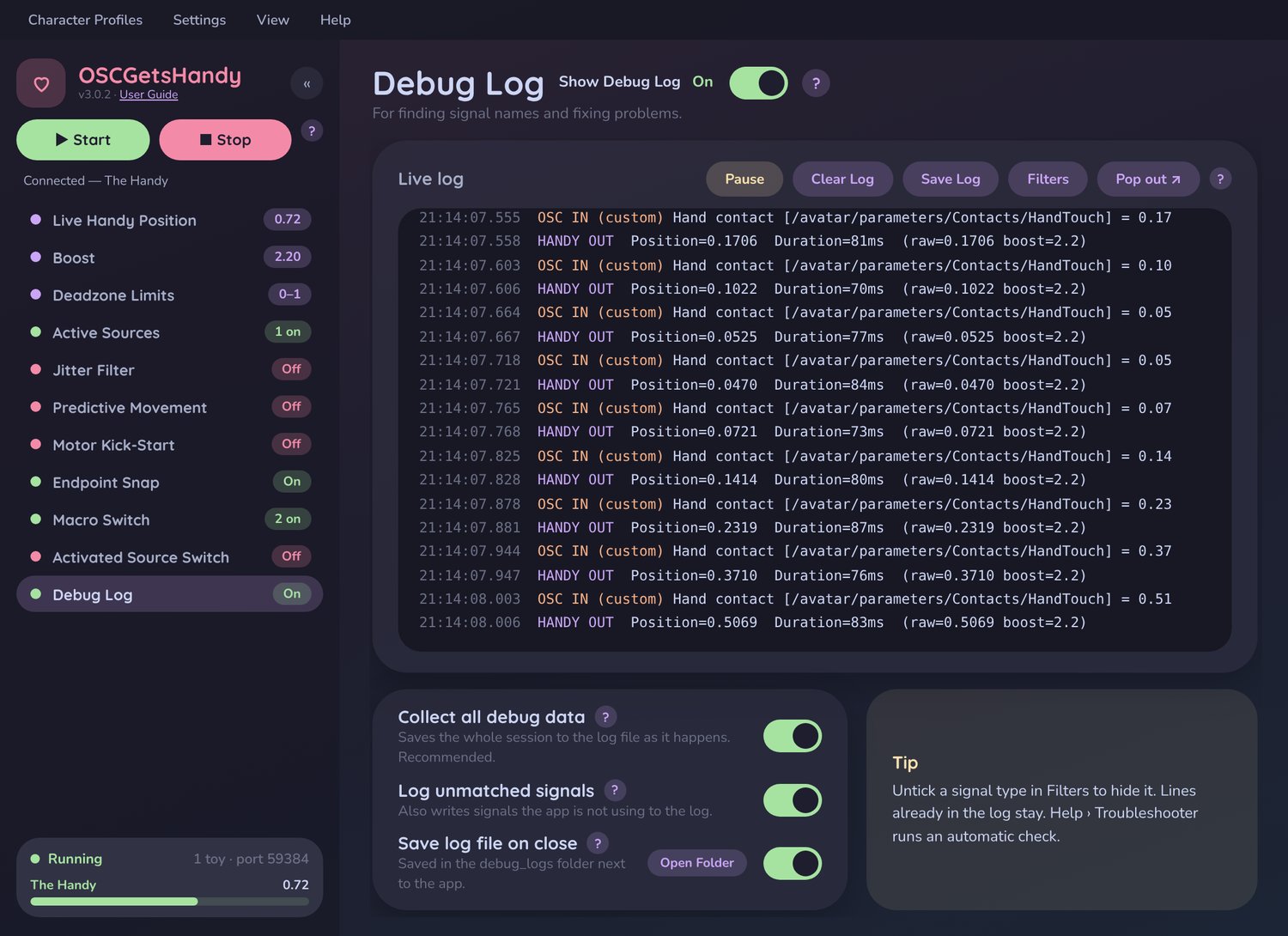
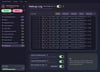
* Built-in Troubleshooter that checks everything and tells you exactly how to fix it
* Lightweight and runs quietly in the background (system tray)
* More features to be implemented in the future!
Perfect For
* Interactive avatar experiences, solo or with friends
* OSC-driven worlds and experiences
* Anyone who wants their device to keep up with VRChat, smoothly and automatically
Requirements
* Windows 10 or 11
* VRChat with OSC enabled (PCVR or desktop mode)
* A VRChat avatar with OSC-compatible contact parameters
* Intiface Central (free)
* A compatible device with bluetooth (other devices are also supported)
* An internet connection to activate your license
This Purchase Includes
* OSCGetsHandy Program
* An OSC simulation tool to test and adjust program settings to your preferences
* A license key for use on up to 2 devices, with easy activation. (Be sure to check your spam email)
* A step-by-step User Guide PDF
[Got any questions? Wanna see it work? Join the discord!]
Didn't receive your key? It may have been sent to your SPAM, if not please reach out to me.
Stuck on setup? Open Help > Troubleshooter inside the app. It checks your license, your device connection and VRChat, and walks you through any fix. Still stuck? I'm happy to help! Devviously@gmail.com
Disclaimer: OSCGetsHandy is an unofficial third-party application. No affiliations.
Support
If you encounter any issues or need help setting things up, support is available. Start with the app's Help menu and Troubleshooter. I'm continually improving OSCGetsHandy and truly appreciate feedback from the community.
You can also check the website where I have how-to guides. [OSCGetsHandy Homepage]
As a digital product, refunds aren't available once a license key is issued. Please review the requirements and reach out with any questions before purchasing. Happy to help!
If you happen to get a new computer, reach out to me and I can re-assign you a new license key.
Please refer to the terms of services before purchasing.