
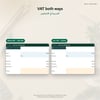
Saudi VAT Calculator with Monthly Input/Output Summary
Calculation aid only. Not a ZATCA e-invoice, not a tax invoice, not a VAT return.
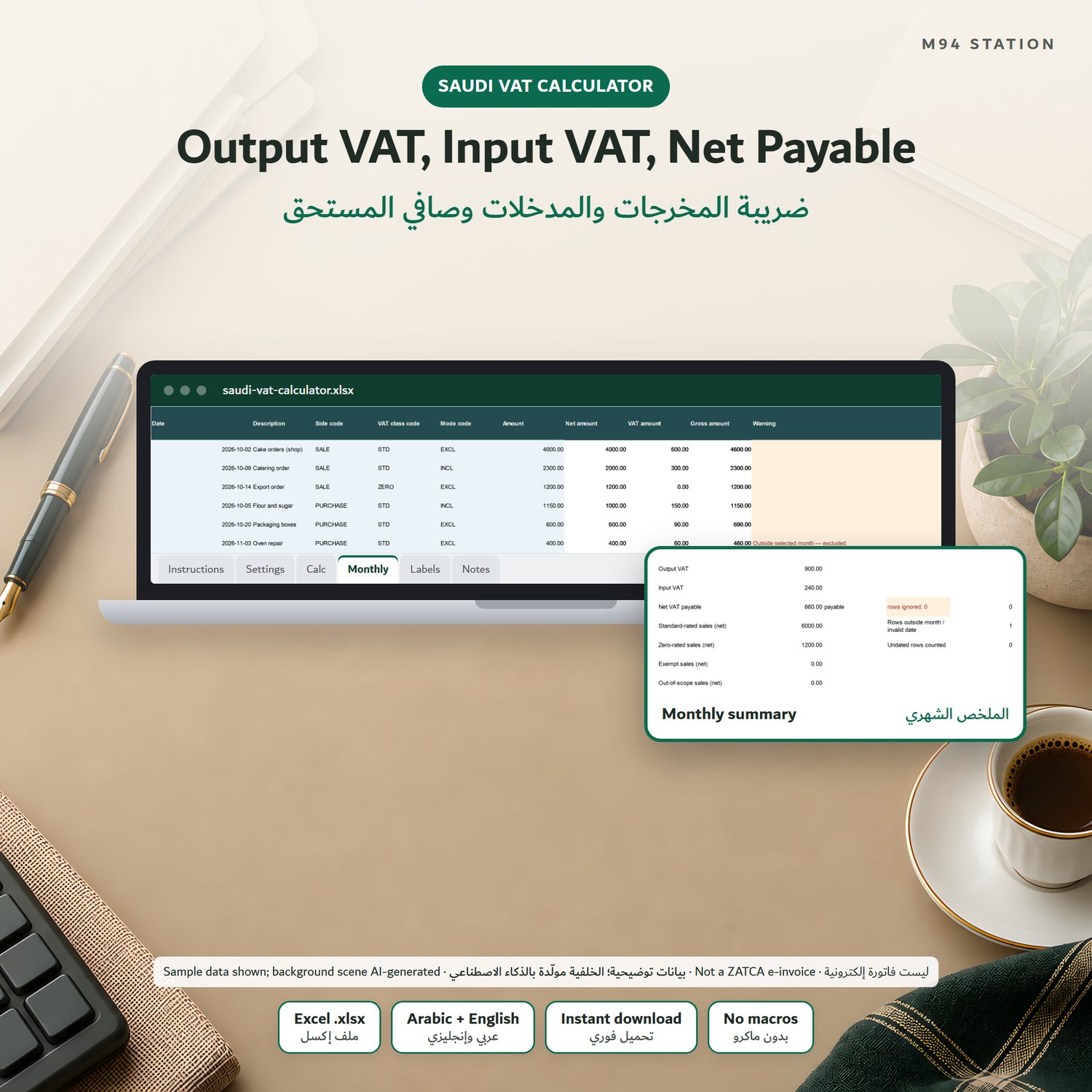
Calculate VAT in both directions and summarise a month of sales and purchases in one bilingual (Arabic/English) spreadsheet. For small businesses and freelancers in Saudi Arabia.
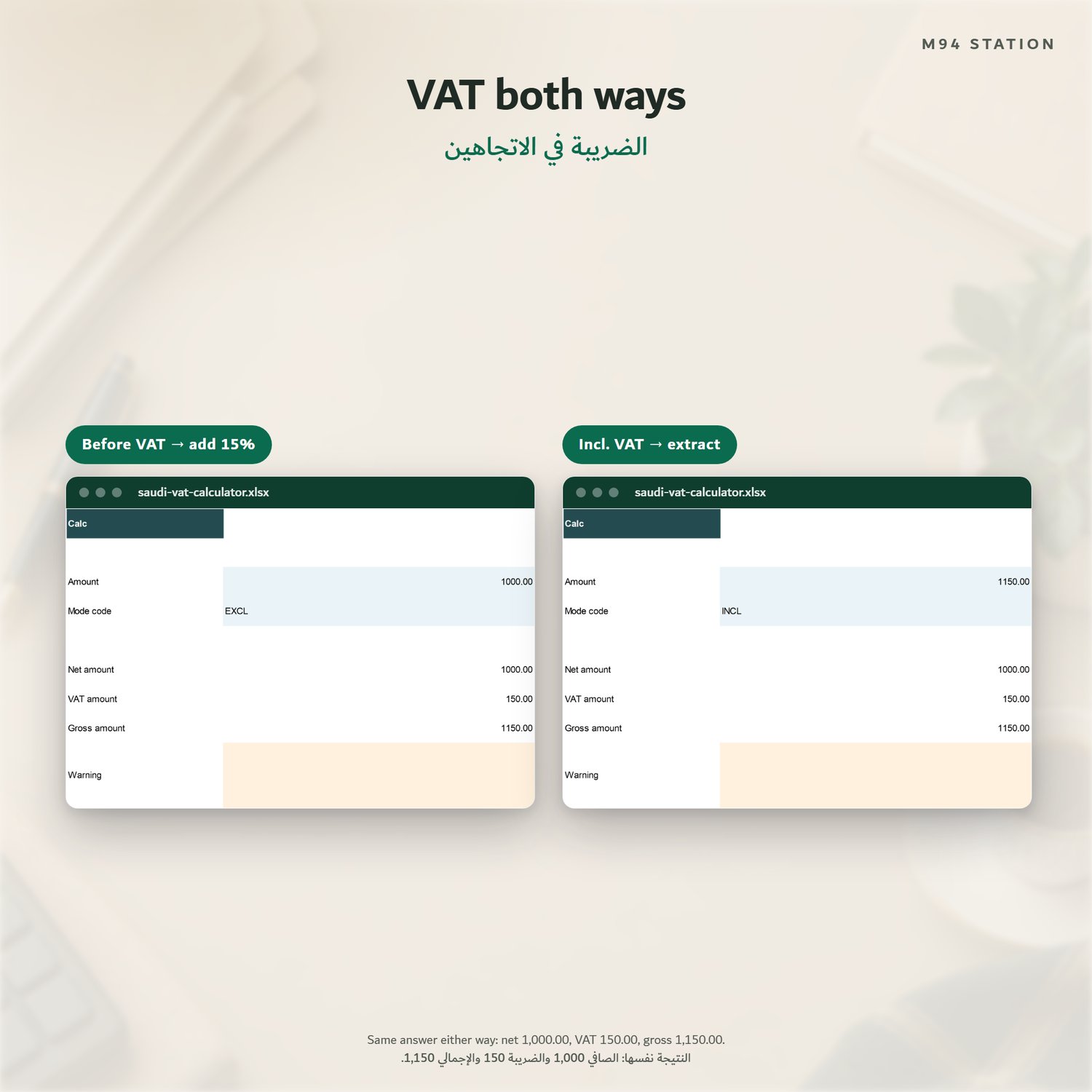
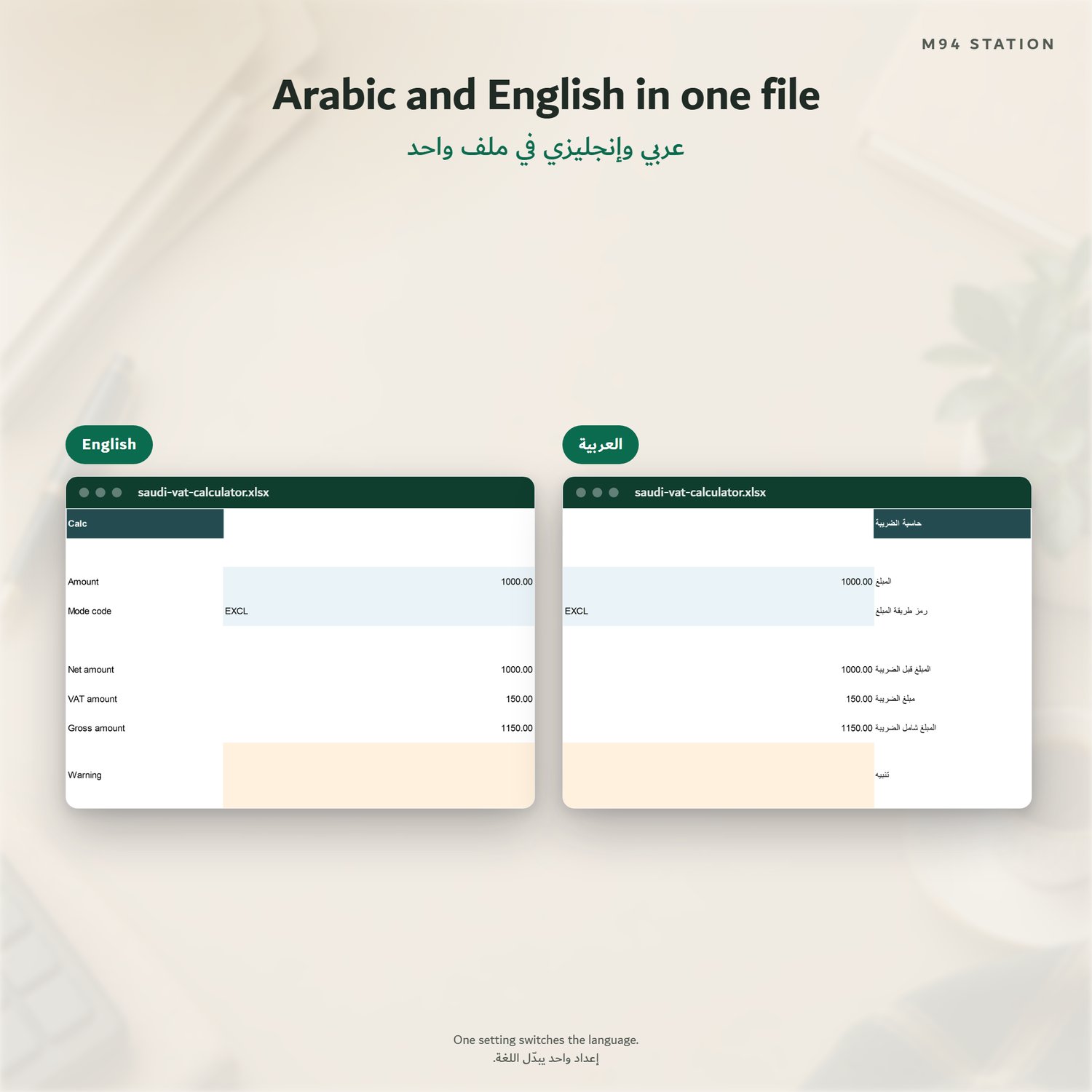
Calc tab: enter one amount and choose EXCL (the amount is before VAT) or INCL (the amount already includes VAT). The sheet shows the net amount, the VAT amount and the gross amount. The rate is set on the Settings tab: 15% by default, editable from 0% to 100%. A blank amount leaves the results blank. A negative amount, such as a credit note, is allowed and flagged.
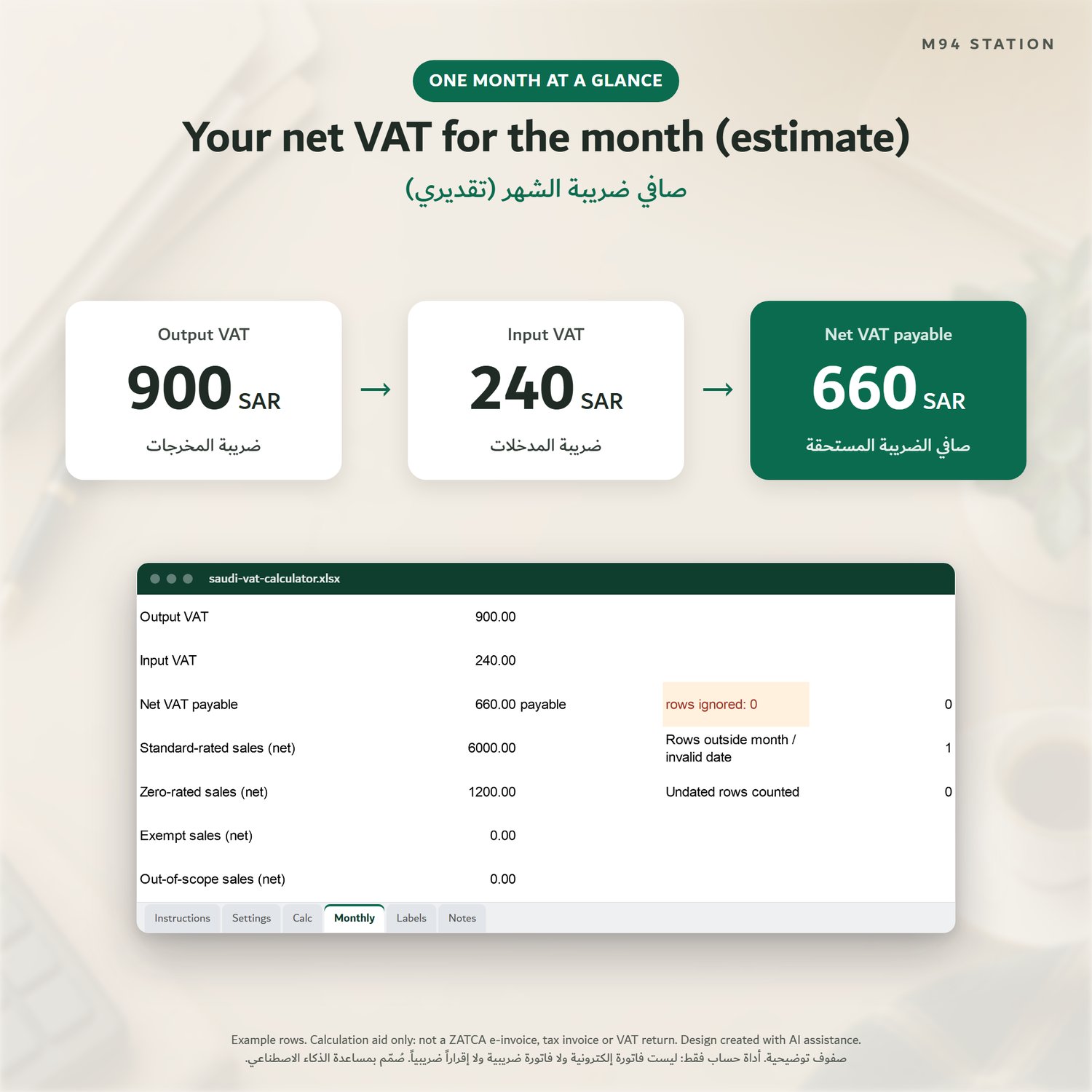
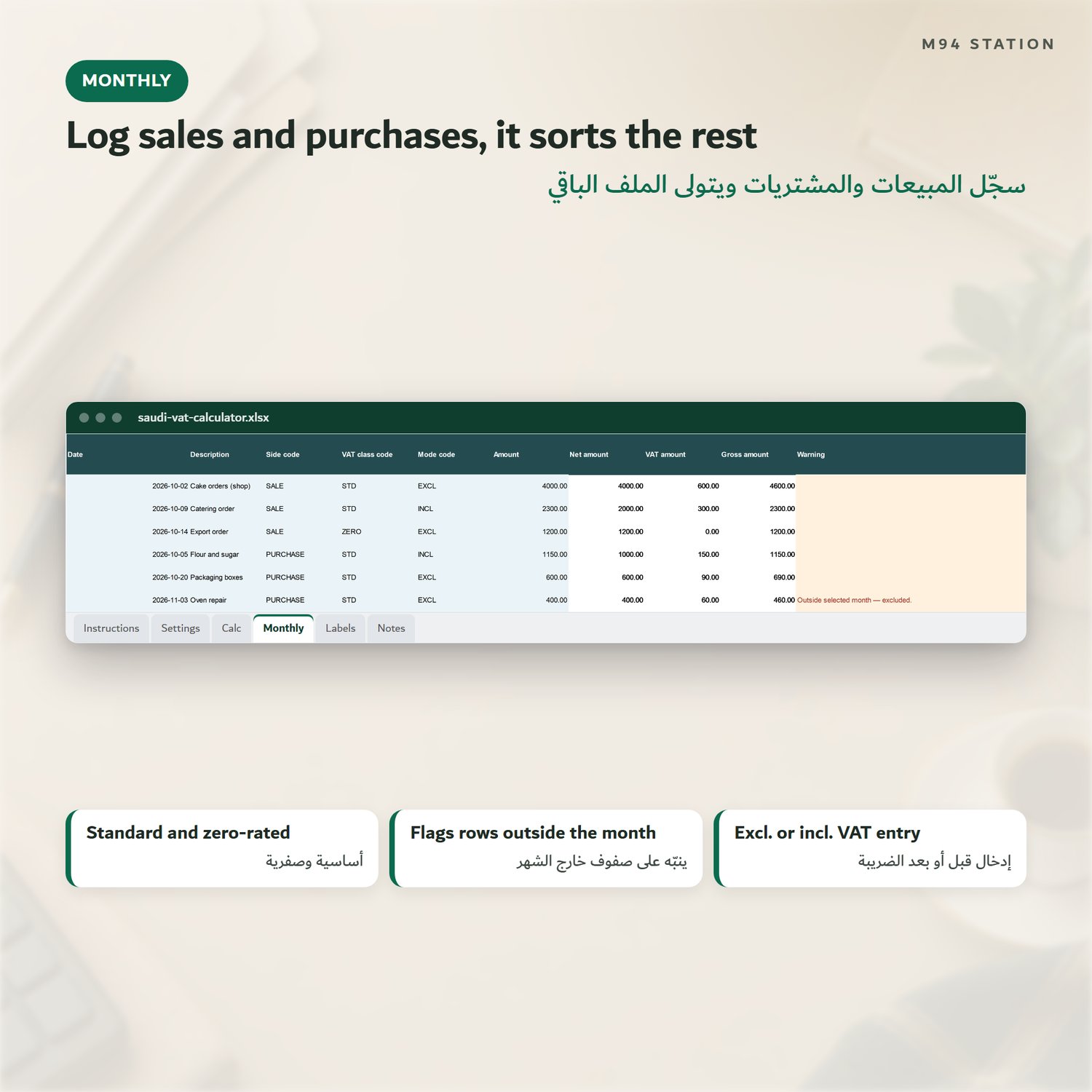
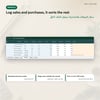
Monthly tab: list up to 200 rows of sales and purchases with date, description, side, VAT class (STD, ZERO, EXEMPT or OUT-OF-SCOPE) and mode. Choose the month on Settings; only rows in that month are counted. The summary shows output VAT (sales), input VAT (purchases), net VAT payable (output minus input; shown as "refundable" when negative), and net sales for each VAT class. A counter shows rows ignored because an entry is missing or invalid. The net payable line assumes all input VAT is recoverable; check eligibility with your accountant.
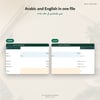
Input cells are open and formula cells are locked. The file has no macros. Choose the language (AR or EN) in Settings. Excel format (.xlsx) only. Screenshots use example numbers.
Calculation aid only. Not a ZATCA e-invoice, not a tax invoice, not a VAT return. Not tax or accounting advice.
Design and formulas created with AI assistance.
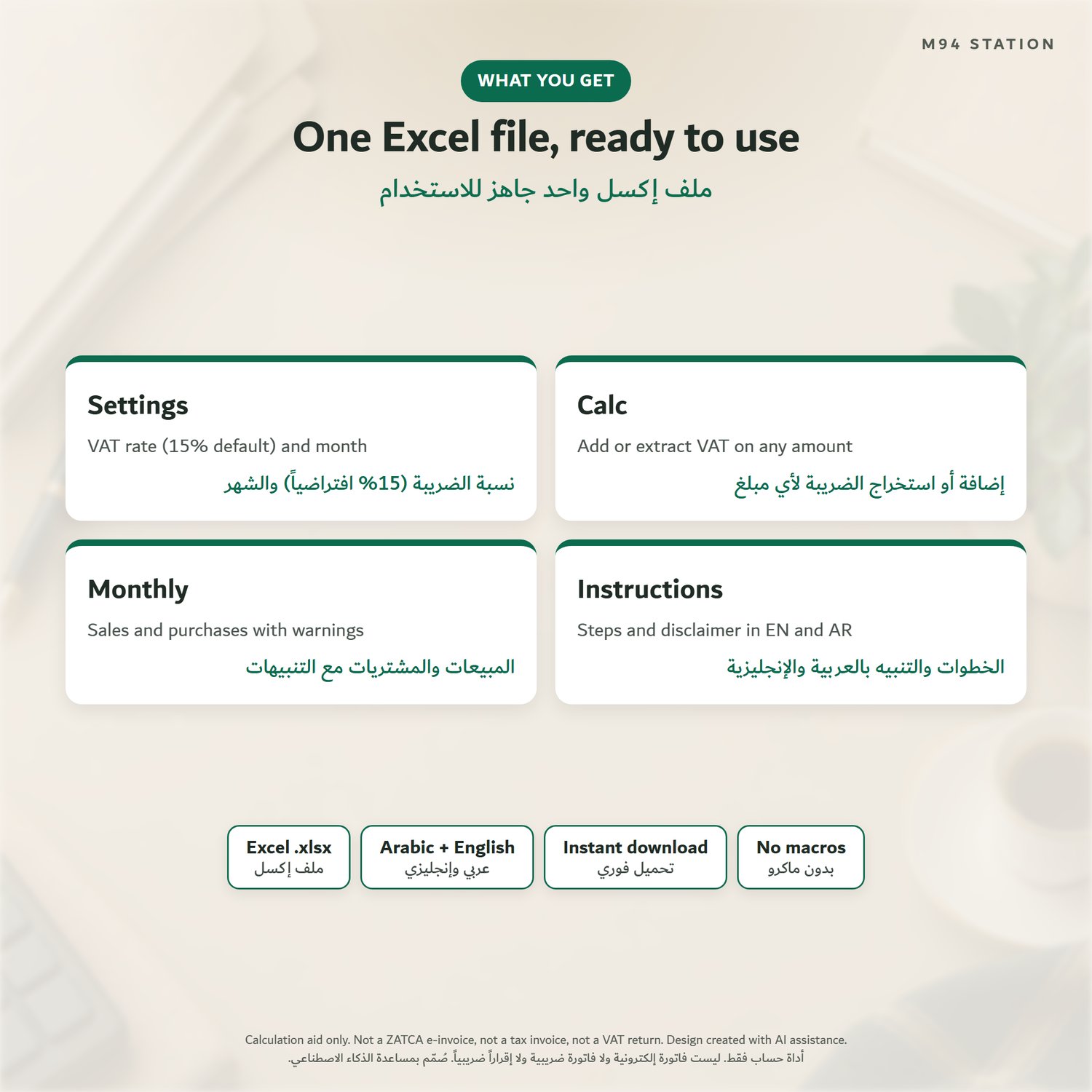
What you get
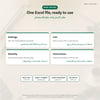
- Excel workbook (.xlsx), no macros, no external data links
- 6 tabs: 4 working tabs in order (Instructions (first, with the disclaimer), Settings, Calc, Monthly (disclaimer above the table)) plus Labels (text for the AR/EN switch, locked) and Notes (assumptions and sources)
- Settings: VAT rate (default 15%, accepts 0% to 100%; blank or invalid shows a warning and blank outputs), month (enter its first day), language AR/EN
- Calc: amount, mode EXCL or INCL, net amount, VAT amount, gross amount, warning column; negative amounts flagged
- Monthly: up to 200 rows (date, description, side SALE or PURCHASE, VAT class STD, ZERO, EXEMPT or OUT-OF-SCOPE, mode EXCL or INCL, amount) with per-row net, VAT and gross
- Monthly summary: output VAT, input VAT, net VAT payable with a label (payable, refundable or neutral), standard-rated, zero-rated, exempt and out-of-scope sales (net), rows ignored counter, rows outside the month, undated rows counted
- Input cells open, formula cells locked (sheet protection)
Calculation aid only. Not a ZATCA e-invoice, not a tax invoice, not a VAT return.
حاسبة ضريبة القيمة المضافة وملخص شهري للمدخلات والمخرجات
أداة حساب فقط. ليست فاتورة إلكترونية لدى هيئة الزكاة والضريبة والجمارك ولا فاتورة ضريبية ولا إقراراً ضريبياً.
احسب ضريبة القيمة المضافة في الاتجاهين، ولخّص شهراً كاملاً من المبيعات والمشتريات في ملف جداول واحد ثنائي اللغة (عربي وإنجليزي). للأعمال الصغيرة والعمل الحر في السعودية.
ورقة Calc: أدخل مبلغاً واحداً واختر EXCL (المبلغ قبل الضريبة) أو INCL (المبلغ شامل الضريبة). يعرض الملف المبلغ قبل الضريبة ومبلغ الضريبة والمبلغ شامل الضريبة. نسبة الضريبة في ورقة Settings: 15% افتراضياً، وقابلة للتعديل من 0% إلى 100%. الخانة الفارغة تترك النتائج فارغة، والمبلغ السالب (مثل إشعار الدائن) مسموح ويظهر بتنبيه.
ورقة Monthly: سجّل حتى 200 صف من المبيعات والمشتريات بالتاريخ والوصف والجهة وفئة الضريبة (STD أو ZERO أو EXEMPT أو OUT-OF-SCOPE) وطريقة المبلغ. اختر الشهر في Settings، ولا تُحسب إلا الصفوف في ذلك الشهر. يعرض الملخص: ضريبة المخرجات (المبيعات)، وضريبة المدخلات (المشتريات)، وصافي الضريبة المستحقة (المخرجات ناقص المدخلات، ويظهر "مبلغ مسترد" إذا كان سالباً)، وصافي المبيعات لكل فئة ضريبية. وعداد يبيّن الصفوف المستبعدة بسبب إدخال ناقص أو غير صالح.
خانات الإدخال مفتوحة والمعادلات مقفلة. الملف بدون ماكرو. اختر اللغة (AR أو EN) من ورقة Settings. ملف Excel (xlsx) فقط. لقطات الشاشة تستخدم أرقاماً توضيحية.
صافي الضريبة المستحقة يفترض أن كامل ضريبة المدخلات قابل للاسترداد؛ راجع أهلية الخصم مع محاسبك.
أداة حساب فقط. ليست فاتورة إلكترونية ولا فاتورة ضريبية ولا إقراراً ضريبياً. ليست استشارة ضريبية أو محاسبية.
صُمّم القالب وصيغه بمساعدة الذكاء الاصطناعي.
أداة حساب فقط. ليست فاتورة إلكترونية لدى هيئة الزكاة والضريبة والجمارك ولا فاتورة ضريبية ولا إقراراً ضريبياً.
FAQ / الأسئلة الشائعة
EN
- Which file formats are included? Excel format (.xlsx) only.
- Can I use it as a VAT return or to issue official documents? No. It is a calculation aid. It is not an e-invoice, not a tax invoice, and not a VAT return. Issuing official documents needs a system that meets the official rules.
- What VAT rate is used? The default is 15%, the standard rate since 1 July 202(ZATCA "About VAT" page, https://zatca.gov.sa/ar/rulesregulations/vat/pages/about-vat.aspx, checked 10 Nov 2026)b). It is editable on the Settings tab, from 0% to 100%. Check the current rate before you rely on it.
- How is the net VAT payable worked out? Output VAT (sales) minus input VAT (purchases). A negative result is shown as "refundable". This assumes all input VAT is recoverable; check eligibility with your accountant.
- What is the difference between EXCL and INCL? EXCL: the amount is before VAT and the VAT is added. INCL: the amount already includes VAT and the net is worked out from it.
- Why does a row show a warning? A row with an amount but a missing or invalid side, VAT class or mode is ignored and counted in "rows ignored". Fix the row to include it.
- Does the Monthly tab count rows from other months? No. Only rows dated in the month set on Settings are counted. A row with a blank date is counted, with a warning.
- Can I enter negative amounts? Yes, for example for a credit note. They are allowed and flagged "negative".
- Does it use macros? No. It is a plain .xlsx file with ordinary formulas.
- Can I get a refund? Please see the store policy.
AR
- ما صيغ الملفات المتوفرة؟ ملف Excel (xlsx) فقط.
- هل يصلح كإقرار ضريبي أو لإصدار المستندات الرسمية؟ لا. هو أداة حساب فقط، وليس إقراراً ضريبياً. إصدار المستندات الرسمية يحتاج نظاماً يستوفي القواعد الرسمية.
- ما نسبة الضريبة المستخدمة؟ الافتراضي 15%، وهي النسبة الأساسية منذ 1 يوليو 202(صفحة "نبذة عن ضريبة القيمة المضافة" في موقع هيئة الزكاة والضريبة والجمارك، اطلعنا عليها 10 نوفمبر 2026)s). قابلة للتعديل من ورقة Settings بين 0% و100%. تحقق من النسبة الحالية قبل الاعتماد عليها.
- كيف يُحسب صافي الضريبة المستحقة؟ ضريبة المخرجات (المبيعات) ناقص ضريبة المدخلات (المشتريات). إذا كانت النتيجة سالبة تظهر "مبلغ مسترد". هذا يفترض أن كامل ضريبة المدخلات قابل للاسترداد؛ راجع الأهلية مع محاسبك.
- ما الفرق بين EXCL وINCL؟ EXCL: المبلغ قبل الضريبة وتُضاف عليه الضريبة. INCL: المبلغ شامل الضريبة ويُستخرج منه الصافي.
- لماذا يظهر تنبيه على صف؟ الصف الذي فيه مبلغ وفيه جانب (بيع أو شراء) أو فئة ضريبة أو طريقة مبلغ ناقص أو غير صحيح يُستبعد ويُعد في "الصفوف المستبعدة". صحّح الصف ليدخل.
- هل ورقة Monthly تحسب صفوف شهور أخرى؟ لا. تُحسب الصفوف بتاريخ الشهر المحدد في Settings فقط. الصف بدون تاريخ يُحسب مع تنبيه.
- هل أقدر أدخل مبالغ سالبة؟ نعم، مثل إشعار الدائن. تُقبل وتظهر بتنبيه "سالب".
- هل فيه ماكرو؟ لا. هو ملف xlsx عادي بمعادلات عادية.
- هل أقدر أسترجع المبلغ؟ يرجى مراجعة سياسة المتجر.