
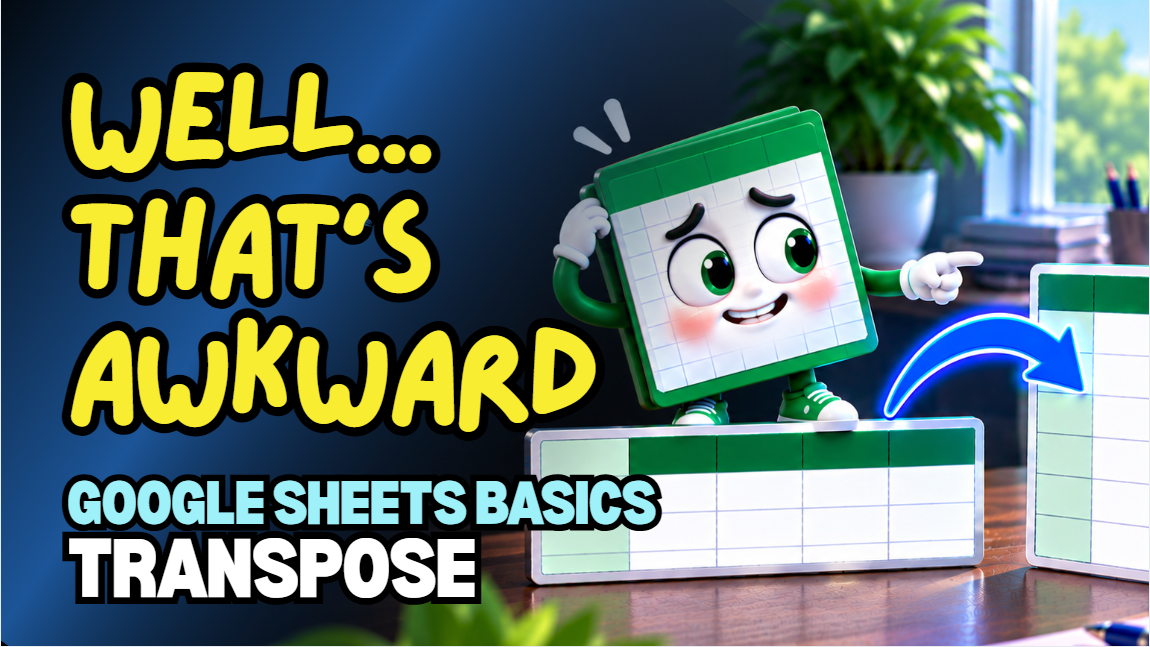
Google Sheets Transpose Data Practice Workbook | Beginner Practice
Learn how to transpose data in Google Sheets with this beginner-friendly practice workbook from Easy Mode Excel Tutorials!
Ever wished you could turn a row into a column or a column into a row without retyping everything? Transposing data makes it easy to change the layout of your spreadsheet while keeping your information intact.
This hands-on workbook accompanies our free Google Sheets Transpose Data video lesson, giving you the opportunity to practice rearranging spreadsheet information yourself.
What You'll Practice
✓ Turn rows into columns
✓ Turn columns into rows
✓ Use Paste Special → Transposed
✓ Rearrange spreadsheet information without retyping
✓ Understand how transposing changes the layout of your data
✓ Build confidence organizing spreadsheet information
What's Included
✓ One ready-to-use Google Sheets practice workbook
✓ Beginner-friendly exercises to reinforce the lesson
✓ Your own editable copy of the workbook
✓ Hands-on practice you can complete at your own pace
Perfect for Google Sheets beginners! Learn how to quickly reorganize spreadsheet data and make your worksheets easier to work with.
Price: $2.49 USD — one-time purchase.
After purchasing, you'll receive a link to create your own editable copy of the Google Sheets practice workbook.
This purchase includes the practice workbook only.
Watch the FREE Video Lesson
🎥 Google Sheets Transpose Data:
More FREE Learning
Transpose Data is also featured in our two-lesson collection with Remove Duplicates. You can find the compilation on our Easy Mode Excel Tutorials YouTube channel.