





4 Page Oval Pendant CANVA Funeral Program Template (Commercial License)
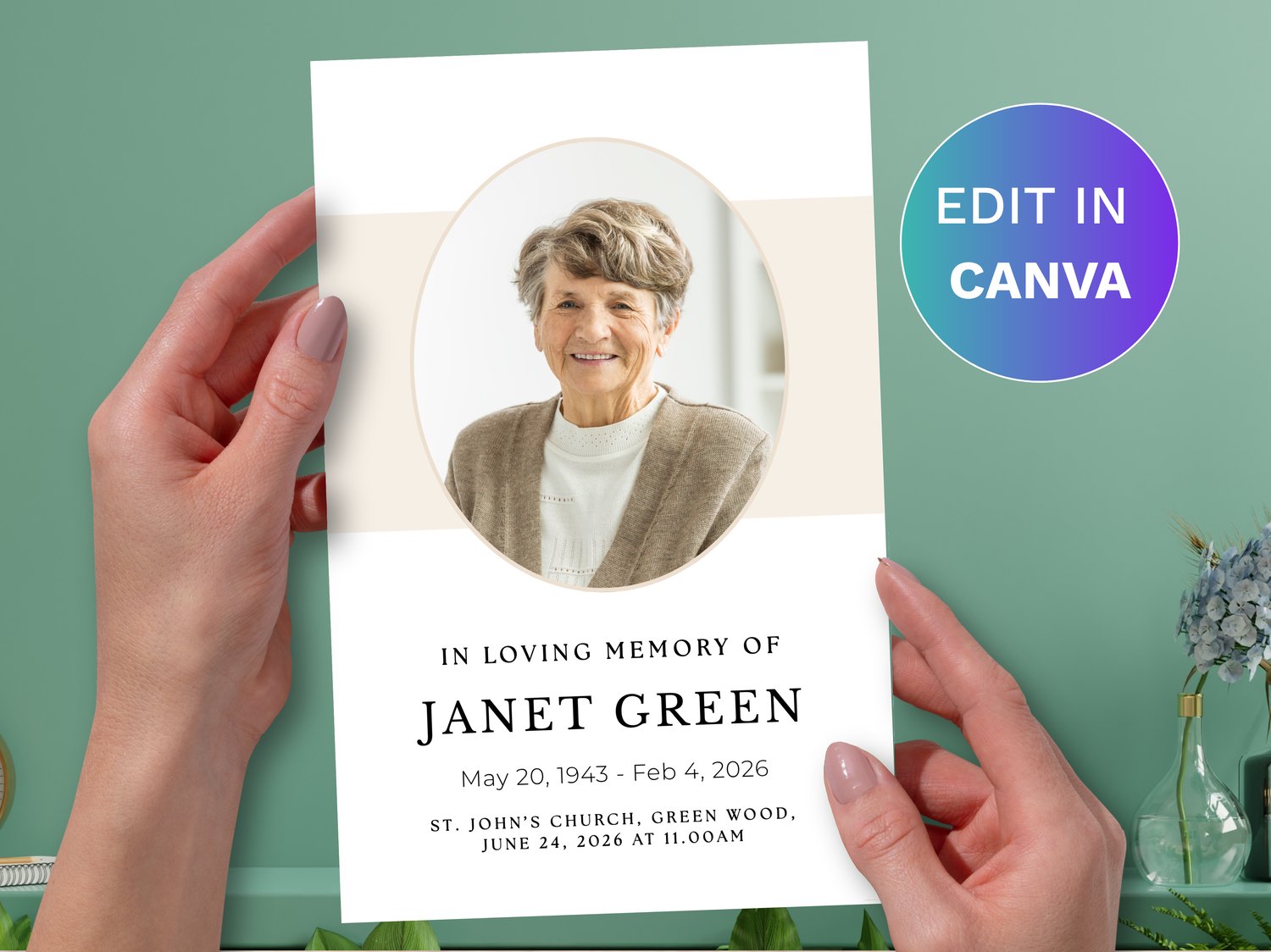
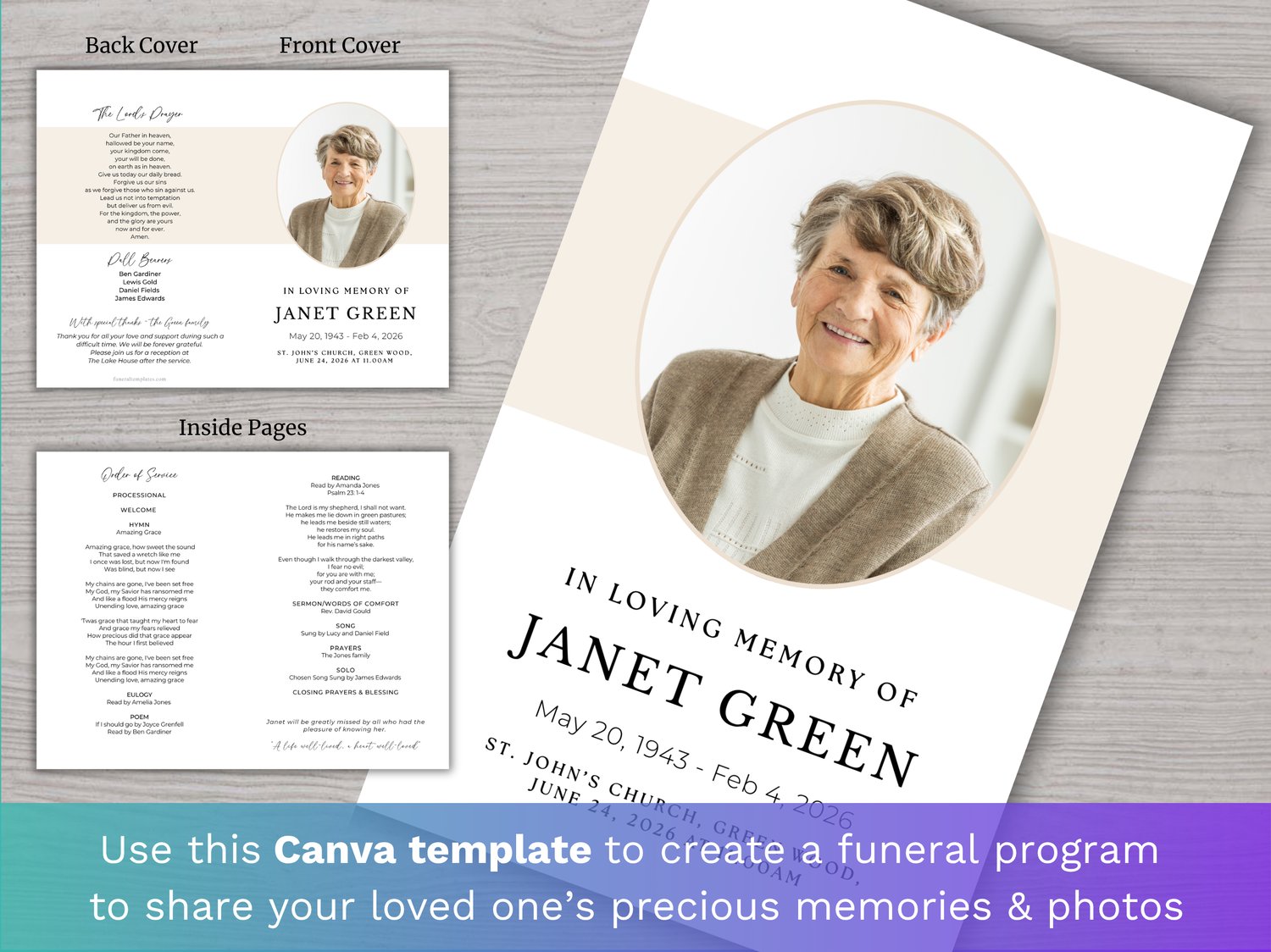
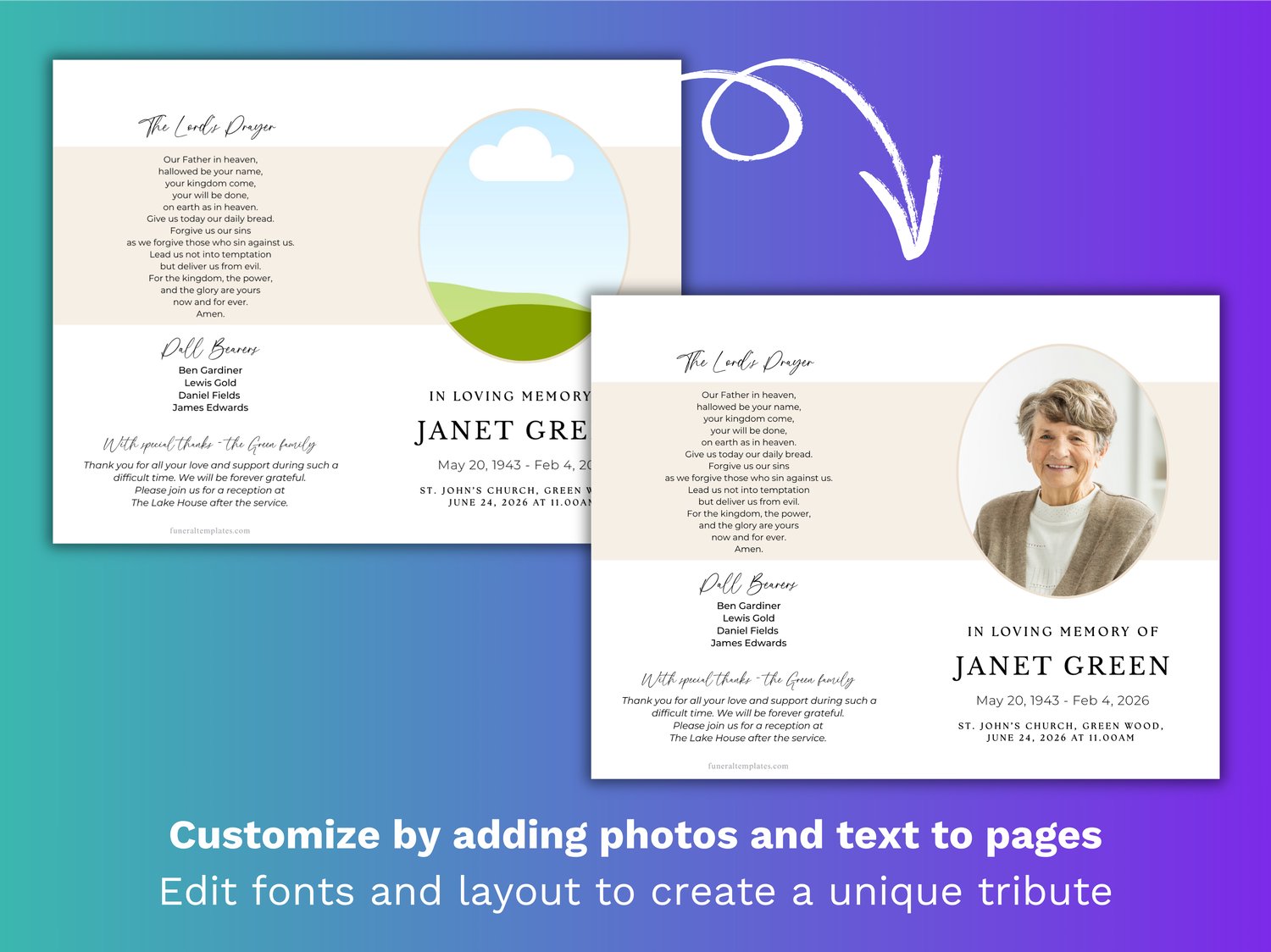
Celebrate the life and memory of your loved one with this simple and elegant 4-page funeral program template, designed with a clean white background and subtle off-white accents. A commercial license is included, making it suitable for funeral homes and professional use. The front cover features a beautifully framed oval photo, set against a soft off-white band that adds a gentle touch of warmth while keeping the overall design refined and understated. This classic layout creates a timeless tribute that places your loved one at the center.
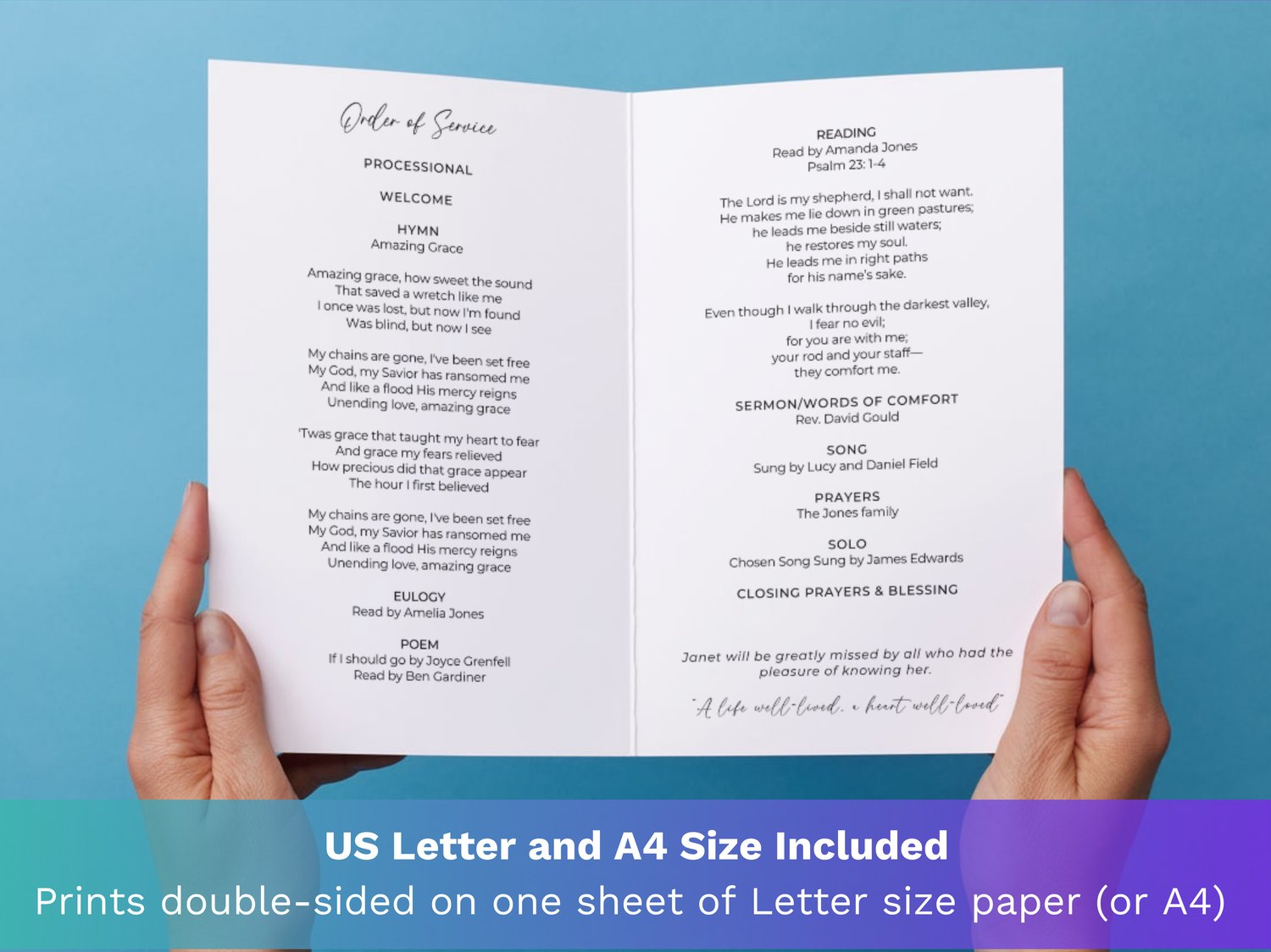
Inside, the pages are thoughtfully arranged with clear, uncluttered sections for the order of service, obituary, poems, pallbearers, and personal messages, including acknowledgements and thank you notes. Fully customizable in Canva, you can easily add your own text and details while maintaining a graceful, minimal aesthetic. The result is a meaningful keepsake that honors a life with simplicity, dignity, and quiet elegance.
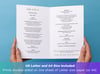
This funeral program is designed to be printed double-sided on a single sheet of US Letter size paper (or A4). When folded, this creates 4 x half Letter size pages (or 4 x A5 pages).
WHAT’S INCLUDED:
✔ Canva template link with 2 sizes:
- Letter size (8.5 x 11 inches) → folds to half Letter (8.5 x 5.5 inches).
- A4 size (210 x 297 mm) → folds to A5 (210 x 148 mm).
✔ Video Instructions with tips on editing and printing.
Please note: These are DIGITAL TEMPLATES that you need to edit in Canva (www.Canva.com). As these are digital products, no physical products will be shipped.
HOW DO I ACCESS AND EDIT MY TEMPLATE?
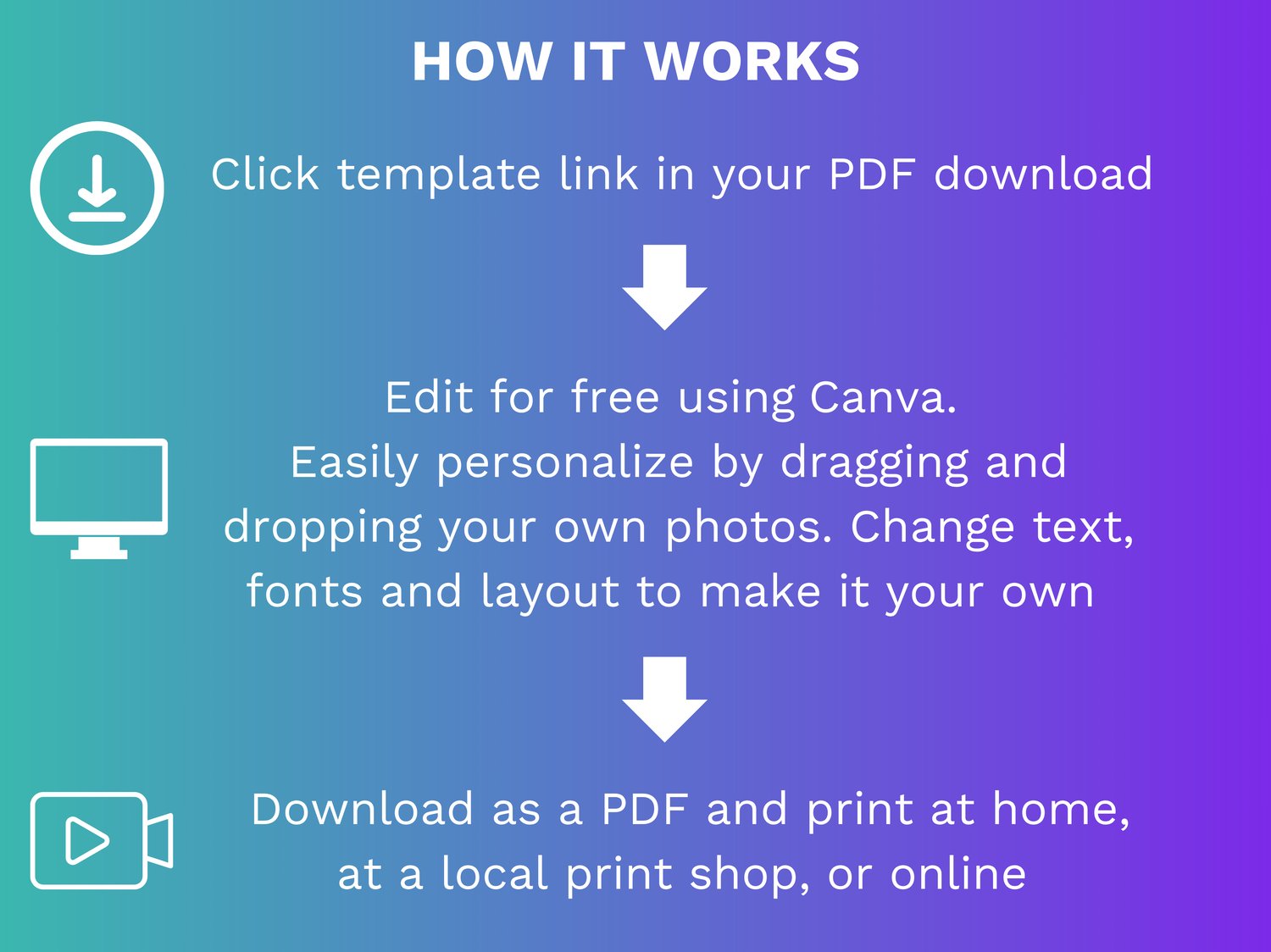
1. Purchase the listing and download the PDF file.
2. Open PDF and click Canva link in PDF (you will be prompted to create a free Canva account if you don’t already have one).
3. Edit in Canva.
4. Save edited template by clicking ‘Share’ then ‘Download’ (recommended file type is PDF).
5. Print at home, a local print shop or online.
HOW TO EDIT IN CANVA:
All templates can be easily edited using Canva, a free and user-friendly design tool that works right in your browser (no need to download any software). You can customize them on any mobile device, laptop, or desktop computer. However, for the best editing experience and to make working with multiple photos simpler, we recommend using a larger screen, such as a laptop or desktop.
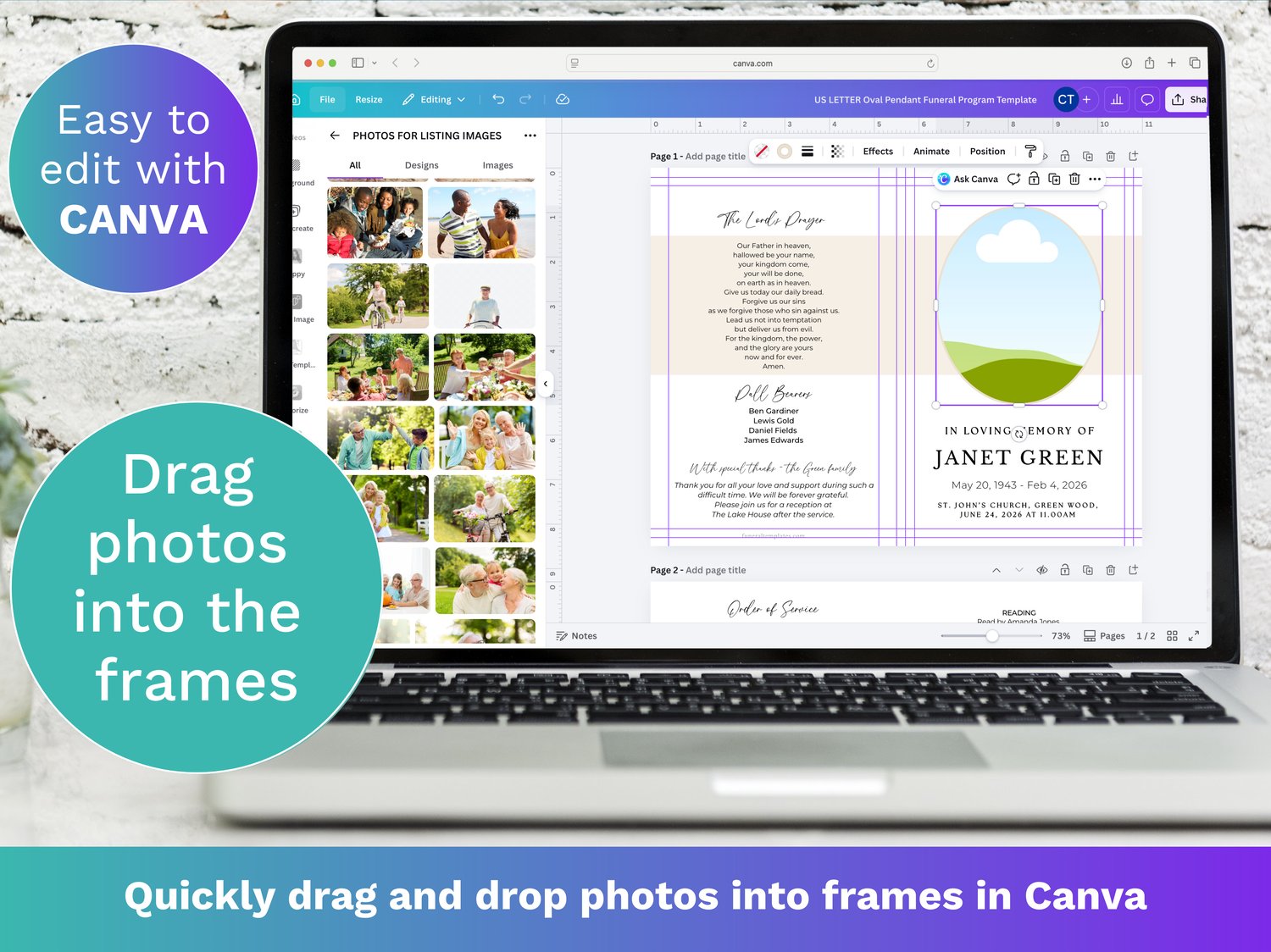
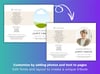
Simply upload your photos to Canva by clicking the Upload button and selecting the photos from your device. Then drag and drop your photos into the collage templates and adjust the size and position if needed. Edit text, fonts and adjust background and font colors to create a beautiful and personalized tribute.
WHY YOU'LL LOVE IT
• Instant download. Get started right away by editing the template directly in your browser.
• Fast & Easy to Use: Drag and drop photos directly into the templates.
• Completely Customizable: Change colors, text and fonts to suit your style.
Celebrate your loved ones passed with this thoughtful and easy-to-use canva funeral program template, designed to help you create a meaningful memorial that truly honors their memory. Start designing your funeral program today!
COMMERCIAL LICENSE:
Here's what you can do with the commercial license:
- Create funeral programs for an unlimited number of clients per template.
- Showcase the designs you offer to your clients via our free professional template brochure included with this template.
Here's what you cannot do with the commercial license:
- Resell or distribute for free the editable template either in-person or online.
- Include the template design in any physical, digital, or online advertising materials
For more details, View our full Commercial Licence Terms of Use.
©Funeral Templates