




Ultimate Microsoft Office Keyboard Shortcuts Bundle – Master Word, Excel, and PowerPoint Efficiency!
Enhance your productivity and work smarter, not harder with this comprehensive Microsoft Office Keyboard Shortcuts Bundle! Featuring shortcut guides for Microsoft Word, Excel, and PowerPoint, this bundle provides an essential reference for students, professionals, and educators looking to boost efficiency in document creation, data analysis, and presentations.
This all-in-one collection covers hundreds of time-saving shortcuts, allowing you to navigate, format, edit, and optimize your workflow like a pro.
📘 What’s Inside?
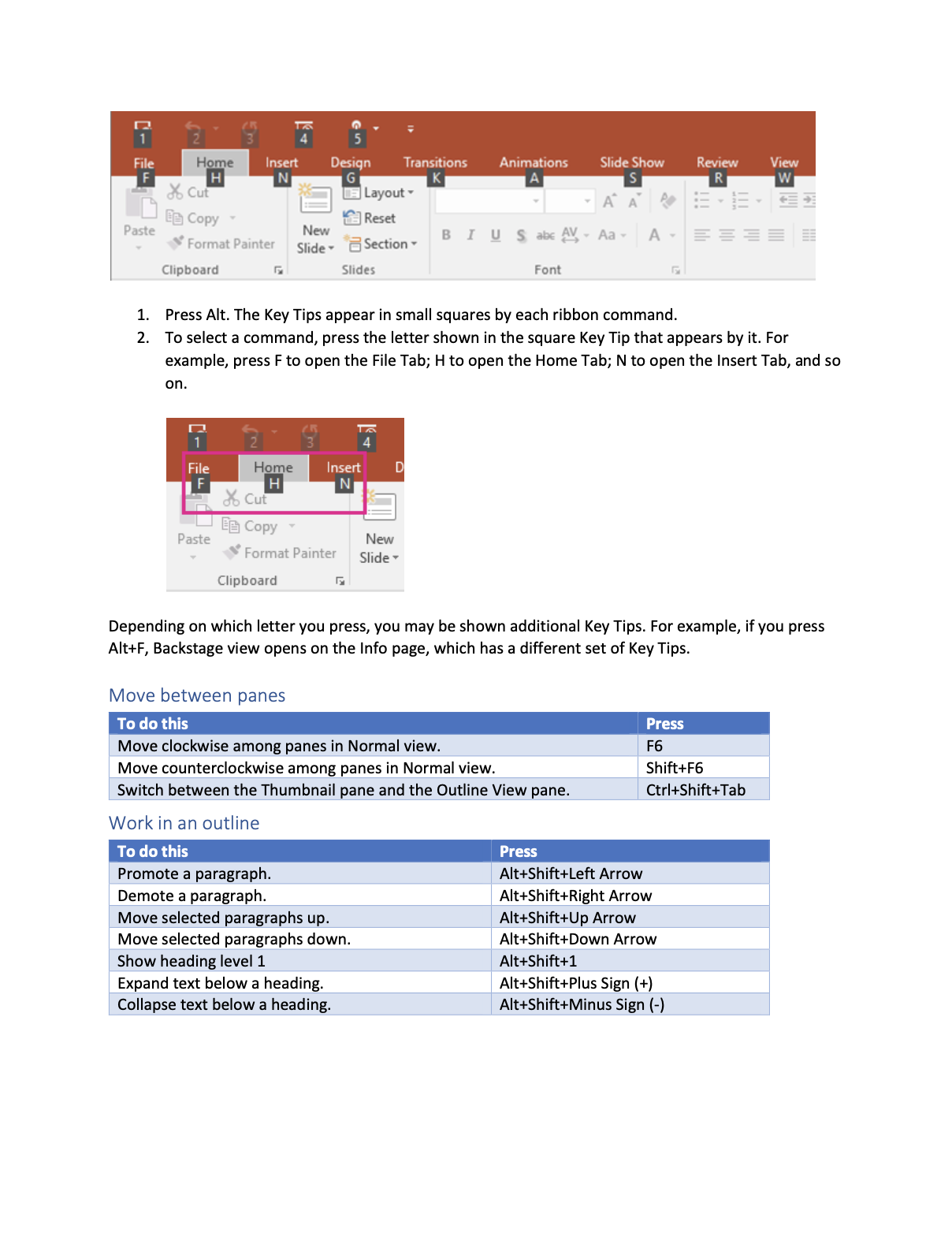
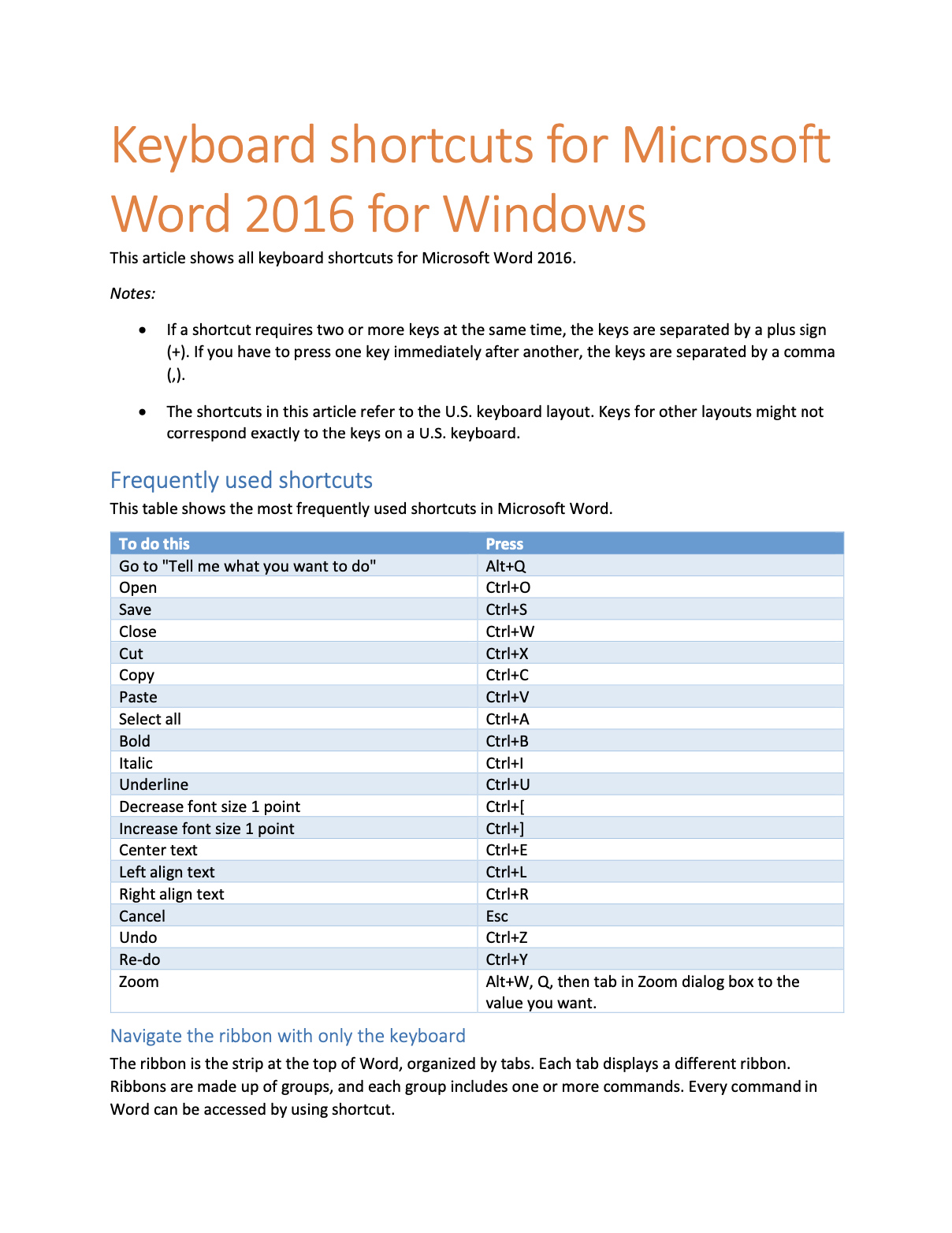
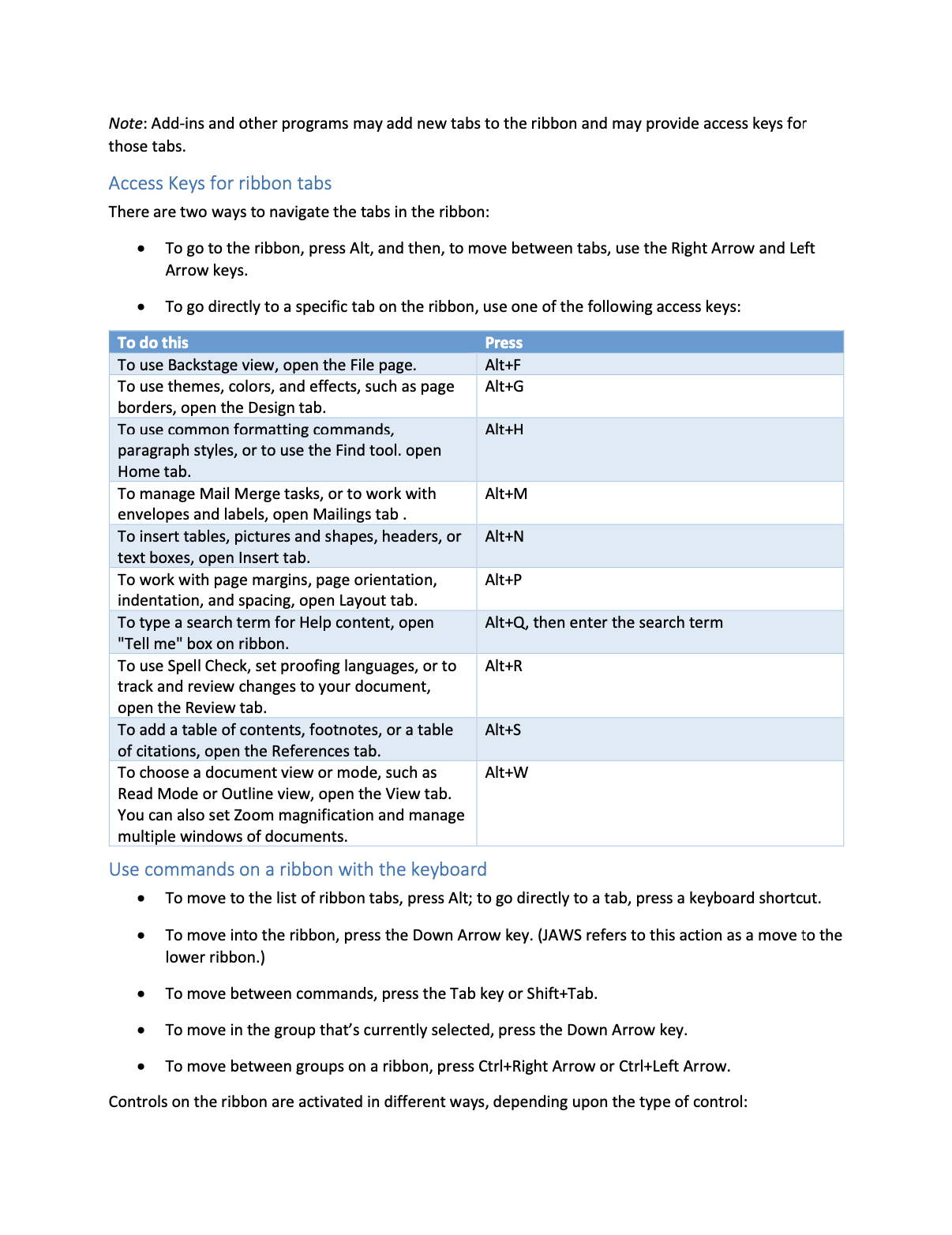
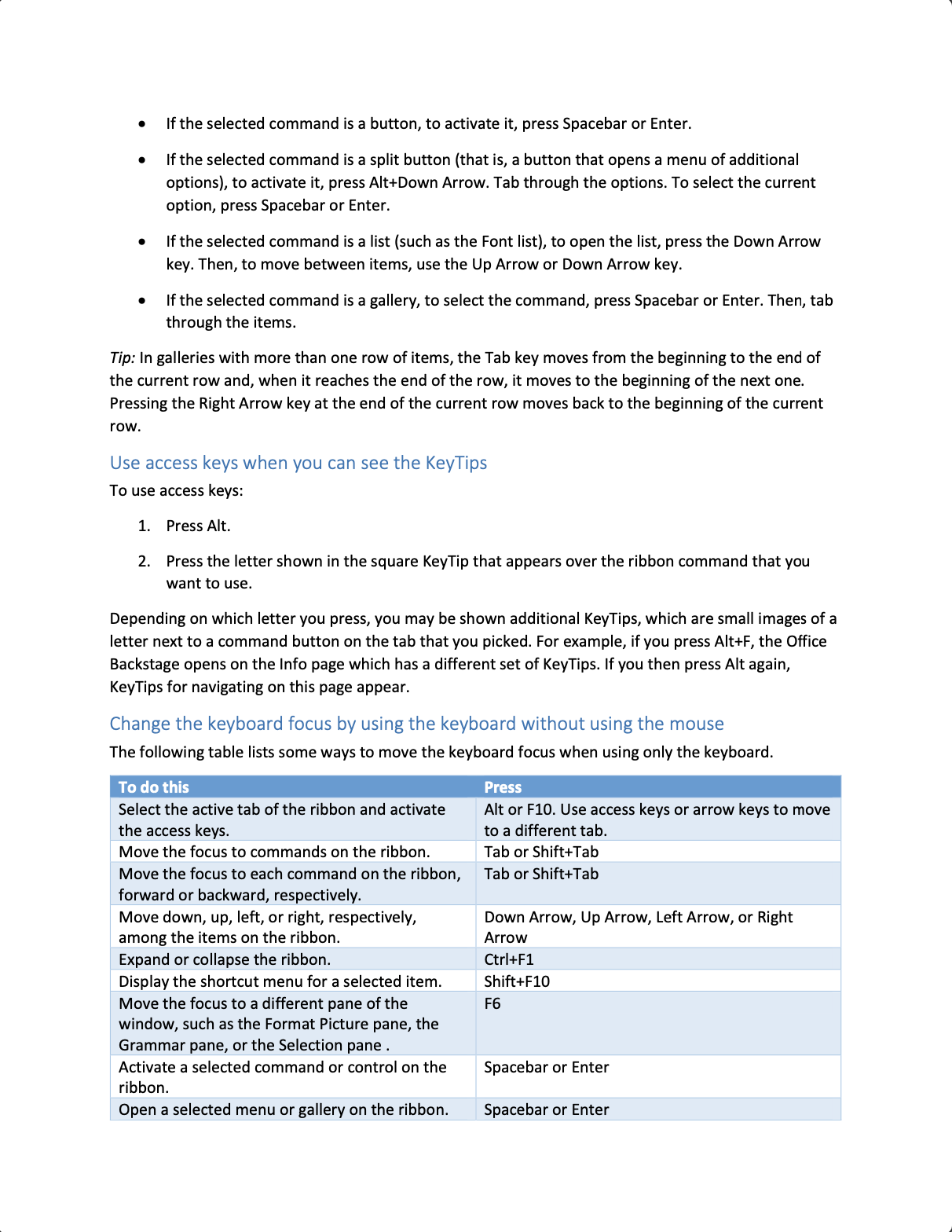
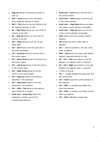
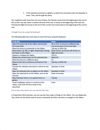
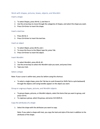
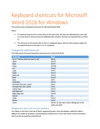
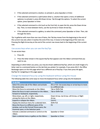
📌 Microsoft Word Shortcuts Guide – Improve document formatting, text editing, and navigation skills.
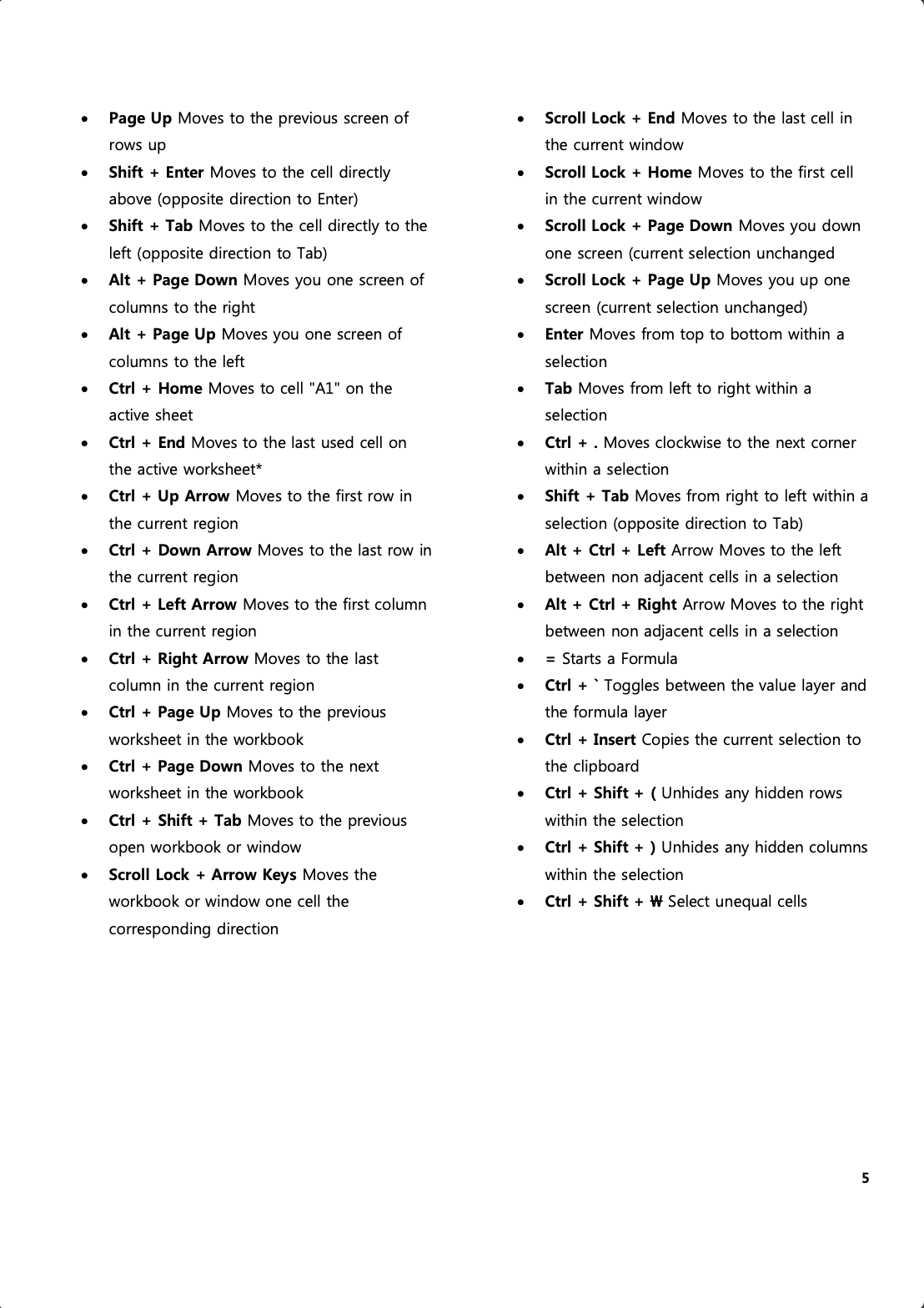
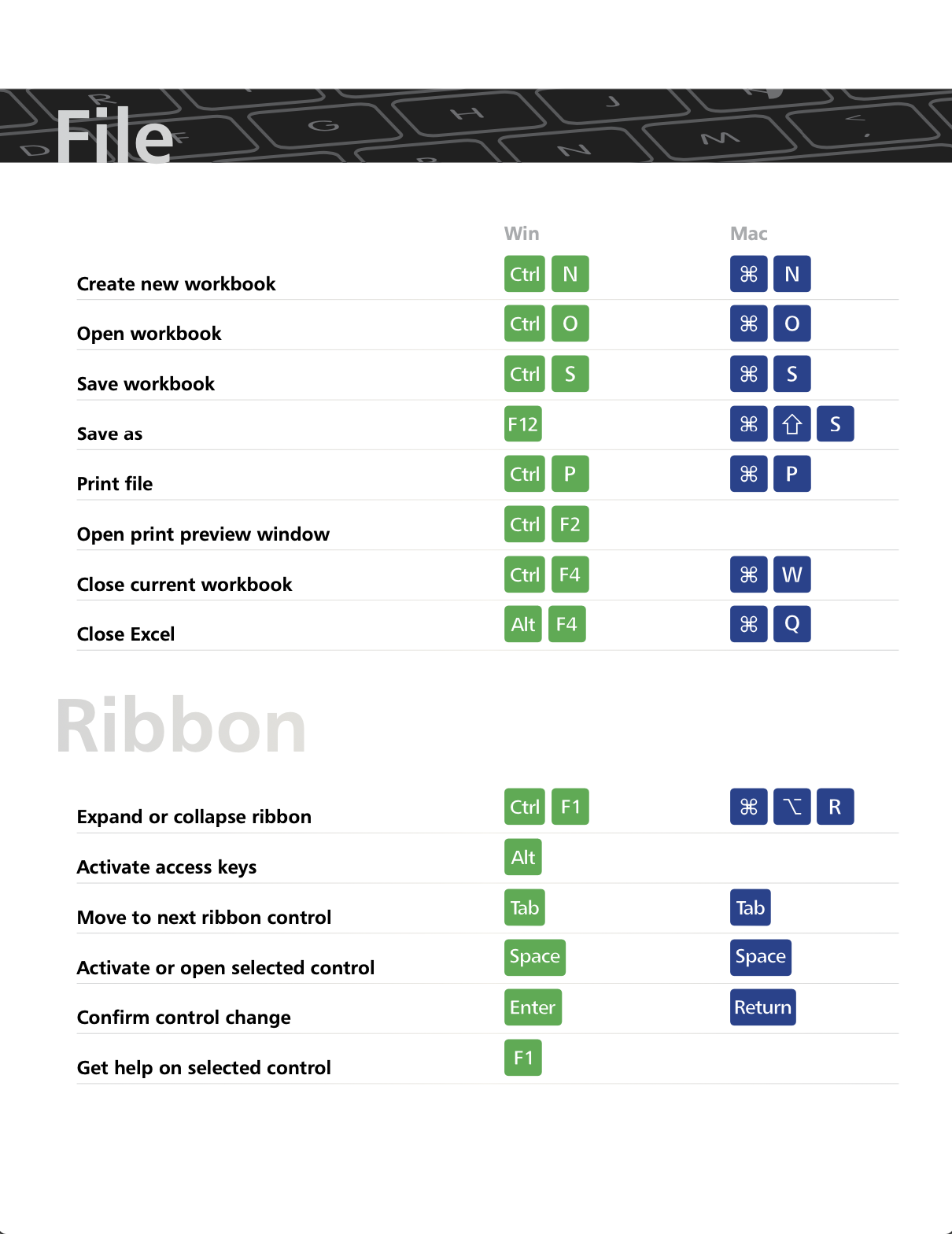
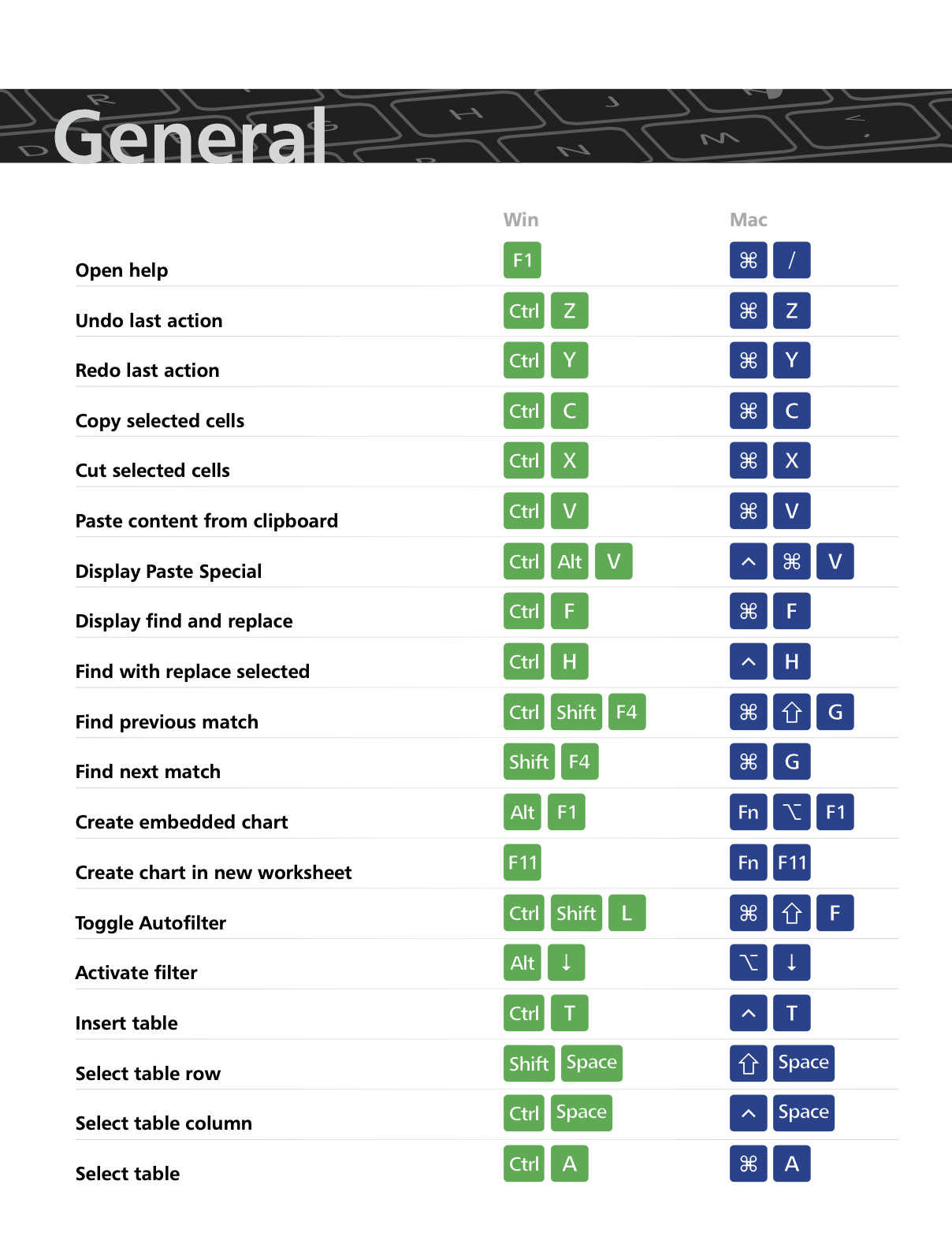
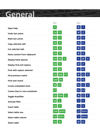
📌 Microsoft Excel Shortcuts Guide – Master data entry, formulas, pivot tables, and spreadsheet management.
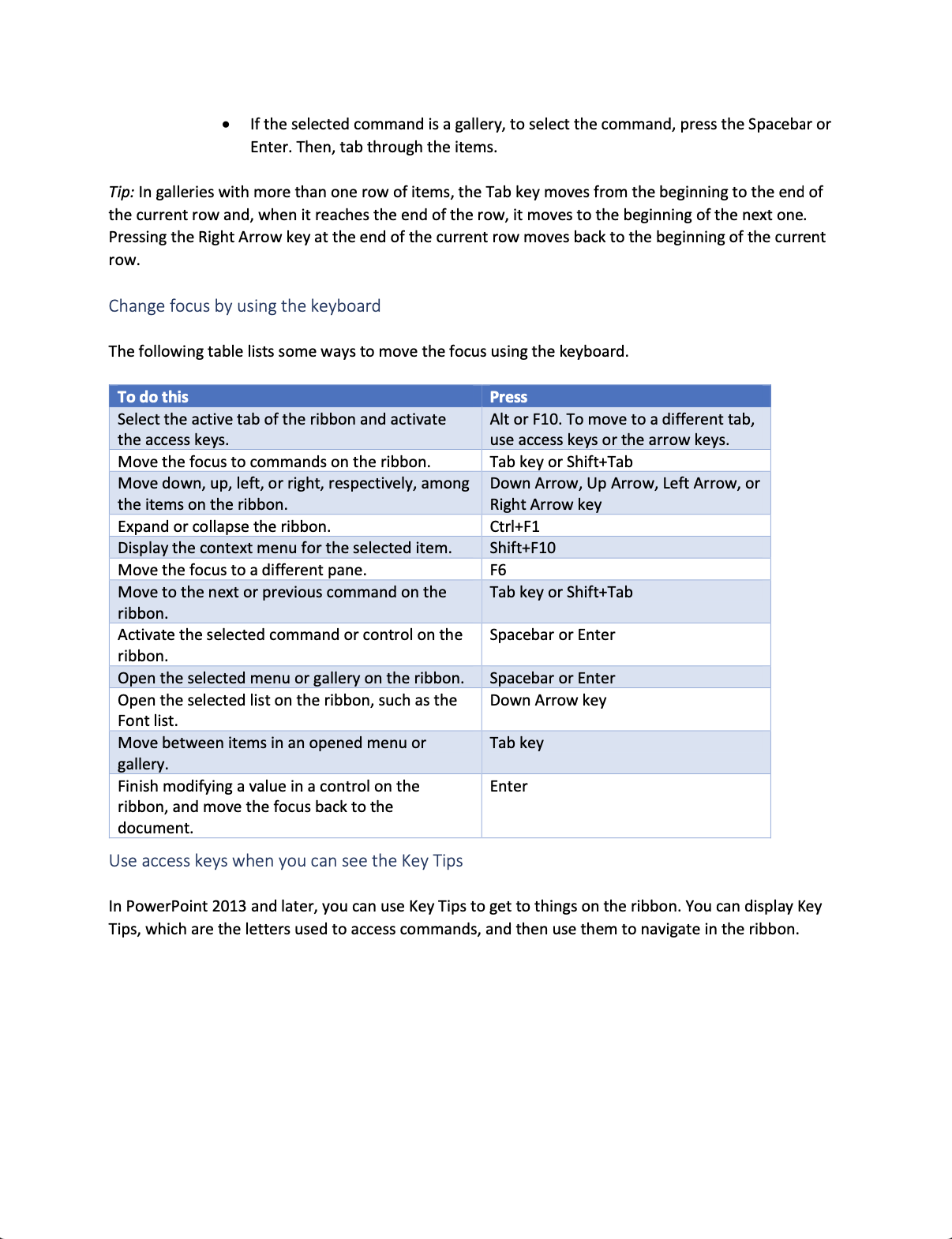
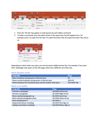
📌 Microsoft PowerPoint Shortcuts Guide – Quickly design presentations, insert graphics, and manage slide transitions.
💡 Each guide includes:
✅ Frequently used shortcuts for quick access.
✅ Step-by-step keyboard navigation tips to work mouse-free.
✅ Formatting commands for text, tables, and slides.
✅ Advanced tricks to streamline workflow and save time.
Ideal for students, teachers, professionals, and office workers, this bundle will help you become a Microsoft Office power user!
📚 Educational Standards Alignment
This bundle aligns with ISTE (International Society for Technology in Education) Standards, ensuring digital fluency for productivity, workplace readiness, and technical skills development.
🔹 ISTE Standards for Students & Professionals
📏 ISTE Standard 1: Empowered Learner
- 1a – Use technology to take an active role in choosing and achieving learning goals.
- 1d – Understand and apply fundamental technology operations efficiently.
📏 ISTE Standard 5: Computational Thinker
- 5b – Use digital tools to collect, organize, and analyze data.
- 5c – Leverage shortcut commands to automate and streamline repetitive tasks.
📏 ISTE Standard 6: Creative Communicator
- 6a – Choose the appropriate tools for communicating visually and professionally.
- 6b – Create presentations, reports, and spreadsheets with clarity and efficiency.
🔹 Common Core State Standards (CCSS) – Digital Literacy & Technology Use
📏 CCSS.ELA-LITERACY.W.6.6 – Use technology to produce and publish writing and collaborate.
📏 CCSS.ELA-LITERACY.W.8.6 – Demonstrate proficiency in using digital tools for organization and communication.
📏 CCSS.ELA-LITERACY.W.9-10.6 – Use advanced document formatting and design principles.
🔹 Texas Essential Knowledge and Skills (TEKS) – Technology Applications
📏 Productivity Tools for Workplace Readiness
- 126.12.b.2 – Demonstrate proficiency in using word processing, spreadsheet, and presentation tools.
- 126.47.c.3 – Use keyboard shortcuts and commands to optimize efficiency.
🔹 Virginia Standards of Learning (VA SOL) – Computer Technology & Digital Literacy
📏 Basic Digital Literacy & Productivity
- CT.1.1 – Demonstrate competency with keyboard shortcuts and technology tools.
- CT.2.2 – Use Microsoft Office applications efficiently with shortcut keys.
📏 Workplace Readiness & Computer Skills
- CS.4.3 – Apply keyboard navigation and shortcuts to increase productivity in the workplace.
🎓 Who Is This For?
✔️ Students & Educators – Improve efficiency in writing, data entry, and presentations.
✔️ Office Professionals – Speed up workflow and master productivity tools.
✔️ Business Analysts & Data Specialists – Use Excel more effectively for analysis.
✔️ Anyone Using Microsoft Office – Learn time-saving techniques for daily tasks.
🛒 Why Choose This Microsoft Office Shortcuts Bundle?
✅ Comprehensive & Easy-to-Use – Covers all major Office applications.
✅ Boosts Productivity & Saves Time – Reduce reliance on the mouse and optimize workflow.
✅ Standards-Aligned & Practical – Ensures digital fluency for academic and professional success.
✅ Printable & Digital Guide – Keep as a quick reference for work and study.
📥 Download now and become a Microsoft Office power user! 🚀📊