

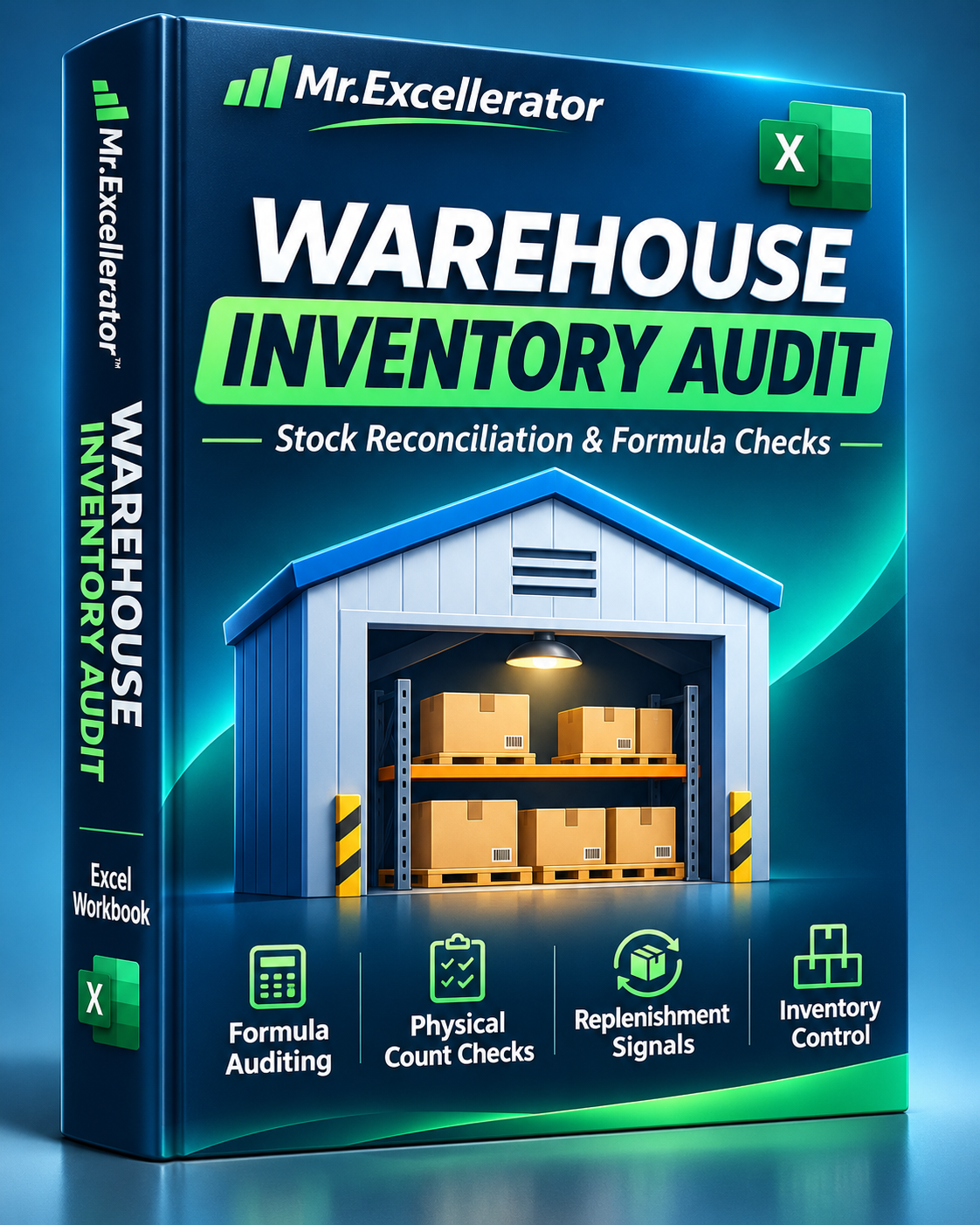
Excel Warehouse Inventory Audit Workbook — Stock Reconciliation & Formula Checks
Excel Warehouse Inventory Audit Workbook — Stock Reconciliation & Formula Checks
Find inventory discrepancies, investigate formula mistakes, and make better replenishment decisions — all in one practical Excel workbook.
A spreadsheet can show perfectly normal numbers while hiding serious inventory problems.
A wrong cell reference, an incorrect stock calculation, or a mismatch between system inventory and physical counts can lead to unreliable reports and poor purchasing decisions.
The Excel Warehouse Inventory Audit Workbook helps you investigate these issues while providing a reusable warehouse stock-control system.
More than a formula tutorial — it's a practical inventory reconciliation and monitoring tool.
What's Included
1. Interactive Formula Auditing Lab
Practice identifying and investigating different types of Excel problems using realistic warehouse records.
- Investigate visible formula errors such as #DIV/0!
- Identify incorrect formulas that return believable numbers
- Learn to use Excel's built-in Error Checking tool
- Step through calculations with Evaluate Formula
- Trace formula dependencies
- Distinguish spreadsheet mistakes from genuine inventory shortages
The practice section intentionally includes faulty formulas so you can troubleshoot them yourself.
2. Warehouse Inventory Control Register
Manage inventory information in an organized, expandable Excel table.
Track:
- SKU identifiers and warehouse locations
- Opening inventory
- Received quantities
- Picked and dispatched units
- Damaged inventory
- Physical stock counts
- Expected inventory balances
- Inventory variances
- Average daily demand
- Supplier lead times
Calculated fields help you identify inventory positions requiring attention.
3. Stock Reconciliation & Discrepancy Checks
Know which inventory records need investigation before trusting your stock numbers.
The workbook compares expected inventory with physical counts and highlights discrepancies.
- Identify stock shortages and overages
- Flag items requiring recounts
- Detect duplicate SKU identifiers
- Review invalid or inconsistent inputs
- Separate unverified inventory from reliable stock records
4. Replenishment & Stockout Risk Monitoring
Turn inventory information into practical replenishment insights.
- Calculate days of inventory coverage
- Identify products approaching reorder levels
- Monitor supplier lead-time exposure
- Estimate replenishment quantities
- Highlight stockout risks
Important safeguard: records with unresolved inventory discrepancies or duplicate SKU problems are prevented from generating purchase quantity recommendations.
5. Warehouse Control Center
Review key operational indicators in one place.
- Total SKUs monitored
- Expected and physically counted inventory
- Net inventory variance
- Items requiring recounts
- Reorder warnings
- Lead-time risk indicators
- Suggested replenishment quantities for eligible items
The workbook includes 16 sample SKUs to demonstrate the monitoring workflow.
6. Formula Troubleshooting Reference
Understand how common formula errors occur, how to investigate them, and how the correct business logic should work.
Use these examples when reviewing your own warehouse spreadsheets.
Why Choose This Workbook?
An incorrect Excel formula can be fixed in seconds. An incorrect inventory decision can create much bigger problems.
This workbook connects formula troubleshooting with real warehouse operations.
Instead of simply learning where the Evaluate Formula button is, you get a structured workflow for checking stock balances, investigating discrepancies, monitoring replenishment needs, and identifying records that require attention.
You can use the learning examples to develop your Excel skills, then adapt the inventory-control worksheets to your own operations.
Who Is This For?
- Inventory controllers
- Warehouse supervisors
- Supply chain analysts
- Logistics coordinators
- Purchasing and replenishment teams
- Operations analysts
- Excel users responsible for stock reconciliation
How to Get Started
- Open the Excel workbook and review the included instructions.
- Explore the formula troubleshooting exercises in AUDIT_LAB.
- Practice using Excel's Error Checking and Evaluate Formula tools.
- Open WAREHOUSE_LOG to explore the inventory tracking workflow.
- Review CONTROL_CENTER for inventory discrepancies and replenishment warnings.
- Replace the example inventory information with your own data using the existing structure.
- Review any validation warnings before using replenishment recommendations.
Technical Details
- One downloadable Excel workbook (.xlsx)
- Formula auditing exercises
- Reusable warehouse inventory register
- Stock reconciliation calculations
- Inventory variance and risk indicators
- Replenishment monitoring
- Expandable Excel Table structure
- Designed for Microsoft Excel 2021
- No VBA macros required
Stop relying on unchecked inventory numbers. Investigate discrepancies, verify your calculations, and bring more structure to warehouse stock control.
Digital download. Microsoft Excel recommended.
Note: This workbook provides prepared exercises and formula-based inventory controls. It does not automatically scan unrelated Excel files, connect to warehouse management systems, or replace a physical stock count.