



AI Timelapse Starter Guide Build • Renovate • Transform
AI Timelapse Starter Guide
Build • Renovate • Transform
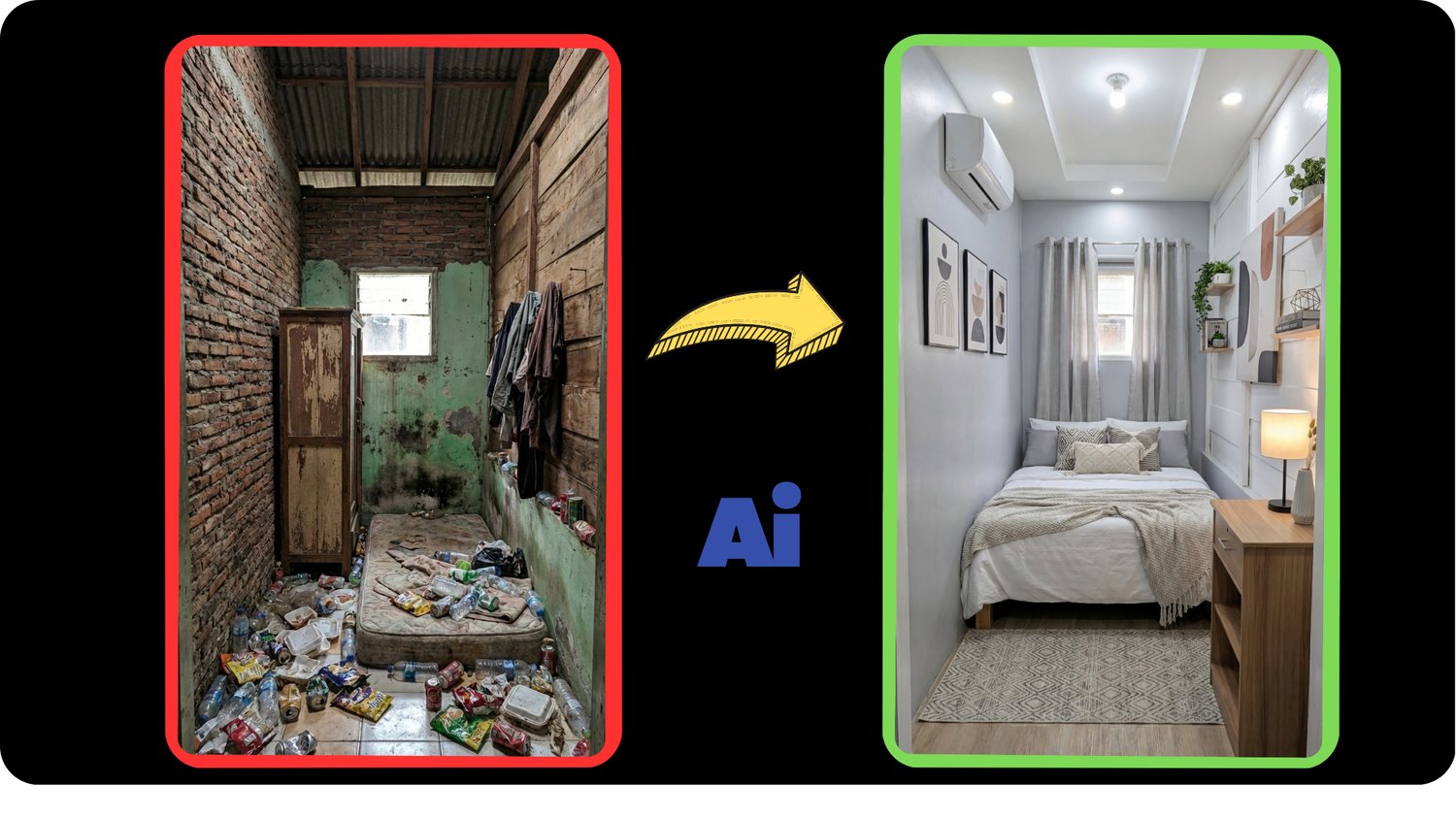
Create high-retention AI timelapse videos using a structured, repeatable system.
This guide breaks down the exact workflow used to create viral-style build, renovation, and transformation videos — from idea to finished vertical 9:16 content.
No fluff.
No “secret settings”.
Just a clear production pipeline that works.
What You’ll Learn
✔ How to structure a timelapse video for maximum retention
✔ The full Idea → Script → Image Chain → Animation → Assembly workflow
✔ How to build stable progressive image chains (no teleporting objects)
✔ How to lock camera angle, scale, and realism
✔ How to avoid common AI mistakes (warping, plastic textures, broken physics)
✔ How to package your video with strong SEO titles and descriptions
What Makes This Different?
Most people generate random AI clips and hope something goes viral.
This guide teaches a controlled assembly-line system:
Script → Base Frame → Progressive Image Chain → Frame-to-Frame Animation → Tight Editing → Viral Packaging.
The result:
Clean, logical progress.
Professional feel.
High rewatch potential.
Who This Is For
• Creators making build / renovation / transformation videos
• People posting on YouTube Shorts, Instagram Reels, or TikTok
• Anyone who wants consistent results instead of random AI output
• Beginners who need structure
• Intermediate creators who want stability and realism
Format
Digital PDF
Step-by-step written guide
No video lessons
If you want a clear system instead of guessing every time you generate — this guide gives you the foundation.
Build once.
Repeat forever.